






















Construction Job-Cost Visibility: Define Ownership Across CRM, ERP, and Field Records
Connect construction job-cost context without mistaking estimates, commitments, field usage and posted actuals for the same amount.
- Author
- Ruben Burdin · Founder & CEO
- Published
- Read time
- 4 min read

The operating decision
Construction job-cost visibility requires separate records for estimated work, approved budget, committed purchases, reported field usage, and posted actual cost. Two-way sync can make that context available across CRM, ERP and connected operational data, but these amounts should not overwrite one another. Finance owns posted actuals; project management owns the approved budget; field teams supply evidence. A useful view explains which figures are provisional and when each source was last updated.
Explore the complete construction services and installation integration and automation hub for the systems and processes around this guide.
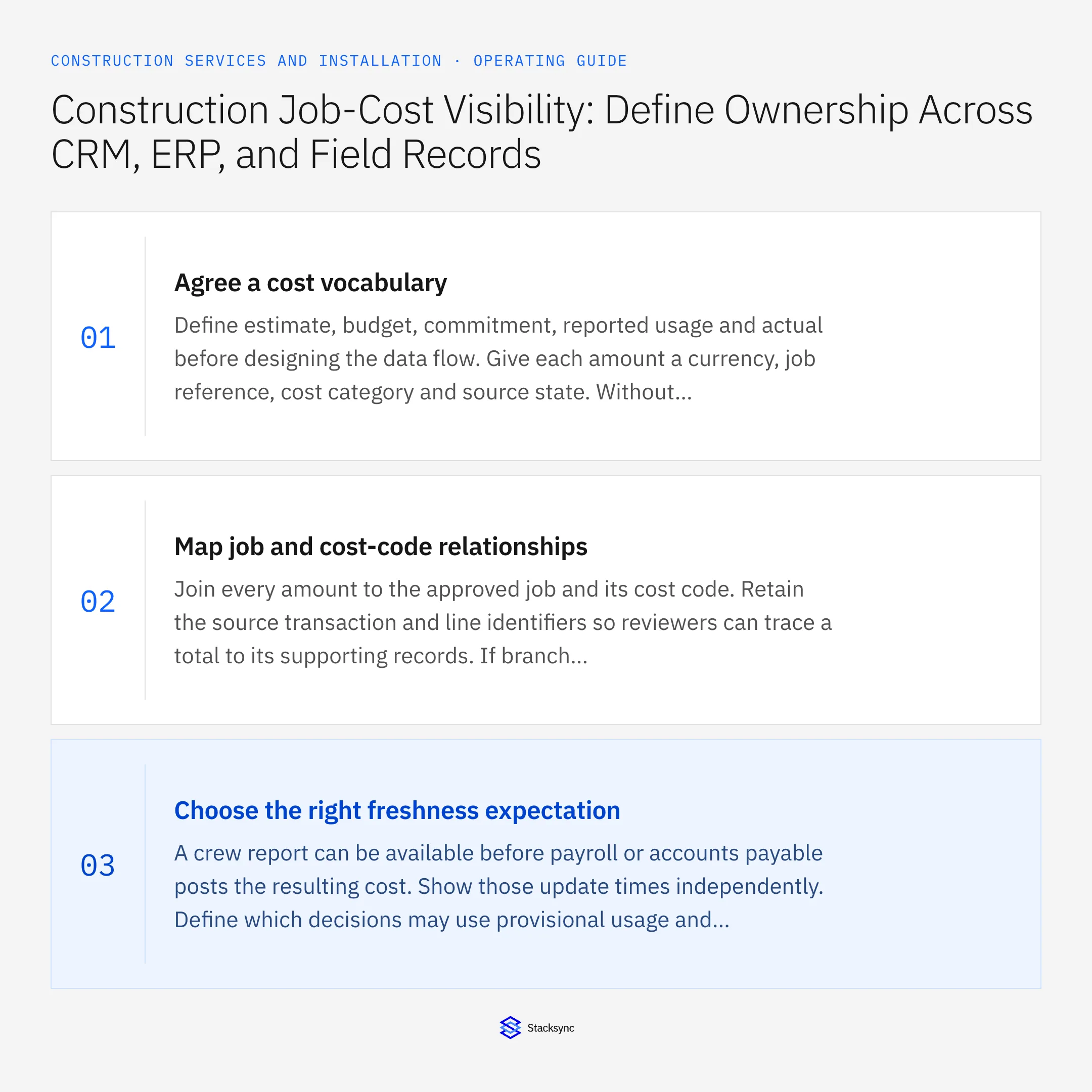
What this looks like in construction services and installation
An installation contractor sees a profitable project in sales while the operations team expects an overrun. The CRM contains the original estimate, purchasing has open material commitments, and technicians have recorded overtime that finance has not posted. Each number may be correct for its purpose. The problem is a dashboard that labels all of them simply cost. The integration should preserve the different states and show why the forecast differs from the ledger.
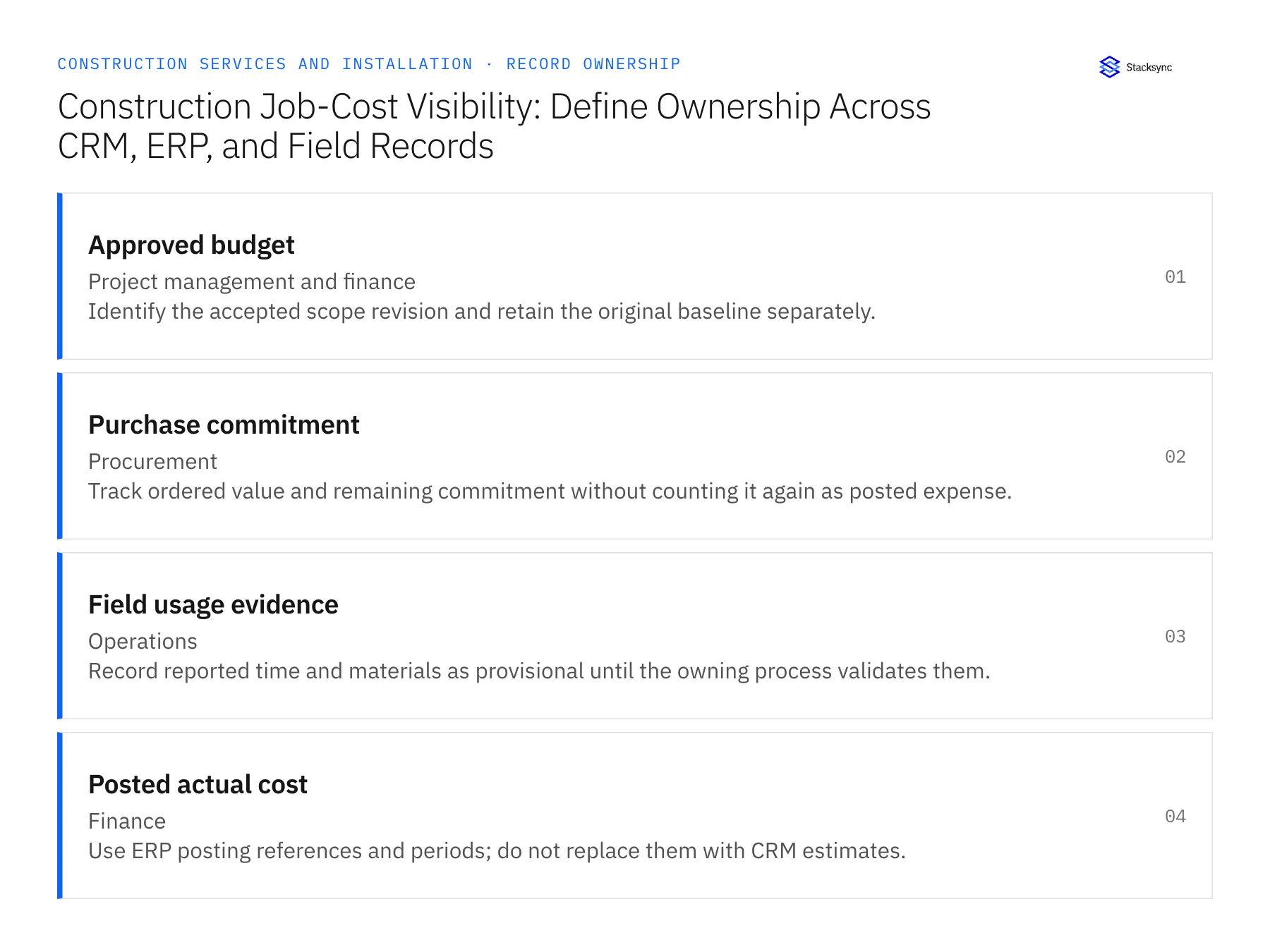
Records, ownership, and update rules
| Record | Owner | Operating rule |
|---|---|---|
| Approved budget | Project management and finance | Identify the accepted scope revision and retain the original baseline separately. |
| Purchase commitment | Procurement | Track ordered value and remaining commitment without counting it again as posted expense. |
| Field usage evidence | Operations | Record reported time and materials as provisional until the owning process validates them. |
| Posted actual cost | Finance | Use ERP posting references and periods; do not replace them with CRM estimates. |
Work through the process
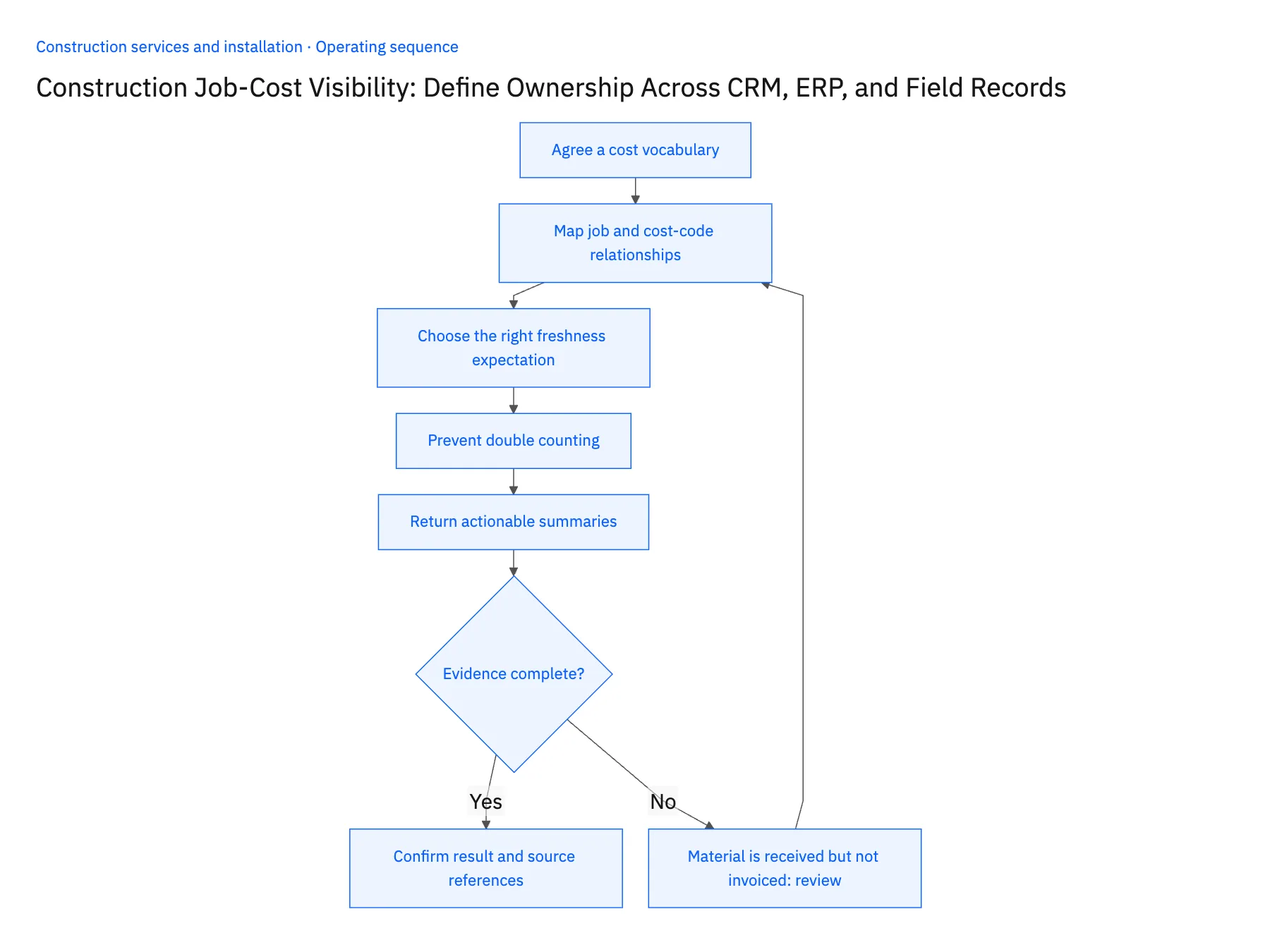
- 01Agree a cost vocabularyDefine estimate, budget, commitment, reported usage and actual before designing the data flow. Give each amount a currency, job reference, cost category and source state. Without these labels, faster data movement can produce a faster disagreement rather than a dependable operating view.
- 02Map job and cost-code relationshipsJoin every amount to the approved job and its cost code. Retain the source transaction and line identifiers so reviewers can trace a total to its supporting records. If branch cost-code schemes differ, maintain an explicit reporting mapping instead of overwriting the codes used for local accounting.
- 03Choose the right freshness expectationA crew report can be available before payroll or accounts payable posts the resulting cost. Show those update times independently. Define which decisions may use provisional usage and which require posted actuals. Never imply that a synchronized field report is already a recognized accounting expense.
- 04Prevent double countingDocument how a purchase commitment changes when a receipt or vendor bill arrives. A reporting model should avoid adding the full open purchase order to costs already represented by that same transaction. Ask finance to validate representative partial receipts, freight adjustments and credits before approving the view.
- 05Return actionable summariesSend a finance-approved summary to the CRM or project workspace with links to its supporting job records. Highlight the cost category requiring investigation and the owner who can resolve it. Keep detailed financial writes behind the ERP's reviewed process; a project manager should not correct a ledger discrepancy by editing a CRM total.
Handle the exceptions explicitly
Material is received but not invoiced
Keep receipt evidence distinct from posted vendor cost and explain the provisional status.
Time is moved to another job
Retain the correction reference and update the affected job summaries without deleting the audit trail.
An approved variation changes the budget
Apply it as a new approved revision and preserve comparisons against the original baseline.
What to verify before expanding
- Every displayed total identifies its source state and update time.
- A partial receipt cannot double count its purchase commitment.
- Job transfers remain traceable to the original transaction.
- CRM edits cannot overwrite finance-owned actual costs.

Connect this process to the rest of your operation
Explore Stacksync two-way sync and scope the records and actions against your actual systems. Book a demo with a real approved budget example and the exception your team handles most often, for example material is received but not invoiced.
- Two-Way Sync for Construction Service Companies: Which Records to Connect First
- Approved Change Order to Billing Queue: Automating Construction Service Handoffs
- Construction Installation Readiness: Coordinate Parts, Site Access, and Crew Release
- NetSuite Integration Failing? Fix Duplicate Data Fast
- Acumatica to Salesforce & HubSpot Integration
The shared architecture guide covers record matching, ownership, and recovery across systems.
Technical references
FAQ
Frequently asked questions










Related articles






