






















Machine shops: connect NetSuite and Postgres outside-processing status
Machine shops that track coating and plating batches in Postgres can keep NetSuite order context attached to each sent, returned and inspected quantity.
- Author
- Ruben Burdin · Founder & CEO
- Published
- Read time
- 4 min read

The operating decision
A machine shop can connect NetSuite commercial records with a Postgres outside-processing tracker while preserving the operation and quantity behind each update. Model the job, subcontract step and sent lot separately. Two-way sync should make approved status available to customer service and purchasing without treating a supplier email as a completed receipt. Retain the difference between expected return, physical arrival and quality acceptance before marking downstream work ready.
Explore the complete metal fabrication and machining integration and automation hub for the systems and processes around this guide.
What this looks like in metal fabrication and machining
A shop sends machined parts for coating in two batches. One batch returns with a shortage, and the second is still at the subcontractor. A spreadsheet currently records a single returned status against the purchase order, making the whole customer order appear ready. A better model preserves each sent quantity, return and inspection decision. The customer-service view can then show the accepted quantity available for the next operation, while purchasing continues to follow the missing balance without creating a duplicate outside-processing order.
Records, ownership, and update rules
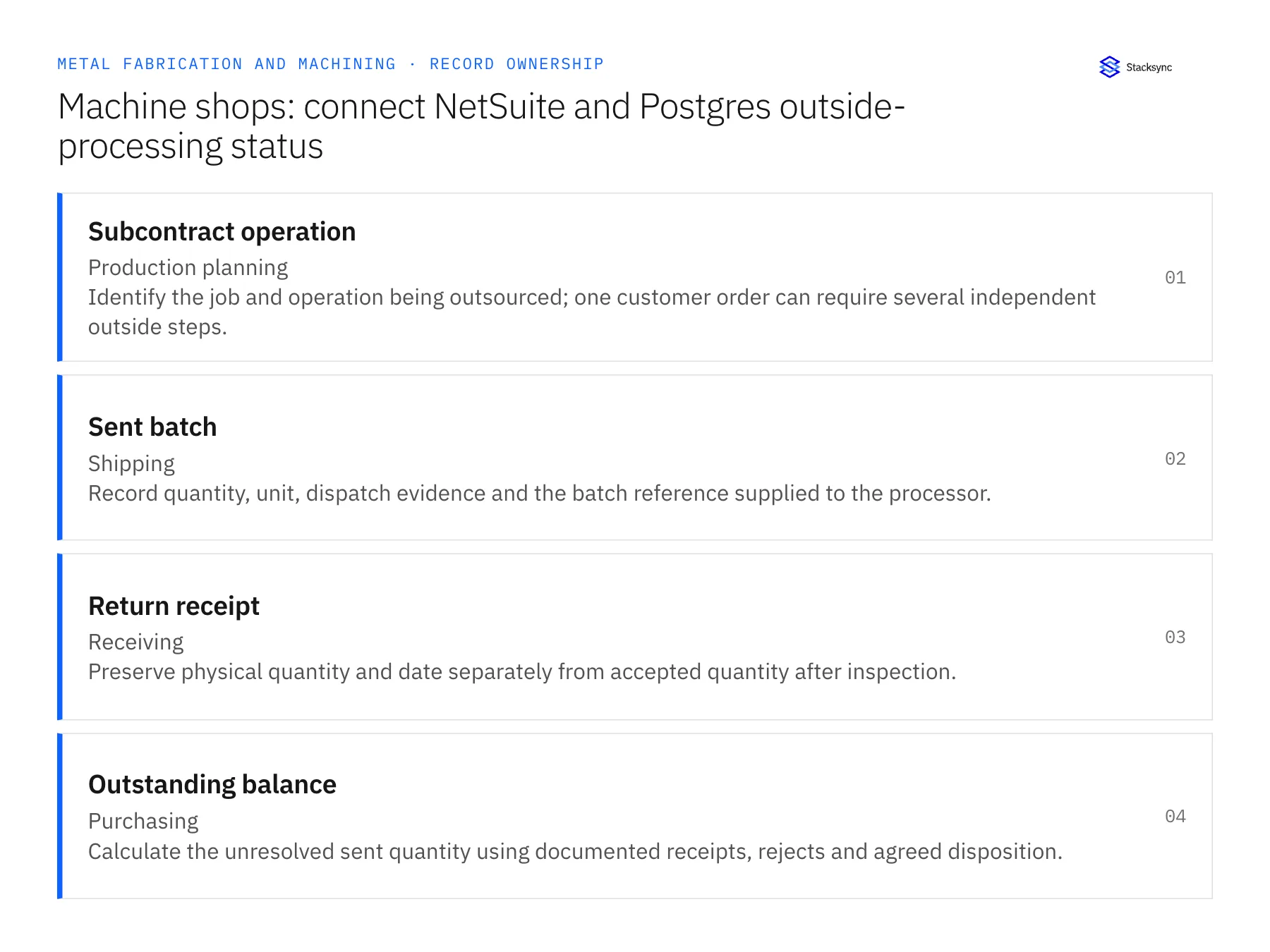
| Record | Owner | Operating rule |
|---|---|---|
| Subcontract operation | Production planning | Identify the job and operation being outsourced; one customer order can require several independent outside steps. |
| Sent batch | Shipping | Record quantity, unit, dispatch evidence and the batch reference supplied to the processor. |
| Return receipt | Receiving | Preserve physical quantity and date separately from accepted quantity after inspection. |
| Outstanding balance | Purchasing | Calculate the unresolved sent quantity using documented receipts, rejects and agreed disposition. |
Work through the process
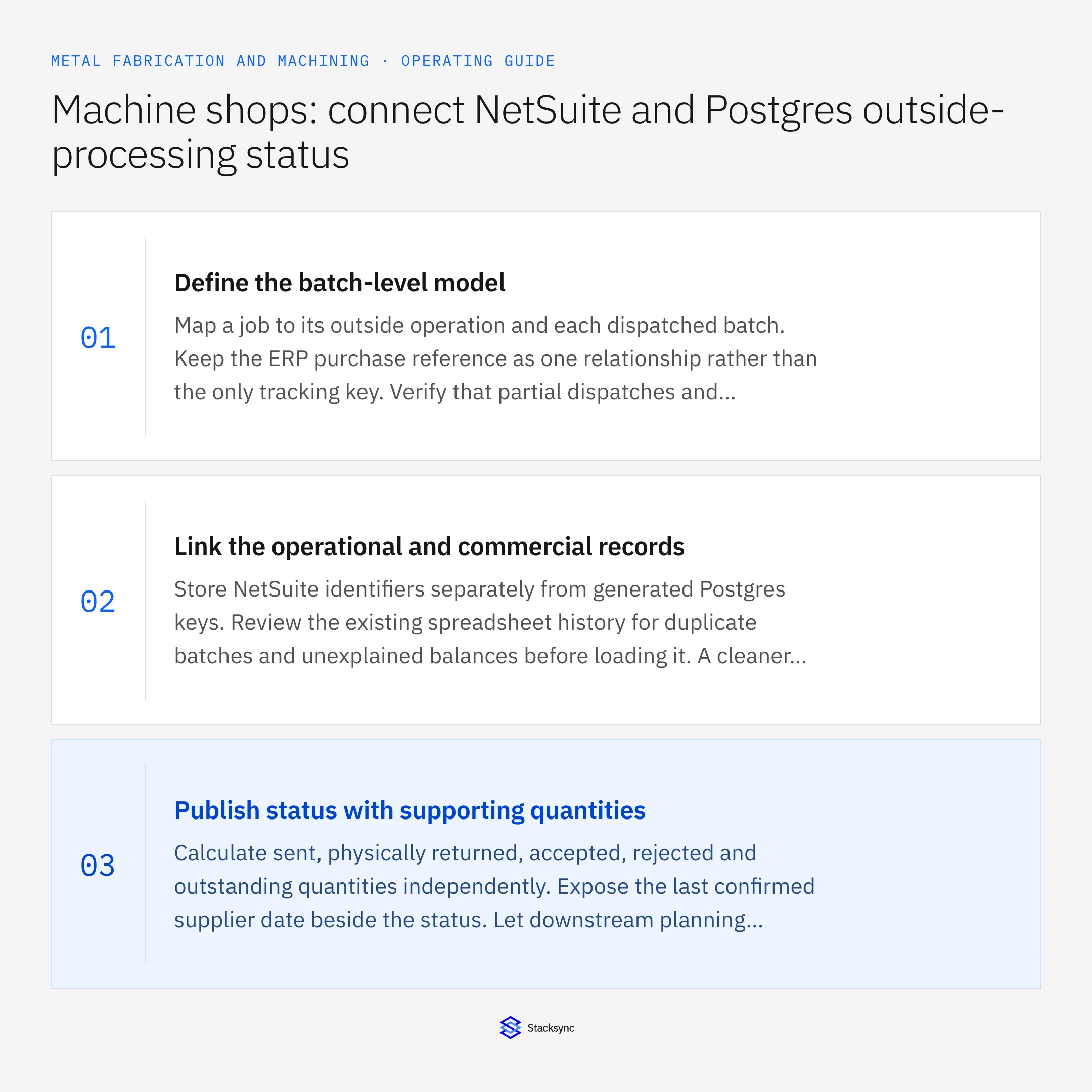
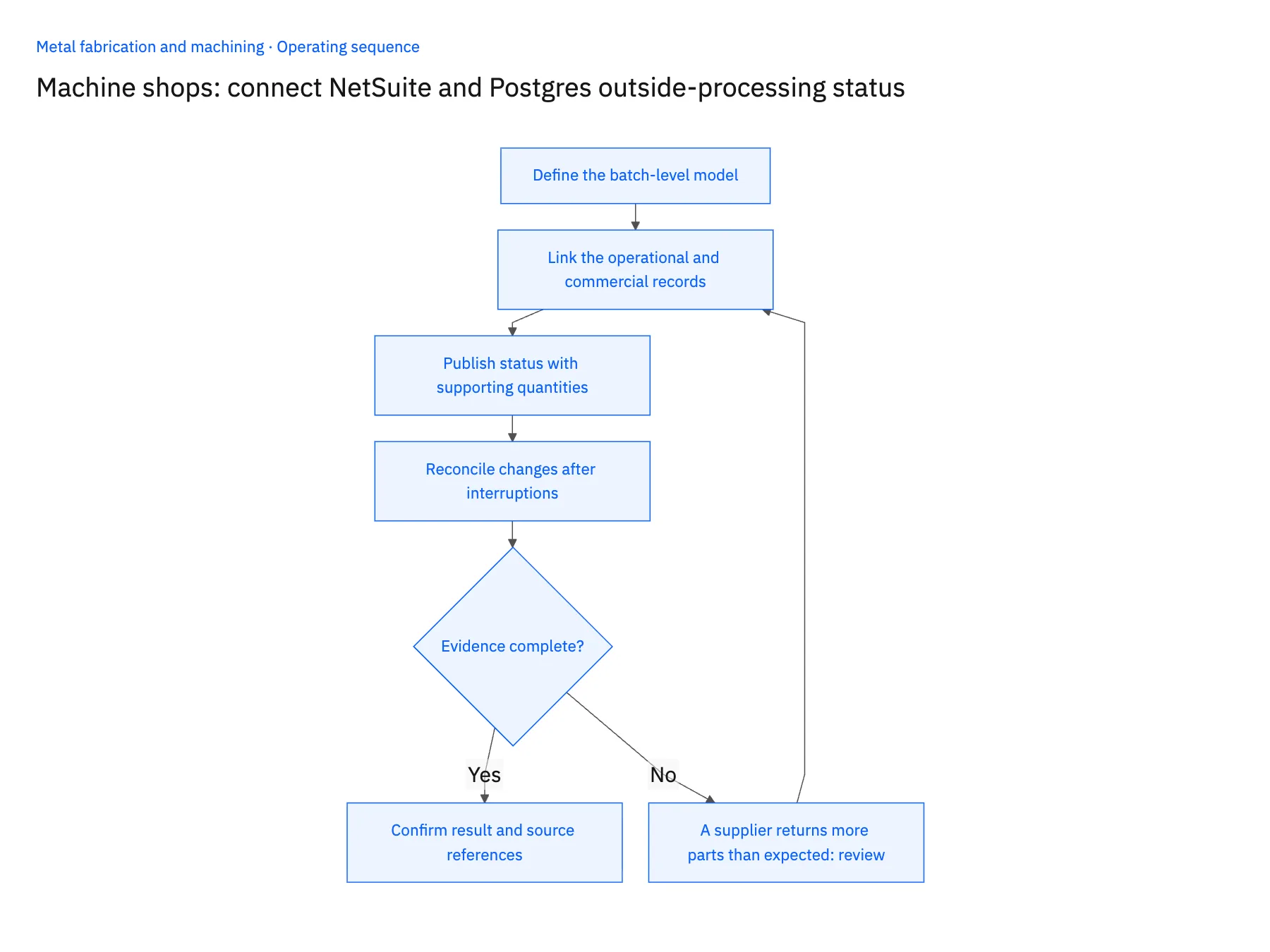
- 01Define the batch-level modelMap a job to its outside operation and each dispatched batch. Keep the ERP purchase reference as one relationship rather than the only tracking key. Verify that partial dispatches and returns can be represented without overwriting prior quantities.
- 02Link the operational and commercial recordsStore NetSuite identifiers separately from generated Postgres keys. Review the existing spreadsheet history for duplicate batches and unexplained balances before loading it. A cleaner transport cannot correct a tracker whose rows describe inconsistent business events.
- 03Publish status with supporting quantitiesCalculate sent, physically returned, accepted, rejected and outstanding quantities independently. Expose the last confirmed supplier date beside the status. Let downstream planning consume accepted availability rather than an optimistic return label.
- 04Reconcile changes after interruptionsTest a partial receipt, a corrected receipt quantity and a late rejection. Repeat the same operational update and confirm that balances do not move twice. Any ERP receipt or adjustment must use a separately verified operation and the responsible owner’s approval.
Handle the exceptions explicitly
A supplier returns more parts than expected
Hold the discrepancy for receiving and purchasing to resolve. Do not silently increase available quantity or assume the excess belongs to another batch.
Two batches use the same supplier reference
Maintain the internal dispatch identity and ask for clarification where the return cannot be assigned confidently.
A received batch fails inspection
Keep the physical receipt visible while removing the rejected quantity from readiness. Preserve the quality disposition and follow-up responsibility.
What to verify before expanding
- Two partial returns leave the correct unresolved balance for the sent batch.
- Repeated updates do not double-count received or accepted quantities.
- Customer service can distinguish expected return from inspected availability.
- A late rejection changes readiness without erasing the original physical receipt.

Connect this process to the rest of your operation
Explore Stacksync two-way sync and scope the records and actions against your actual systems. Book a demo with a real subcontract operation example and the exception your team handles most often, for example A supplier returns more parts than expected.
- Salesforce and Acumatica two-way sync for metal fabricators
- NetSuite and Postgres two-way sync for machining operations
- Metal fabrication: link Dynamics order demand and material certificates in SQL Server
- Metal fabrication outside-processing delays: route late returns to the right job owner
- Machining drawing revisions: review a change against work already released
- Real-Time NetSuite to Database Sync: Implementation Guide and Best Practices
- How to Parse EDI Files Into a SQL Database
The shared architecture guide covers record matching, ownership, and recovery across systems.
Technical references
FAQ
Frequently asked questions










Related articles






