






















Machining drawing revisions: review a change against work already released
A customer's revision D arriving mid-run should open a review of the pieces at each stage, not overwrite the revision C the shop and its processor are working to.
- Author
- Ignacio Malpartida · GTM Engineer
- Published
- Read time
- 4 min read

The operating decision
A machining drawing-change workflow should connect the new document to the accepted order revision and the exact jobs, material and outside operations it could affect. Preserve the prior approved drawing until engineering and planning decide the cutover. Automation can collect the impact and route decisions; it should not replace a released specification simply because a newer file arrived. The decision must state what applies to existing work and what applies only to future releases.
Explore the complete metal fabrication and machining integration and automation hub for the systems and processes around this guide.
What this looks like in metal fabrication and machining
A machine shop receives revision D after machining has begun under revision C. The new drawing changes a feature relevant to a later operation, and the customer wants the remaining quantity updated. Some pieces are already at an outside processor. Replacing the shared drawing file would remove the evidence needed to distinguish acceptable existing work from material requiring review. The handoff must identify the affected quantities and process states, obtain engineering disposition, and tell scheduling and customer service which delivery commitments remain valid.
Records, ownership, and update rules
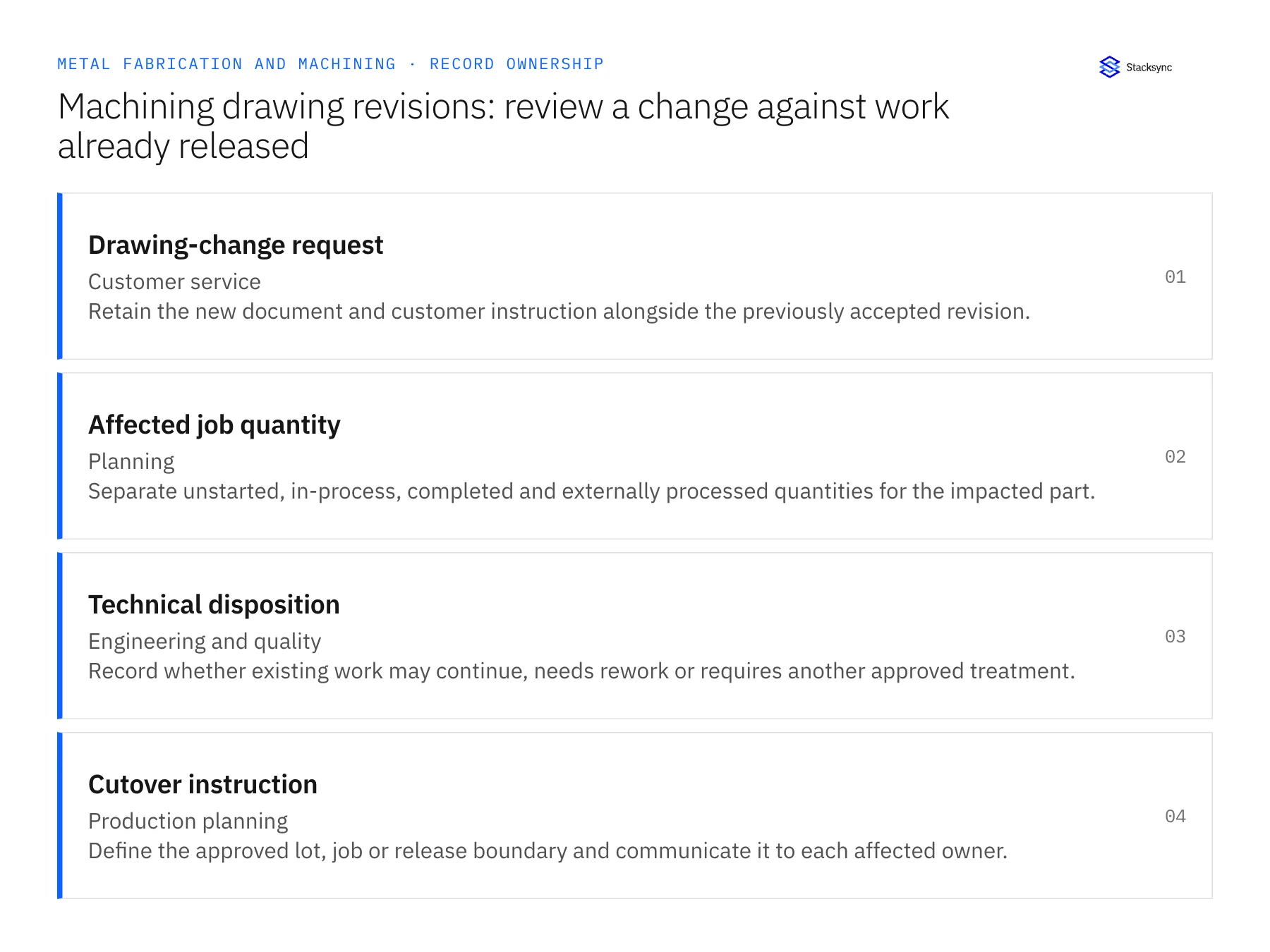
| Record | Owner | Operating rule |
|---|---|---|
| Drawing-change request | Customer service | Retain the new document and customer instruction alongside the previously accepted revision. |
| Affected job quantity | Planning | Separate unstarted, in-process, completed and externally processed quantities for the impacted part. |
| Technical disposition | Engineering and quality | Record whether existing work may continue, needs rework or requires another approved treatment. |
| Cutover instruction | Production planning | Define the approved lot, job or release boundary and communicate it to each affected owner. |
Work through the process
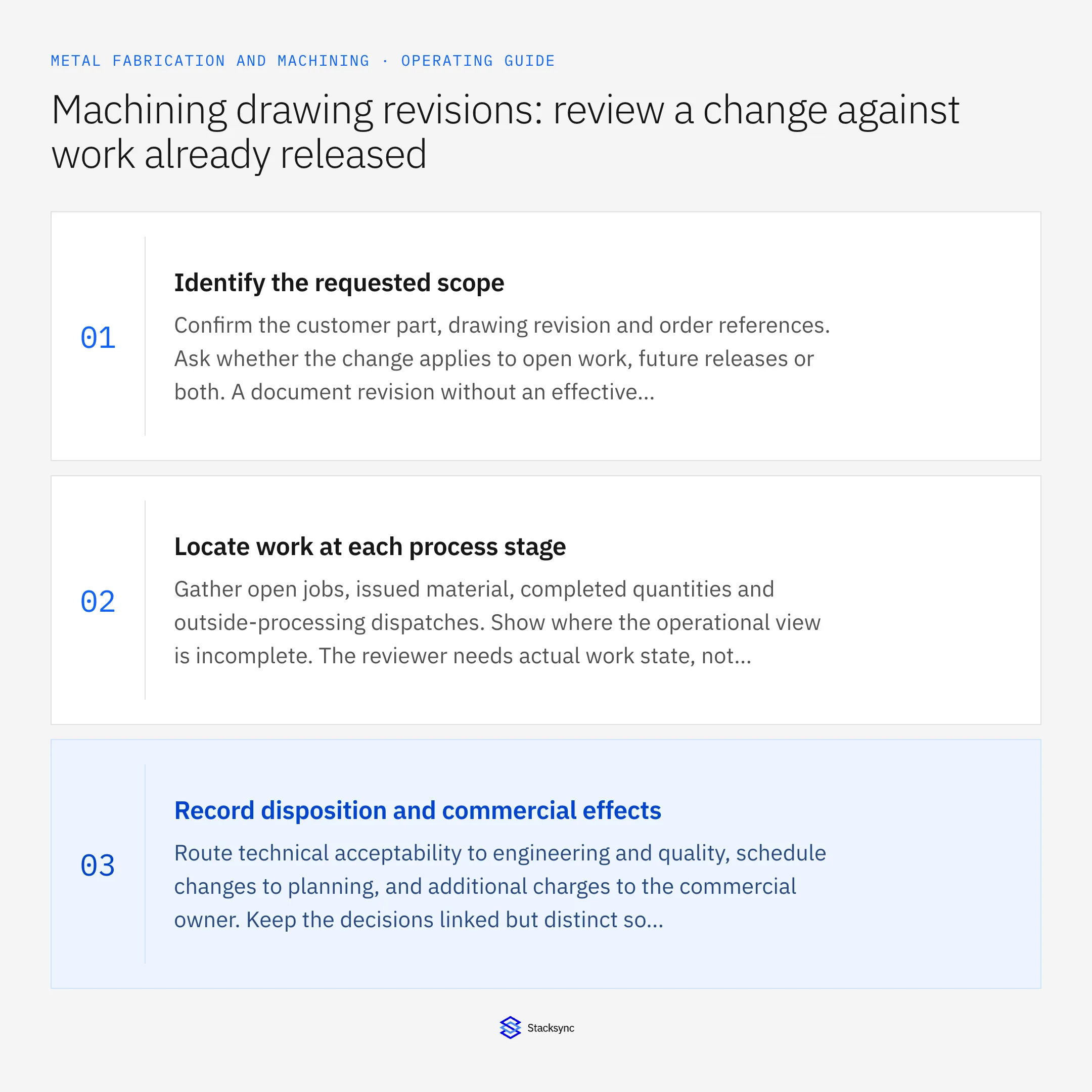
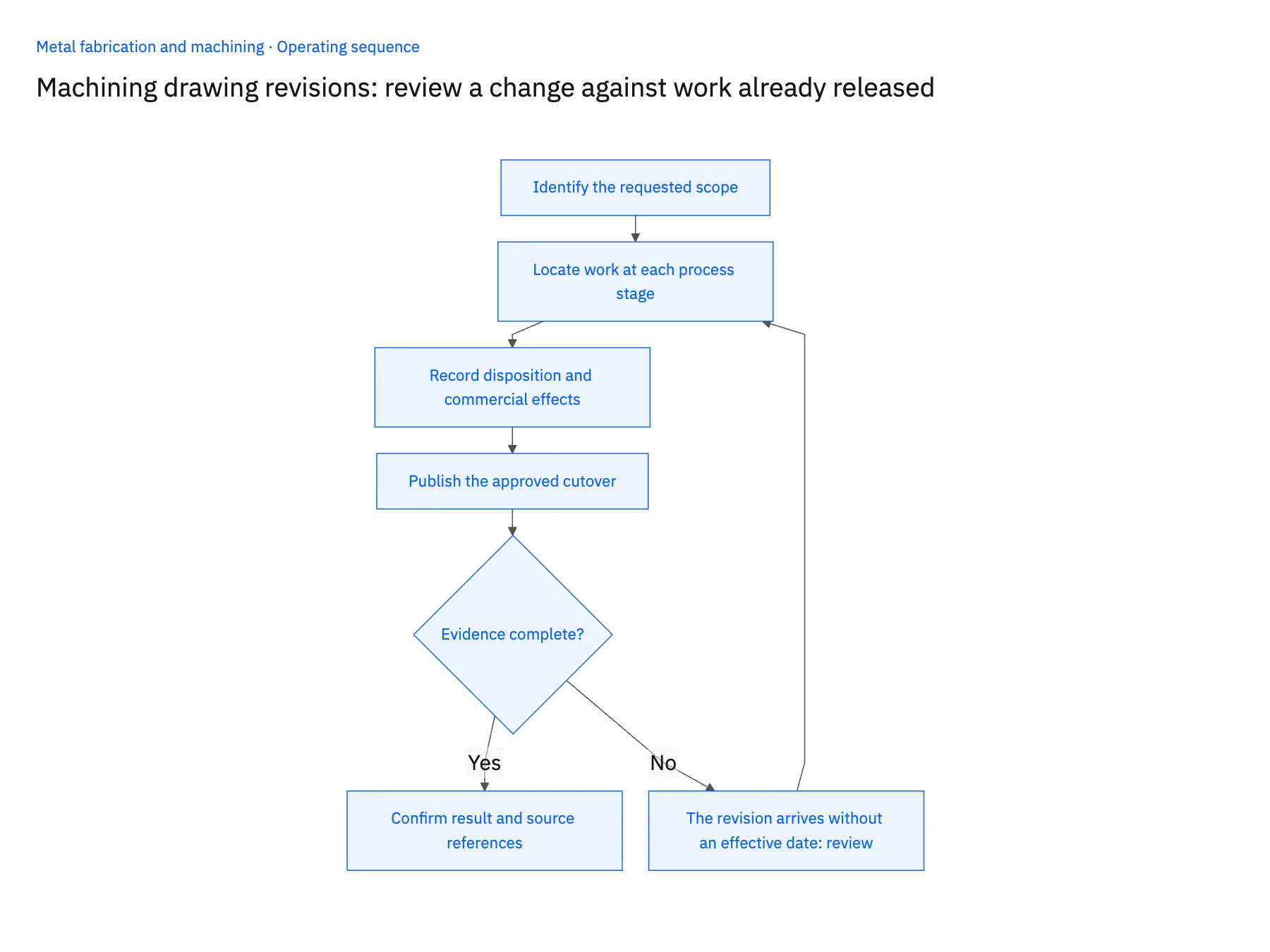
- 01Identify the requested scopeConfirm the customer part, drawing revision and order references. Ask whether the change applies to open work, future releases or both. A document revision without an effective instruction should remain a review case rather than a blanket production update.
- 02Locate work at each process stageGather open jobs, issued material, completed quantities and outside-processing dispatches. Show where the operational view is incomplete. The reviewer needs actual work state, not just the ERP header quantity, to judge the consequences of a revision.
- 03Record disposition and commercial effectsRoute technical acceptability to engineering and quality, schedule changes to planning, and additional charges to the commercial owner. Keep the decisions linked but distinct so acceptance of a drawing does not automatically accept a delivery or price change.
- 04Publish the approved cutoverUpdate the permitted records and references for the approved scope. Confirm that the shop, outside processor and customer-facing team have the applicable instruction. Retain the old revision and affected-work history so later questions can be answered from evidence.
Handle the exceptions explicitly
The revision arrives without an effective date
Ask the customer or designated commercial owner to clarify scope. Keep released work under its existing approved instruction until disposition.
Some pieces are already at the processor
Include the processor’s actual progress in the review and coordinate any approved instruction through purchasing.
The customer withdraws the change
Close the request with its withdrawal evidence and verify that no approved downstream instruction remains active accidentally.
What to verify before expanding
- The system preserves both the prior and proposed drawing revisions.
- The impact view distinguishes quantities at different production stages.
- A cutover identifies the exact jobs, lots or releases to which it applies.
- Price, schedule and technical decisions remain separately attributable to their owners.

Connect this process to the rest of your operation
Explore Stacksync workflows and scope the records and actions against your actual systems. Book a demo with a real drawing-change request example and the exception your team handles most often, for example the revision arrives without an effective date.
- Outside-processing follow-up automation for metal fabricators
- Metal fabrication outside-processing delays: route late returns to the right job owner
- AI RFQ intake for metal fabricators: prepare a complete estimating packet
- AI RFQ exceptions in metal fabrication: resolve material, revision and quantity ambiguity
- Real-Time NetSuite to Database Sync: Implementation Guide and Best Practices
- How to Parse EDI Files Into a SQL Database
The shared architecture guide covers record matching, ownership, and recovery across systems.
Technical references
FAQ
Frequently asked questions










Related articles






