






















Electronic components: connect NetSuite and Postgres revision-aware stock allocation
Pooled item-family stock hides which orders are covered; link eligible supply to each demand line so planning sees the shortage on the restricted order.
- Author
- Ruben Burdin · Founder & CEO
- Published
- Read time
- 4 min read

The operating decision
An electronics manufacturer’s NetSuite–Postgres allocation view should connect demand to the recorded component identity, approved revision and eligible supply. Keep manufacturer part, internal item and customer reference separate. Two-way sync can support selected record exchange while engineering owns interchangeability and planning owns allocation. A matching description or a positive total stock quantity does not prove that the available component is suitable for the assembly or customer order being planned.
Explore the complete electrical and electronic components integration and automation hub for the systems and processes around this guide.
What this looks like in electrical and electronic components
An electronics business stocks two revisions of a component under related internal references. One customer assembly can use either revision, while another requires a specific approved version. A Postgres planning application currently aggregates the entire item family and marks both orders covered. The useful integration preserves the eligibility relationship and allocated quantity for each demand line. Planners can then see an actual shortage on the restricted order without treating unrelated stock as available or moving an existing allocation from another customer silently.
Records, ownership, and update rules
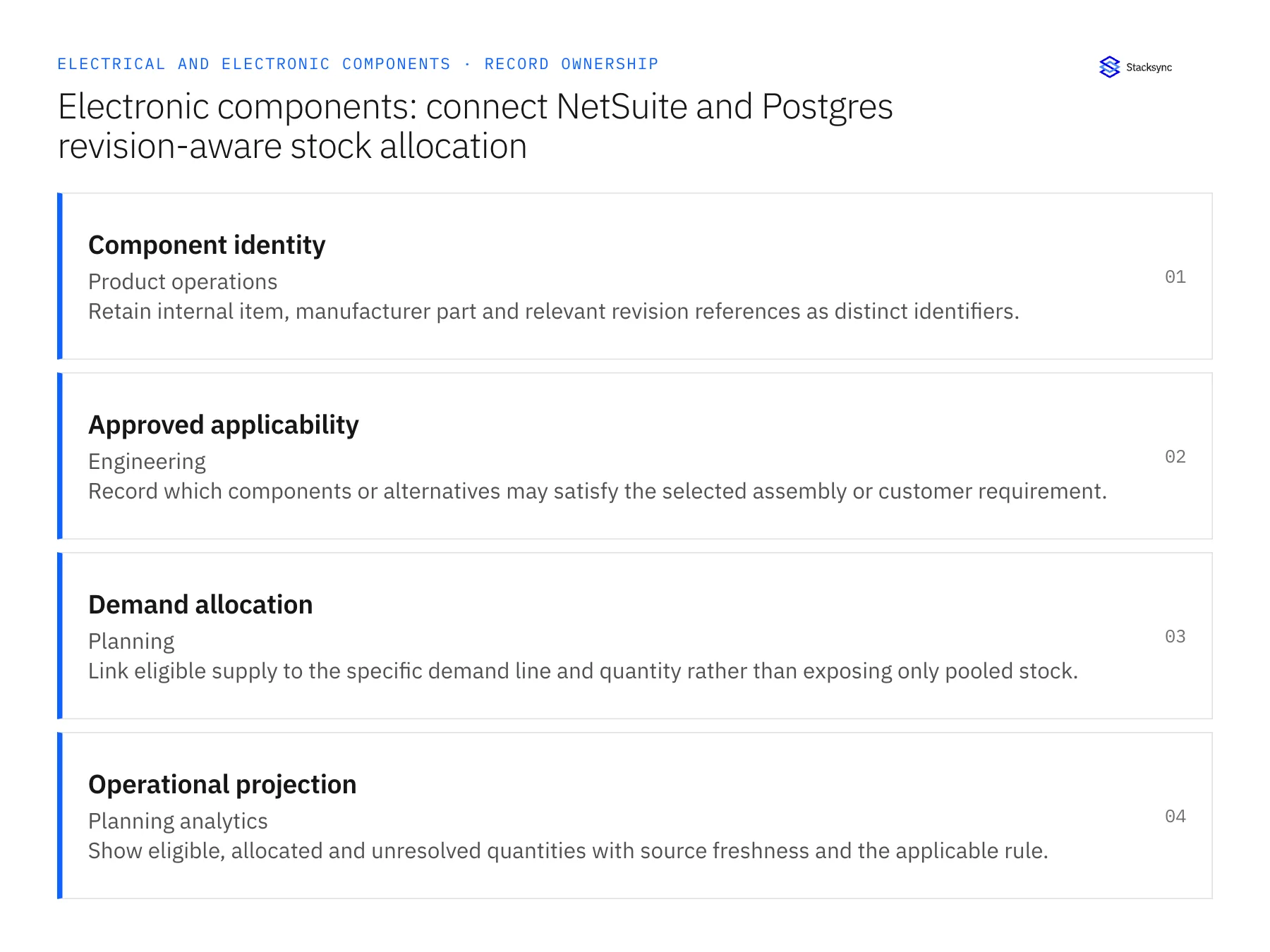
| Record | Owner | Operating rule |
|---|---|---|
| Component identity | Product operations | Retain internal item, manufacturer part and relevant revision references as distinct identifiers. |
| Approved applicability | Engineering | Record which components or alternatives may satisfy the selected assembly or customer requirement. |
| Demand allocation | Planning | Link eligible supply to the specific demand line and quantity rather than exposing only pooled stock. |
| Operational projection | Planning analytics | Show eligible, allocated and unresolved quantities with source freshness and the applicable rule. |
Work through the process
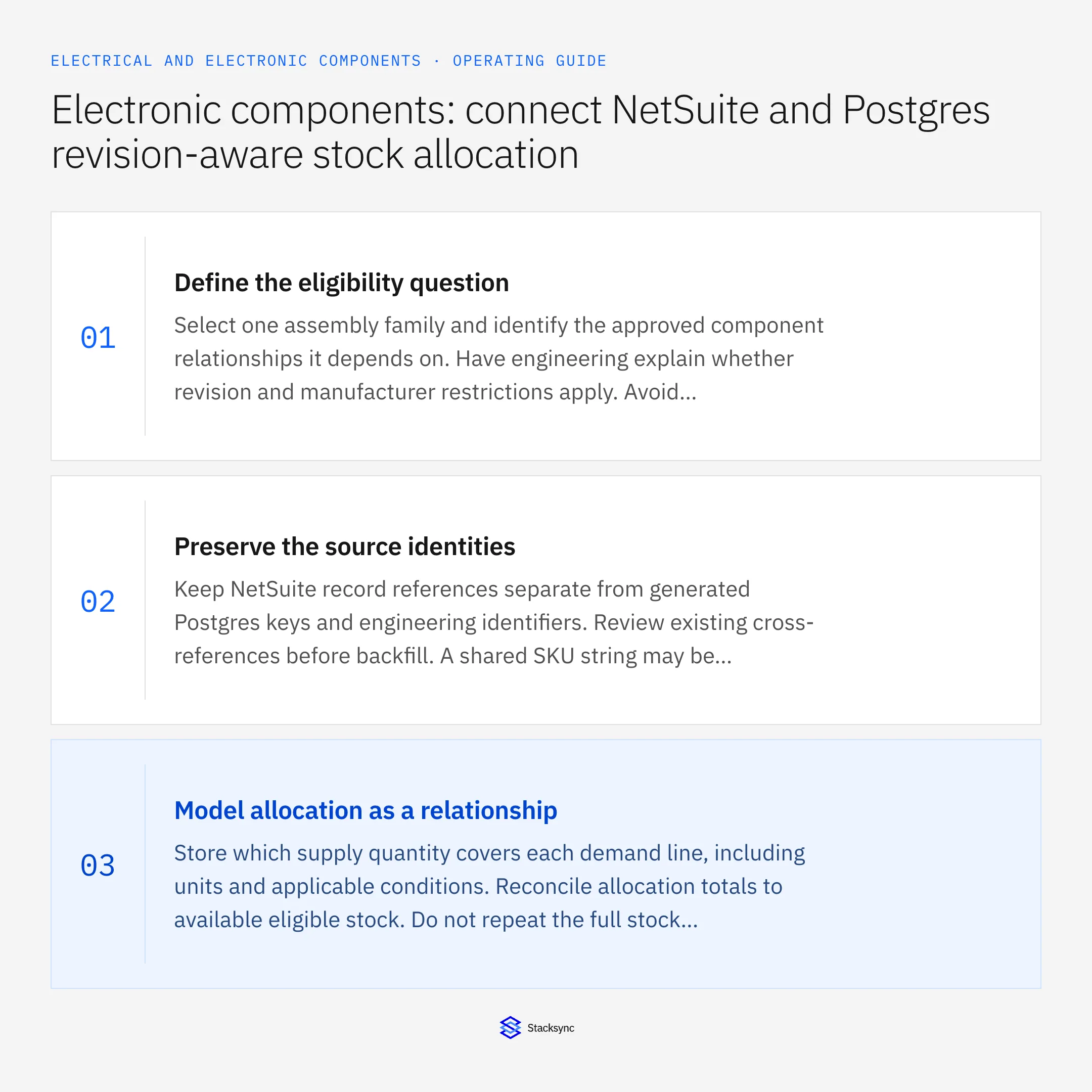
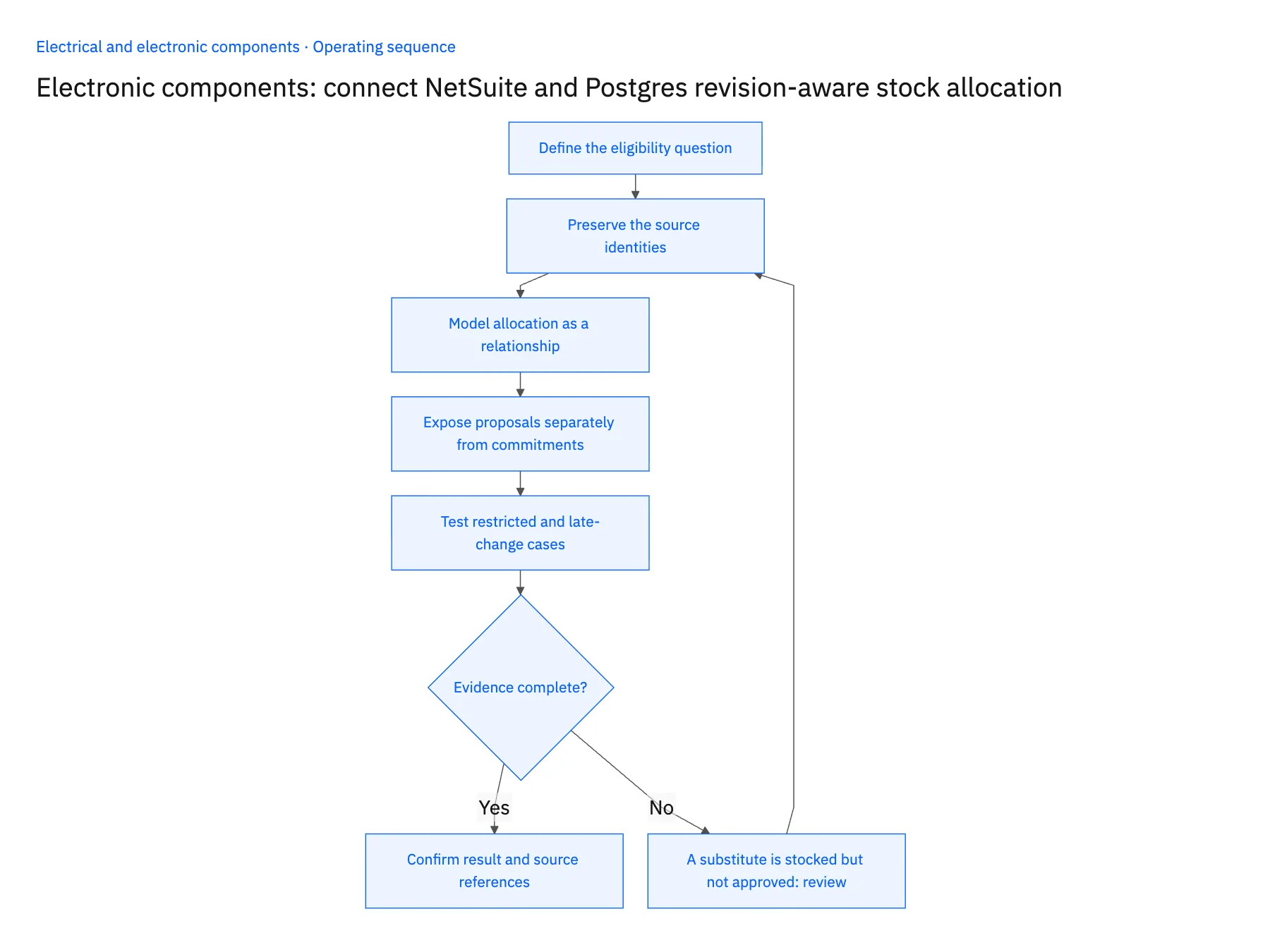
- 01Define the eligibility questionSelect one assembly family and identify the approved component relationships it depends on. Have engineering explain whether revision and manufacturer restrictions apply. Avoid building an allocation rule from description similarity or an unreviewed catalog substitution.
- 02Preserve the source identitiesKeep NetSuite record references separate from generated Postgres keys and engineering identifiers. Review existing cross-references before backfill. A shared SKU string may be insufficient when the business distinguishes manufacturer part and revision elsewhere.
- 03Model allocation as a relationshipStore which supply quantity covers each demand line, including units and applicable conditions. Reconcile allocation totals to available eligible stock. Do not repeat the full stock quantity for every joined demand row or count the same inventory twice.
- 04Expose proposals separately from commitmentsA planning application can suggest a different allocation, but accepted changes must follow the responsible owner’s process. Preserve the current commitment while the proposal is reviewed. Any ERP update requires a verified operation and accepted destination response.
- 05Test restricted and late-change casesUse two orders with different approved applicability and one component revision change. Confirm that the correct order becomes constrained. Then replay updates and reconcile the totals so the view remains stable after interruptions.
Handle the exceptions explicitly
A substitute is stocked but not approved
Show it as a candidate for engineering review, outside eligible coverage.
One supply quantity is proposed for two orders
Expose the conflict to planning and retain one accepted allocation rather than independently satisfying both demands.
A component reference is corrected
Review its affected relationships and preserve the correction history; do not reassign historical shipments by assumption.
What to verify before expanding
- Restricted demand cannot consume stock that lacks approved applicability.
- Accepted allocation totals do not exceed eligible supply in the same unit.
- Proposed reallocations remain separate from current commitments.
- The user can trace a readiness result to component identity and approval evidence.

Connect this process to the rest of your operation
Explore Stacksync two-way sync and scope the records and actions against your actual systems. Book a demo with a real component identity example and the exception your team handles most often, for example A substitute is stocked but not approved.
- Salesforce and Acumatica two-way sync for electrical manufacturers
- NetSuite and Postgres two-way sync for electronic-component operations
- Electrical components on Shopify: map NetSuite variants, packs and order quantities
- Electronic component substitutions: route evidence to engineering before changing supply
- Electronic-component returns: reconcile distributor quantities, lots and credit decisions
- Source of Truth: Should Your Warehouse or Your CRM Own Customer Data?
- Acumatica Integrations: The Complete Guide
The shared architecture guide covers record matching, ownership, and recovery across systems.
Technical references
FAQ
Frequently asked questions










Related articles






