






















Acumatica API Integration: A Practical Guide
A developer's tour of the Acumatica API: contract-based REST endpoints, OData, import scenarios, auth, and rate limits, plus when managed two-way sync beats building it yourself.
- Author
- Ruben Burdin · Founder & CEO
- Published
- Updated
- Read time
- 10 min read

What API does Acumatica expose?
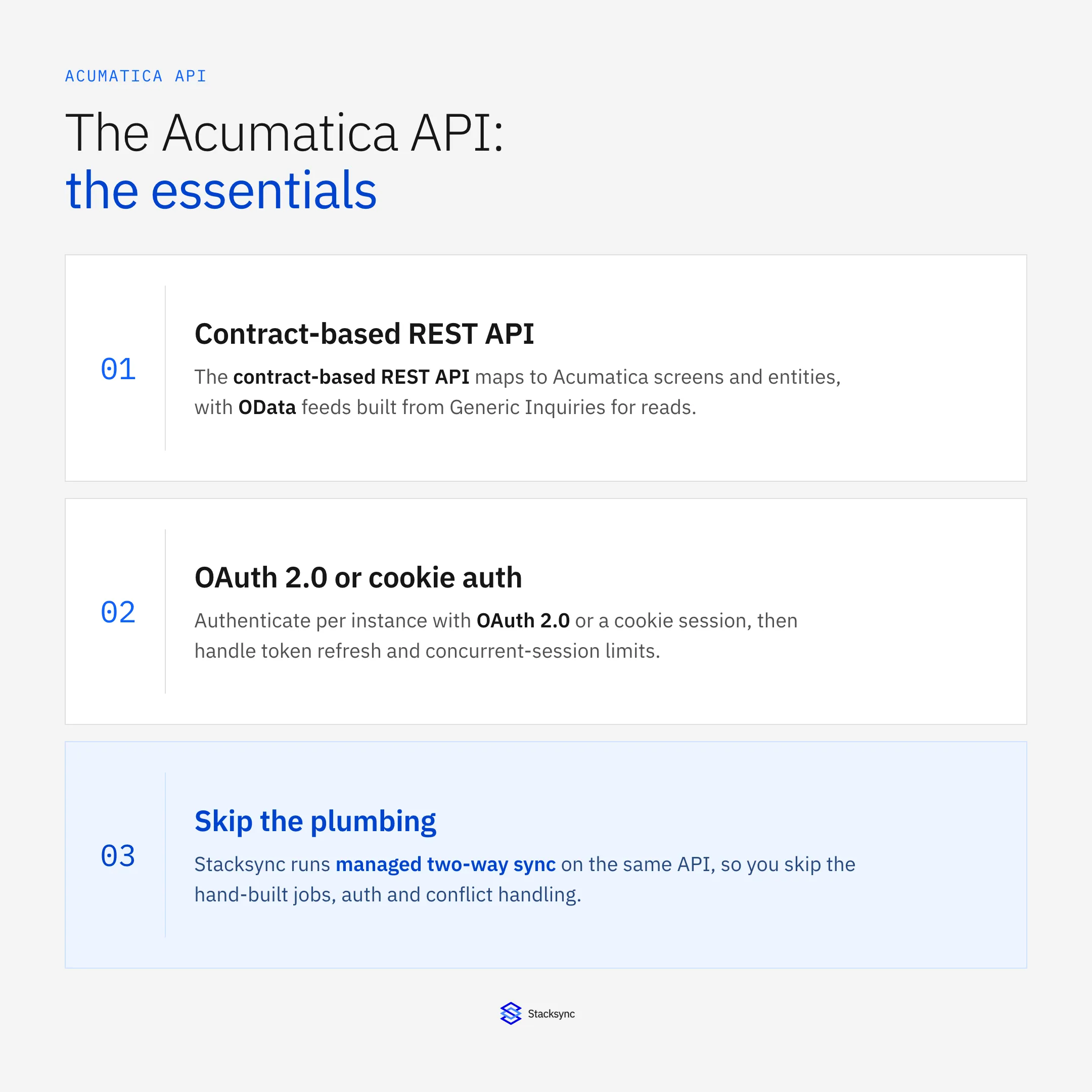
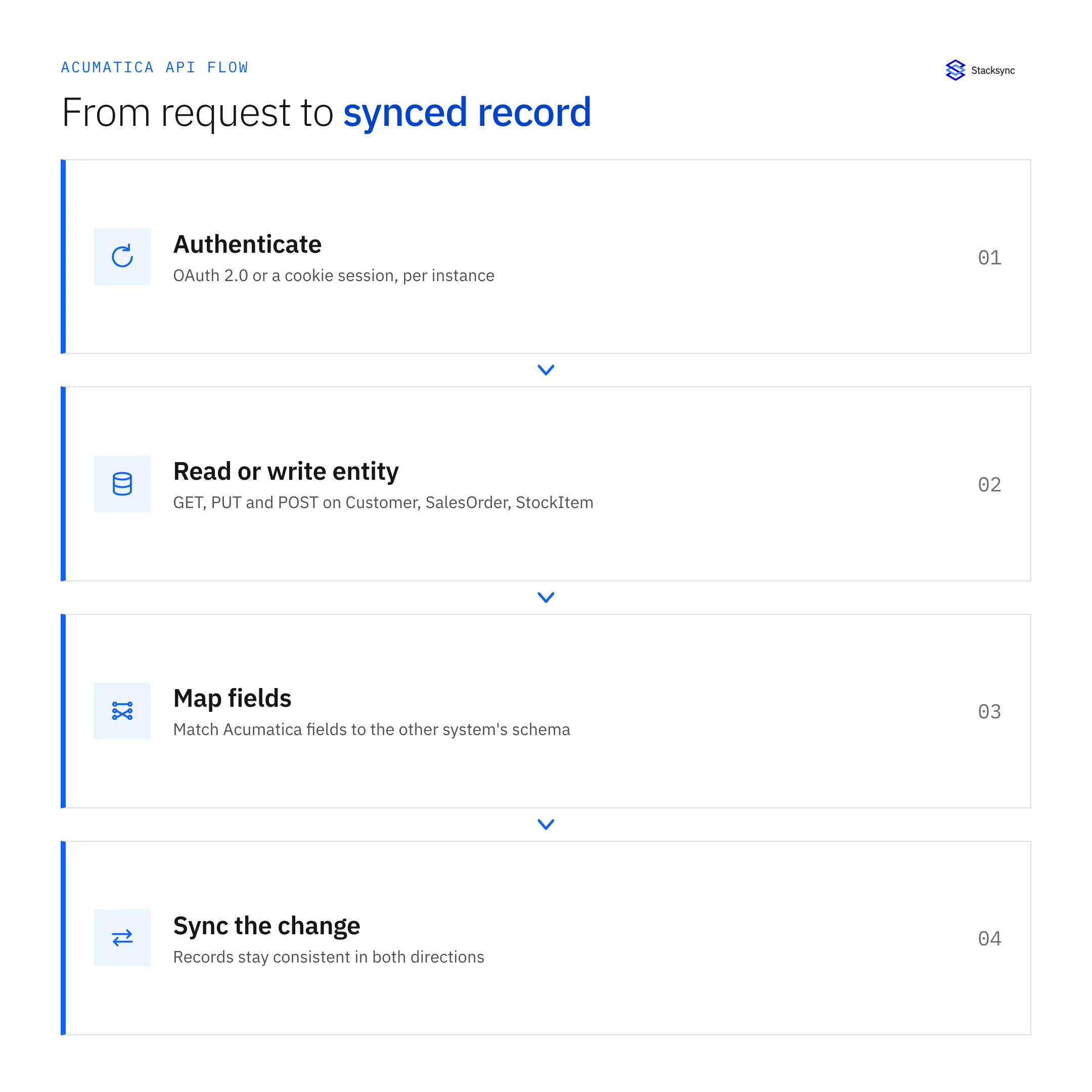
Acumatica ships a contract-based REST API as its primary integration surface, alongside an older SOAP contract-based API, an OData feed for reporting, and screen-based import and export scenarios you configure inside the UI. To integrate, you authenticate against your instance (OAuth 2.0 or a cookie-based login), call REST endpoints that map to Acumatica screens and entities such as Customer, SalesOrder, and StockItem, and read or write records as JSON. This guide walks the endpoints, authentication, rate limits, and push notifications, then the honest tradeoff between building this yourself and running managed two-way sync on top of the same API.
The short version: the REST API is where almost every modern Acumatica integration lives, OData is the read path for analytics, and import scenarios cover batch loads. Which one you reach for depends on whether you need to write records back, and whether the data has to stay current in real time or can wait for a scheduled job. If you are connecting Acumatica to a CRM, a warehouse, or another ERP and both sides have to reflect each other's changes, the REST API is the foundation, and the rest of this guide is about what it takes to run that reliably.
The contract-based REST API
The contract-based REST API is the endpoint most integrations target. Each request hits a URL shaped like /entity/Default/{version}/{Entity}, where Default is the endpoint name, {version} pins the contract version, and {Entity} is a top-level record type such as Customer, SalesOrder, or StockItem. Standard HTTP verbs map to operations: GET reads, PUT creates or updates, POST runs actions, and DELETE removes records.
Because the API is contract-based, the fields you get back match the entity definition in the endpoint rather than the raw database columns. That keeps an integration stable when Acumatica changes its schema underneath, but it also means the shape of every response is defined by the endpoint version you call, so pinning that version matters.
Extending the default endpoint
The stock Default endpoint covers common entities, but real projects usually need fields or screens it does not expose. You extend it by creating a custom web service endpoint in the Acumatica UI, mapping the screen fields you need to a named entity. That gives you a versioned contract you control, but every new field, linked entity, or detail line becomes manual mapping work you own and maintain as the business changes.
PUT /entity/Default/24.200.001/Customer HTTP/1.1
Host: your-instance.acumatica.com
Cookie: .ASPXAUTH=...
Content-Type: application/json

{
  "CustomerID":   { "value": "C000042" },
  "CustomerName": { "value": "Acme Robotics" },
  "Email":        { "value": "ap@acme.example" }
}
OData feeds and import scenarios
Not every integration needs write access. For reporting and read-heavy pulls, Acumatica exposes OData feeds built from Generic Inquiries. You point a BI tool or a script at the OData URL, filter with standard query options, and pull tabular results. OData is read-only and shaped by the inquiry, so it is a clean fit for dashboards but not for pushing records back into Acumatica.
Import and export scenarios
Import scenarios and export scenarios live inside Acumatica itself. You define a data provider (a CSV file, an Excel sheet, or another table), map its columns to a target screen, and run the scenario to load records through the same business logic the UI uses. They are useful for one-off migrations and scheduled batch loads, but they run on a schedule or a manual trigger, not continuously, and they are not a substitute for a live API integration keeping two systems in agreement.
Where EDI fits
Acumatica EDI integration is usually a layer on top of these same surfaces. A trading-partner platform or middleware translates X12 or EDIFACT documents (850 purchase orders, 810 invoices, 856 advance ship notices) into REST calls or import scenarios that create sales orders, shipments, and invoices in Acumatica. The API does the writing; the EDI layer handles the document format and partner routing. If your requirement is document exchange with retailers or logistics partners, plan for that translation step rather than expecting the REST API to speak EDI directly.
Authenticating with the Acumatica API
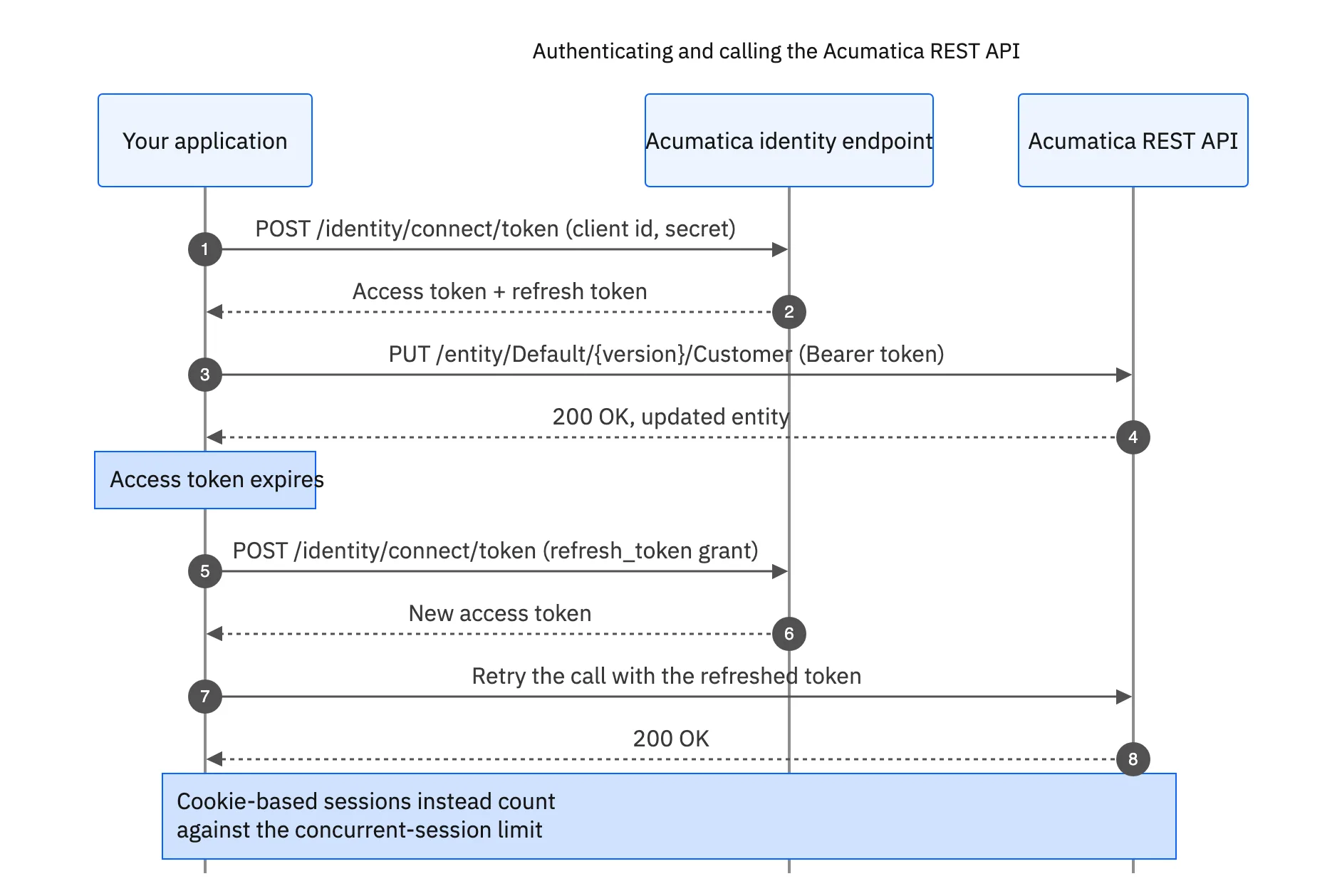
Acumatica supports two auth paths. The modern route is OAuth 2.0: you register a connected application in the instance, receive a client ID and secret, and run the authorization-code or resource-owner flow to get an access token and a refresh token. The older route is cookie-based login: you POST credentials to /entity/auth/login, receive a session cookie, reuse it on every call, and POST to /entity/auth/logout when you finish so you do not exhaust the license's session pool.
Whichever path you pick, token and session lifecycle is your problem. OAuth access tokens expire and need refresh logic; cookie sessions count against concurrent-session limits and have to be released. Getting this wrong shows up as intermittent 401s under load, which is one of the first pieces of plumbing every hand-built Acumatica integration has to solve before it can be trusted in production.
Rate limits, pagination, and push notifications
Acumatica meters API usage through license-based limits on concurrent API users and requests, so a naive integration that opens a connection per record will hit a wall. Reads that return large sets need pagination: use $top, $skip, and $filter on the query, and page in stable order so you do not miss or double-count rows. Writes need idempotency and retry-with-backoff, because a timed-out PUT may still have committed on the server.
Push notifications for event-driven reads
To avoid polling, Acumatica offers push notifications driven by business events. You define a condition on a screen (an order reaching a status, a customer being created), and Acumatica posts a payload to a webhook endpoint you host. That gets you event-driven updates, but you still own the receiver: verifying the payload, de-duplicating, ordering, and writing the change into the other system, plus handling the case where your endpoint is down when the event fires and the notification has to be replayed.
Build on the Acumatica API yourself vs managed two-way sync
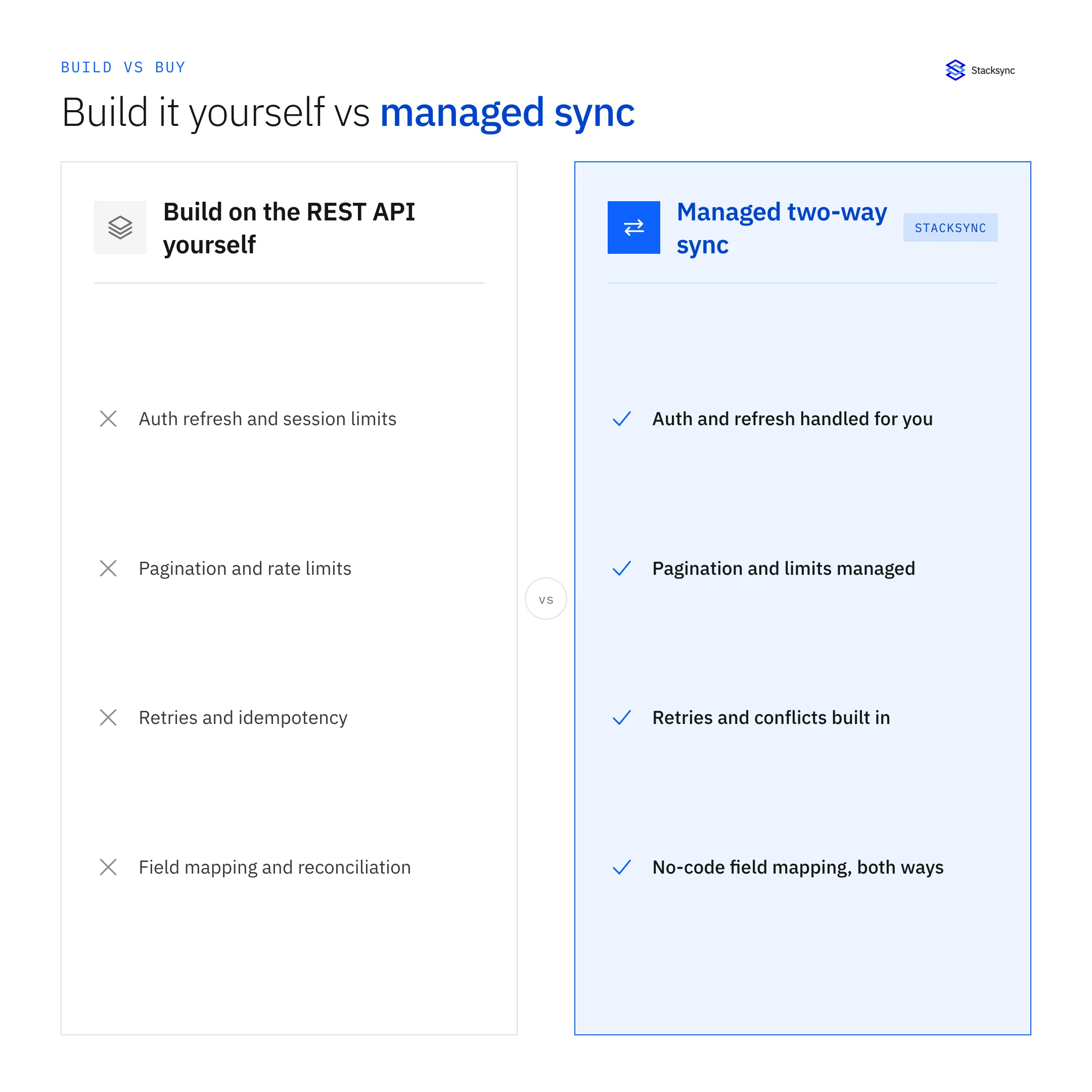
Every capability above is reachable, and for a single one-way feed it is reasonable to write it yourself. The cost shows up when you need two systems to agree continuously. Now you are maintaining auth refresh, pagination, retries, field mapping in both directions, conflict handling when the same record changes on both sides, and a way to replay events you missed during an outage. That is a standing engineering commitment, not a one-time script, and it competes with your team's roadmap every quarter.
The subtle failures are the expensive ones. A record updated in both Acumatica and the other system within the same window needs a deterministic rule for which write wins, or the two copies quietly drift apart. A webhook that arrives out of order can overwrite a newer value with an older one. A schema change on either side breaks a mapping that no test covered. None of these are exotic; they are the day-two reality of any bidirectional integration, and they are why sync is usually cheaper to buy than to keep.
| Aspect | Building on the REST API yourself | Stacksync |
|---|---|---|
| Auth and token refresh | You implement OAuth or cookie sessions and handle expiry | Managed and refreshed automatically |
| Pagination and rate limits | Hand-tune $top / $skip and backoff per endpoint | Handled by the connector |
| Field mapping | Custom endpoint plus code in both directions | No-code mapping, with SQL or Python for edge cases |
| Two-way consistency | You build conflict handling and replay | Built-in bidirectional sync with conflict rules |
| Real-time updates | Poll, or wire up business-event webhooks yourself | Real-time sync out of the box |
| Ongoing maintenance | Owned by your engineering team | Managed connector, monitored for you |

Managed two-way sync on the Acumatica API
Stacksync's Acumatica connector runs on the same REST API described above, but it owns the plumbing for you. You pick the entities to keep in sync, map fields in a no-code UI (dropping into SQL or Python for the hard cases), and Stacksync keeps records consistent in both directions in real time. Auth refresh, pagination, retries, and conflict handling are handled by the platform, with SOC 2, HIPAA, and GDPR controls on top.
Common pairings include Acumatica and Salesforce for keeping accounts and orders aligned between finance and sales, Acumatica and NetSuite during ERP migrations or dual-run periods, and Acumatica and PostgreSQL when you need a live operational copy of ERP data in your own database. Because the sync is bidirectional, a change in either system propagates to the other without a nightly batch job or a queue of stale records.
Apply this in metal fabrication and machining: accepted quote option and drawing reference
A metal-fabrication quote-to-job handoff applies the Acumatica entity and permission checks in this guide to a concrete order. Preserve the approved material, drawing revision, and external quote reference when connecting Salesforce rather than assuming a valid API payload is already job-ready.
| Record to reconcile | Responsible owner | Rule to preserve |
|---|---|---|
| Accepted quote option | Estimating | Retain the selected quantity break, price basis and quote revision rather than transferring every quoted alternative as demand. |
| Drawing reference | Engineering | Carry the document identifier and approved revision; a filename alone is not approval evidence. |
| Material and finish | Engineering and purchasing | Preserve the specified grade, finish and approved supplier requirement where applicable. |
An exception to plan for: The PO selects a different quantity break. Ask estimating to confirm pricing and schedule effects. Do not prorate a quoted price automatically when the manufacturing assumptions differ. Acceptance check for the pilot: one selected quote option produces one intended order line, while unused options remain non-demand.
The metal fabrication and machining hub connects the broader operating context. These guides develop the specific record mappings and decisions for this application:
Conclusion
Acumatica gives you a capable contract-based REST API, OData for reporting, import scenarios for batch loads, and business-event push notifications for events. All of it is usable directly, and for a single feed that is the right call. For keeping Acumatica and another system continuously in agreement, the maintenance cost of doing it by hand is the real number to weigh.
If you would rather skip the plumbing, book a demo or explore the Acumatica connector to see managed real-time two-way sync running on the Acumatica API.

FAQ
Frequently asked questions










Explore these integrations and topics
Related articles





