






















Building products on Shopify: sync NetSuite bundles, pieces and saleable stock
A NetSuite and Shopify setup for trim and other building products where the store sells bundles, the ERP counts lengths, and unfinished stock must stay off the storefront.
- Author
- Ruben Burdin · Founder & CEO
- Published
- Read time
- 4 min read

The operating decision
A building-products manufacturer connecting NetSuite and Shopify needs a reviewed relationship between the store’s unit of sale and the ERP item quantity. Pieces, bundles, cartons and area-based measures are different commercial meanings. Two-way sync should retain the customer’s original quantity and the approved conversion while publishing stock eligible for that channel. Scope inventory and order actions individually, especially when products require finishing, cutting or other work before they are actually ready to sell.
Explore the complete building products manufacturing integration and automation hub for the systems and processes around this guide.
What this looks like in building products manufacturing
A manufacturer offers trim products through dealers and a direct Shopify store. The store sells a bundle, while the ERP tracks individual lengths. A finish option uses the same base material but cannot be fulfilled from unfinished stock. Publishing the warehouse’s physical piece count as store bundles overstates availability and ignores the finishing step. A useful integration resolves the variant and pack definition, calculates the eligible quantity under inventory’s policy, and preserves the conversion used on each accepted order.
Records, ownership, and update rules
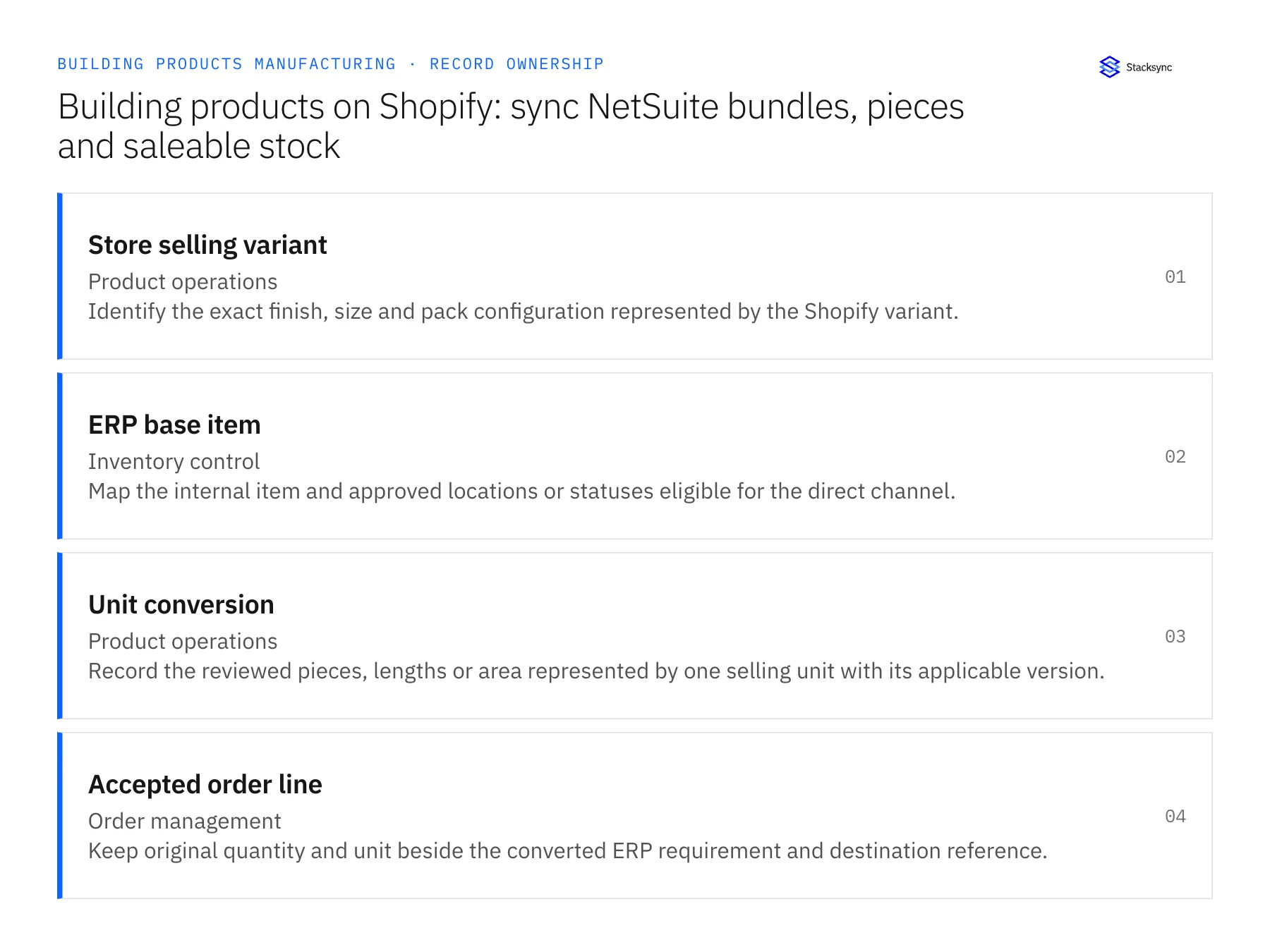
| Record | Owner | Operating rule |
|---|---|---|
| Store selling variant | Product operations | Identify the exact finish, size and pack configuration represented by the Shopify variant. |
| ERP base item | Inventory control | Map the internal item and approved locations or statuses eligible for the direct channel. |
| Unit conversion | Product operations | Record the reviewed pieces, lengths or area represented by one selling unit with its applicable version. |
| Accepted order line | Order management | Keep original quantity and unit beside the converted ERP requirement and destination reference. |
Work through the process
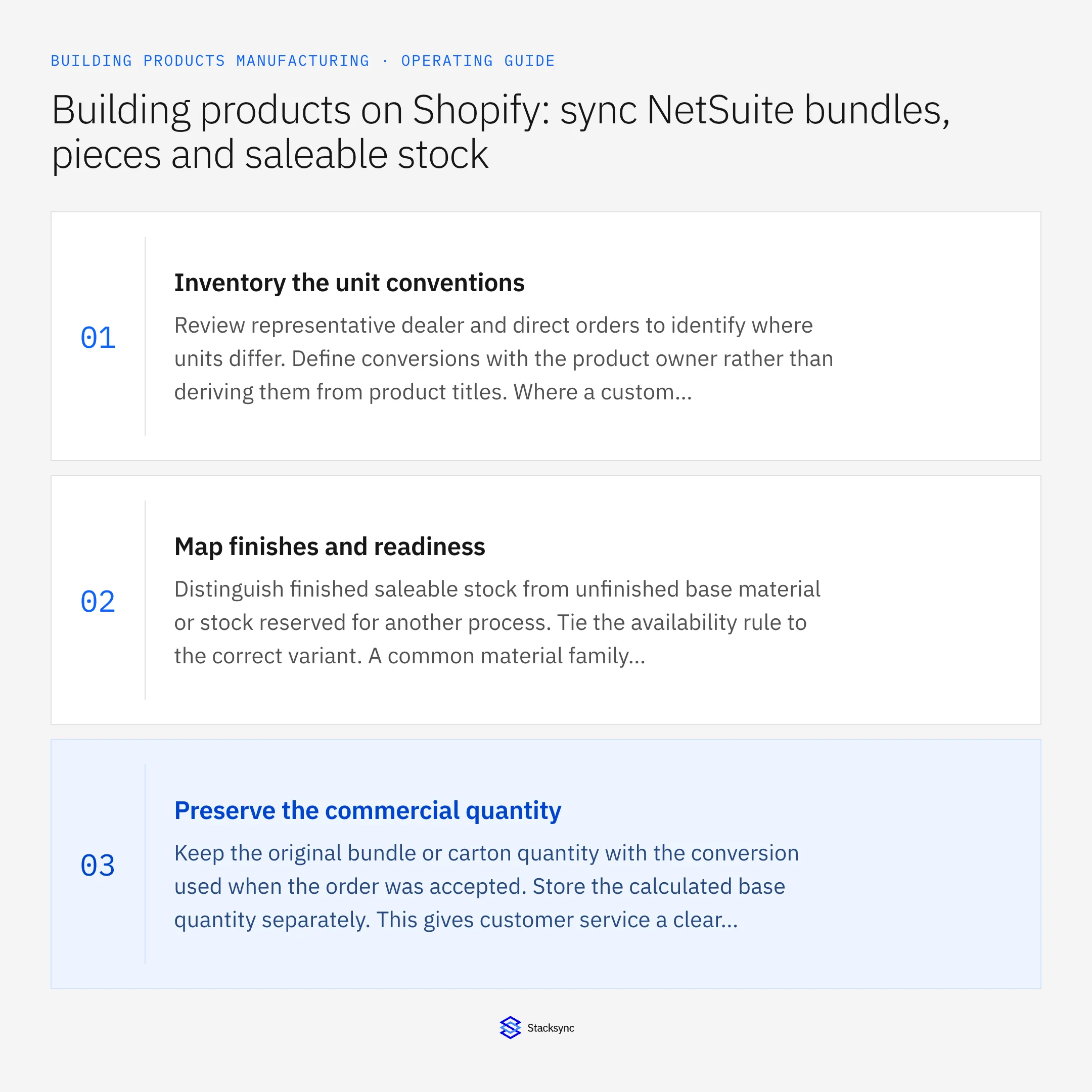
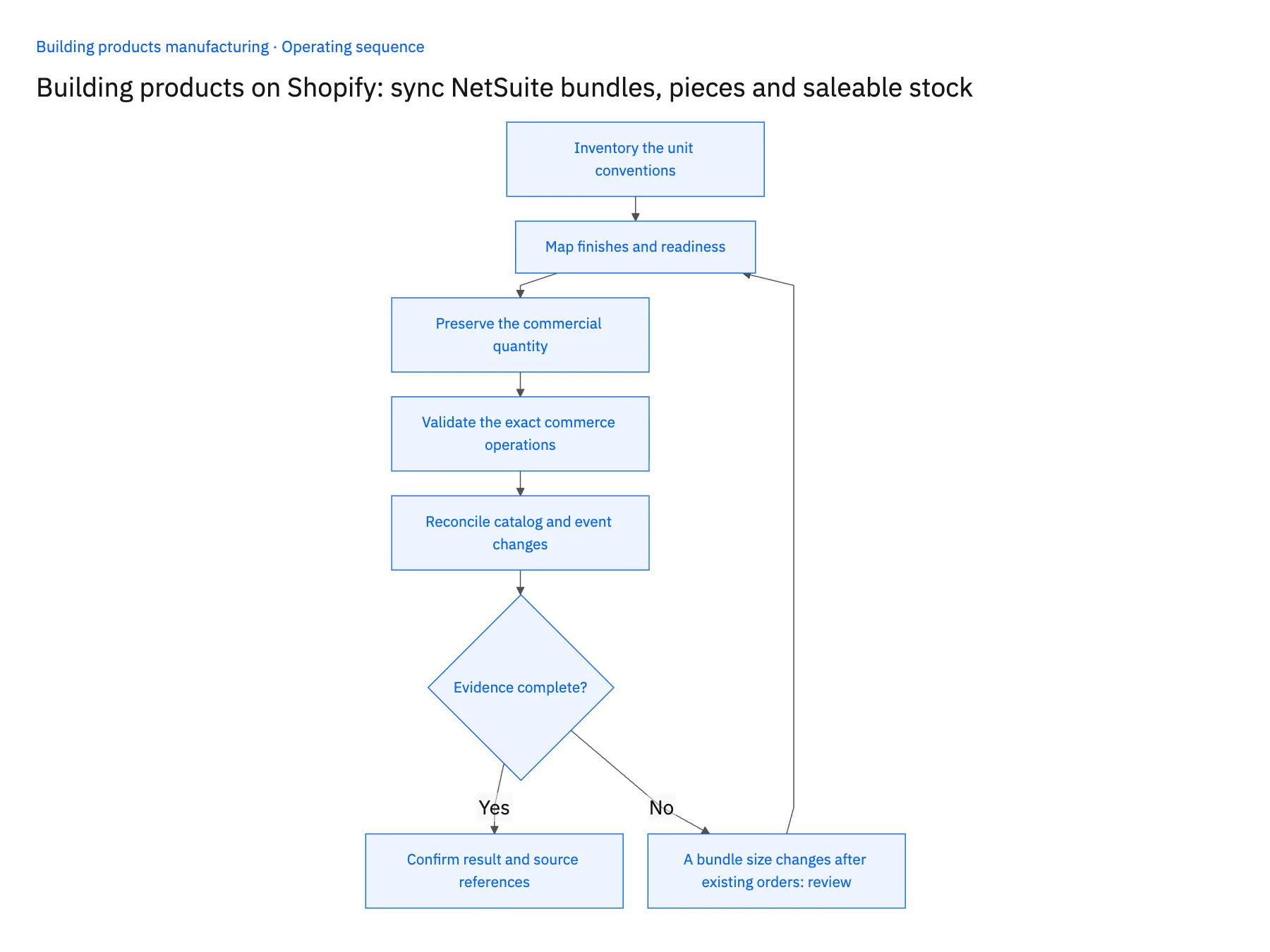
- 01Inventory the unit conventionsReview representative dealer and direct orders to identify where units differ. Define conversions with the product owner rather than deriving them from product titles. Where a custom dimension prevents a fixed conversion, route the order through an explicitly reviewed calculation.
- 02Map finishes and readinessDistinguish finished saleable stock from unfinished base material or stock reserved for another process. Tie the availability rule to the correct variant. A common material family does not make every piece eligible to satisfy every finish or size request.
- 03Preserve the commercial quantityKeep the original bundle or carton quantity with the conversion used when the order was accepted. Store the calculated base quantity separately. This gives customer service a clear explanation when ERP and storefront quantities look different but represent the same order.
- 04Validate the exact commerce operationsTest the intended product update, quantity publication and order handoff with the configured permissions. Confirm separately how cancellations and partial fulfillment are handled. A successful product-field update does not establish that every order action is available.
- 05Reconcile catalog and event changesTest a revised pack definition, a repeated order message and a late update. Compare authoritative order state before applying older information. Reconciliation should preserve accepted historical conversions while allowing approved future catalog changes.
Handle the exceptions explicitly
A bundle size changes after existing orders
Keep the old conversion on accepted orders and apply the new definition only to the approved future scope.
A product is sold by area but cut to order
Require the reviewed dimension and rounding rules. Do not infer manufacturing yield or saleable quantity from area alone.
Finished stock is moved to a quality hold
Recalculate eligible availability and expose affected accepted orders for the responsible owner to review.
What to verify before expanding
- A storefront bundle maps to the approved base quantity without losing the original unit.
- Unfinished or held stock cannot inflate the published variant quantity.
- Historical orders keep their accepted pack definition after catalog changes.
- Repeated messages retain one destination order and do not double demand.

Connect this process to the rest of your operation
Explore Stacksync two-way sync and scope the records and actions against your actual systems. Book a demo with a real store selling variant example and the exception your team handles most often, for example A bundle size changes after existing orders.
- Salesforce and Acumatica two-way sync for building-products manufacturers
- NetSuite and Shopify two-way sync for building-products brands
- Building-products manufacturing: build a Dynamics-to-SQL Server ready-to-ship view
- Building-products staged deliveries: coordinate project releases without losing the original order
- Building-products damage claims: connect shipment evidence, replacements and credit review
- Fast Shopify API Integration via Bi‑Directional Sync
- NetSuite NSIP Alternatives: A Real-Time Sync Guide
The shared architecture guide covers record matching, ownership, and recovery across systems.
Technical references
FAQ
Frequently asked questions










Explore these integrations and topics
- integrationNetSuite and Shopify integration
- connectorNetSuite integrations
- connectorShopify integrations
- platformTwo-way sync
- platformCRM synchronization
- platformCRM and ERP integration
- Two-way sync guidesUnderstand two-way sync, record matching, field ownership, and production readiness.
- CRM synchronization guidesConnect customer records across sales, marketing, and operational systems.
Related articles





