






















Electrical components on Shopify: map NetSuite variants, packs and order quantities
Similar connector descriptions and a new pack size are where storefront orders go wrong; hold variant identity, item reference and conversion version per accepted order.
- Author
- Ruben Burdin · Founder & CEO
- Published
- Read time
- 4 min read

The operating decision
Electrical and electronic component sellers using NetSuite and Shopify need a precise mapping between storefront variants, internal items and selling packs. Preserve manufacturer references, relevant configuration attributes and the reviewed unit conversion. Two-way sync should align selected records without implying that every similarly named component is interchangeable. Confirm the exact order and inventory operations required, and keep availability separate from technical suitability for a buyer’s intended application.
Explore the complete electrical and electronic components integration and automation hub for the systems and processes around this guide.
What this looks like in electrical and electronic components
A manufacturer sells connectors individually to service accounts and in packs through Shopify. Several variants differ in an attribute customers must select, while their short descriptions look almost identical. A new pack size is introduced after earlier orders were accepted. An integration that joins by description and uses the current pack count for every order can select the wrong variant and distort historical quantities. The correct handoff retains the storefront variant identity, approved item reference and conversion version used for that specific accepted order.
Records, ownership, and update rules
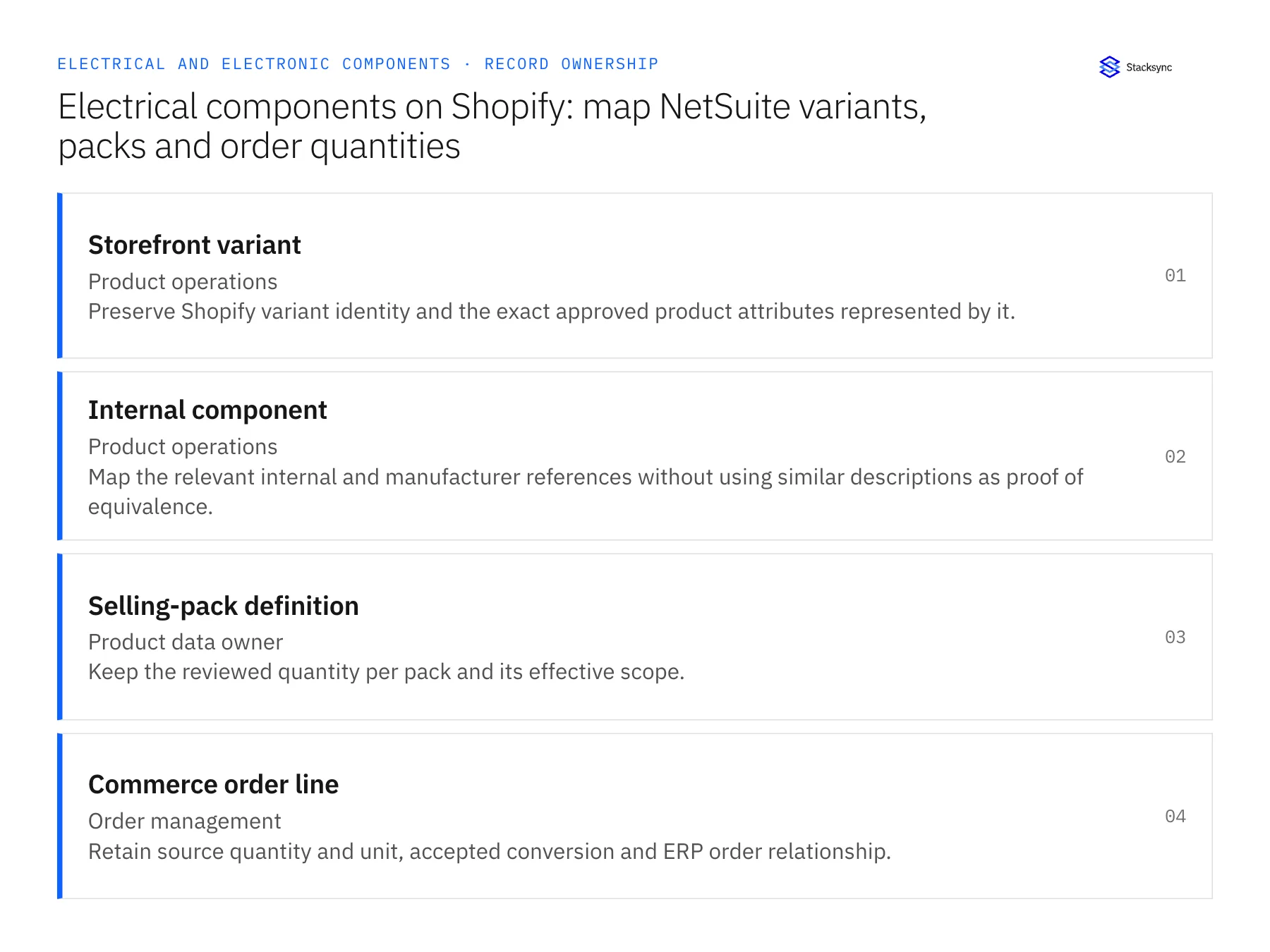
| Record | Owner | Operating rule |
|---|---|---|
| Storefront variant | Product operations | Preserve Shopify variant identity and the exact approved product attributes represented by it. |
| Internal component | Product operations | Map the relevant internal and manufacturer references without using similar descriptions as proof of equivalence. |
| Selling-pack definition | Product data owner | Keep the reviewed quantity per pack and its effective scope. |
| Commerce order line | Order management | Retain source quantity and unit, accepted conversion and ERP order relationship. |
Work through the process
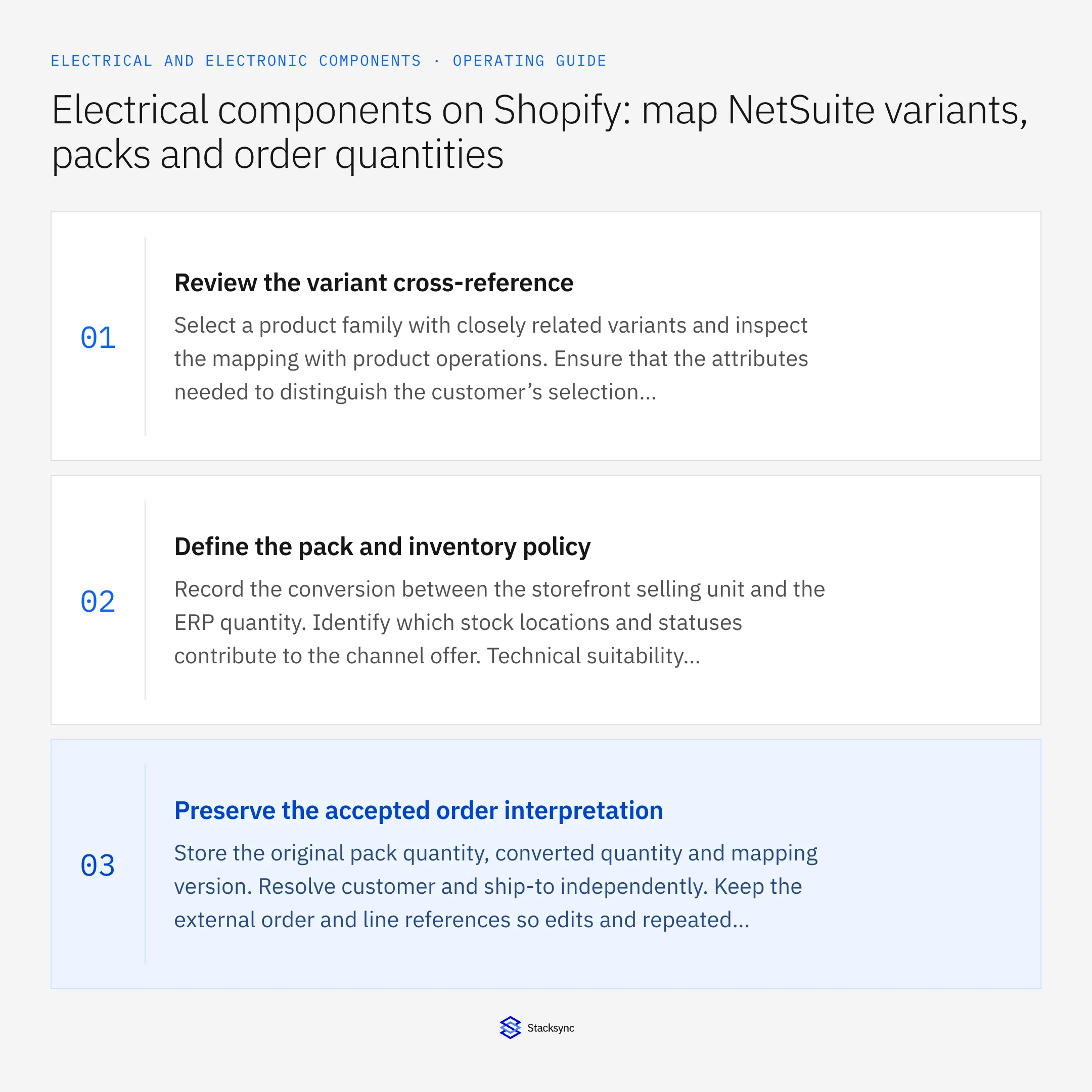
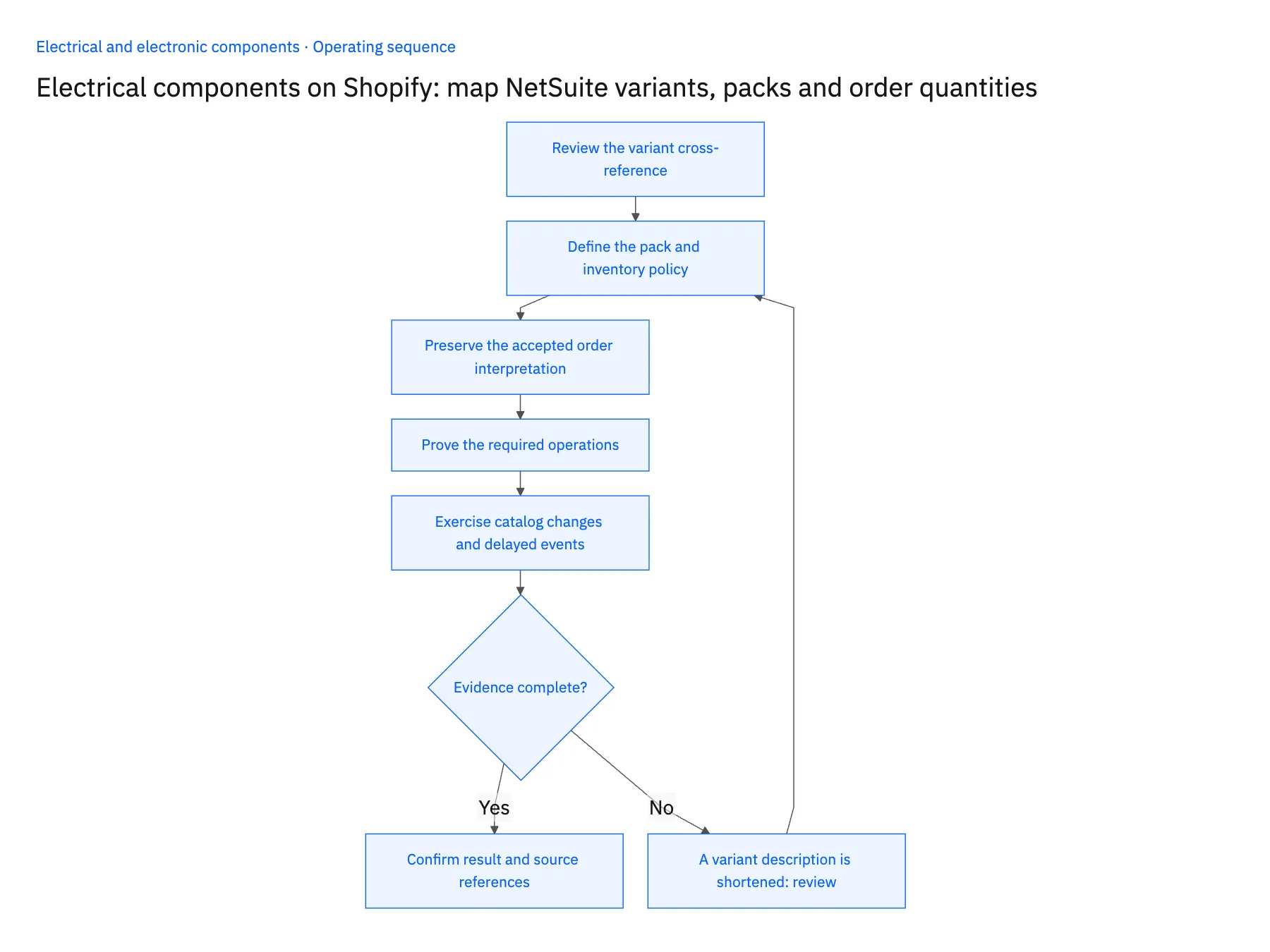
- 01Review the variant cross-referenceSelect a product family with closely related variants and inspect the mapping with product operations. Ensure that the attributes needed to distinguish the customer’s selection survive the handoff. A title change should not reassign an existing variant to another component.
- 02Define the pack and inventory policyRecord the conversion between the storefront selling unit and the ERP quantity. Identify which stock locations and statuses contribute to the channel offer. Technical suitability remains a product decision even when a variant has available quantity.
- 03Preserve the accepted order interpretationStore the original pack quantity, converted quantity and mapping version. Resolve customer and ship-to independently. Keep the external order and line references so edits and repeated messages can be reconciled against the same transaction.
- 04Prove the required operationsTest product updates, order preparation and any intended stock publication with the actual app permissions. Scope fulfillment, cancellation and refund behavior separately. A working product sync should not be presented as proof of every commerce action.
- 05Exercise catalog changes and delayed eventsChange the pack definition for future sales, then inspect an earlier order. Deliver a stale order update and verify that it cannot undo a newer accepted state. Reconcile authoritative records after interruption rather than relying on message arrival order.
Handle the exceptions explicitly
A variant description is shortened
Keep its stable identity and approved mapping; do not rematch it to another product based on the new text.
An order requests a component not approved for the application
Route the customer’s technical question through the appropriate process. Inventory availability does not establish compatibility.
A pack is partially fulfilled
Reconcile the remaining obligation using the agreed commercial and base units without losing the original order quantity.
What to verify before expanding
- Closely related variants retain distinct approved item mappings.
- Accepted orders keep their original pack conversion after catalog changes.
- Repeated order events retain one destination reference.
- Available stock is not represented as an engineering compatibility decision.

Connect this process to the rest of your operation
Explore Stacksync two-way sync and scope the records and actions against your actual systems. Book a demo with a real storefront variant example and the exception your team handles most often, for example A variant description is shortened.
- Salesforce and Acumatica two-way sync for electrical manufacturers
- NetSuite and Postgres two-way sync for electronic-component operations
- Electrical manufacturers: connect Salesforce assembly quotes to Acumatica orders
- Electronic component substitutions: route evidence to engineering before changing supply
- Electronic-component returns: reconcile distributor quantities, lots and credit decisions
- Field-Level Change Detection: The Key to Efficient Real-Time Bidirectional CRM Sync
- Source of Truth: Should Your Warehouse or Your CRM Own Customer Data?
The shared architecture guide covers record matching, ownership, and recovery across systems.
Technical references
FAQ
Frequently asked questions










Related articles





