






















NetSuite and Shopify for manufacturers: publish saleable finished goods
Before a storefront sells finished goods, decide which NetSuite stock counts as available, how Shopify boxes convert to base units and who owns the cross-reference.
- Author
- Ruben Burdin · Founder & CEO
- Published
- Read time
- 4 min read

The operating decision
Manufacturers connecting NetSuite and Shopify need an explicit definition of saleable stock, a durable product-to-item mapping and a reviewed route for order updates. A finished item on a shelf may already be allocated, awaiting inspection or packaged in a different selling unit. Two-way sync should move the selected records while preserving these distinctions. Confirm inventory, fulfillment and refund operations individually; the existence of product and order objects does not establish support for every commerce action.
Explore the complete manufacturing integration and automation hub for the systems and processes around this guide.
What this looks like in manufacturing
A manufacturer sells replacement components through Shopify while reserving most finished goods for distributors. A molding run produces 400 pieces, but some are held for inspection and another portion is allocated to an existing wholesale order. Publishing the physical total makes the direct store appear able to sell stock that customer service cannot release. Meanwhile, a Shopify order for a box of ten must become the correct quantity in the ERP’s base unit. The first design decision is therefore the availability policy, not the polling interval.
Records, ownership, and update rules
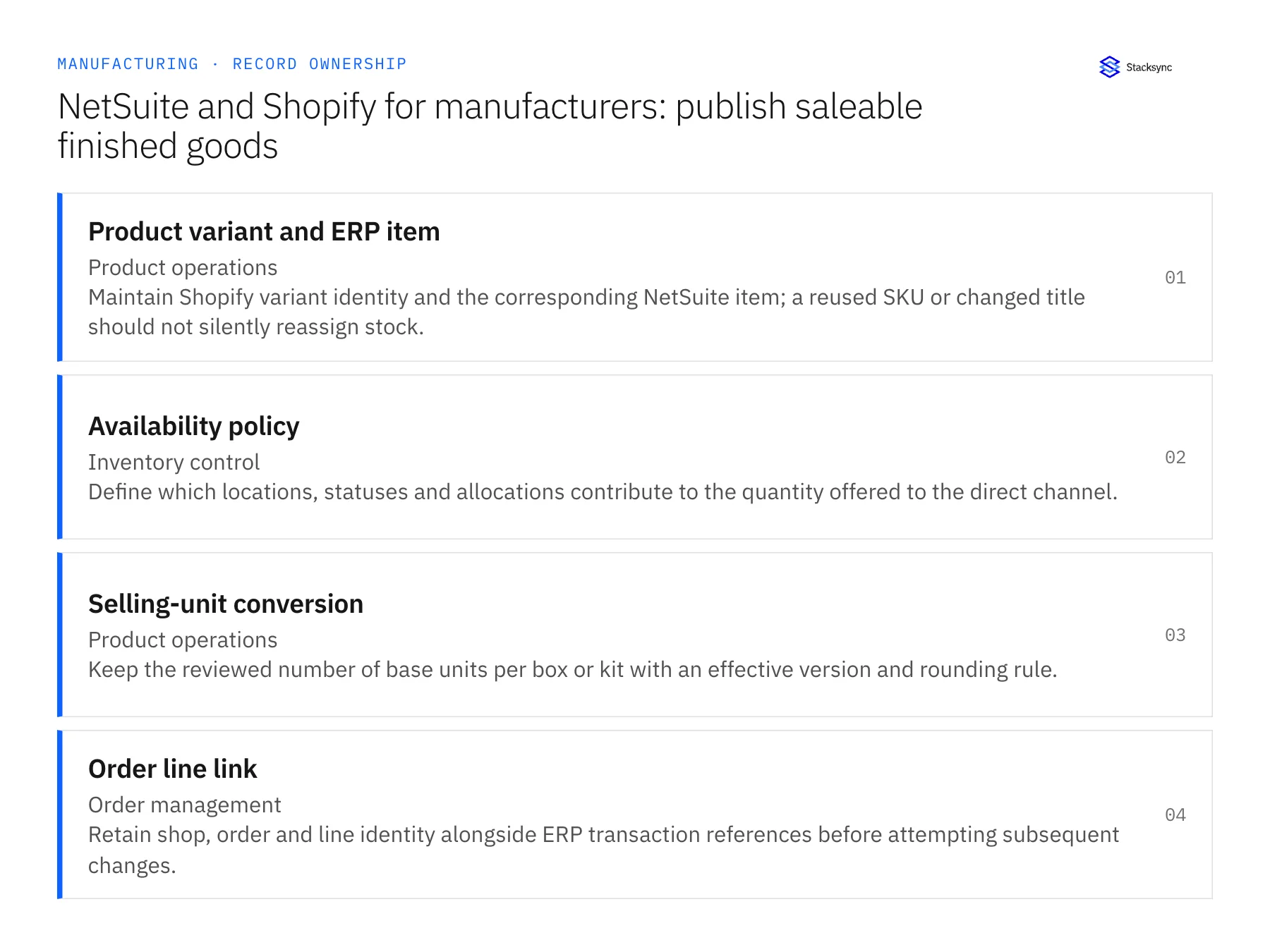
| Record | Owner | Operating rule |
|---|---|---|
| Product variant and ERP item | Product operations | Maintain Shopify variant identity and the corresponding NetSuite item; a reused SKU or changed title should not silently reassign stock. |
| Availability policy | Inventory control | Define which locations, statuses and allocations contribute to the quantity offered to the direct channel. |
| Selling-unit conversion | Product operations | Keep the reviewed number of base units per box or kit with an effective version and rounding rule. |
| Order line link | Order management | Retain shop, order and line identity alongside ERP transaction references before attempting subsequent changes. |
Work through the process
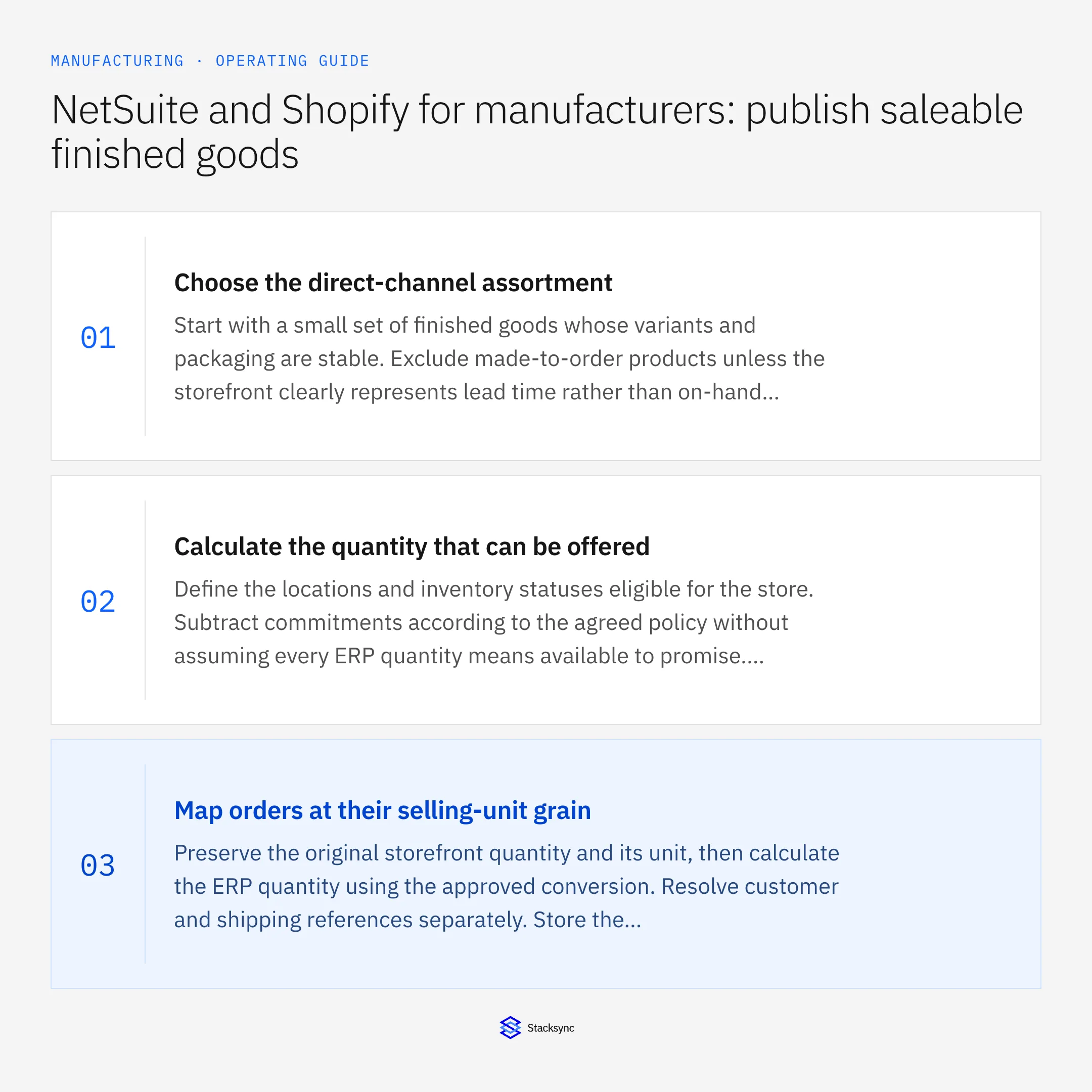
- 01Choose the direct-channel assortmentStart with a small set of finished goods whose variants and packaging are stable. Exclude made-to-order products unless the storefront clearly represents lead time rather than on-hand availability. Have product operations approve the cross-reference and identify who owns changes to it.
- 02Calculate the quantity that can be offeredDefine the locations and inventory statuses eligible for the store. Subtract commitments according to the agreed policy without assuming every ERP quantity means available to promise. Record the calculation’s source time so customer service can recognize stale information.
- 03Map orders at their selling-unit grainPreserve the original storefront quantity and its unit, then calculate the ERP quantity using the approved conversion. Resolve customer and shipping references separately. Store the destination link so an edited order or replay can be reconciled against what was already accepted.
- 04Exercise commerce exceptions before launchTest the required create, update, cancellation and fulfillment behaviors with the actual objects and permissions in scope. Shopify documents that webhook ordering is not guaranteed, so compare event versions and reconcile authoritative state rather than treating arrival order as the business sequence.
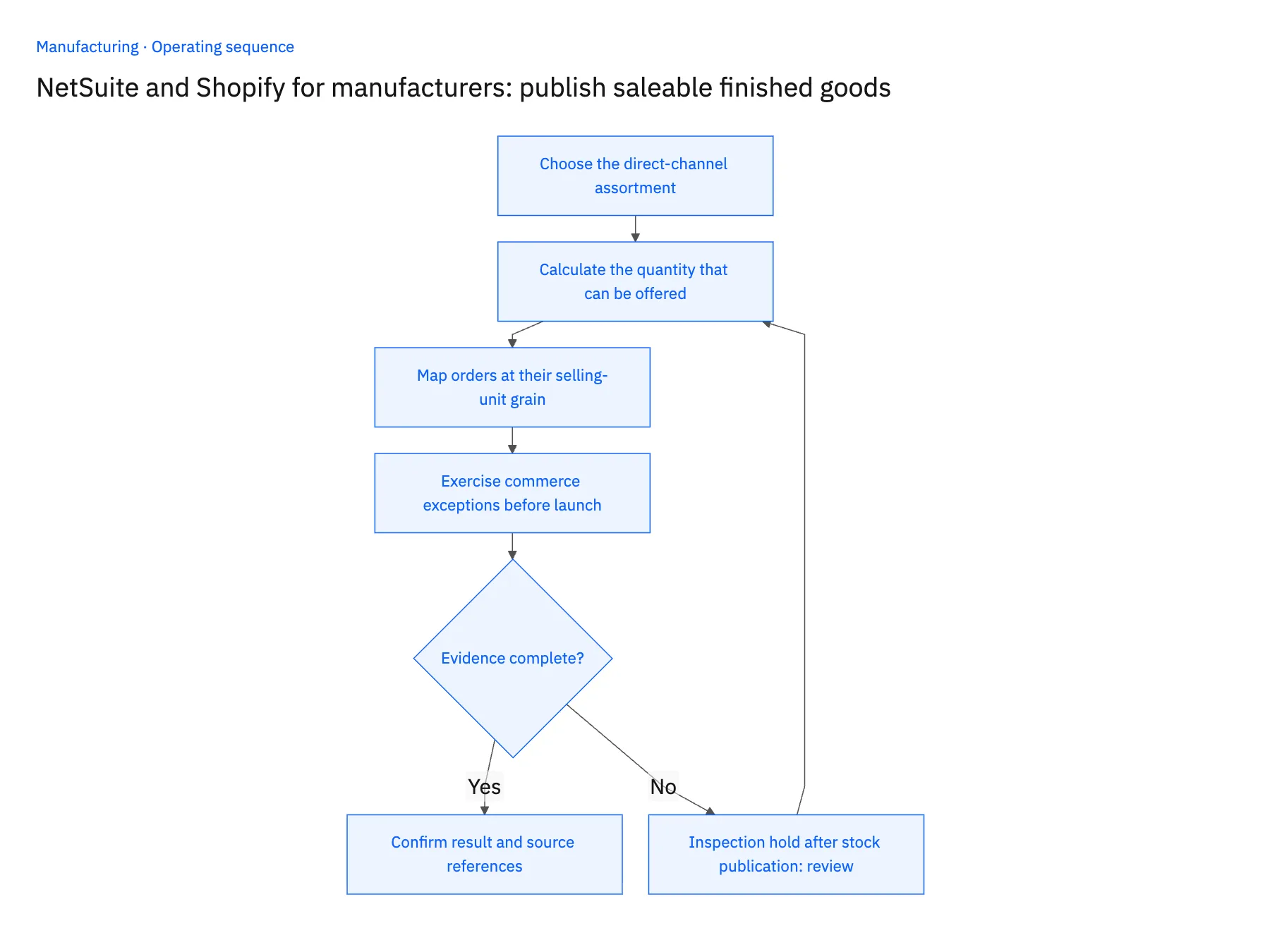
Handle the exceptions explicitly
Inspection hold after stock publication
Recalculate the eligible quantity and surface the affected orders for review. Do not assume a commerce update can reverse an allocation or shipment already accepted elsewhere.
One box contains a different pack count
Stop the affected variant until product operations approves the conversion. Preserve old orders under their original pack definition.
An older order event arrives late
Compare the source version and current order state. Ignore or reconcile stale changes instead of restoring a quantity that was subsequently cancelled.
What to verify before expanding
- A held lot does not contribute to the offered direct-channel quantity.
- One storefront box produces the reviewed base-unit quantity in the order proposal.
- Replayed order messages retain one destination transaction reference.
- A late event cannot restore an order line to an earlier accepted state.

Connect this process to the rest of your operation
Explore Stacksync two-way sync and scope the records and actions against your actual systems. Book a demo with a real product variant and ERP item example and the exception your team handles most often, for example inspection hold after stock publication.
- Salesforce and NetSuite for manufacturers: share credit and order status without conflicting ownership
- NetSuite and Postgres for manufacturing: model production status without losing order identity
- Manufacturing CRM and ERP ownership: decide who controls each order field
- Acumatica to Salesforce Sales Order Sync: Mapping, Status, and Backfill
- Making SQL Server and NetSuite Agree on the Same Record
The shared architecture guide covers record matching, ownership, and recovery across systems.
Technical references
FAQ
Frequently asked questions










Related articles





