






















Acumatica–Shopify Two-Way Sync for CPG Manufacturers Expanding Into Ecommerce
A manufacturer's first Shopify store keeps bottles and starter kits tied to Acumatica stock codes, so a two-kit order never becomes two cases or skips the release process.
- Author
- Ruben Burdin · Founder & CEO
- Published
- Read time
- 5 min read

The operating decision
Connect an ecommerce order to the manufacturing and accounting records that explain it, while preserving the difference between a sellable variant and the ERP stock item. For CPG manufacturers adding Shopify, begin with customer, product, and order identity. Verify the selected Acumatica entities and Shopify permissions before choosing the allowed write directions.
Explore the complete consumer packaged goods integration and automation hub for the systems and processes around this guide.
What this looks like in consumer packaged goods
A manufacturer previously sold cases through account managers. Its new Shopify store sells individual bottles and starter kits. The ERP item catalog uses stock codes and warehouse units, while the storefront uses customer-friendly names. A purchase of two kits must not become two cases or bypass the manufacturer’s established release process.
Records, ownership, and update rules
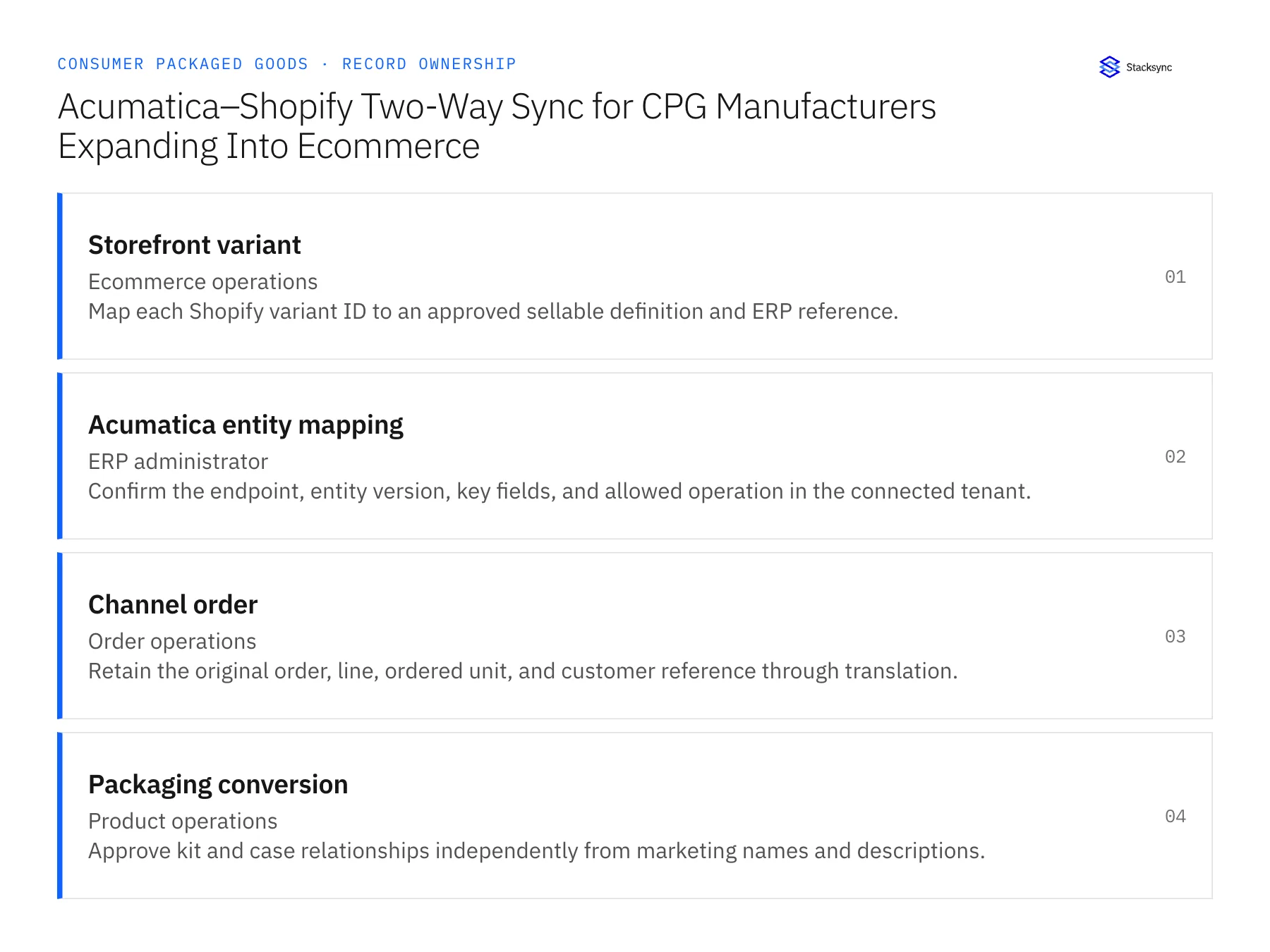
| Record | Owner | Operating rule |
|---|---|---|
| Storefront variant | Ecommerce operations | Map each Shopify variant ID to an approved sellable definition and ERP reference. |
| Acumatica entity mapping | ERP administrator | Confirm the endpoint, entity version, key fields, and allowed operation in the connected tenant. |
| Channel order | Order operations | Retain the original order, line, ordered unit, and customer reference through translation. |
| Packaging conversion | Product operations | Approve kit and case relationships independently from marketing names and descriptions. |
Work through the process
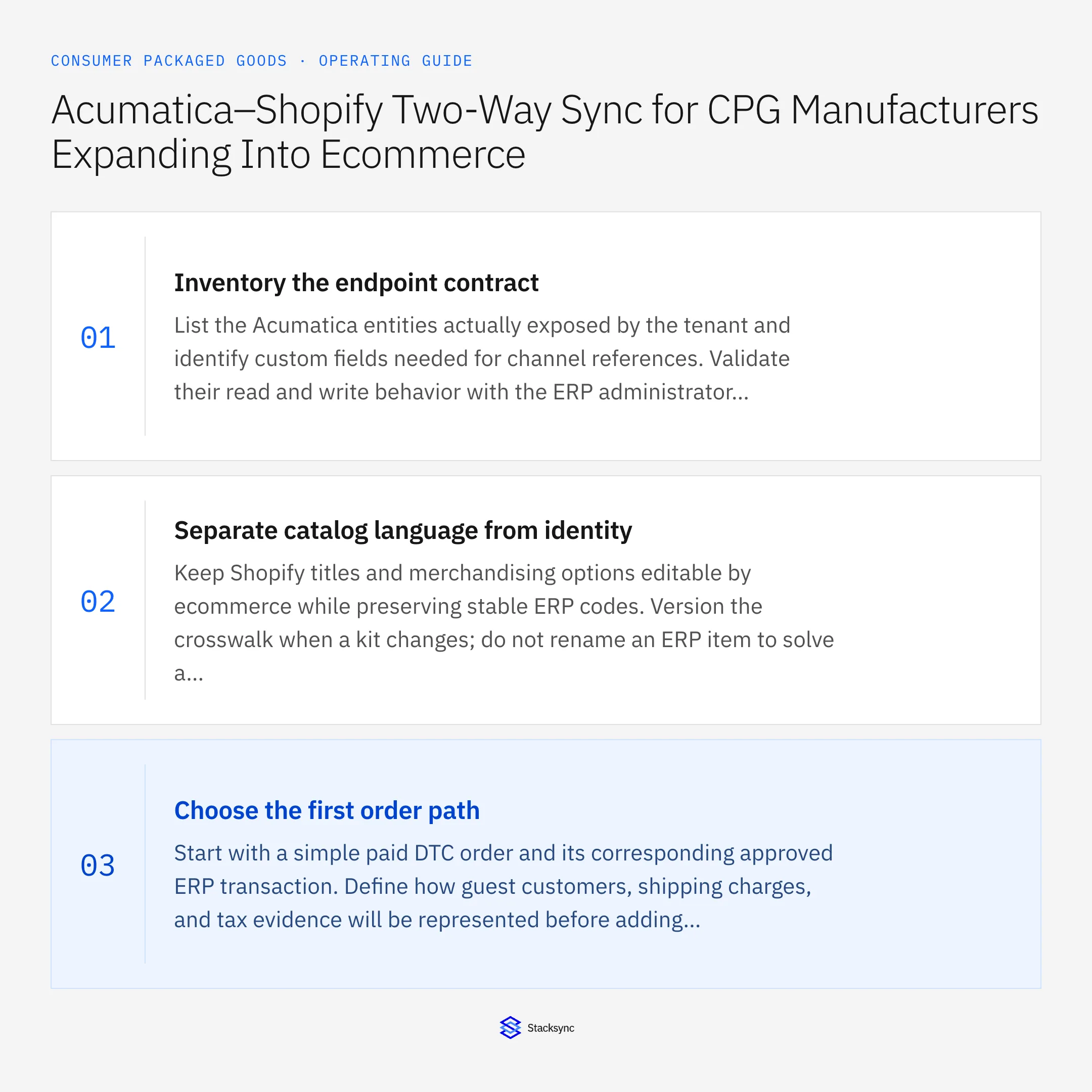
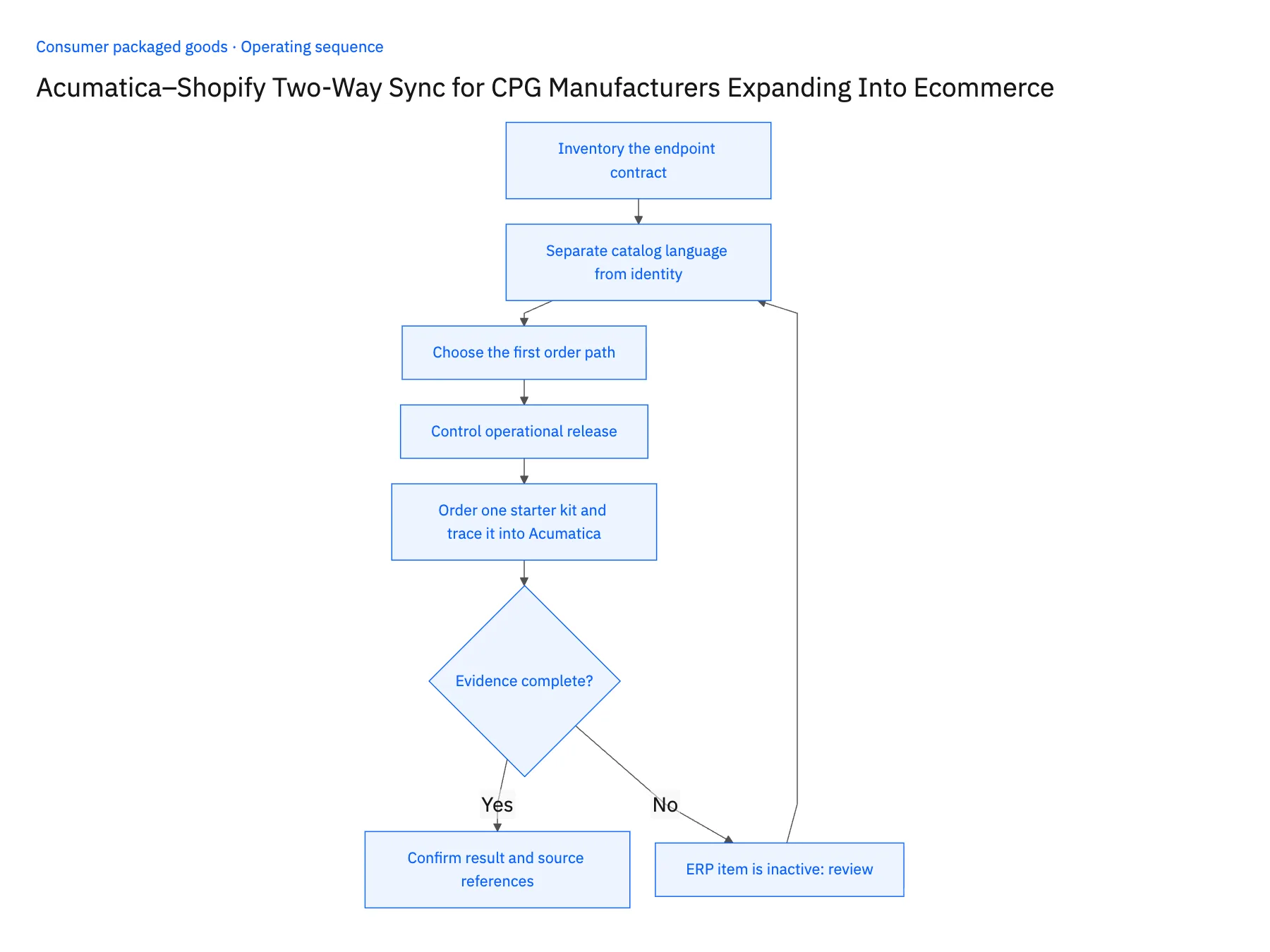
- 01Inventory the endpoint contractList the Acumatica entities actually exposed by the tenant and identify custom fields needed for channel references. Validate their read and write behavior with the ERP administrator before assuming a stock-code match is sufficient.
- 02Separate catalog language from identityKeep Shopify titles and merchandising options editable by ecommerce while preserving stable ERP codes. Version the crosswalk when a kit changes; do not rename an ERP item to solve a storefront presentation problem.
- 03Choose the first order pathStart with a simple paid DTC order and its corresponding approved ERP transaction. Define how guest customers, shipping charges, and tax evidence will be represented before adding wholesale or complex bundles.
- 04Control operational releaseConfirm where orders wait for stock, payment review, and quality approval. Product and order sync can supply the context, but only the approved release workflow should instruct downstream fulfillment.
- 05Order one starter kit and trace it into AcumaticaBuy one starter kit in the Shopify test store and follow it into Acumatica. The sales order must list the approved component stock items and quantities for that kit, not one line under the marketing name or a case quantity. Rename the kit and edit its description in Shopify, then confirm the Acumatica stock item references did not change. Mark one component inactive in Acumatica and order the kit again: the affected line must stay unresolved and flagged for product operations. Stop the rollout if the kit expands to the wrong quantities, if a title edit alters the ERP mapping, or if a look-alike replaced the inactive item.
Handle the exceptions explicitly
ERP item is inactive
Hold the mapping and ask product operations to select an approved replacement; do not silently substitute.
Kit contains an unavailable component
Retain the original customer purchase and route the allocation decision to fulfillment.
Tenant has a customized entity
Scope that entity and operation explicitly rather than assuming a generic connector exposes every field.
What to verify before expanding
- A test kit resolves to the approved component quantities.
- Customer-facing descriptions can change without breaking the stable ERP mapping.
- An inactive ERP item leaves the affected storefront line unresolved rather than selecting a similarly named replacement.
- The pilot demonstrates the required operation against the tenant's actual endpoint and custom fields, with rejection remaining visible.

Connect this process to the rest of your operation
Explore Stacksync two-way sync and scope the records and actions against your actual systems. Book a demo with a real storefront variant example and the exception your team handles most often, for example ERP item is inactive.
- Dynamics 365 F&O–Salesforce Sync for CPG Sales and Finance Teams
- Two-Way Sync for CPG Master Data: NetSuite, Postgres, and Field Ownership
- CPG Fulfillment Workflows With NetSuite, Shopify, and Extensiv
- Shopify to ERP Connector: Real-Time Sync Guide in Minutes
- Connecting Dynamics 365 Finance & Operations and Salesforce
The shared architecture guide covers record matching, ownership, and recovery across systems.
Technical references
FAQ
Frequently asked questions










Explore these integrations and topics
- integrationShopify and Acumatica integration
- connectorAcumatica integrations
- connectorShopify integrations
- platformTwo-way sync
- platformCRM synchronization
- platformCRM and ERP integration
- platformE-commerce synchronization
- Two-way sync guidesUnderstand two-way sync, record matching, field ownership, and production readiness.
Related articles






