






















CPG Fulfillment Workflows With NetSuite, Shopify, and Extensiv
Channel request, NetSuite release decision and approved pack conversion come together before an Extensiv instruction goes out, and a partial shipment leaves the rest open.
- Author
- Ignacio Malpartida · GTM Engineer
- Published
- Read time
- 5 min read

The operating decision
A CPG fulfillment workflow should release only an eligible order, transmit the approved warehouse instruction, and reconcile the warehouse result to the originating channel and ERP lines. Keep synchronization, release approval, and physical shipment as distinct events. Extensiv is a workflow connector in this design; confirm the exact warehouse actions and available status fields before deployment.
Explore the complete consumer packaged goods integration and automation hub for the systems and processes around this guide.
What this looks like in consumer packaged goods
A brand takes an online order for three multipacks while the warehouse picks individual units. The ERP shows a finance hold, but a support agent sees a paid Shopify order and asks the 3PL to ship. A reliable process combines the channel request, ERP release decision, and approved pack conversion before any warehouse instruction is issued.
Records, ownership, and update rules
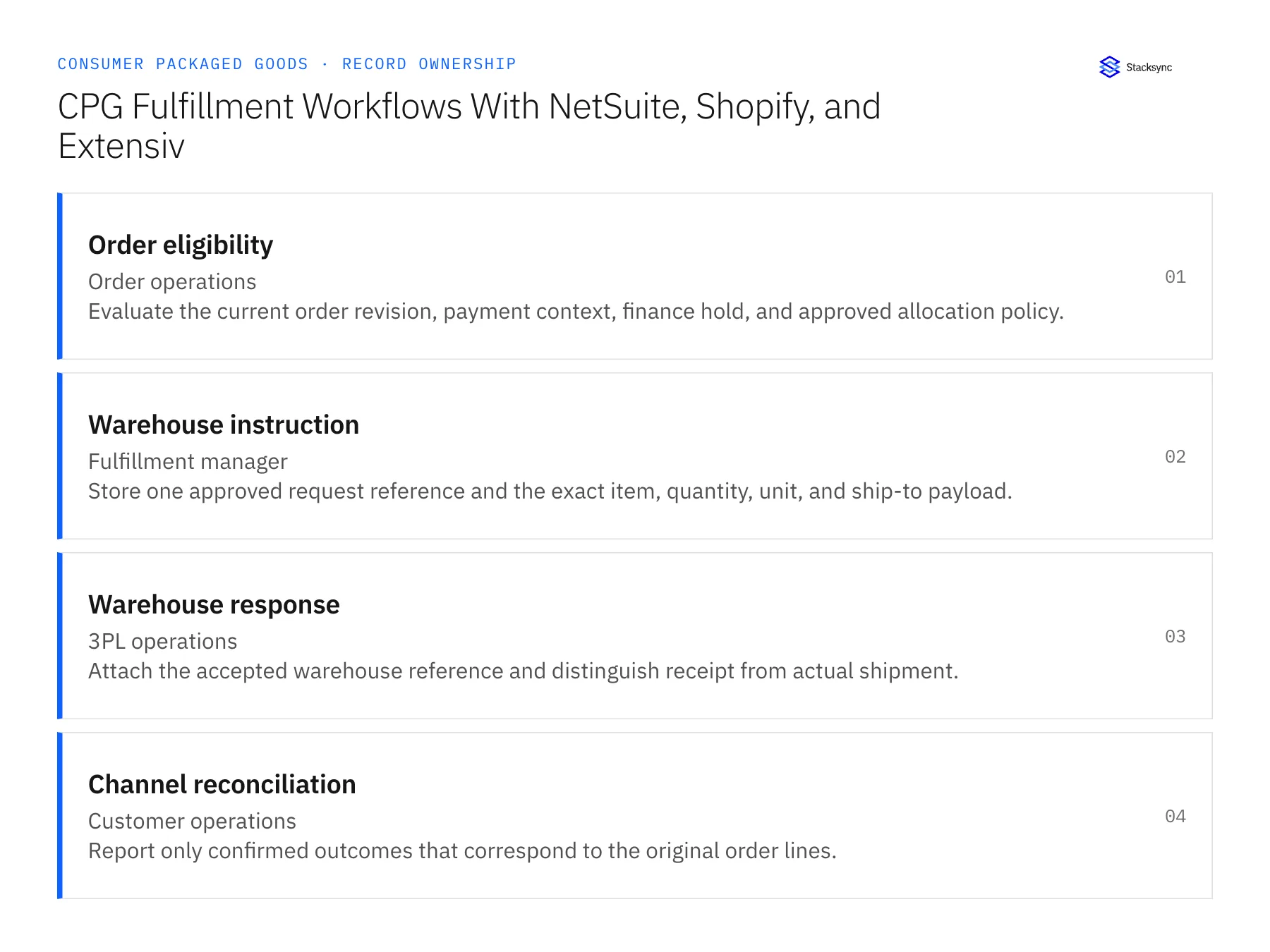
| Record | Owner | Operating rule |
|---|---|---|
| Order eligibility | Order operations | Evaluate the current order revision, payment context, finance hold, and approved allocation policy. |
| Warehouse instruction | Fulfillment manager | Store one approved request reference and the exact item, quantity, unit, and ship-to payload. |
| Warehouse response | 3PL operations | Attach the accepted warehouse reference and distinguish receipt from actual shipment. |
| Channel reconciliation | Customer operations | Report only confirmed outcomes that correspond to the original order lines. |
Work through the process
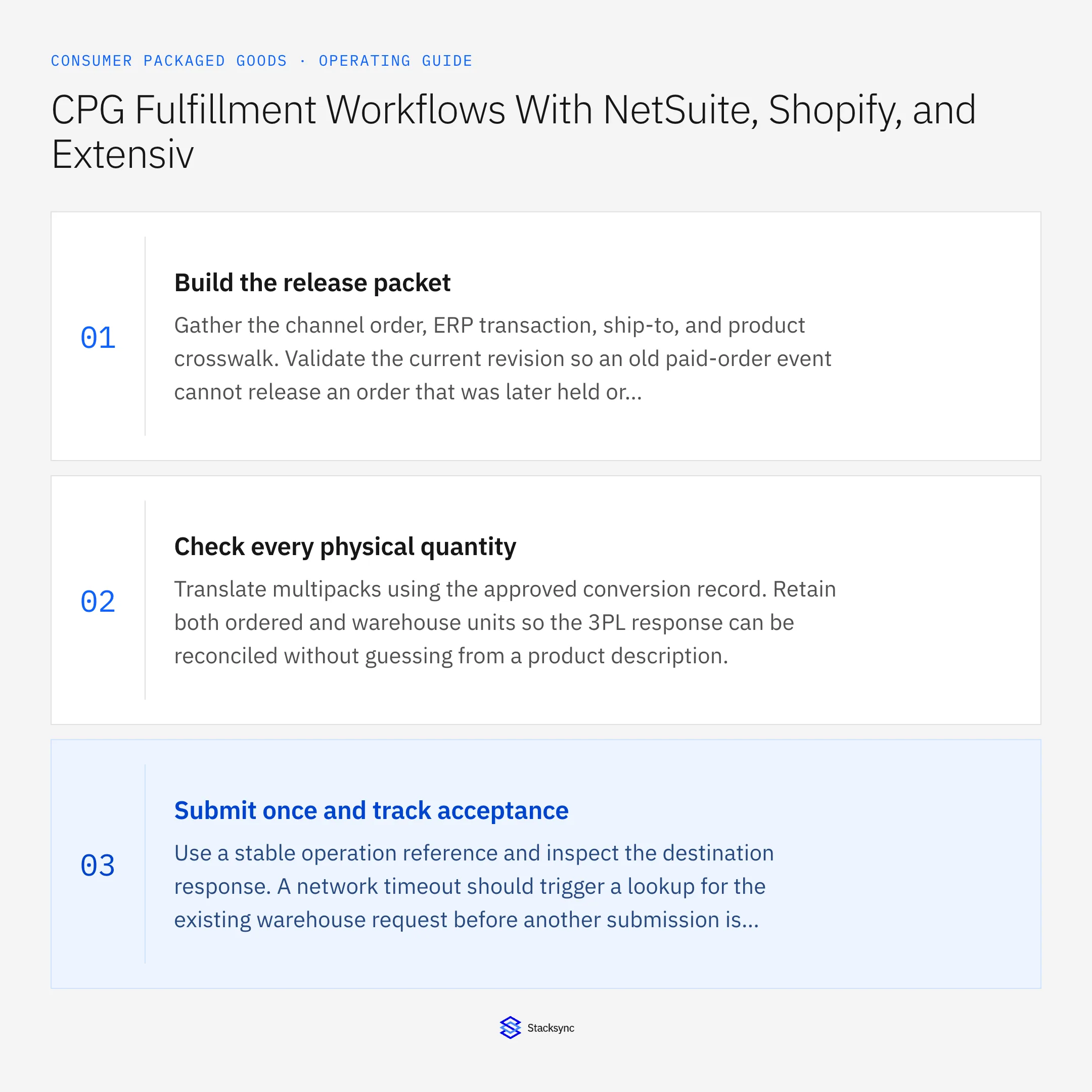
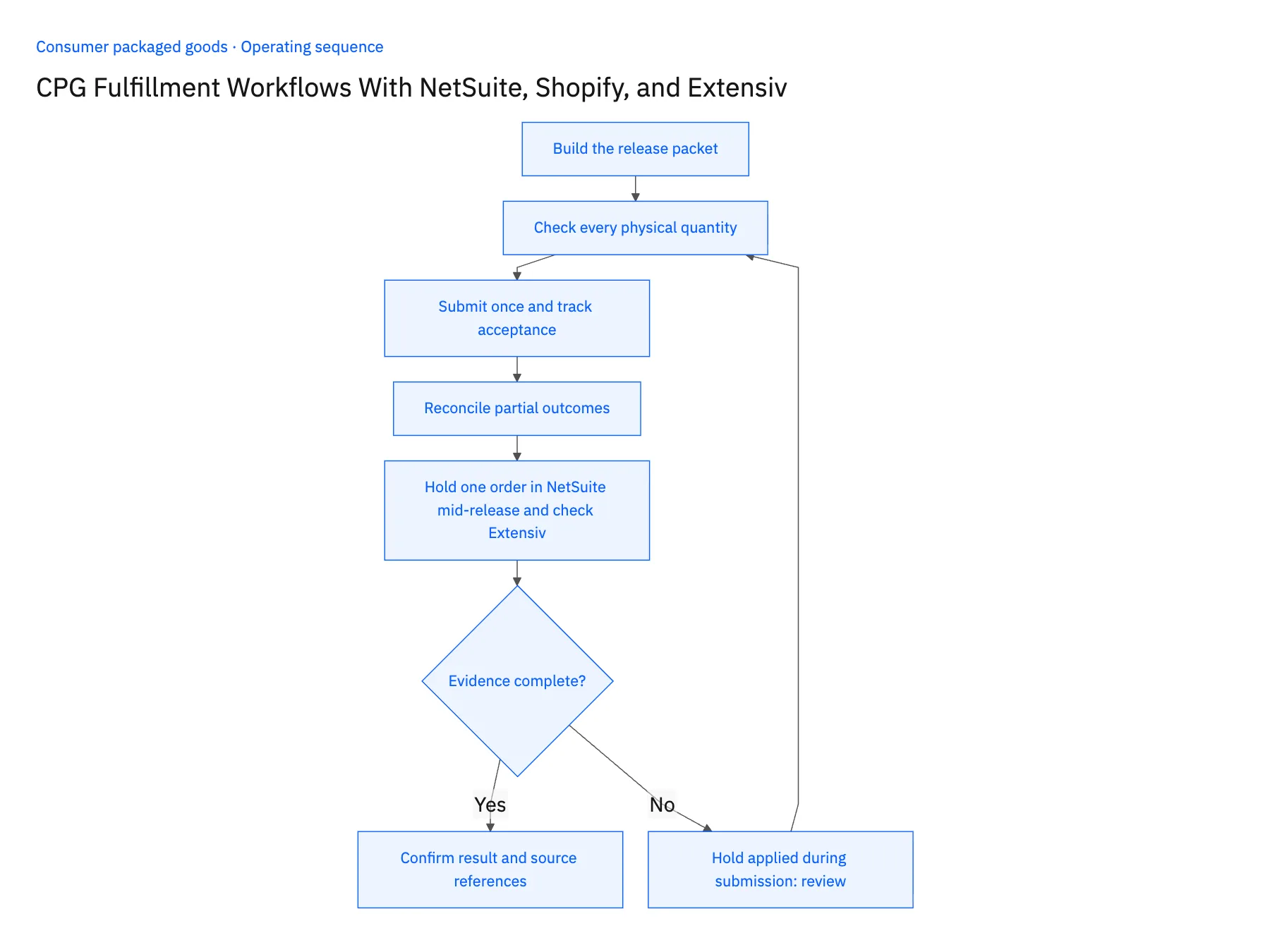
- 01Build the release packetGather the channel order, ERP transaction, ship-to, and product crosswalk. Validate the current revision so an old paid-order event cannot release an order that was later held or canceled.
- 02Check every physical quantityTranslate multipacks using the approved conversion record. Retain both ordered and warehouse units so the 3PL response can be reconciled without guessing from a product description.
- 03Submit once and track acceptanceUse a stable operation reference and inspect the destination response. A network timeout should trigger a lookup for the existing warehouse request before another submission is attempted.
- 04Reconcile partial outcomesHandle accepted, allocated, partially shipped, and canceled quantities separately. Do not convert a warehouse acknowledgment into a shipped status or close remaining lines merely because one package left.
- 05Hold one order in NetSuite mid-release and check ExtensivRun two paid Shopify orders through the release packet. Put the first on finance hold in NetSuite before release; the workflow must stop at eligibility with no request created in Extensiv. Release the second, then apply a NetSuite hold while the warehouse request is in flight. The workflow must halt every following action, record the race for the fulfillment manager, and show whether Extensiv accepted the request or can still cancel it. In Extensiv, confirm the accepted request and the later shipment appear as two distinct states. Stop the rollout if a held order produced a warehouse request, if the in-flight hold was ignored, or if acceptance displayed as shipped.
Handle the exceptions explicitly
Hold applied during submission
Stop subsequent actions and route the race to fulfillment; determine whether the warehouse can still stop the accepted request.
3PL response lacks a line reference
Match using approved keys or escalate; do not distribute quantities across similar SKUs.
Split shipment
Keep each shipment reference while preserving the open remainder on the original order.
What to verify before expanding
- An ERP-held order cannot reach the approved warehouse submission step.
- Warehouse acceptance and shipment are separate visible states.
- After an ambiguous warehouse timeout, a repeated release resolves the existing request reference before another instruction is submitted.
- A partial shipment leaves the remaining original order lines open and does not mark the whole order shipped.

Connect this process to the rest of your operation
Explore Stacksync workflows and scope the records and actions against your actual systems. Book a demo with a real order eligibility example and the exception your team handles most often, for example hold applied during submission.
- CPG Credit-Hold Release Workflows: Keep Finance Approval and Fulfillment in Step
- Wholesale CPG Account Onboarding: Coordinate Sales, Finance, and Operations
- AI Agents for CPG Order-to-Cash: Investigate Order and Payment Exceptions
- Shopify–NetSuite Integration: Orders, Inventory, and Setup
- Amazon Seller Central and NetSuite: Read-Only Sync and Reconciliation
The shared architecture guide covers record matching, ownership, and recovery across systems.
Technical references
FAQ
Frequently asked questions










Related articles




