






















Dynamics 365 F&O–Salesforce Sync for CPG Sales and Finance Teams
Salesforce keeps the strategic parent and regional opportunities, while each Dynamics 365 F&O customer stays tied to its legal entity, currency and finance-owned terms.
- Author
- Ruben Burdin · Founder & CEO
- Published
- Read time
- 5 min read

The operating decision
Give CPG account teams a reliable view of the finance-owned customer while retaining Salesforce ownership of selling activity. The key design decisions are legal entity, account hierarchy, currency, and field ownership. Confirm the Dynamics 365 F&O data entities and Salesforce objects in scope before enabling any write-back.
Explore the complete consumer packaged goods integration and automation hub for the systems and processes around this guide.
What this looks like in consumer packaged goods
A national CPG brand sells to a distributor operating in multiple legal entities. Salesforce has a strategic parent account and regional opportunities. Finance maintains separate customer accounts with different terms and currencies. A parent-level CRM update must not overwrite every financial customer or expose one entity’s balance as a group-wide credit decision.
Records, ownership, and update rules
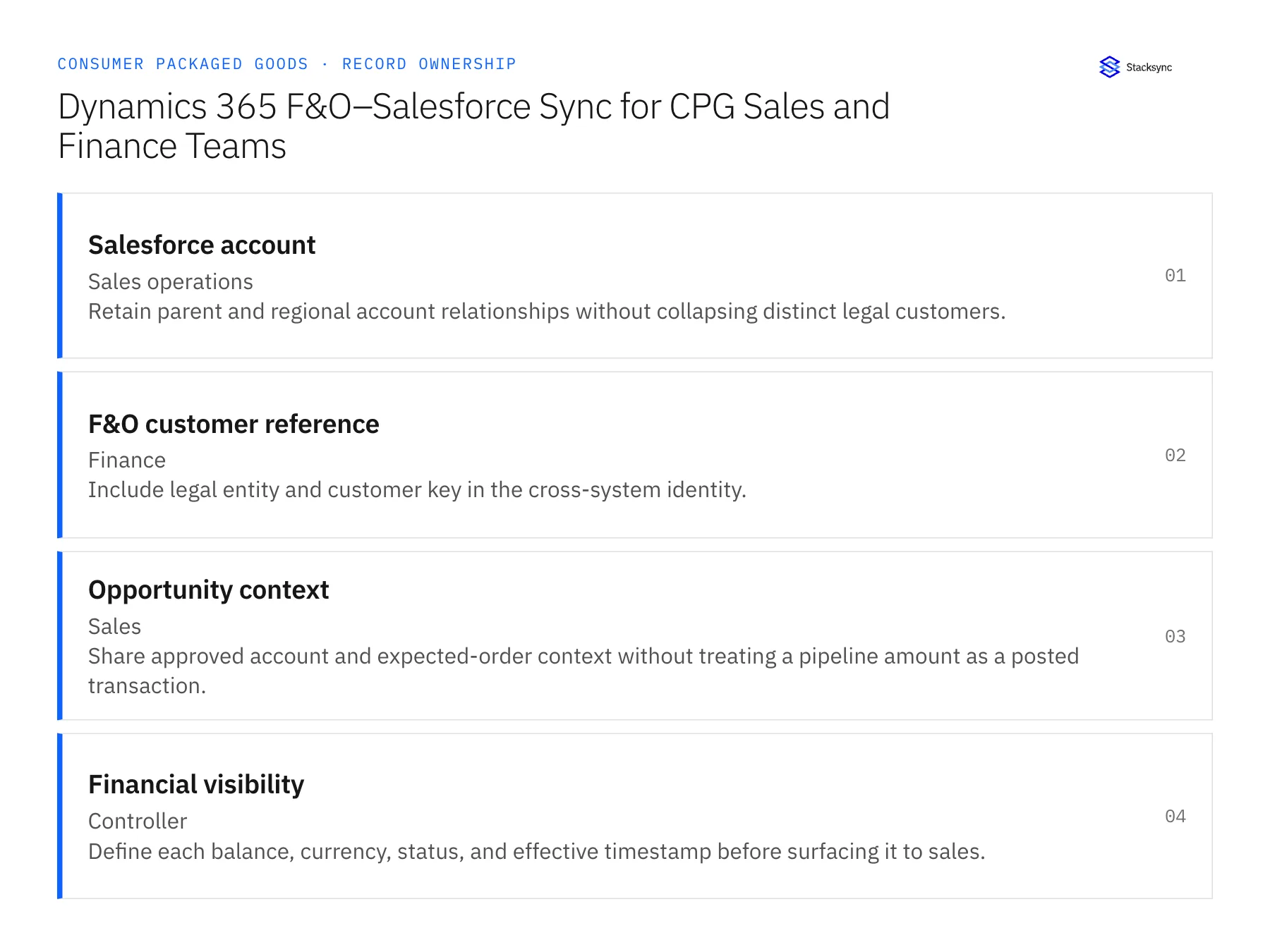
| Record | Owner | Operating rule |
|---|---|---|
| Salesforce account | Sales operations | Retain parent and regional account relationships without collapsing distinct legal customers. |
| F&O customer reference | Finance | Include legal entity and customer key in the cross-system identity. |
| Opportunity context | Sales | Share approved account and expected-order context without treating a pipeline amount as a posted transaction. |
| Financial visibility | Controller | Define each balance, currency, status, and effective timestamp before surfacing it to sales. |
Work through the process
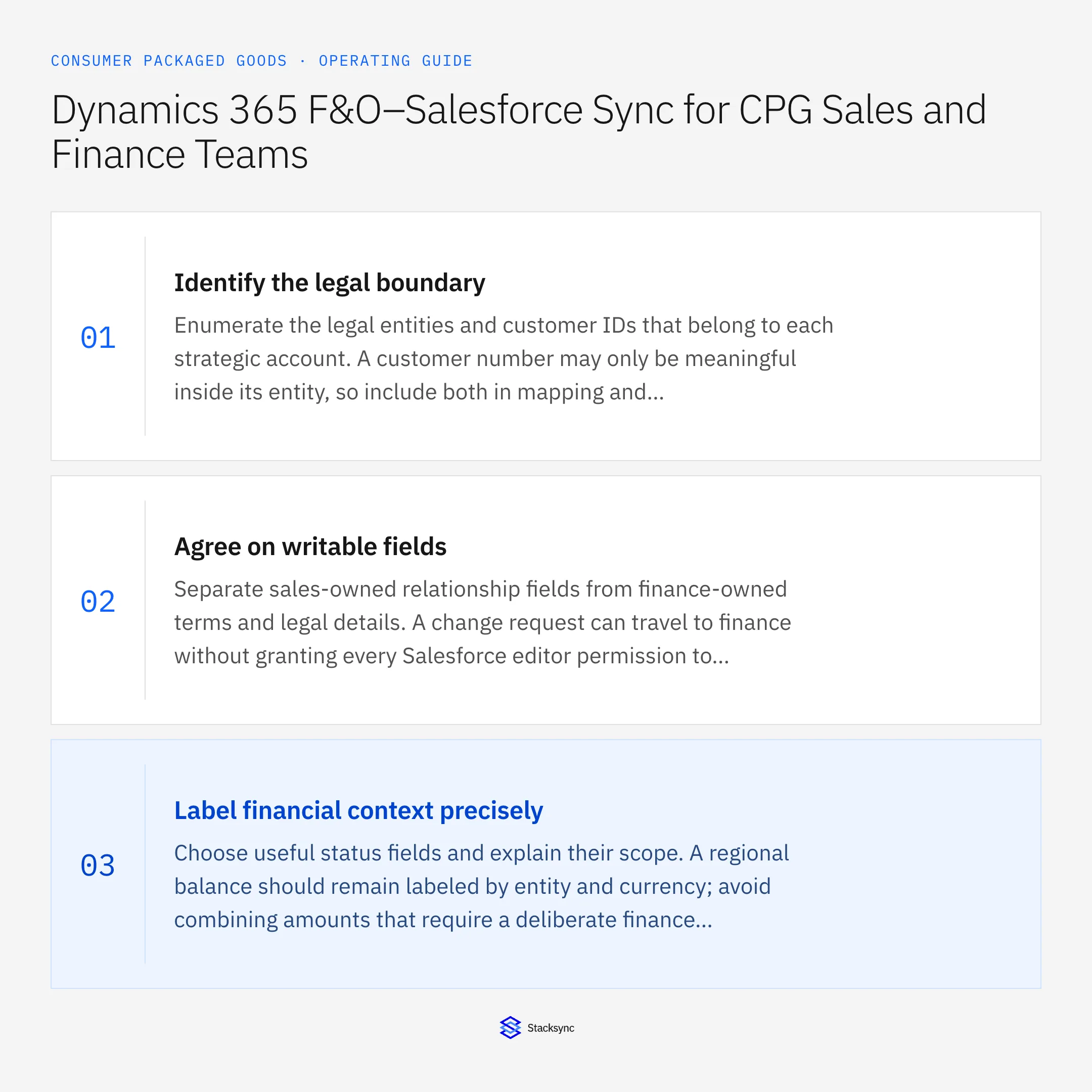
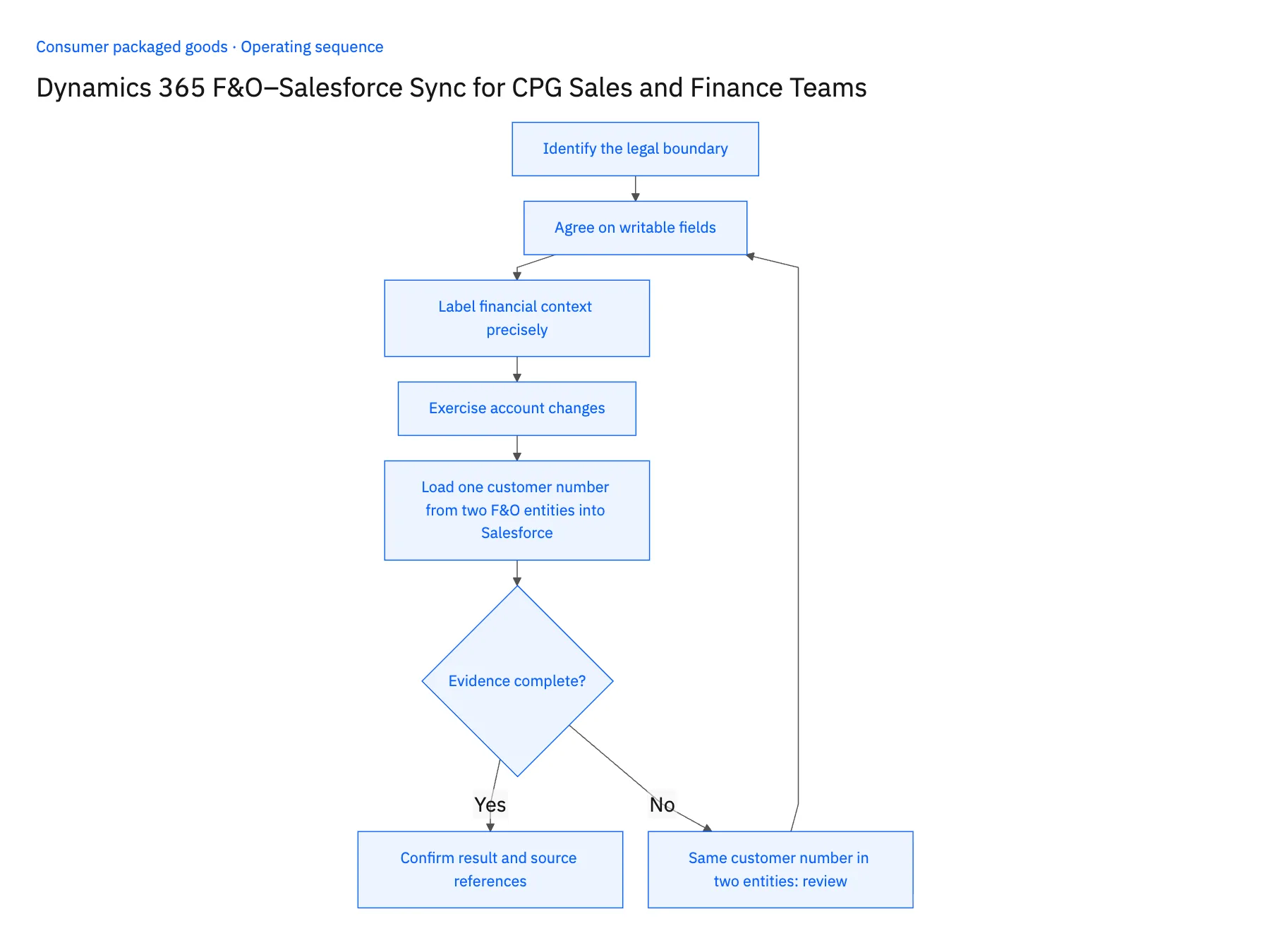
- 01Identify the legal boundaryEnumerate the legal entities and customer IDs that belong to each strategic account. A customer number may only be meaningful inside its entity, so include both in mapping and reconciliation.
- 02Agree on writable fieldsSeparate sales-owned relationship fields from finance-owned terms and legal details. A change request can travel to finance without granting every Salesforce editor permission to change the accepted customer record.
- 03Label financial context preciselyChoose useful status fields and explain their scope. A regional balance should remain labeled by entity and currency; avoid combining amounts that require a deliberate finance conversion policy.
- 04Exercise account changesTest a new branch, a renamed distributor, and a moved account owner. Confirm that these relationship changes preserve the legal customer key and the history of accepted orders.
- 05Load one customer number from two F&O entities into SalesforceChoose a distributor whose customer number exists in two Dynamics 365 F&O legal entities, both linked to the Salesforce strategic account. On the Salesforce account, each financial status field must display its legal entity, currency and effective timestamp; two entries with the same number and different entities must stay separate, not merge into one balance. Then reassign the account owner in Salesforce and re-read the F&O customers: payment terms, legal name and subsidiary must be unchanged. Stop the rollout if a status field arrives without an entity label, if the two customers collapse into one Salesforce record, or if the ownership change touched a finance-owned field in F&O.
Handle the exceptions explicitly
Same customer number in two entities
Use the composite legal-entity key and prevent accidental cross-entity joins.
Account is merged in Salesforce
Review every finance mapping before applying the merge; preserve references needed by existing transactions.
Currency differs from opportunity
Present the source currency and let finance govern conversion rather than replacing the original amount.
What to verify before expanding
- Every financial status identifies its legal entity and currency.
- A sales ownership change does not alter finance-owned customer terms.
- The same customer number in two F&O legal entities produces two distinct financial relationships in Salesforce.
- A source balance retains its currency and effective timestamp when the opportunity uses another reporting currency.

Connect this process to the rest of your operation
Explore Stacksync two-way sync and scope the records and actions against your actual systems. Book a demo with a real salesforce account example and the exception your team handles most often, for example same customer number in two entities.
- Two-Way Sync for CPG Master Data: NetSuite, Postgres, and Field Ownership
- CPG Fulfillment Workflows With NetSuite, Shopify, and Extensiv
- CPG Credit-Hold Release Workflows: Keep Finance Approval and Fulfillment in Step
- Connecting Dynamics 365 Finance & Operations and Salesforce
- API Ownership: Who Really Controls Your Data?
The shared architecture guide covers record matching, ownership, and recovery across systems.
Technical references
FAQ
Frequently asked questions










Explore these integrations and topics
- integrationSalesforce and Dynamics 365 F&O integration
- connectorDynamics 365 F&O integrations
- connectorSalesforce integrations
- platformTwo-way sync
- platformCRM synchronization
- platformCRM and ERP integration
- Two-way sync guidesUnderstand two-way sync, record matching, field ownership, and production readiness.
- CRM synchronization guidesConnect customer records across sales, marketing, and operational systems.
Related articles




