






















Plastics manufacturing: connect Dynamics resin lots to a SQL Server readiness view
Two lots of the same resin grade can arrive on one purchase order with different approval states; a readiness view built from Dynamics 365 entities keeps them apart for planning.
- Author
- Ruben Burdin · Founder & CEO
- Published
- Read time
- 4 min read

The operating decision
A resin-readiness view should connect received material, lot identity, quality disposition and the molding orders that need it. Use Dynamics data entities and an explicit SQL Server model to retain company, item and lot context. Two-way sync can keep selected records aligned, but the quality decision must remain authoritative. Material being physically received or a certificate being attached is not the same as approval to use that resin in a customer’s production run.
Explore the complete plastics and molding integration and automation hub for the systems and processes around this guide.
What this looks like in plastics and molding
A molder receives two lots of the same resin grade on one purchase order. One lot is approved for use and the other is waiting for a missing document. The planning dashboard shows only the summed on-hand quantity, so a run appears ready even though the eligible lot cannot cover it. The improved view exposes usable quantity by the material identity and approval state that quality recognizes. A planner can then decide whether to split, defer or seek an approved alternative without confusing physical stock with qualified supply.
Records, ownership, and update rules
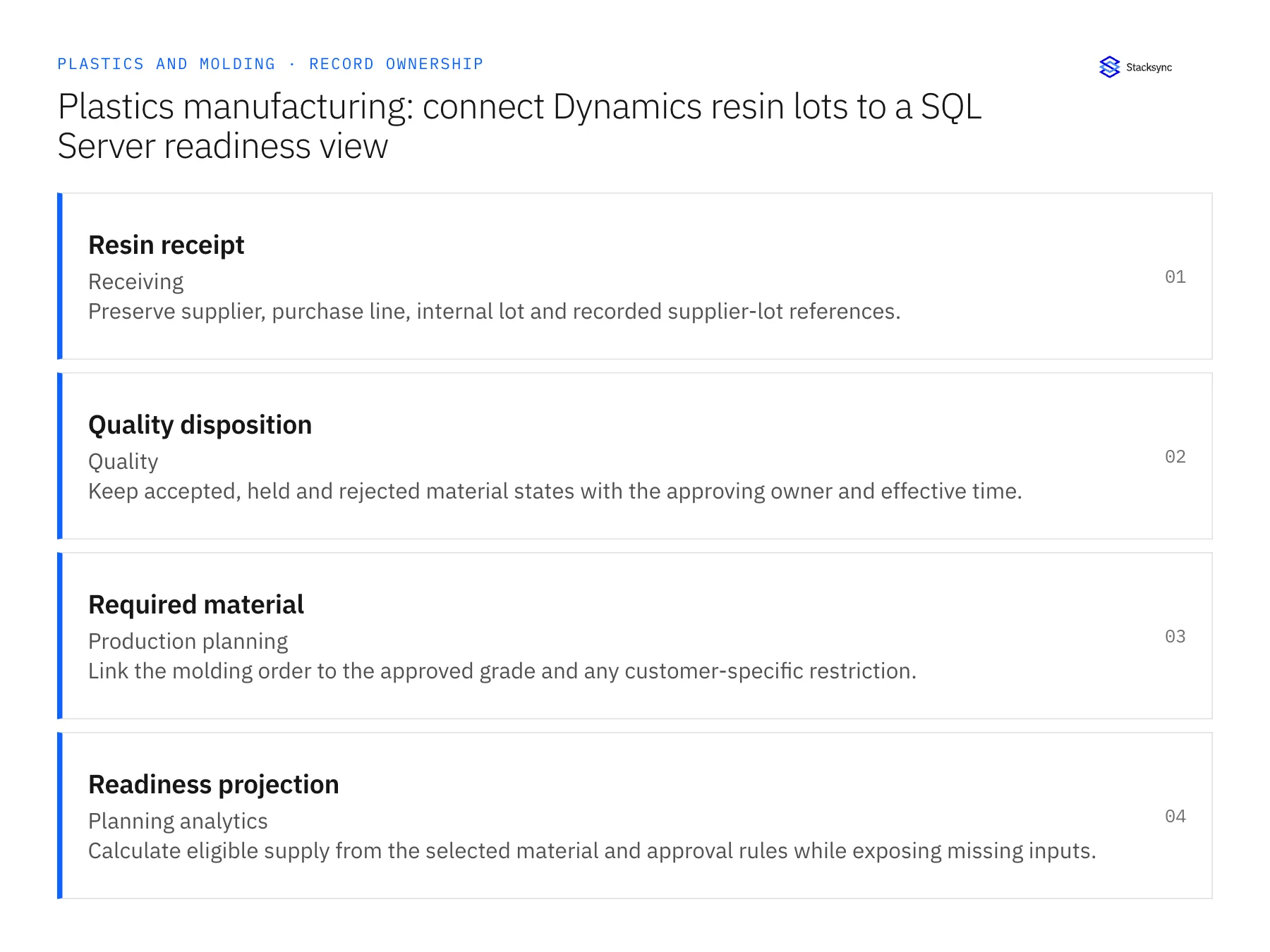
| Record | Owner | Operating rule |
|---|---|---|
| Resin receipt | Receiving | Preserve supplier, purchase line, internal lot and recorded supplier-lot references. |
| Quality disposition | Quality | Keep accepted, held and rejected material states with the approving owner and effective time. |
| Required material | Production planning | Link the molding order to the approved grade and any customer-specific restriction. |
| Readiness projection | Planning analytics | Calculate eligible supply from the selected material and approval rules while exposing missing inputs. |
Work through the process
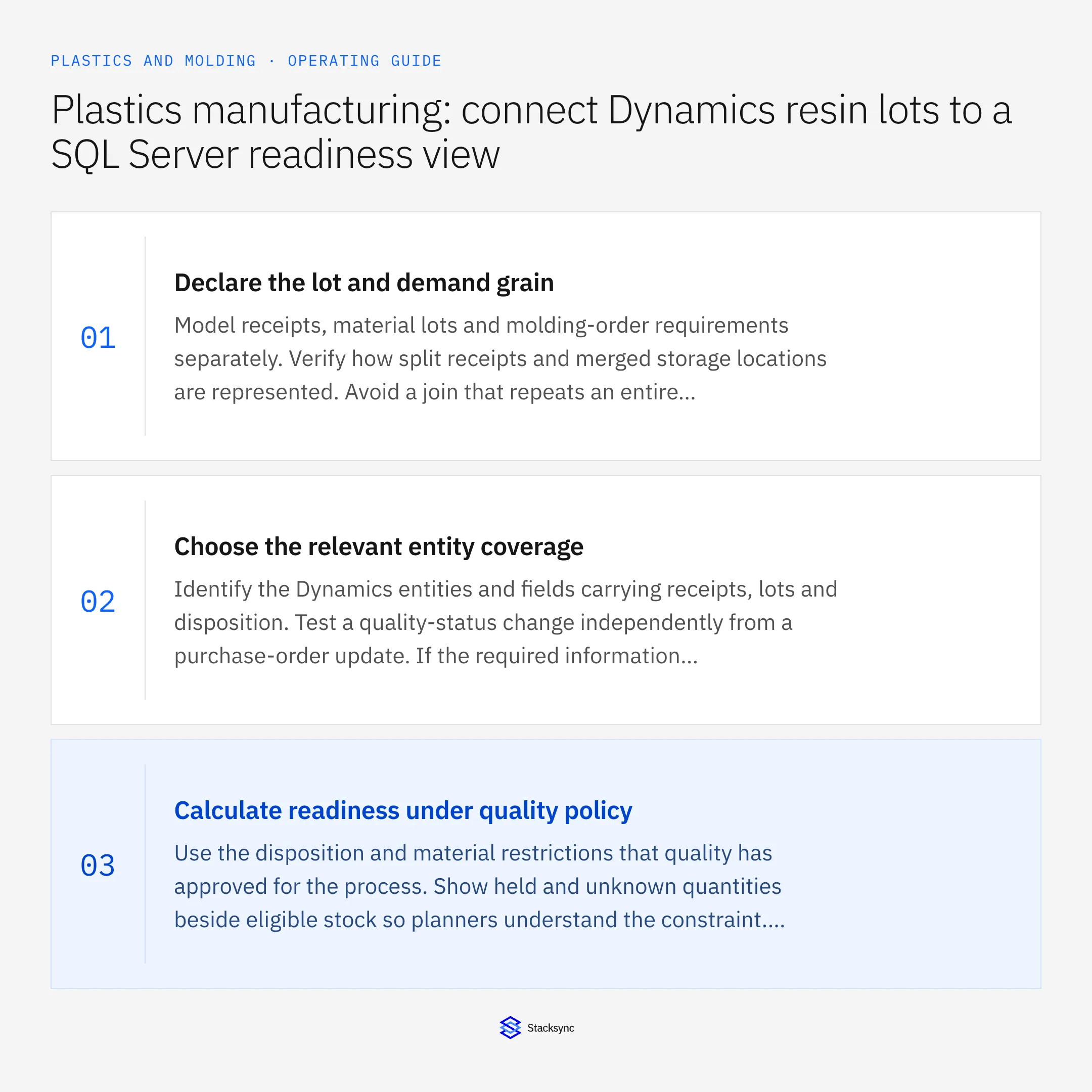
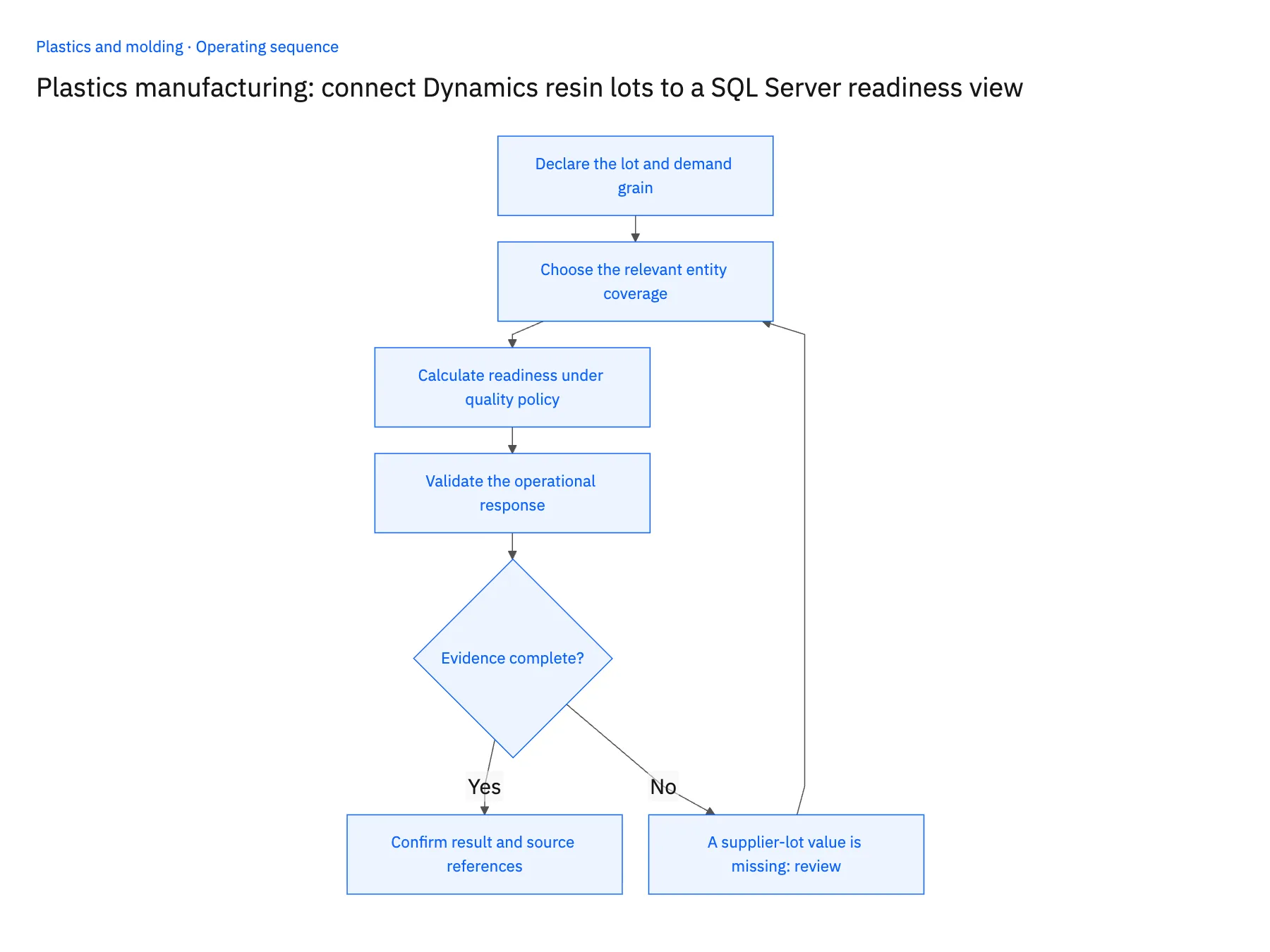
- 01Declare the lot and demand grainModel receipts, material lots and molding-order requirements separately. Verify how split receipts and merged storage locations are represented. Avoid a join that repeats an entire lot quantity for every demand line and inflates apparent supply.
- 02Choose the relevant entity coverageIdentify the Dynamics entities and fields carrying receipts, lots and disposition. Test a quality-status change independently from a purchase-order update. If the required information is outside the selected path, include an explicit approved source rather than leaving a silent gap.
- 03Calculate readiness under quality policyUse the disposition and material restrictions that quality has approved for the process. Show held and unknown quantities beside eligible stock so planners understand the constraint. Keep a recommendation to use an alternative separate from authorization to do so.
- 04Validate the operational responseChange a lot’s disposition in a test case and observe the affected orders. Confirm that the destination reflects the decision and its source time. Any return update into the application must use the approved operation and not merely overwrite a reporting status.
Handle the exceptions explicitly
A supplier-lot value is missing
Keep the receipt visible but its evidence relationship unresolved. Receiving and quality decide how the material can be identified.
A released lot is subsequently held
Recompute affected readiness and notify the responsible planner. Preserve the earlier decision in history for traceability.
A proposed alternative grade is available
Present it as an option requiring the appropriate approval. Similar descriptions do not establish suitability for the customer’s part.
What to verify before expanding
- Two lots of the same grade retain separate approval and quantity states.
- A quality-status-only change reaches the readiness view.
- An order is not marked ready when its eligible supply is insufficient.
- The projection exposes source freshness and the rules used to include material.

Connect this process to the rest of your operation
Explore Stacksync two-way sync and scope the records and actions against your actual systems. Book a demo with a real resin receipt example and the exception your team handles most often, for example A supplier-lot value is missing.
- Salesforce and NetSuite two-way sync for plastics manufacturers
- NetSuite and Shopify two-way sync for plastics brands
- Plastics manufacturing: connect Salesforce tooling quotes and NetSuite production orders
- Plastics manufacturing resin substitutions: coordinate evidence before changing the run
- Plastics quality holds: update customer promises when a color lot is blocked
- Design Reliable Sync: Ditch Exactly-Once Delivery, Embrace Idempotency
- How to Sync Data Between Applications with Reliable Two-Way Sync
The shared architecture guide covers record matching, ownership, and recovery across systems.
Technical references
FAQ
Frequently asked questions










Related articles




