






















Plastics quality holds: update customer promises when a color lot is blocked
A finished molding run can still be partly on hold for color review; this workflow finds the affected allocations and recovery options before anyone promises a new date.
- Author
- Ignacio Malpartida · GTM Engineer
- Published
- Read time
- 4 min read

The operating decision
A plastics quality-hold workflow should connect the affected lot and quantity to open allocations, orders and customer promises. Quality owns the hold and release decision; planning owns the recovery schedule; customer service owns the approved communication. Automate impact collection and routing without interpreting a production-complete status as permission to ship. Keep unaffected colors, lots and orders moving where the recorded evidence supports that distinction.
Explore the complete plastics and molding integration and automation hub for the systems and processes around this guide.
What this looks like in plastics and molding
A plastics manufacturer completes a run of colored housings, then holds part of the output for a color review. Customer service still sees the entire order as ready because the molding operation is complete. Some accepted stock from an earlier lot may cover one delivery, but it is already allocated to another customer. The workflow should identify the held quantity, the actual order allocations and the competing recovery options before anyone promises a substitute lot or a new date.
Records, ownership, and update rules
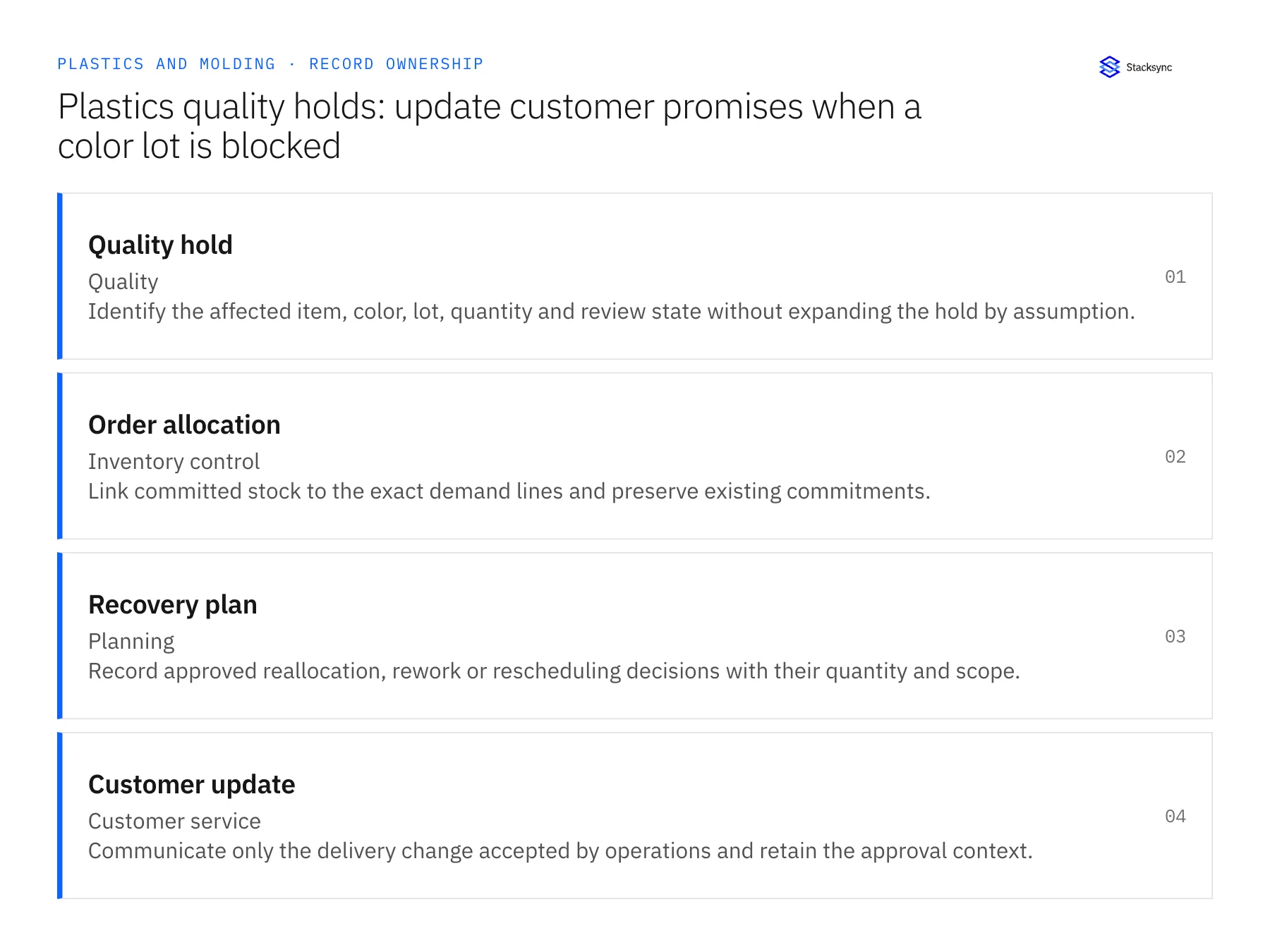
| Record | Owner | Operating rule |
|---|---|---|
| Quality hold | Quality | Identify the affected item, color, lot, quantity and review state without expanding the hold by assumption. |
| Order allocation | Inventory control | Link committed stock to the exact demand lines and preserve existing commitments. |
| Recovery plan | Planning | Record approved reallocation, rework or rescheduling decisions with their quantity and scope. |
| Customer update | Customer service | Communicate only the delivery change accepted by operations and retain the approval context. |
Work through the process
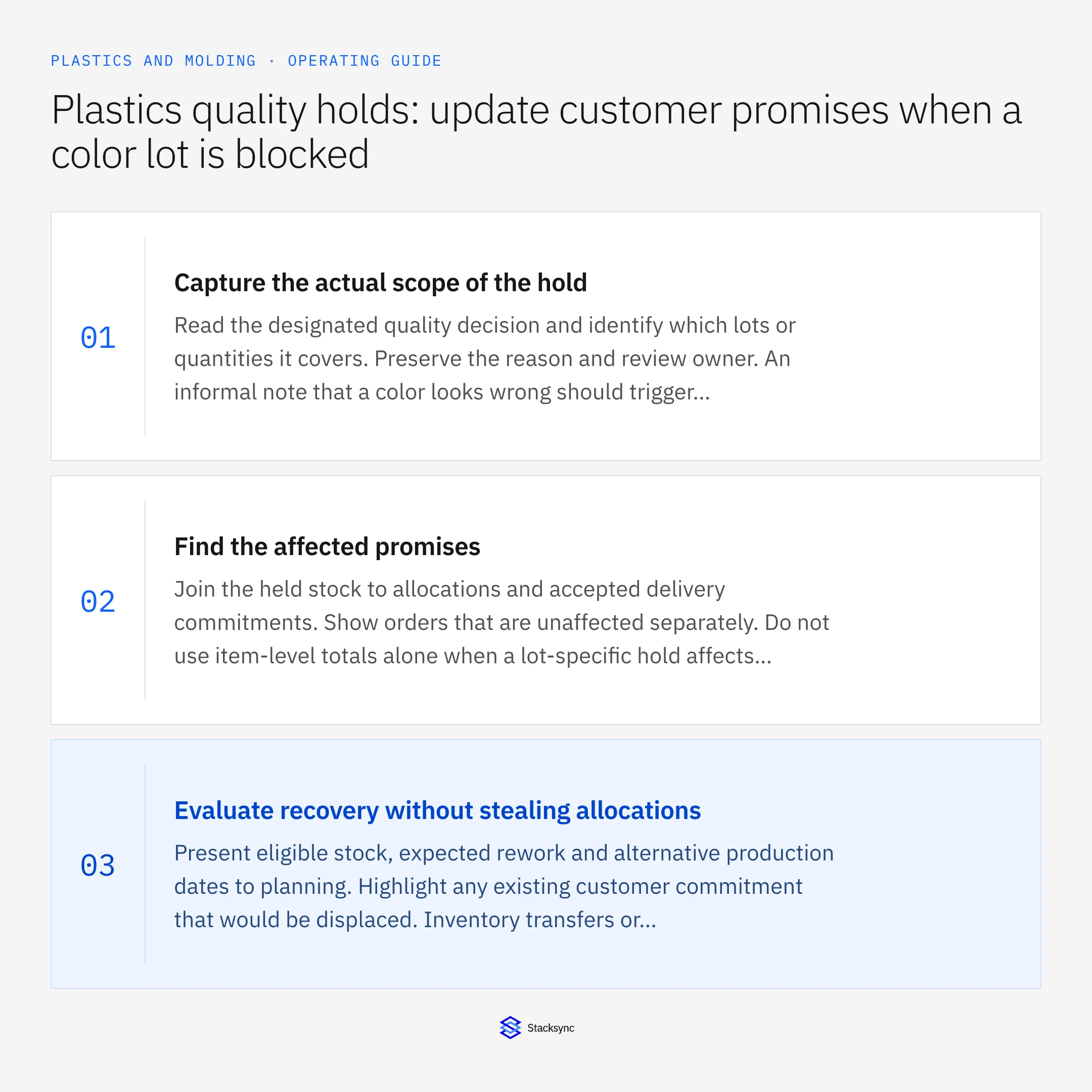
- 01Capture the actual scope of the holdRead the designated quality decision and identify which lots or quantities it covers. Preserve the reason and review owner. An informal note that a color looks wrong should trigger investigation without being treated as a fully scoped disposition.
- 02Find the affected promisesJoin the held stock to allocations and accepted delivery commitments. Show orders that are unaffected separately. Do not use item-level totals alone when a lot-specific hold affects only part of the available stock.
- 03Evaluate recovery without stealing allocationsPresent eligible stock, expected rework and alternative production dates to planning. Highlight any existing customer commitment that would be displaced. Inventory transfers or substitutions should follow the appropriate ownership and approval process.
- 04Publish and reconcile the accepted planReturn the approved delivery impact to customer service and track the operational action. When quality releases or rejects material, reassess the remaining plan. Close the case when quantities and customer commitments agree, rather than when the hold notification was acknowledged.
Handle the exceptions explicitly
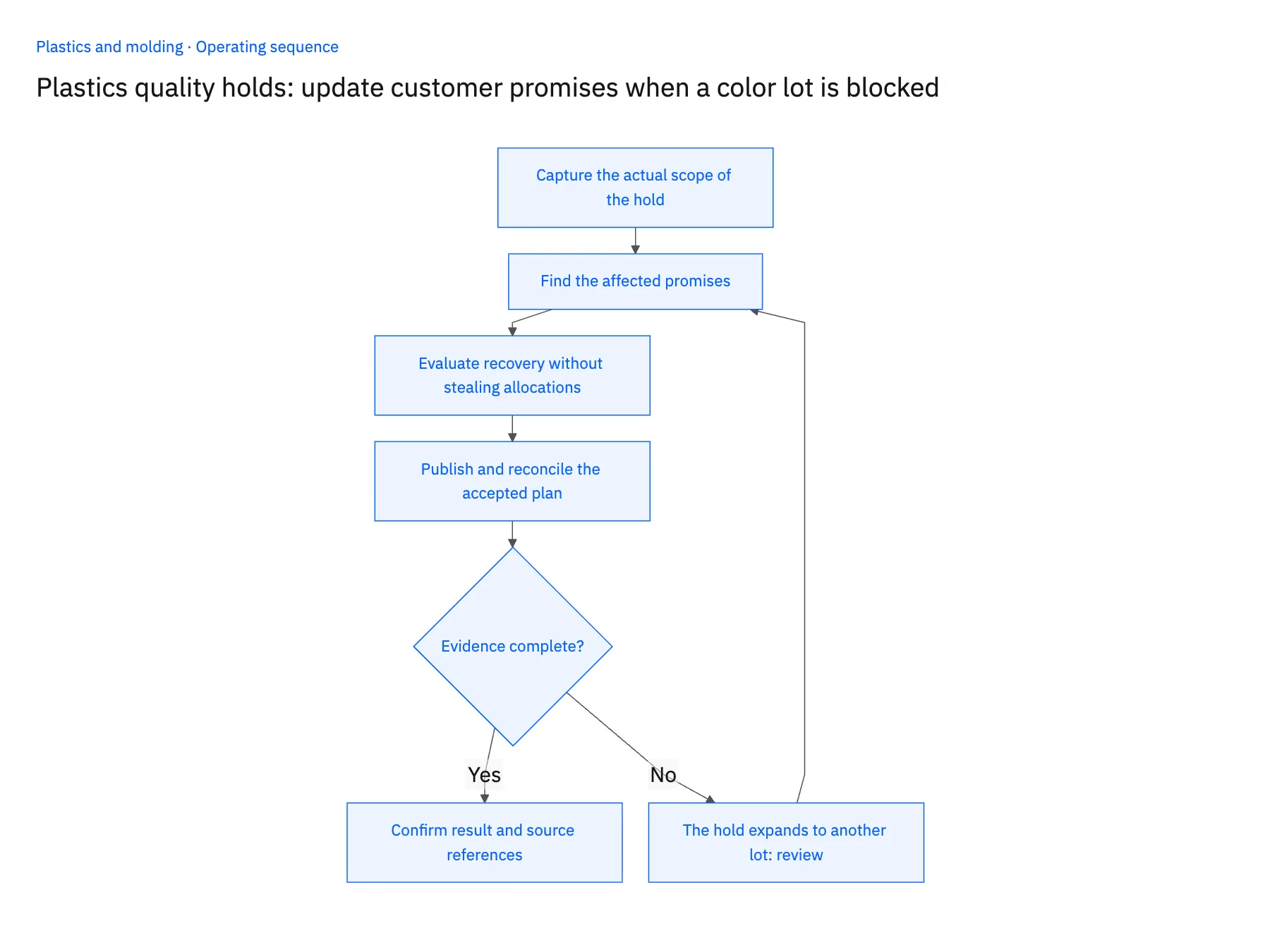
The hold expands to another lot
Recalculate affected allocations and reopen decisions that depended on the newly held quantity.
The customer accepts a partial delivery
Record the accepted quantity and remaining commitment separately. Do not close the entire order because one portion can ship.
Reworked parts require another review
Keep them outside eligible stock until the designated quality decision is complete. A rework-complete event is not the final release.
What to verify before expanding
- A hold changes readiness only for its recorded material scope.
- Existing allocations are visible before a recovery transfer is proposed.
- Customer updates reflect a planning-approved date or quantity.
- Closing the case reconciles held, released, rejected and outstanding quantities.

Connect this process to the rest of your operation
Explore Stacksync workflows and scope the records and actions against your actual systems. Book a demo with a real quality hold example and the exception your team handles most often, for example the hold expands to another lot.
- Resin-substitution approval workflows for plastics manufacturers
- Plastics manufacturing resin substitutions: coordinate evidence before changing the run
- AI agents for plastics manufacturers: collect resin certificates for quality review
- Resin certificate AI exceptions: handle lot mismatches and corrected documents
- Optimize NetSuite Shopify Integration and HubSpot Sync with Stacksync
- Bi-Directional Sync for Microsoft Dynamics 365 EDI
The shared architecture guide covers record matching, ownership, and recovery across systems.
Technical references
FAQ
Frequently asked questions










Related articles






