






















Grocery EDI for Snack Brands: Keep Case Counts and Advance Ship Notices Consistent
Grocery EDI for snacks works when the retailer item, case definition, and PO line reference survive from Orderful order intake to an ASN built from the truck's contents.
- Author
- Alexis Favre · Co-Founder & CTO
- Published
- Read time
- 5 min read

The operating decision
For snack-brand grocery EDI, carry the retailer item and case definition from the purchase order through the actual shipment. Build the advance ship notice from warehouse evidence, including the partner-required carton or pallet relationships, rather than copying ordered quantities. Validate item, unit, location, and partial-shipment rules before transmission.
Explore the complete packaged food and snacks integration and automation hub for the systems and processes around this guide.
What this looks like in packaged food and snacks
A grocer orders 120 cases of a snack multipack. The warehouse sends 96 cases on the first truck and the remainder later. If the first shipment notice copies the purchase-order quantity, the retailer receives a document claiming goods that are not on that truck. The second shipment then becomes difficult to reconcile.
Records, ownership, and update rules
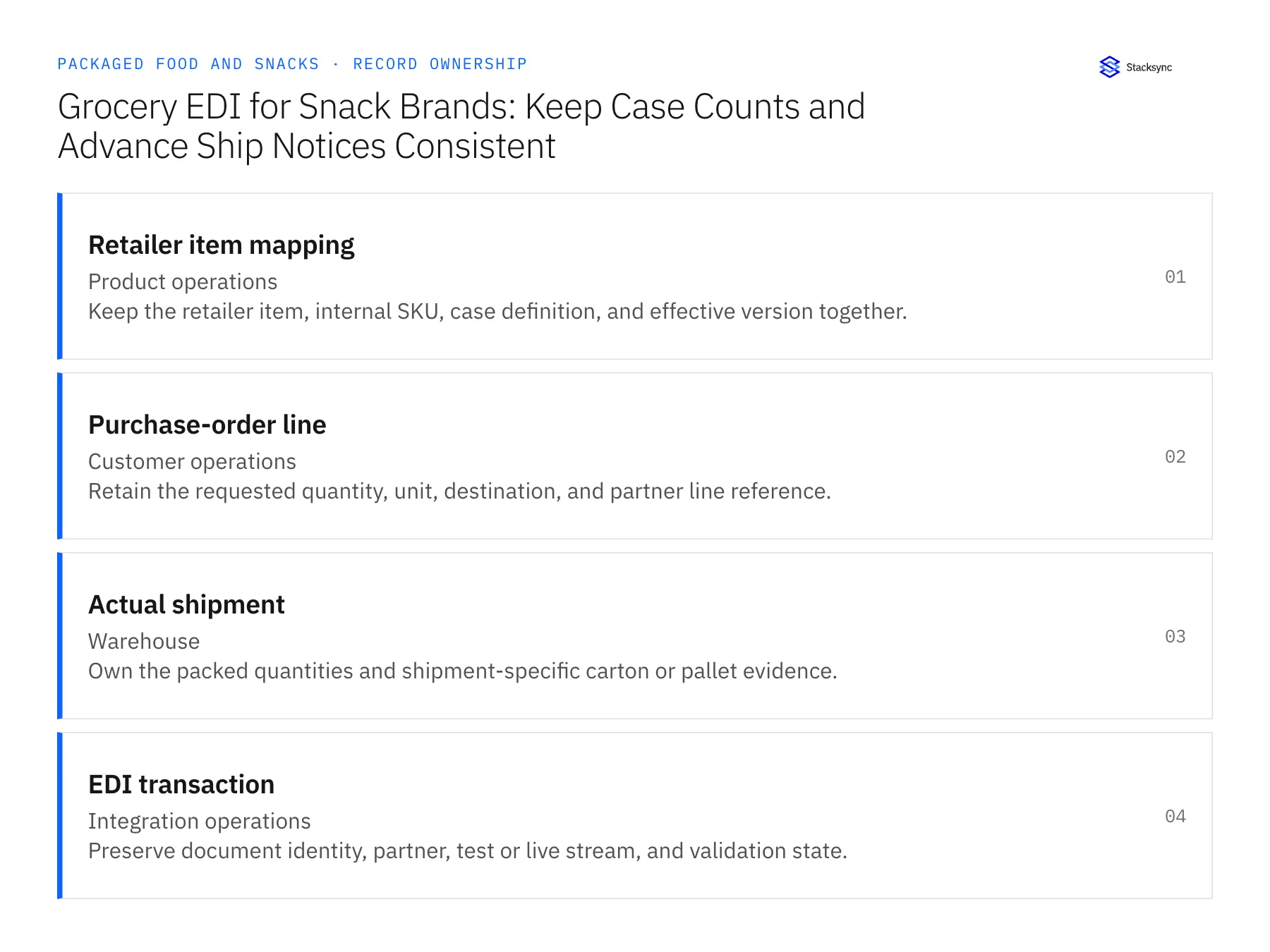
| Record | Owner | Operating rule |
|---|---|---|
| Retailer item mapping | Product operations | Keep the retailer item, internal SKU, case definition, and effective version together. |
| Purchase-order line | Customer operations | Retain the requested quantity, unit, destination, and partner line reference. |
| Actual shipment | Warehouse | Own the packed quantities and shipment-specific carton or pallet evidence. |
| EDI transaction | Integration operations | Preserve document identity, partner, test or live stream, and validation state. |
Work through the process
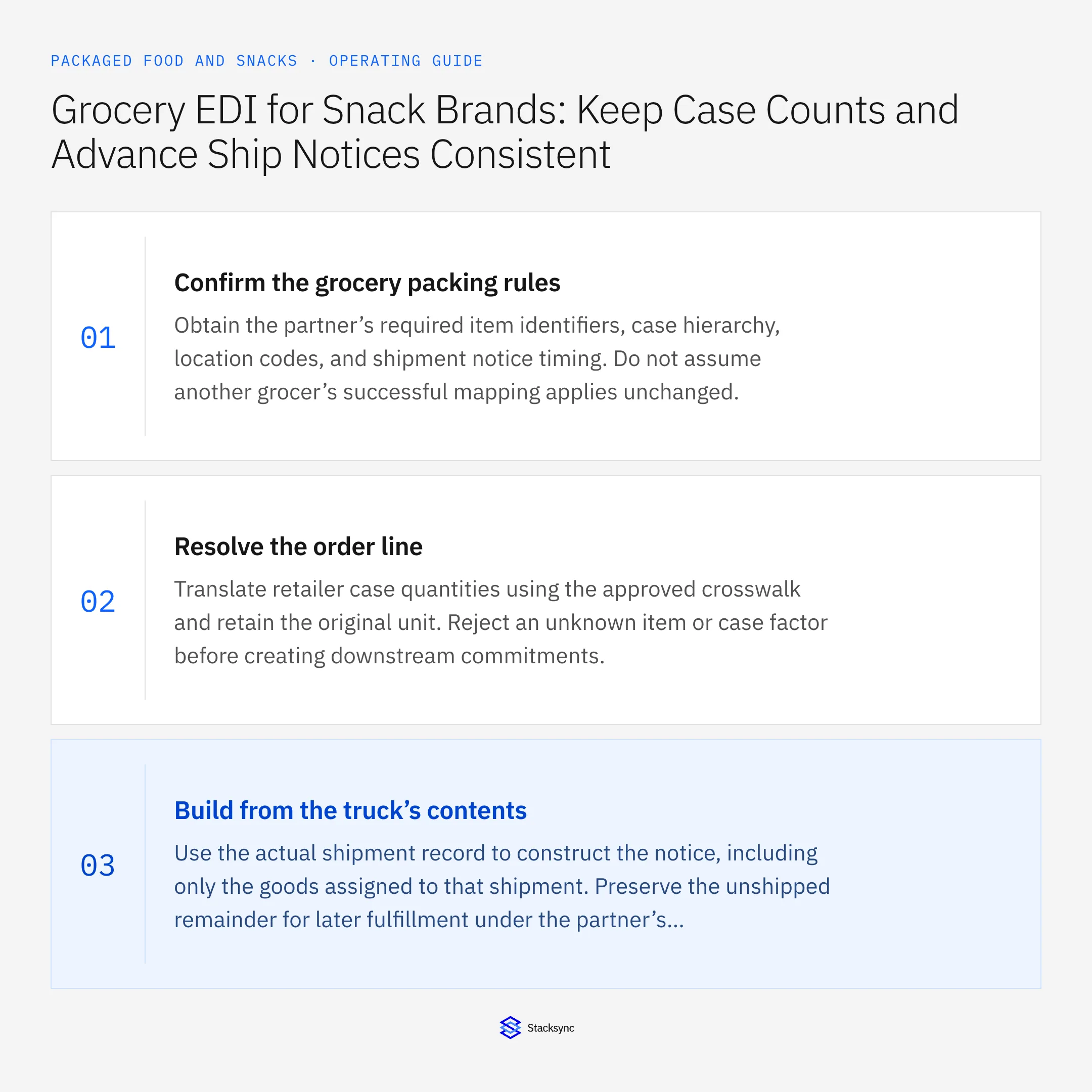
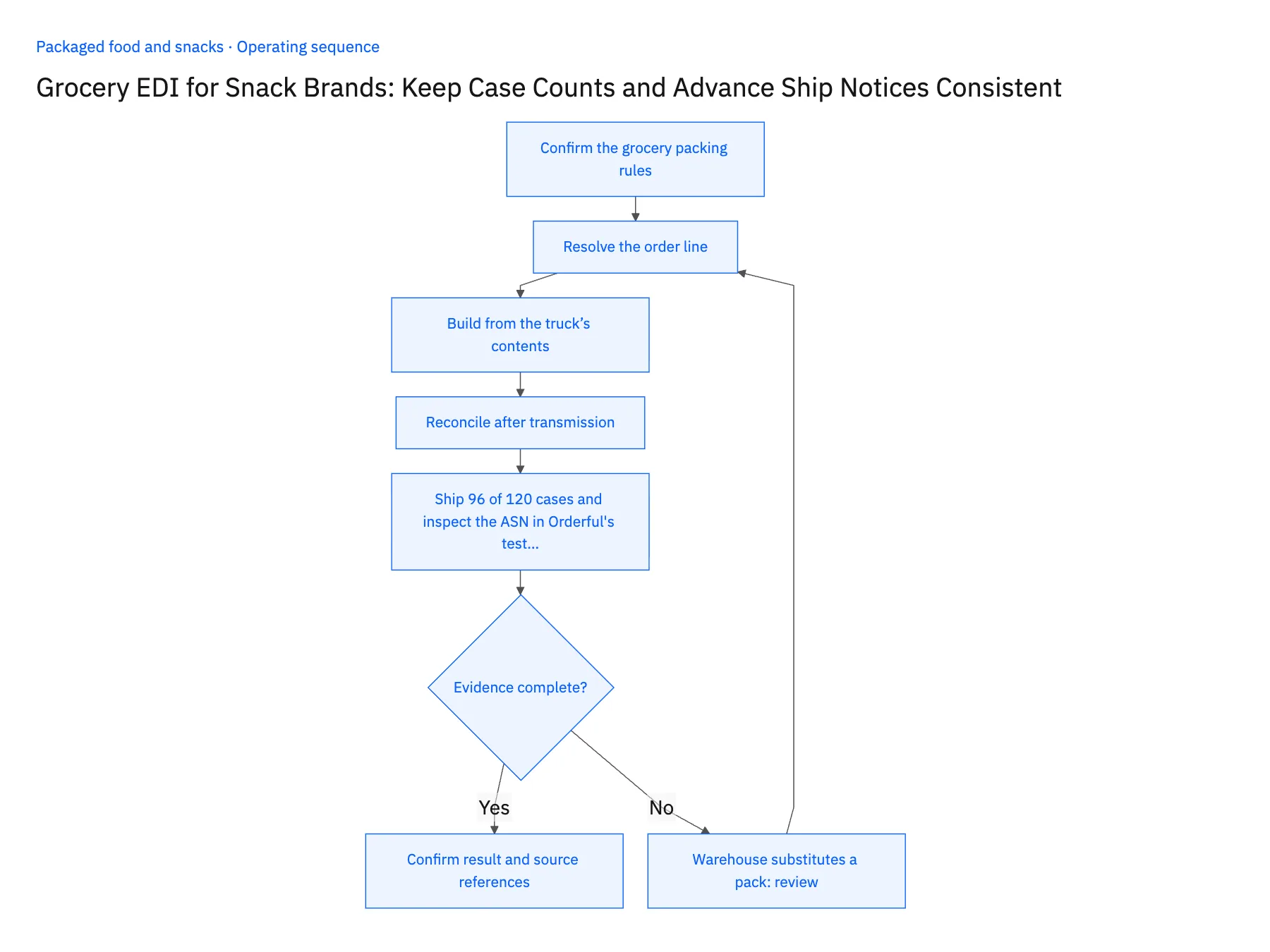
- 01Confirm the grocery packing rulesObtain the partner’s required item identifiers, case hierarchy, location codes, and shipment notice timing. Do not assume another grocer’s successful mapping applies unchanged.
- 02Resolve the order lineTranslate retailer case quantities using the approved crosswalk and retain the original unit. Reject an unknown item or case factor before creating downstream commitments.
- 03Build from the truck’s contentsUse the actual shipment record to construct the notice, including only the goods assigned to that shipment. Preserve the unshipped remainder for later fulfillment under the partner’s rules.
- 04Reconcile after transmissionTrack validation and delivery independently from receiving results. A technically accepted notice still needs to match the physical quantities and later invoice evidence.
- 05Ship 96 of 120 cases and inspect the ASN in Orderful's test streamLoad a purchase order for 120 cases and record a first shipment of 96 cases in NetSuite. Generate the advance ship notice in Orderful's test stream and read its line quantity: it must say 96, with the remaining 24 still open on the order. A notice that reports 120 halts the rollout. Next, compare the retailer's case count on the purchase-order line with the internal units on the NetSuite shipment; they must reconcile through the mapped case definition. Then substitute a different pack for part of the load. The notice must not describe it as the ordered item until product operations confirms the mapping and commercial approval is on file.
Handle the exceptions explicitly
Warehouse substitutes a pack
Require an approved commercial and mapping decision before describing it as the ordered item.
Shipment is repacked after notice creation
Version and correct the affected document according to the partner’s process.
Same notice is replayed
Preserve its business identity and avoid creating a second apparent shipment.
What to verify before expanding
- Each shipment notice describes only the goods on its own shipment.
- Retailer case quantities reconcile to the approved internal units.
- Repacking after notice preparation triggers the partner's agreed correction process and preserves the earlier notice reference.
- Replaying the same notice leaves one shipment identity; it does not double the case count in reconciliation.

Connect this process to the rest of your operation
Explore Stacksync EDI and scope the records and actions against your actual systems. Book a demo with a real retailer item mapping example and the exception your team handles most often, for example warehouse substitutes a pack.
- Grocery EDI Integration for Packaged Food and Snack Brands
- Shopify–NetSuite Sync for Snack Brands: Match Single Units, Multipacks, and Cases
- Amazon–NetSuite Sync for Packaged Food Brands: Separate FBA and Merchant-Fulfilled Orders
- NetSuite–Postgres Sync for Food Brands: Reconcile Co-Packer Receipts and Finished-Goods Records
- EDI 850 855 856 Automation Challenges and Solutions | Stacksync
- Identify At-Risk Orders Using Inventory and Incoming Purchase Orders
The shared architecture guide covers record matching, ownership, and recovery across systems.
Technical references
FAQ
Frequently asked questions










Related articles





