






















Automate Co-Packer Receipt Exceptions for Snack Brands Before Inventory Reconciliation
When a supplier's revised packing list, the dock count, and the NetSuite receipt disagree, this workflow keeps one case open until the right owner records a decision.
- Author
- Ignacio Malpartida · GTM Engineer
- Published
- Read time
- 5 min read

The operating decision
Route co-packer receipt exceptions to the team that can resolve the underlying fact: supply, receiving, product operations, or finance. The workflow should preserve the supplier notice, physical count, and ERP receipt separately, then advance only after the responsible owner records a decision. Avoid making a mismatch disappear through an unreviewed quantity update.
Explore the complete packaged food and snacks integration and automation hub for the systems and processes around this guide.
What this looks like in packaged food and snacks
A supplier emails a revised packing list after a truck arrives. Receiving has already recorded a partial acceptance, while product operations discovers the supplier used an old case size. The workflow must collect both document versions, determine the effective conversion, and route any ERP correction to the authorized receiver.
Records, ownership, and update rules
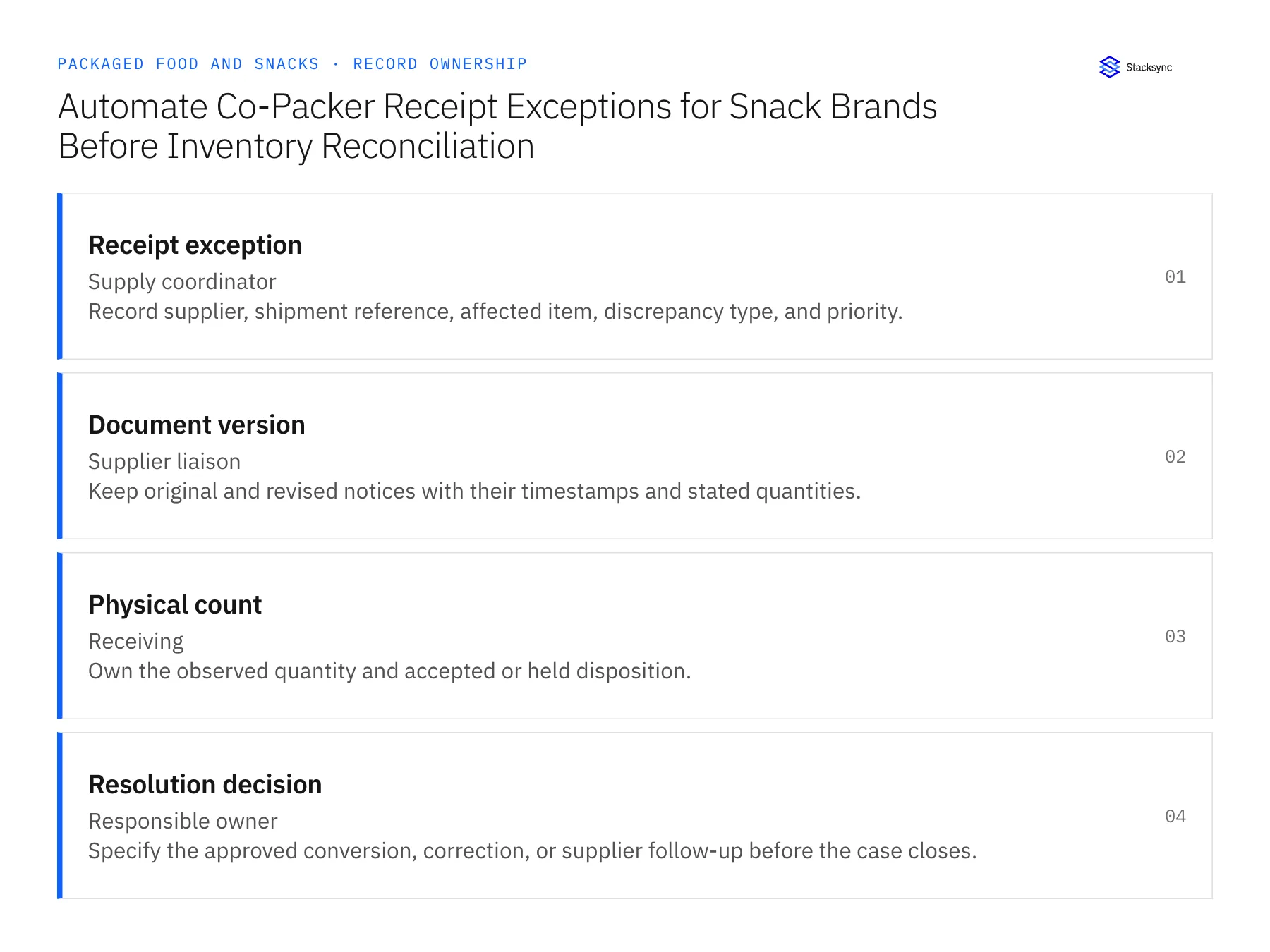
| Record | Owner | Operating rule |
|---|---|---|
| Receipt exception | Supply coordinator | Record supplier, shipment reference, affected item, discrepancy type, and priority. |
| Document version | Supplier liaison | Keep original and revised notices with their timestamps and stated quantities. |
| Physical count | Receiving | Own the observed quantity and accepted or held disposition. |
| Resolution decision | Responsible owner | Specify the approved conversion, correction, or supplier follow-up before the case closes. |
Work through the process
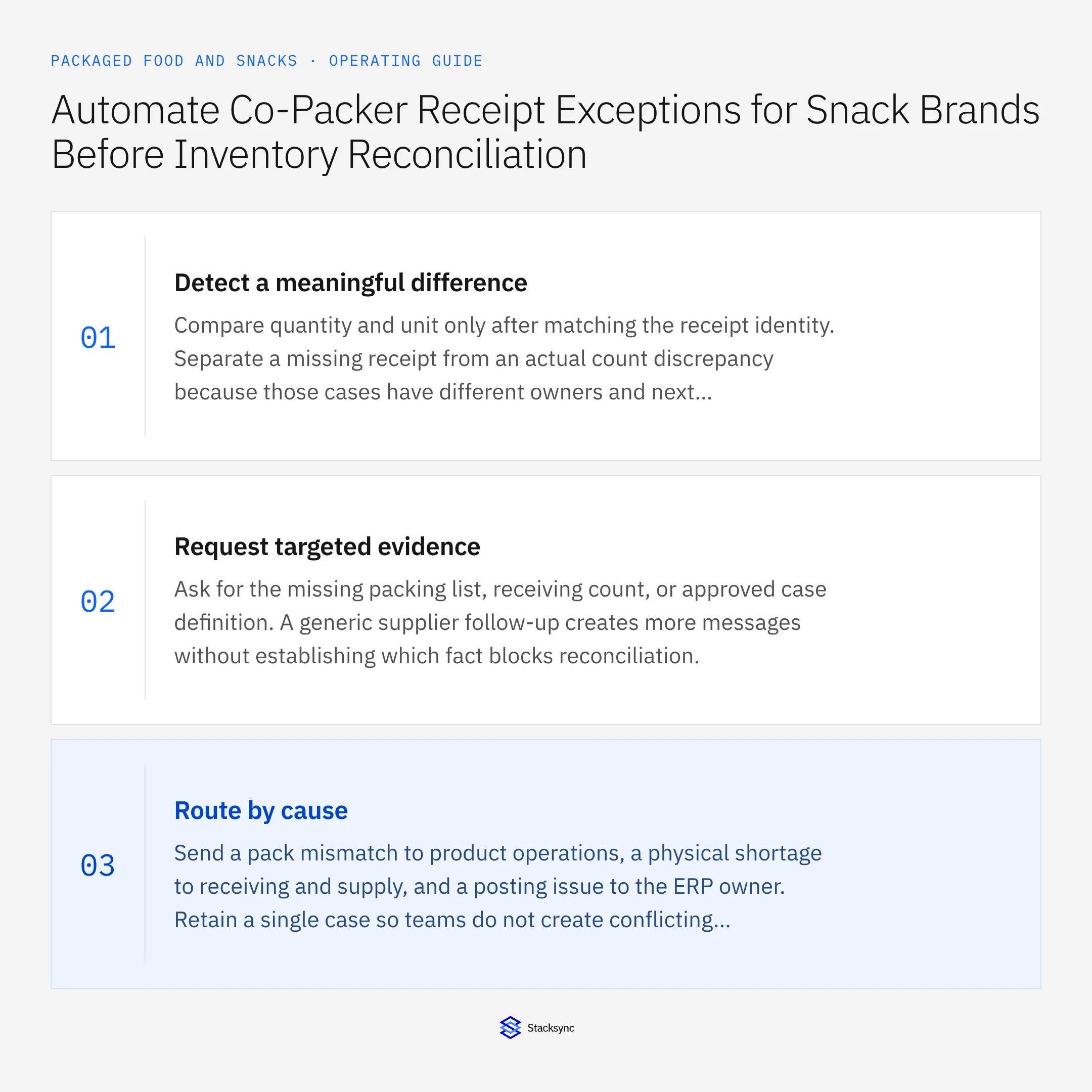
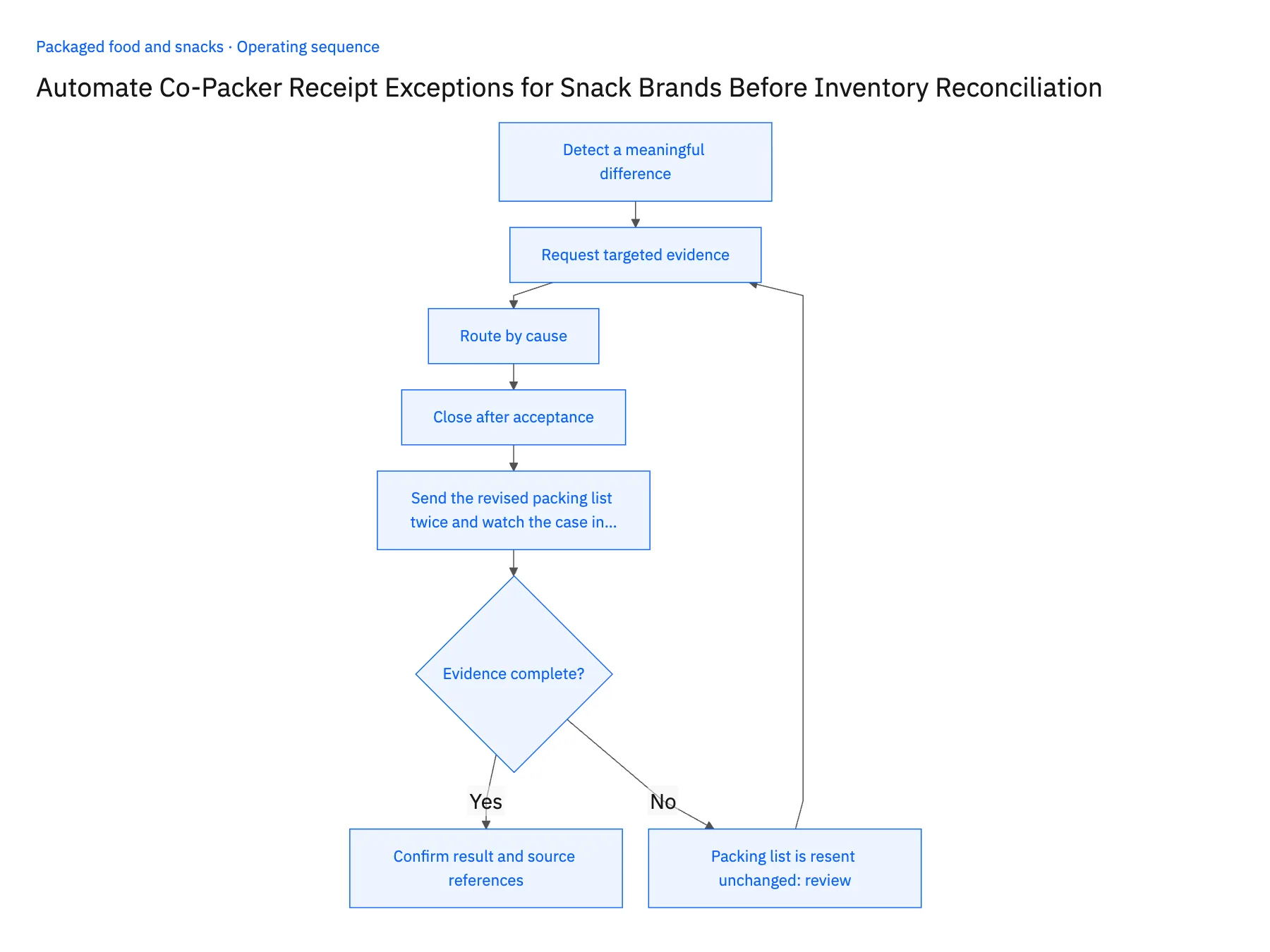
- 01Detect a meaningful differenceCompare quantity and unit only after matching the receipt identity. Separate a missing receipt from an actual count discrepancy because those cases have different owners and next actions.
- 02Request targeted evidenceAsk for the missing packing list, receiving count, or approved case definition. A generic supplier follow-up creates more messages without establishing which fact blocks reconciliation.
- 03Route by causeSend a pack mismatch to product operations, a physical shortage to receiving and supply, and a posting issue to the ERP owner. Retain a single case so teams do not create conflicting corrections.
- 04Close after acceptanceRequire the reviewed destination result or documented supplier resolution. A reply saying resolved is insufficient if the ERP still shows the old quantity or the held goods lack a disposition.
- 05Send the revised packing list twice and watch the case in PostgresForward the scenario's revised packing list to the intake Gmail address and open the exception it creates in Postgres. The case must show one named owner and one stated missing fact, such as the effective case size. Two owners, or a vague reason such as quantity mismatch, means the routing rules are not ready. Then try to close the case without the corrected NetSuite receipt or a documented supplier resolution attached; the workflow should refuse. Finally, send the identical packing list again. The existing case should gain a duplicate-evidence entry and nothing else. A second case, or a repeated correction request to the ERP owner, halts the rollout.
Handle the exceptions explicitly
Packing list is resent unchanged
Attach the duplicate evidence without reopening or duplicating the operational correction.
Several receipts share one shipment
Resolve the line and receipt references before applying a quantity decision.
Owner cannot confirm case size
Leave the line blocked and preserve the original units rather than choosing a convenient factor.
What to verify before expanding
- Each discrepancy has one current owner and a precise missing fact.
- Closing the case requires accepted resolution evidence.
- Resending an unchanged packing list attaches evidence to the existing exception without repeating the accepted receipt correction.
- An unknown case size leaves the affected line blocked with its original units, rather than accepting a default conversion.

Connect this process to the rest of your operation
Explore Stacksync workflows and scope the records and actions against your actual systems. Book a demo with a real receipt exception example and the exception your team handles most often, for example packing list is resent unchanged.
- Co-Packer Receipt Exception Automation for Snack Brands
- Packaged Food Promotion Workflows: Coordinate Retail Commitments and Ecommerce Launches
- AI Agents for Packaged Food Brands: Investigate Grocery Short-Shipment Claims
- Case Splits and Missing Receipts: Exception Handling for Snack-Brand Order Agents
- Identify At-Risk Orders Using Inventory and Incoming Purchase Orders
- EDI 850 855 856 Automation Challenges and Solutions | Stacksync
The shared architecture guide covers record matching, ownership, and recovery across systems.
Technical references
FAQ
Frequently asked questions










Related articles





