






















Fire and Security Integrators: Align Salesforce Installed Equipment With NetSuite Customer and Service Records
Connect installed fire and security asset context to customer and service records without losing device identity.
- Author
- Ruben Burdin · Founder & CEO
- Published
- Read time
- 5 min read

The operating decision
Fire, life-safety and security integrators need persistent installed-equipment identities across sales, service and billing. Salesforce–NetSuite two-way sync can connect accessible asset or approved custom records to the correct customer, site and service context. Preserve device identifiers and installation relationships separately from the payer. The sync provides administrative continuity; it does not certify inspection results or prove that a device is suitable for a particular application. Validate the selected objects and writes before enabling changes.
Explore the complete fire, life-safety and security integrators integration and automation hub for the systems and processes around this guide.
What this looks like in fire, life-safety and security integrators
An integrator installs access-control equipment for a multisite customer and later adds recurring service. Salesforce holds the relationship and installed-equipment context; NetSuite holds the customer and service-related commercial records. A panel is replaced and its serial number changes, but the serviced location remains the same. If the old asset is simply overwritten, the team loses the link between prior work and the equipment actually present at the time.
Records, ownership, and update rules
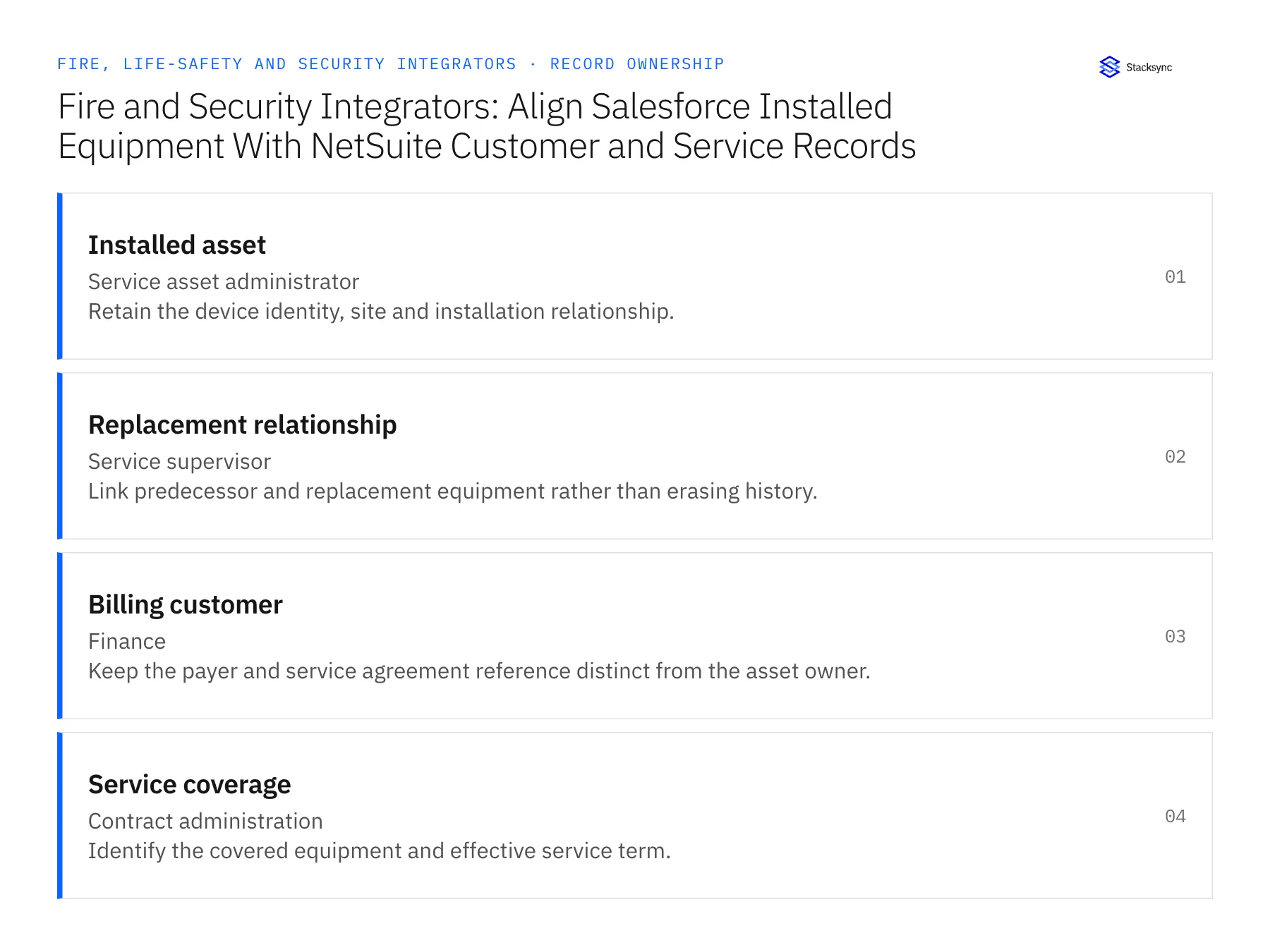
| Record | Owner | Operating rule |
|---|---|---|
| Installed asset | Service asset administrator | Retain the device identity, site and installation relationship. |
| Replacement relationship | Service supervisor | Link predecessor and replacement equipment rather than erasing history. |
| Billing customer | Finance | Keep the payer and service agreement reference distinct from the asset owner. |
| Service coverage | Contract administration | Identify the covered equipment and effective service term. |
Work through the process
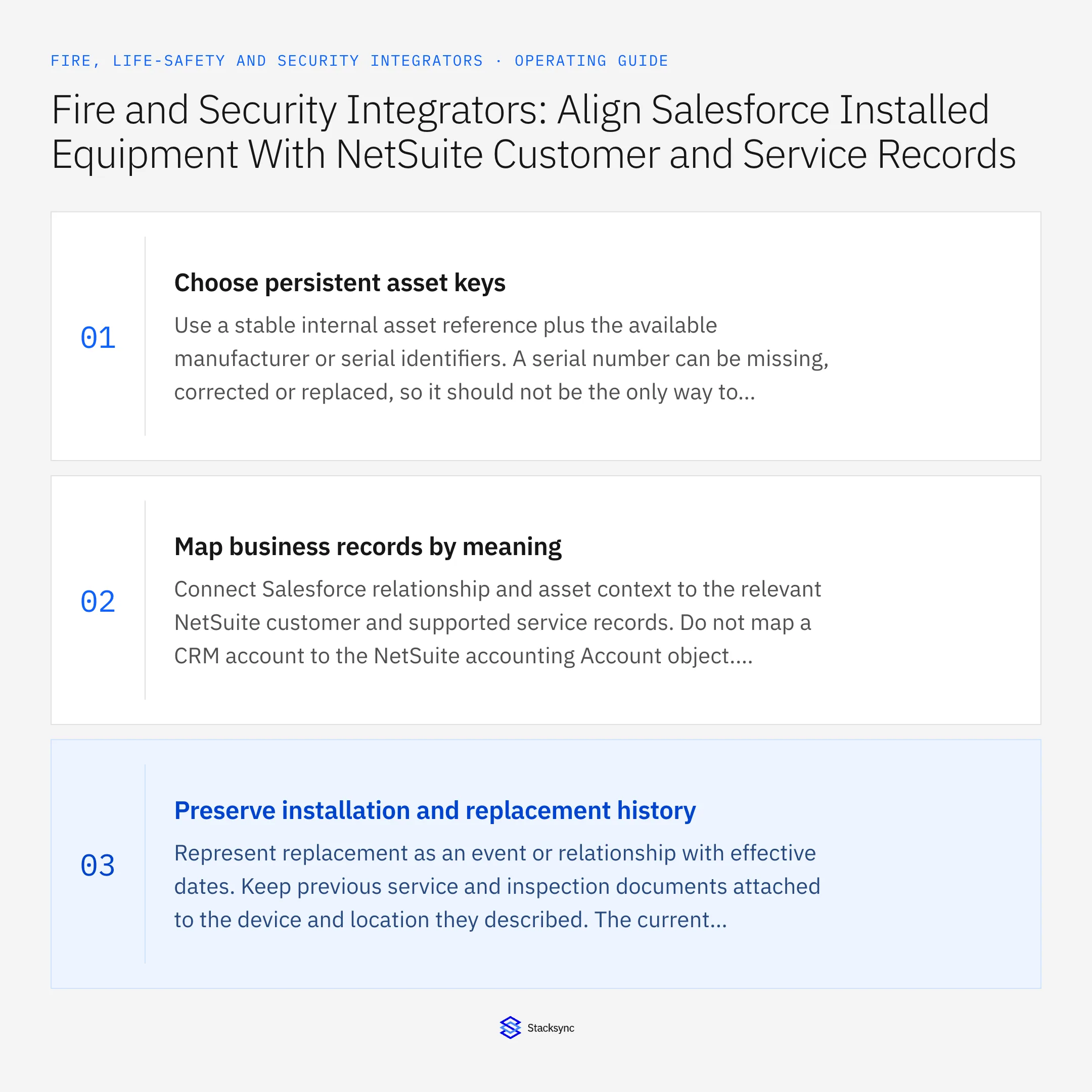
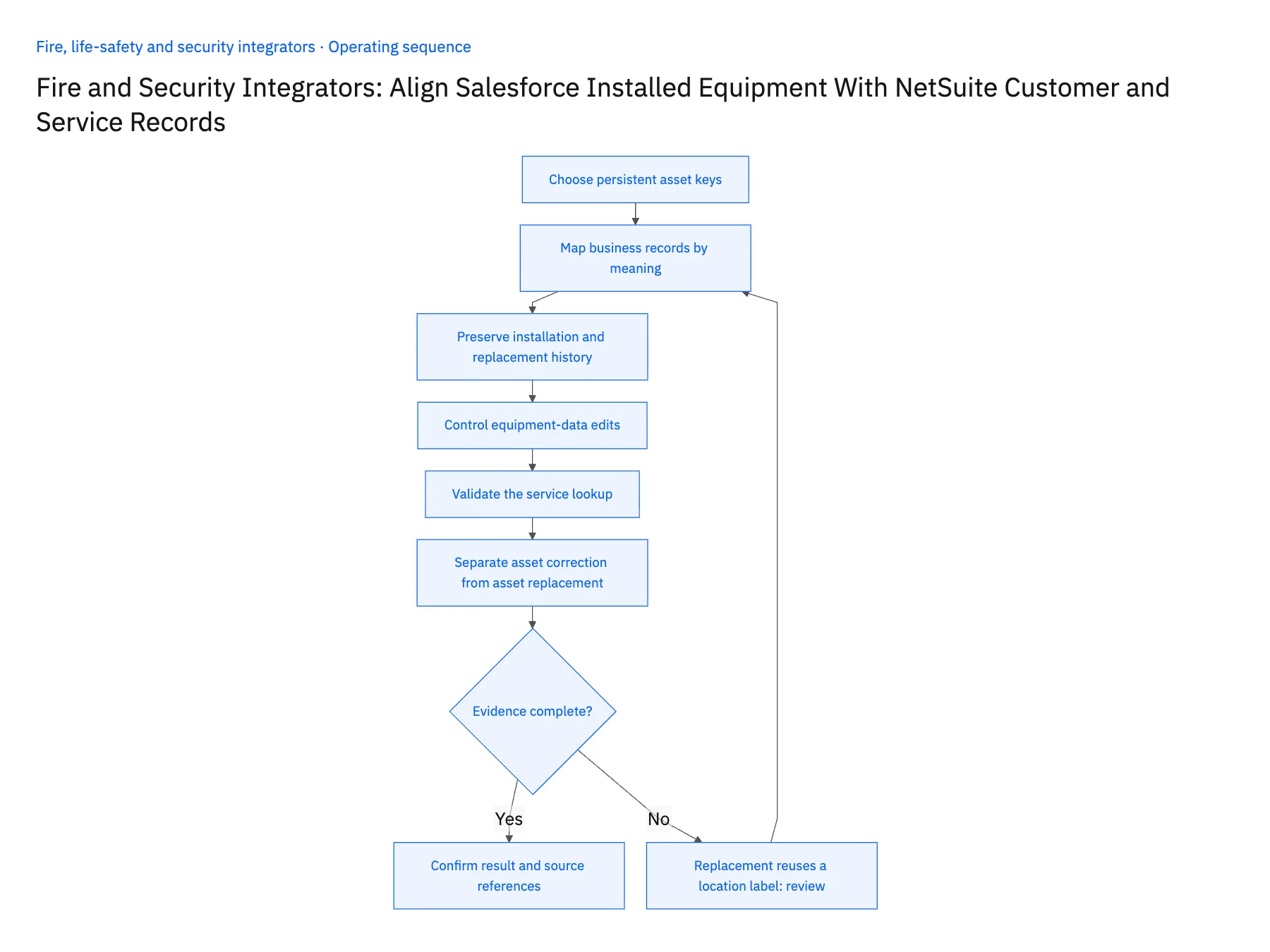
- 01Choose persistent asset keysUse a stable internal asset reference plus the available manufacturer or serial identifiers. A serial number can be missing, corrected or replaced, so it should not be the only way to locate history. Document how the site and functional position relate to the installed device.
- 02Map business records by meaningConnect Salesforce relationship and asset context to the relevant NetSuite customer and supported service records. Do not map a CRM account to the NetSuite accounting Account object. Check the actual object model in both environments, especially when installed equipment uses custom records.
- 03Preserve installation and replacement historyRepresent replacement as an event or relationship with effective dates. Keep previous service and inspection documents attached to the device and location they described. The current customer view can highlight active equipment while historical records remain available for authorized service review.
- 04Control equipment-data editsGive service asset administration ownership of identifiers and installation relationships. Sales may update relationship contacts, but it should not silently change the device assigned to a completed visit. Route conflicting identifiers or unverified serial corrections to the owner rather than resolving them by the latest timestamp.
- 05Validate the service lookupTest a technician's ability to find the active asset, its prior replacement and the correct customer agreement. Verify Salesforce eligibility and NetSuite custom-record access for the proposed operations. Keep unsupported writes outside the automatic scope and provide an owned correction path.
- 06Separate asset correction from asset replacementA mistyped serial number is a correction to identity evidence; a newly installed device is a replacement relationship. Use different review paths so the team does not lose history by treating every changed serial as a new device, or overwrite history by treating every replacement as a typo. The reviewer should see the original entry, supporting field evidence and the intended relationship before accepting either kind of update.
Handle the exceptions explicitly
Replacement reuses a location label
Keep a new device identity and link it to the same functional location.
Serial number appears on two assets
Hold the identity change for investigation instead of merging the devices automatically.
Customer sells the building
Review asset ownership, billing and coverage separately with effective dates.
What to verify before expanding
- Replacing a device preserves the prior service history.
- The active asset resolves to the correct site and customer.
- Sales contact edits cannot alter equipment identity.
- A disputed serial number reaches an owned review queue.

Connect this process to the rest of your operation
Explore Stacksync two-way sync and scope the records and actions against your actual systems. Book a demo with a real installed asset example and the exception your team handles most often, for example replacement reuses a location label.
- Salesforce–NetSuite for Fire and Security Integrators
- HubSpot–Acumatica for Inspection and Monitoring Contracts
- Inspection and Monitoring Contracts: Align HubSpot Renewal Status With Acumatica Billing Accounts
- Multi-Site Alarm and Access-Control Service: Connect a Supabase Asset Register With Salesforce
- New Security Installations: Route Customer Acceptance Before Activating Recurring Billing
- Salesforce–NetSuite Integration: Mapping and Setup
- Building Triggers and Workflows on Top of Your Bidirectional CRM Sync
The shared architecture guide covers record matching, ownership, and recovery across systems.
Technical references
FAQ
Frequently asked questions










Related articles






