






















NetSuite and Postgres for manufacturing: model production status without losing order identity
Store each operation event beside its NetSuite order line in Postgres, derive readiness from the required evidence, and keep any ERP update behind a verified operation.
- Author
- Ruben Burdin · Founder & CEO
- Published
- Read time
- 4 min read

The operating decision
A NetSuite–Postgres manufacturing integration should connect business records to an operational data model with stable keys and explicit status ownership. Keep local database primary keys separate from NetSuite identifiers. Represent production updates at their real grain () before deriving a customer-facing status. Two-way sync can support approved data exchange, but a custom table saying complete must not automatically post inventory or close an ERP transaction without a verified application operation.
Explore the complete manufacturing integration and automation hub for the systems and processes around this guide.
What this looks like in manufacturing
A manufacturer keeps subcontract milestones and inspection tasks in a Postgres application while finance and customer orders live in NetSuite. Three operations contribute to one shipped assembly. A simple last-update-wins design marks the whole order complete when the first outside processor reports finished. The correct model stores each operation independently and evaluates readiness only after the required evidence is present. Customer service needs the derived readiness and its explanation; finance needs confirmed transactions, not a copied interpretation of a shop-floor note.
Records, ownership, and update rules
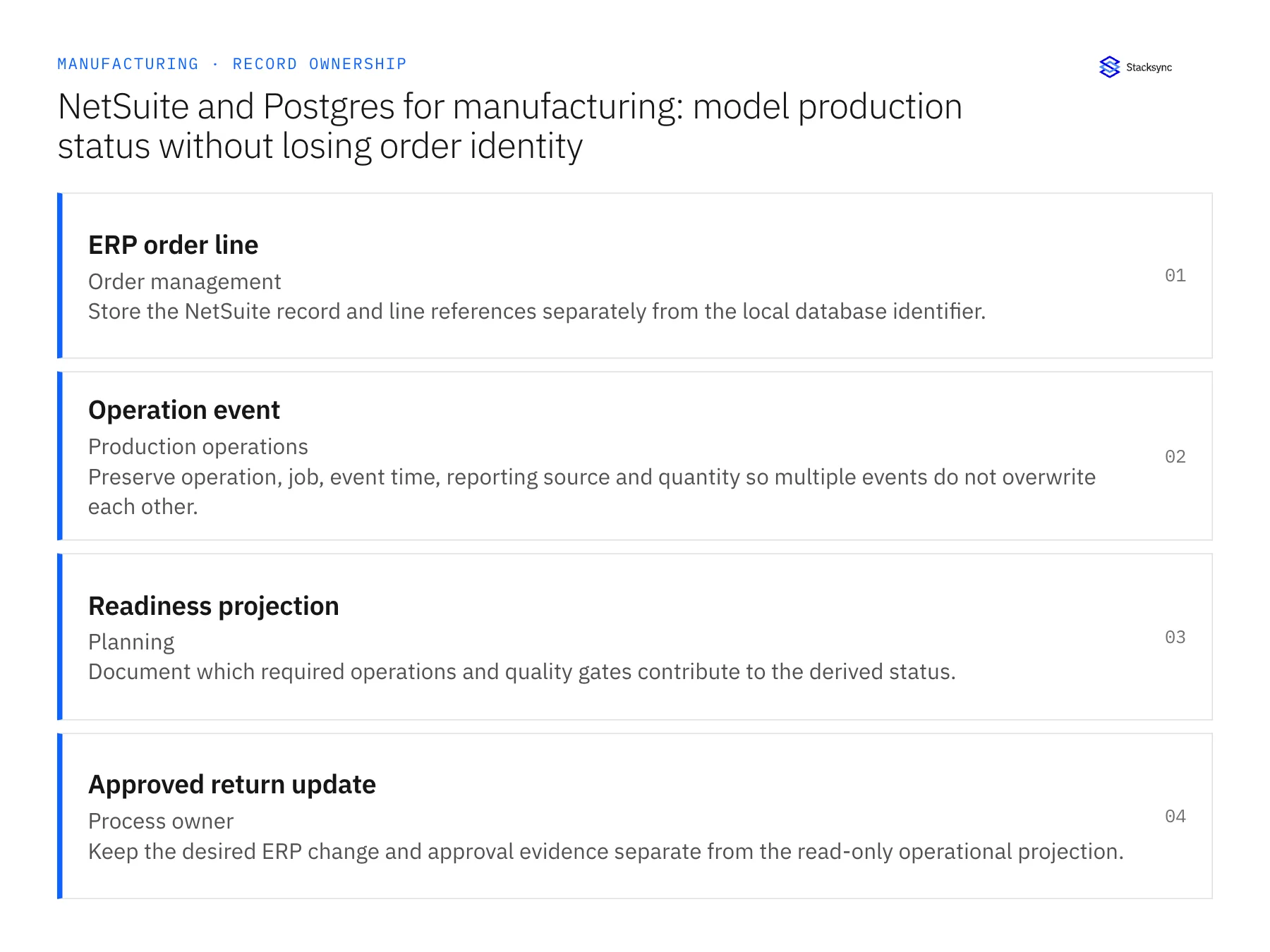
| Record | Owner | Operating rule |
|---|---|---|
| ERP order line | Order management | Store the NetSuite record and line references separately from the local database identifier. |
| Operation event | Production operations | Preserve operation, job, event time, reporting source and quantity so multiple events do not overwrite each other. |
| Readiness projection | Planning | Document which required operations and quality gates contribute to the derived status. |
| Approved return update | Process owner | Keep the desired ERP change and approval evidence separate from the read-only operational projection. |
Work through the process
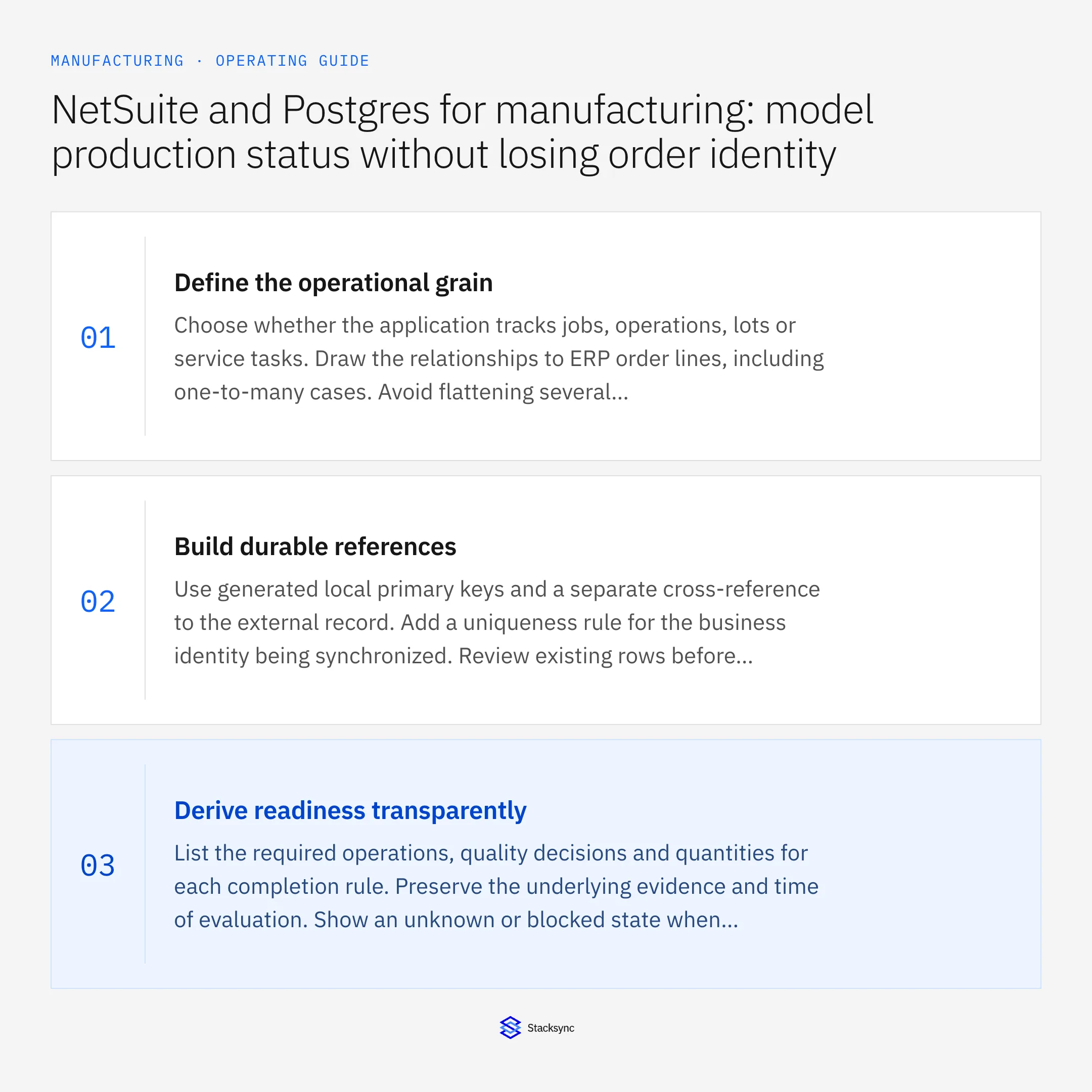
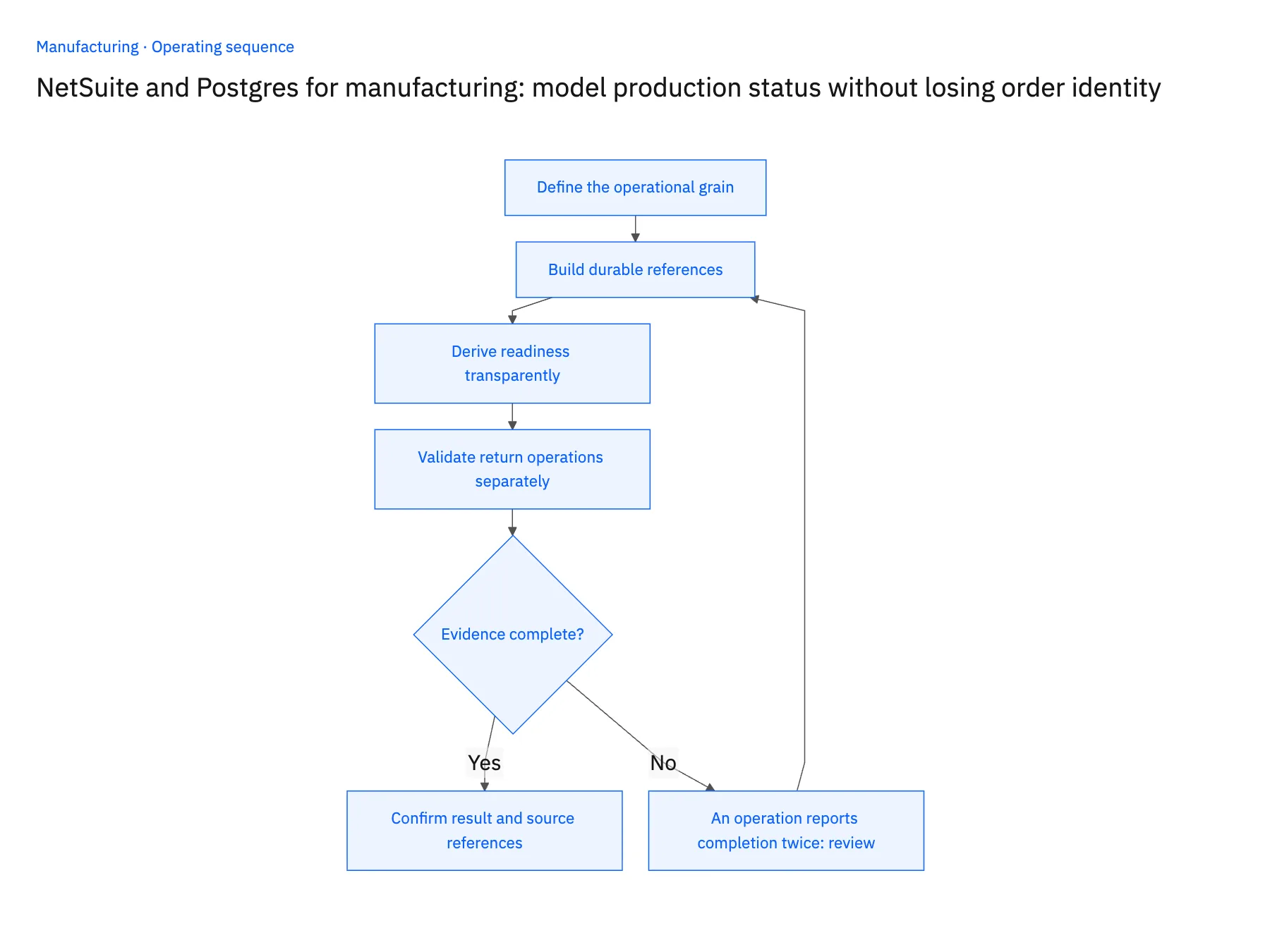
- 01Define the operational grainChoose whether the application tracks jobs, operations, lots or service tasks. Draw the relationships to ERP order lines, including one-to-many cases. Avoid flattening several operations into one mutable status column when the customer commitment depends on all of them.
- 02Build durable referencesUse generated local primary keys and a separate cross-reference to the external record. Add a uniqueness rule for the business identity being synchronized. Review existing rows before backfill so historical duplicates are reconciled rather than preserved as competing versions of the same order.
- 03Derive readiness transparentlyList the required operations, quality decisions and quantities for each completion rule. Preserve the underlying evidence and time of evaluation. Show an unknown or blocked state when required inputs are missing instead of assuming that the most recent positive update represents the entire job.
- 04Validate return operations separatelyIf the workflow needs to update NetSuite, prove the exact writable record and action with the administrator. Compare the approved request with the destination response, store the accepted reference and reconcile after an interrupted request before retrying. A successful database write alone is not ERP acceptance.
Handle the exceptions explicitly
An operation reports completion twice
Identify the same logical event or completion state and retain one effective result while keeping enough history to explain the retry.
One job supplies several order lines
Use explicit allocation relationships. Do not assign the full completed quantity independently to every linked customer line.
A late quality rejection follows completion
Re-evaluate readiness and alert the responsible planner. Keep the previous decision in history rather than deleting evidence that the job was once considered ready.
What to verify before expanding
- One ERP line can be traced to all required operations without multiplying its quantity.
- Repeated delivery retains stable external references and local primary keys.
- A missing quality decision produces an unresolved state rather than a completed order.
- ERP acceptance is recorded only after the permitted destination operation succeeds.

Connect this process to the rest of your operation
Explore Stacksync two-way sync and scope the records and actions against your actual systems. Book a demo with a real ERP order line example and the exception your team handles most often, for example an operation reports completion twice.
- Manufacturing CRM and ERP ownership: decide who controls each order field
- Manufacturing order revisions after production release: automate the review handoff
- Supplier-delay workflows for manufacturers: connect PO confirmations to customer commitments
- Real-Time Sync for Manufacturing ERP & Shop Floor Data
- Real-Time Data Integration for Accurate Manufacturing
The shared architecture guide covers record matching, ownership, and recovery across systems.
Technical references
FAQ
Frequently asked questions










Related articles






