






















Salesforce and Acumatica for manufacturing: turn an approved quote into a traceable order
Manufacturers linking Salesforce and Acumatica need customer, ship-to and quote-revision identity resolved before order creation, with ERP acceptance flowing back per line.
- Author
- Ruben Burdin · Founder & CEO
- Published
- Read time
- 4 min read

The operating decision
A manufacturing Salesforce–Acumatica integration should connect approved commercial scope to an identifiable ERP order and return operational status to sales. Start with customer, ship-to, quote revision and order-line identity. Two-way sync should preserve those links while each system retains ownership of its fields. A closed opportunity is a useful trigger for review, but it does not prove that engineering, credit or production approval is complete. Validate the exact Acumatica endpoint and permitted objects before designing order creation.
Explore the complete manufacturing integration and automation hub for the systems and processes around this guide.
What this looks like in manufacturing
Consider a US manufacturer that sells fabricated assemblies and installation services. Sales closes a quote with two delivery stages. The customer then changes the second destination before order entry finishes. If an integration matches by customer name and copies the latest address into every line, the first shipment can inherit the wrong destination. The order handoff must retain the approved quote version, resolve each delivery location and return the created ERP identifiers. Sales needs to see what operations accepted, including any lines still awaiting review.
Records, ownership, and update rules
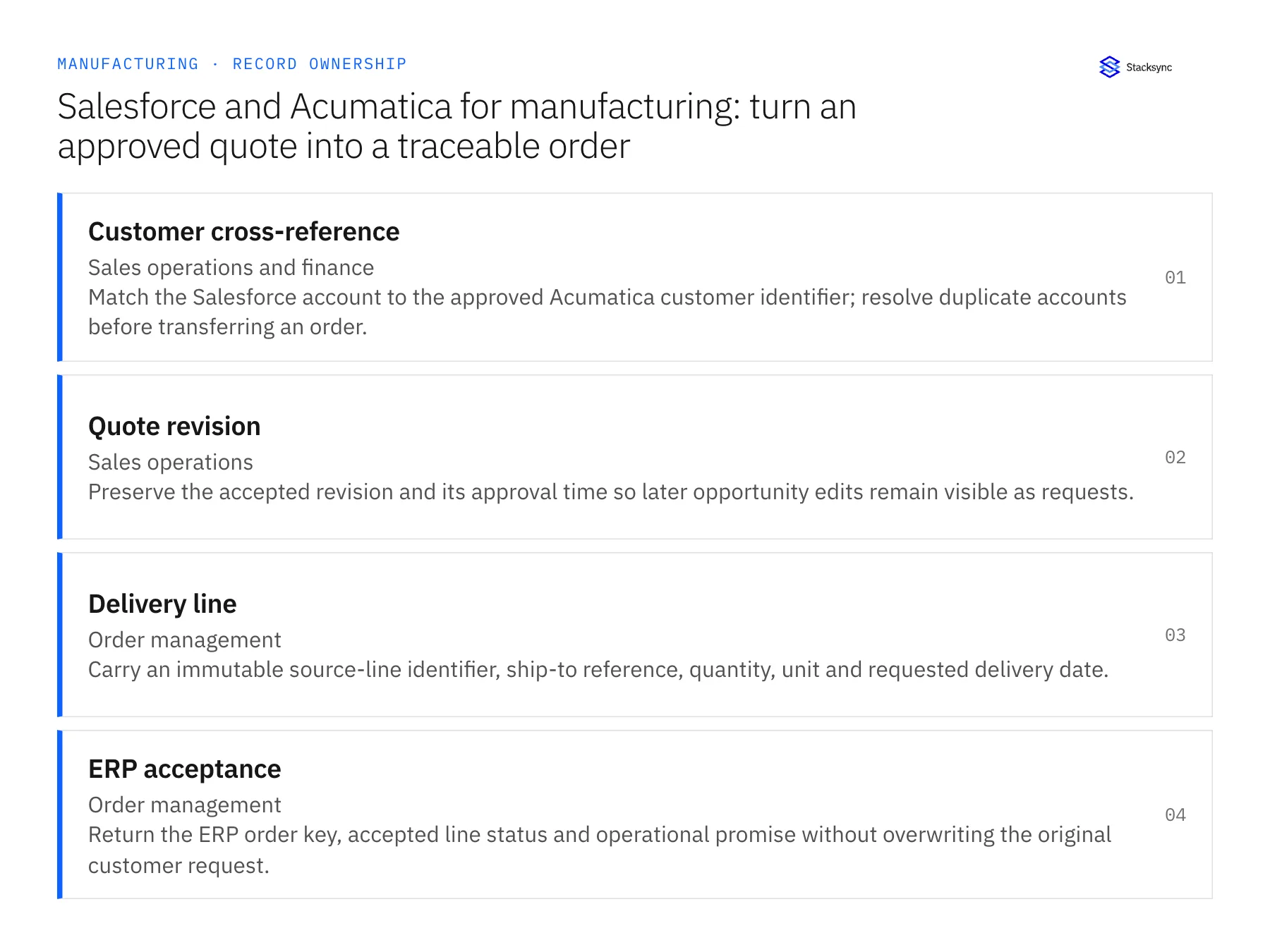
| Record | Owner | Operating rule |
|---|---|---|
| Customer cross-reference | Sales operations and finance | Match the Salesforce account to the approved Acumatica customer identifier; resolve duplicate accounts before transferring an order. |
| Quote revision | Sales operations | Preserve the accepted revision and its approval time so later opportunity edits remain visible as requests. |
| Delivery line | Order management | Carry an immutable source-line identifier, ship-to reference, quantity, unit and requested delivery date. |
| ERP acceptance | Order management | Return the ERP order key, accepted line status and operational promise without overwriting the original customer request. |
Work through the process
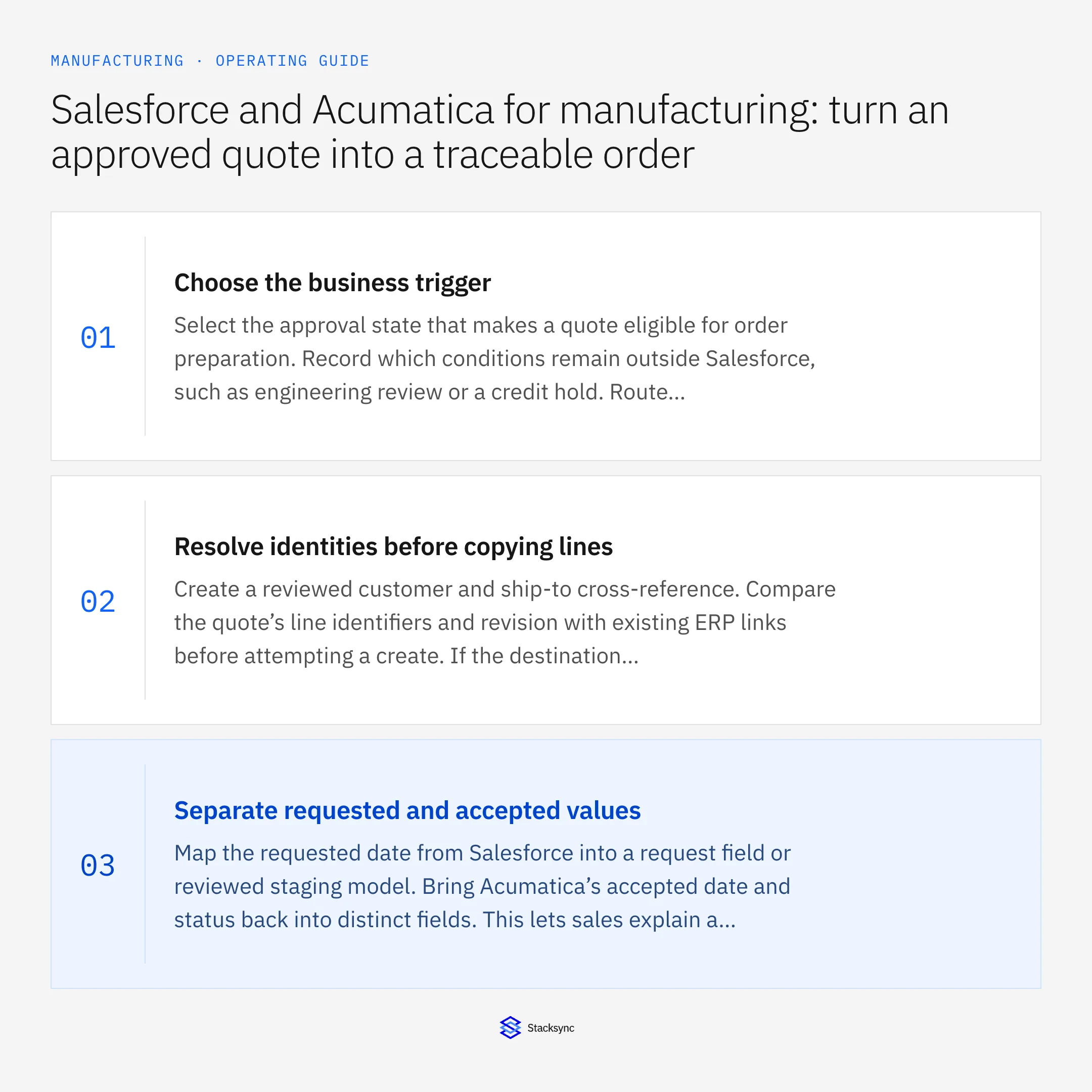
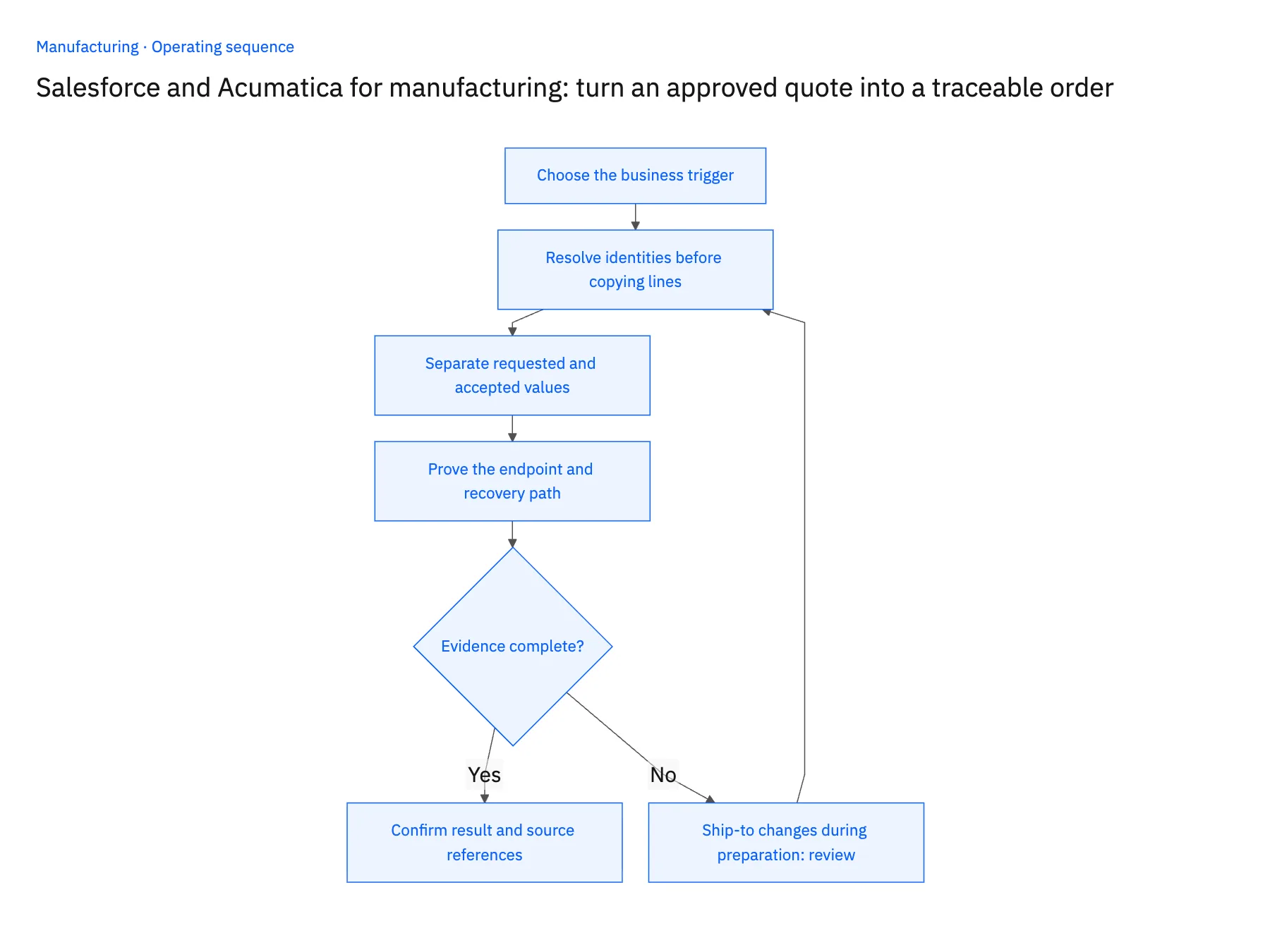
- 01Choose the business triggerSelect the approval state that makes a quote eligible for order preparation. Record which conditions remain outside Salesforce, such as engineering review or a credit hold. Route incomplete cases to an owner with a reason instead of letting an integration infer that every closed-won opportunity is executable.
- 02Resolve identities before copying linesCreate a reviewed customer and ship-to cross-reference. Compare the quote’s line identifiers and revision with existing ERP links before attempting a create. If the destination already contains the order, reconcile its lines rather than starting another order because the source event was repeated.
- 03Separate requested and accepted valuesMap the requested date from Salesforce into a request field or reviewed staging model. Bring Acumatica’s accepted date and status back into distinct fields. This lets sales explain a gap without a later CRM edit quietly changing a promise owned by planning.
- 04Prove the endpoint and recovery pathCheck the endpoint’s entities, actions and fields with the Acumatica administrator. Exercise a representative draft operation using the intended role. After an uncertain response, look up the external order reference before retrying; record whether the destination accepted the original request.
Handle the exceptions explicitly
Ship-to changes during preparation
Hold affected lines for review and retain the previous destination. Apply the change only to the approved revision and shipments still eligible to change.
A customer exists twice
Present both destination identifiers to the data owner. Do not select the first name match or automatically merge financial customer records.
Only part of an order is accepted
Return line-level outcomes to Salesforce. An accepted header must not mark rejected or unresolved lines ready for production.
What to verify before expanding
- Replaying the approved quote returns the same ERP order and line links without an additional order.
- An unapproved quote revision remains visible as a request and does not alter released work.
- Two ship-to locations on one quote retain their separate references after synchronization.
- Sales can distinguish the customer’s requested date from the date order management accepted.

Connect this process to the rest of your operation
Explore Stacksync two-way sync and scope the records and actions against your actual systems. Book a demo with a real customer cross-reference example and the exception your team handles most often, for example ship-to changes during preparation.
- Dynamics 365 Finance and SQL Server: keep manufacturing order lines current
- NetSuite and Shopify for manufacturers: publish saleable finished goods
- Salesforce and NetSuite for manufacturers: share credit and order status without conflicting ownership
- Real-Time Data Integration for Accurate Manufacturing
- Acumatica to Salesforce Sales Order Sync: Mapping, Status, and Backfill
The shared architecture guide covers record matching, ownership, and recovery across systems.
Technical references
FAQ
Frequently asked questions










Related articles






