






















Beverage EDI: Reconcile Pallet Shipments, Advance Ship Notices, and Distributor Receipts
The advance ship notice describes the mixed pallet the warehouse loaded, not the pallet count on the order, and a distributor receipt is matched to it rather than replaced by it.
- Author
- Alexis Favre · Co-Founder & CTO
- Published
- Read time
- 5 min read

The operating decision
Beverage EDI should connect the distributor order to actual pallet and case contents, shipment notices, and later receipts. Preserve product-specific pallet configurations and destination identifiers. Build the outgoing document from warehouse-confirmed contents and validate it against the partner’s requirements before treating technical delivery as complete.
Explore the complete beverages integration and automation hub for the systems and processes around this guide.
What this looks like in beverages
A distributor orders a full pallet plus loose cases of another flavor. The warehouse builds a mixed pallet for the final shipment. A notice based on the original order’s pallet count would not describe the physical shipment, making receiving and later shortage investigation difficult even if the file passes syntax checks.
Records, ownership, and update rules
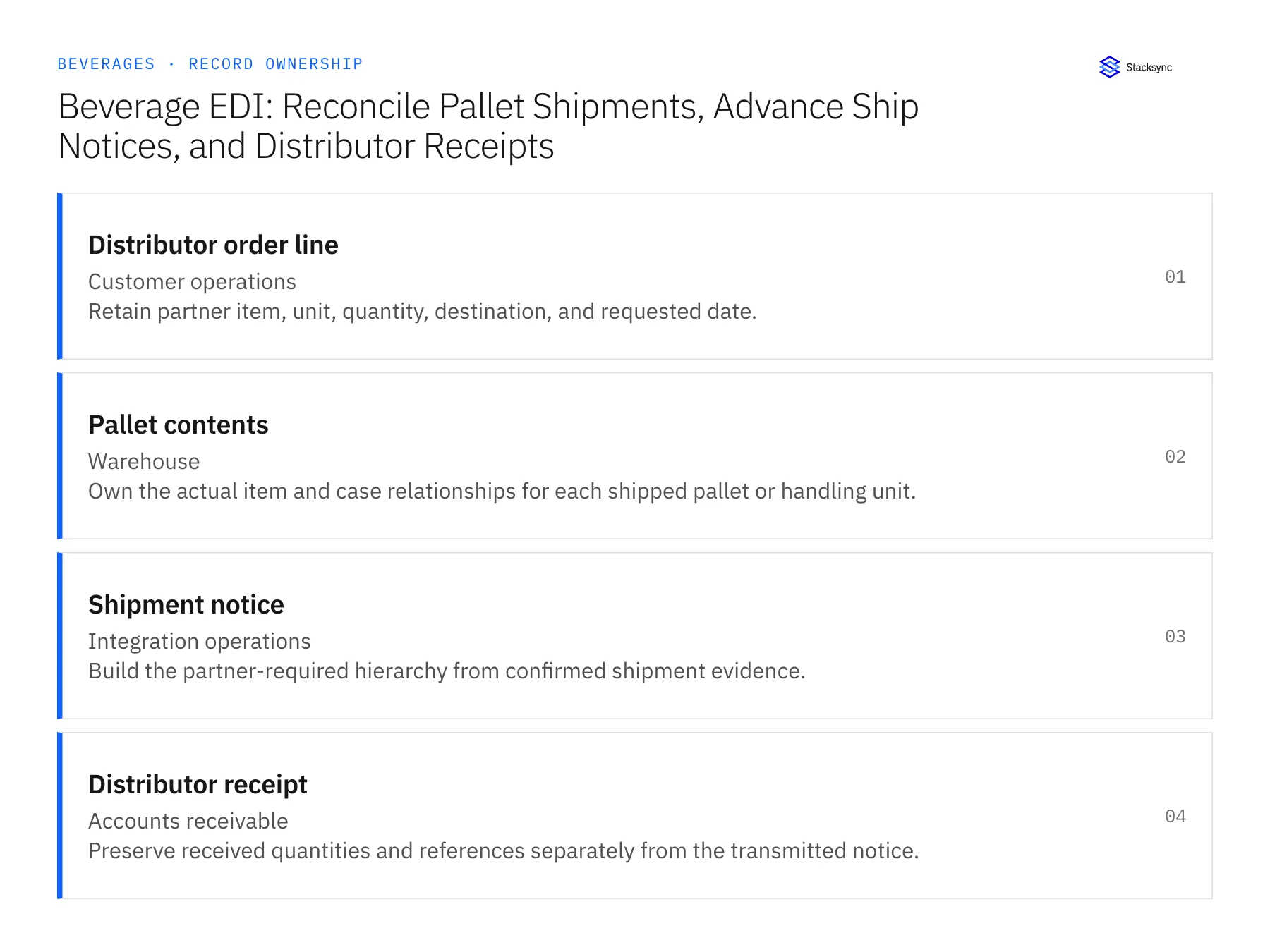
| Record | Owner | Operating rule |
|---|---|---|
| Distributor order line | Customer operations | Retain partner item, unit, quantity, destination, and requested date. |
| Pallet contents | Warehouse | Own the actual item and case relationships for each shipped pallet or handling unit. |
| Shipment notice | Integration operations | Build the partner-required hierarchy from confirmed shipment evidence. |
| Distributor receipt | Accounts receivable | Preserve received quantities and references separately from the transmitted notice. |
Work through the process
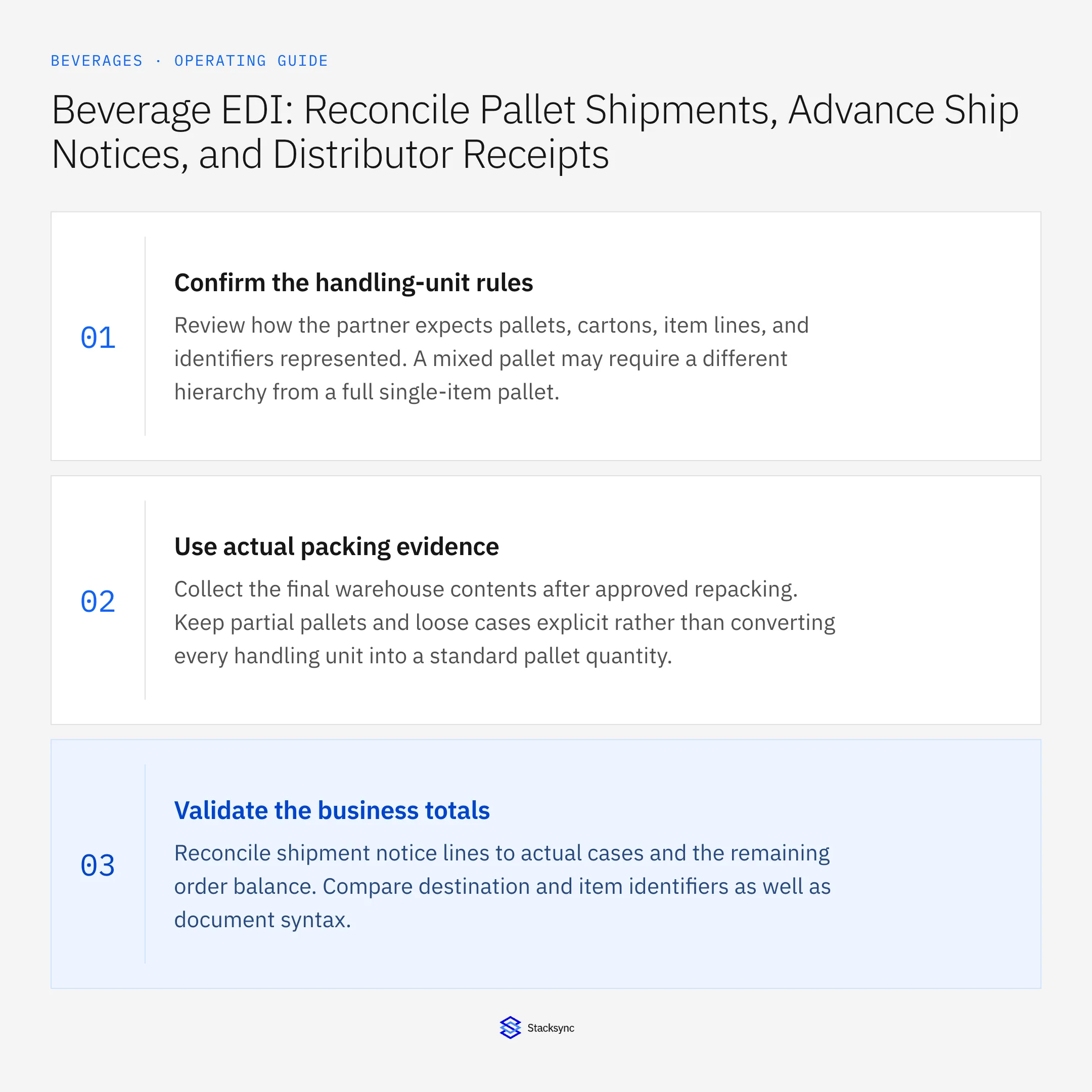
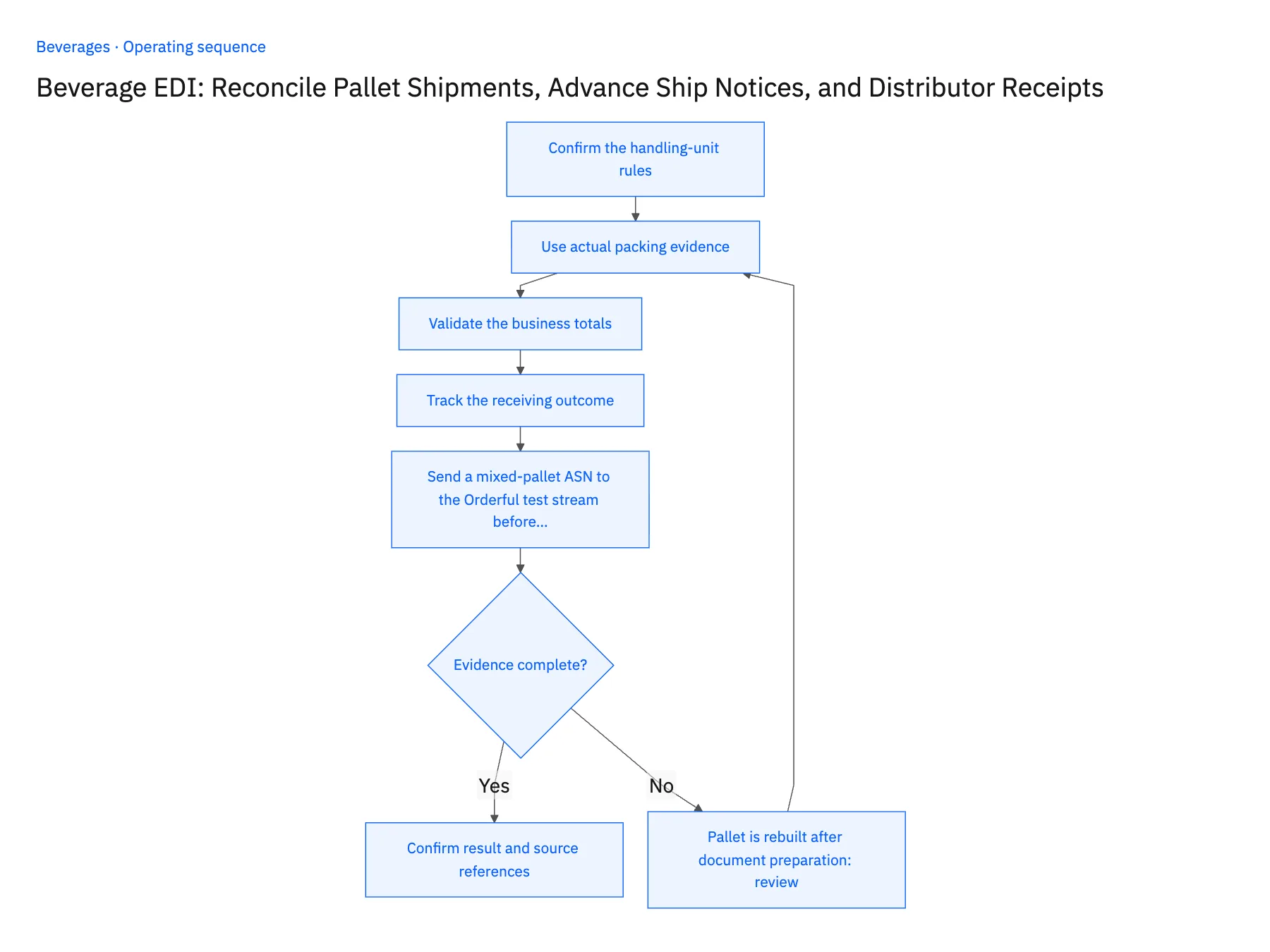
- 01Confirm the handling-unit rulesReview how the partner expects pallets, cartons, item lines, and identifiers represented. A mixed pallet may require a different hierarchy from a full single-item pallet.
- 02Use actual packing evidenceCollect the final warehouse contents after approved repacking. Keep partial pallets and loose cases explicit rather than converting every handling unit into a standard pallet quantity.
- 03Validate the business totalsReconcile shipment notice lines to actual cases and the remaining order balance. Compare destination and item identifiers as well as document syntax.
- 04Track the receiving outcomeAttach later receipt evidence and keep discrepancies open for operations or finance review. The notice describes what was shipped; it does not establish what the distributor accepted.
- 05Send a mixed-pallet ASN to the Orderful test stream before go-liveShip a test order as one full pallet plus a mixed pallet holding two flavors. Generate the notice from the warehouse's confirmed contents in NetSuite and send it to the distributor's test stream in Orderful. The mixed pallet must appear with an item line and case count per flavor under its own handling unit, and the totals must equal the shipped cases and the balance left on the order line. Then repack the mixed pallet after the draft exists and regenerate. Stop the rollout if the mixed pallet arrives as one averaged line, if totals disagree with the shipment or order balance, or if the first draft goes out unchanged.
Handle the exceptions explicitly
Pallet is rebuilt after document preparation
Regenerate or correct the affected notice under the partner’s process before relying on it.
Receipt reports only a pallet total
Request the needed item detail before resolving a line-level shortage.
Loose cases are omitted
Block release until the document describes the complete actual shipment.
What to verify before expanding
- Mixed pallets preserve their item-level case contents.
- Notice totals reconcile to the actual shipment and remaining order quantities.
- Loose cases and partial pallets appear in the shipment contents instead of disappearing behind a whole-pallet total.
- A pallet-only distributor receipt leaves line-level shortages unresolved until the necessary item detail is obtained.

Connect this process to the rest of your operation
Explore Stacksync EDI and scope the records and actions against your actual systems. Book a demo with a real distributor order line example and the exception your team handles most often, for example pallet is rebuilt after document preparation.
- EDI Integration for Beverage Pallets and Distributor Shipments
- Shopify–NetSuite Sync for Beverage Brands: Align Bottles, Cases, and Variety Packs
- Salesforce–NetSuite Sync for Beverage Brands: Connect Distributor Accounts and Delivery Locations
- Acumatica–Postgres Sync for Beverage Operations: Match Case and Pallet Records Across Warehouses
- EDI Integration for Third Party Logistics Providers: Building Real-Time Supply Chain Visibility
- Reconcile Freight Rates and Dwell Times Before Issuing Credits
The shared architecture guide covers record matching, ownership, and recovery across systems.
Technical references
FAQ
Frequently asked questions










Related articles






