






















Genies for Solar Project Closeout: Assemble Serial Numbers, Completion Evidence, and Handover Records
Use Genies to prepare a solar project handover packet with traceable equipment and completion evidence.
- Author
- Ignacio Malpartida · GTM Engineer
- Published
- Read time
- 5 min read

The operating decision
A solar project-closeout Genie can assemble equipment identifiers, approved scope, completion records and required handover documents into a review packet. Ask it to show the source and project association for every important item, distinguish installed equipment from ordered equipment, and identify missing evidence. It should not infer commissioning results, technical acceptance or customer approval. Project and technical owners validate the packet before customer handover or any related billing action.
Explore the complete solar installation and O&M services integration and automation hub for the systems and processes around this guide.
What this looks like in solar installation and O&M services
An installer has completed a commercial rooftop project, but serial information is spread across delivery records, field notes and photographs. The customer expects a handover packet, and the project manager needs to know whether the records reflect the equipment actually installed after an approved substitution. A Genie can collect candidate identifiers and compare them with the final scope. Missing or conflicting evidence should become a focused task rather than a fabricated complete asset list.
Records, ownership, and update rules
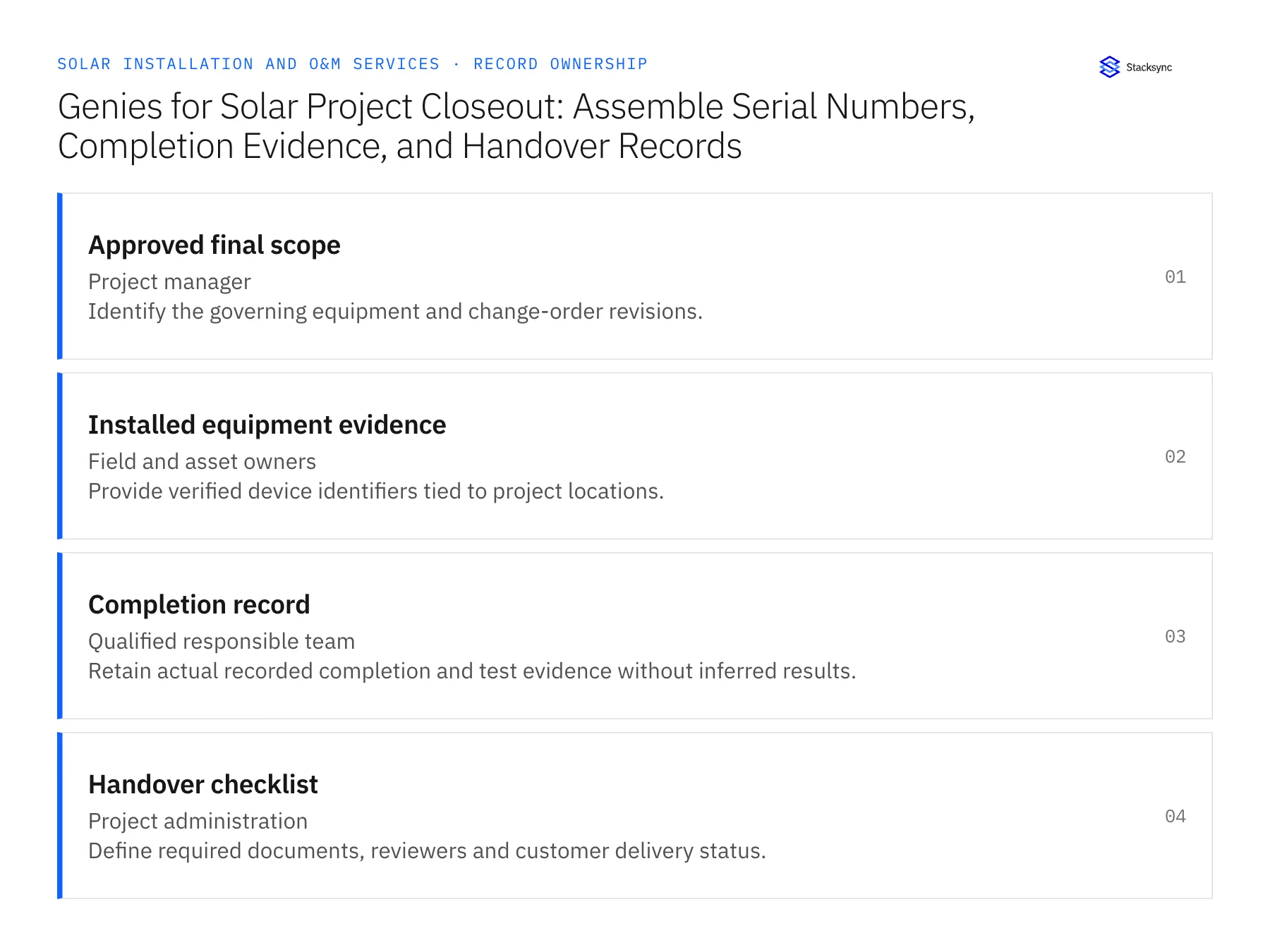
| Record | Owner | Operating rule |
|---|---|---|
| Approved final scope | Project manager | Identify the governing equipment and change-order revisions. |
| Installed equipment evidence | Field and asset owners | Provide verified device identifiers tied to project locations. |
| Completion record | Qualified responsible team | Retain actual recorded completion and test evidence without inferred results. |
| Handover checklist | Project administration | Define required documents, reviewers and customer delivery status. |
Work through the process
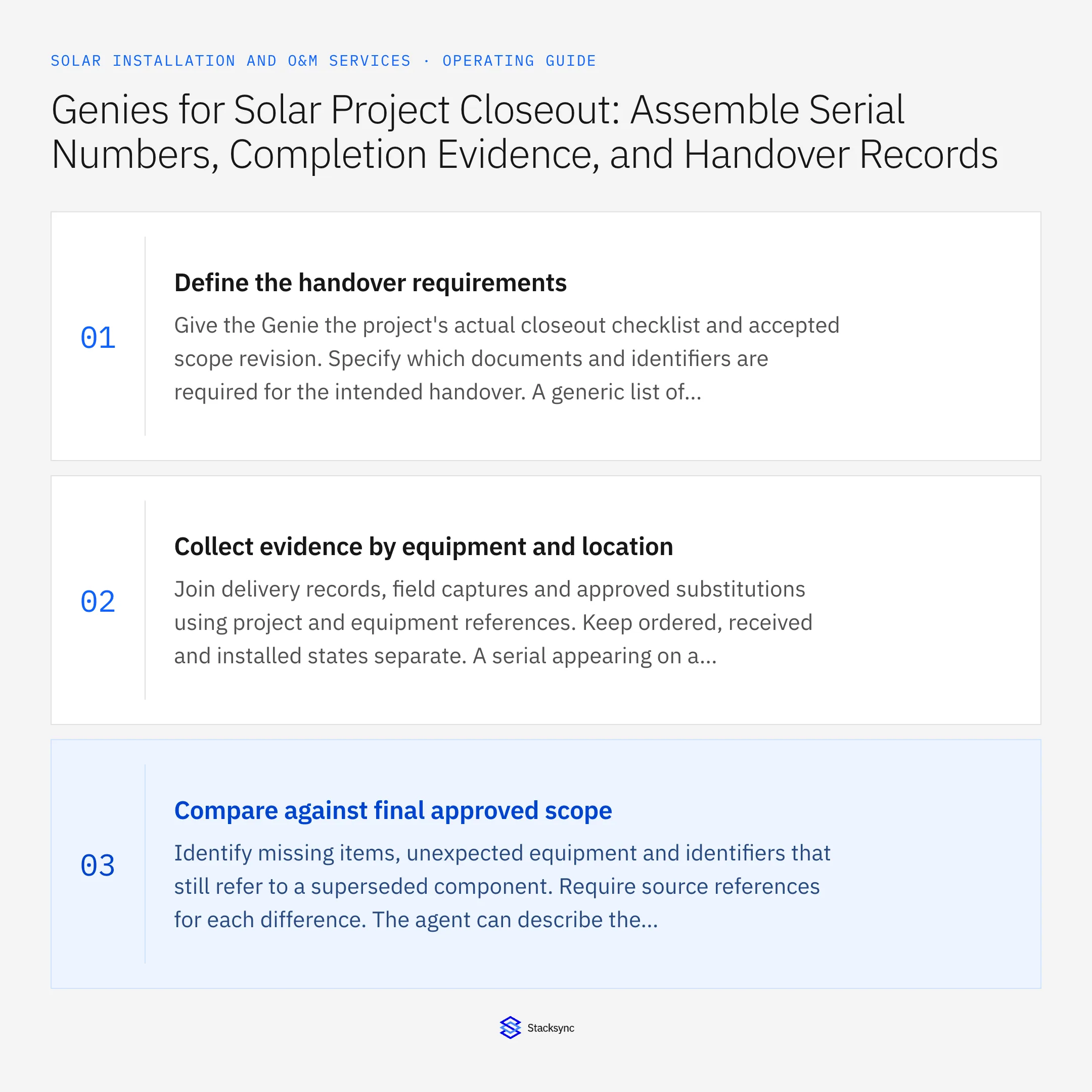
- 01Define the handover requirementsGive the Genie the project's actual closeout checklist and accepted scope revision. Specify which documents and identifiers are required for the intended handover. A generic list of solar documents should not override the agreement or the technical team's requirements for this project.
- 02Collect evidence by equipment and locationJoin delivery records, field captures and approved substitutions using project and equipment references. Keep ordered, received and installed states separate. A serial appearing on a shipment record is useful evidence but does not alone prove that the device was installed at the recorded location.
- 03Compare against final approved scopeIdentify missing items, unexpected equipment and identifiers that still refer to a superseded component. Require source references for each difference. The agent can describe the mismatch, while the project or technical owner decides whether the record needs correction or the underlying work needs review.
- 04Prepare the packet and gap listProduce a concise inventory of available evidence and one owned task for each missing requirement. Clearly mark provisional identifiers or unreadable documents. Do not make the packet appear complete by generating plausible serial values, dates or acceptance statements.
- 05Review and record the handoverHave the designated owners validate their sections before customer delivery. Store the approved packet version and delivery reference. If a document changes later, route the revision with a clear explanation and preserve the original delivered version so service teams know what the customer received.
- 06Keep the service handover usable after constructionAsk the service team to locate a device, its final approved model and the relevant closeout evidence from the completed packet. A folder can be complete for project administration yet difficult to use during a later service call. Retain stable equipment and project references in the handover structure so future users can follow the evidence without relying on a salesperson's memory or a filename that omits the installed location.
Handle the exceptions explicitly
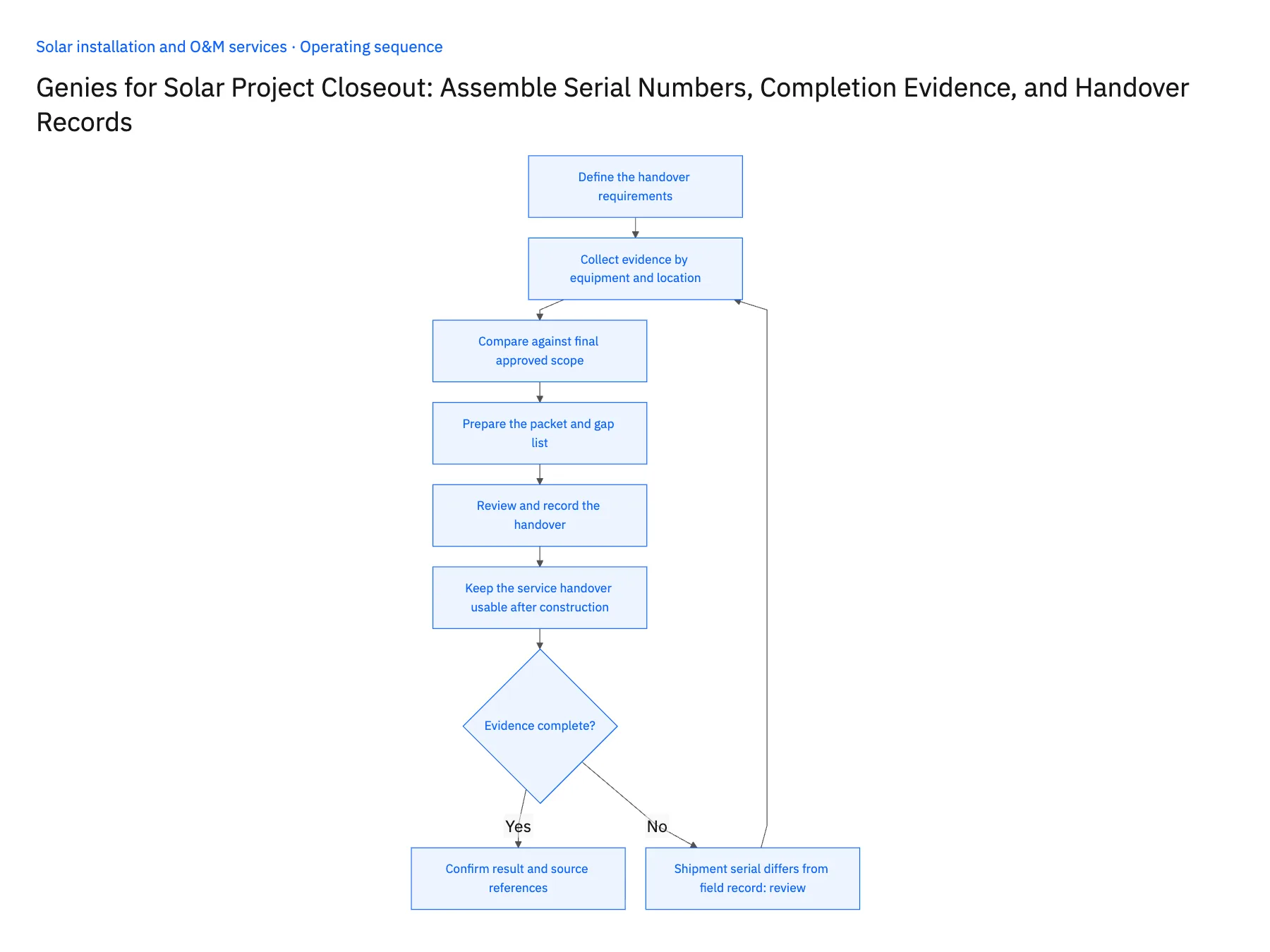
Shipment serial differs from field record
Show both references and ask the asset or field owner to confirm installed identity.
Substituted equipment still has old documentation
Flag the superseded documents and request the approved replacement evidence.
Required completion record is absent
Keep the packet incomplete and assign the responsible qualified team.
What to verify before expanding
- Every listed installed device has a traceable evidence source.
- Ordered equipment cannot automatically become installed equipment.
- Missing technical records remain explicit gaps.
- The delivered handover packet has an approved version and reference.

Connect this process to the rest of your operation
Explore Stacksync AI agents (Genies) and scope the records and actions against your actual systems. Book a demo with a real approved final scope example and the exception your team handles most often, for example shipment serial differs from field record.
- AI Project Closeout for Solar Installers
- Solar Closeout Exceptions: Missing Serial Numbers, Changed Equipment, and Incomplete Handover Evidence
- Solar Equipment Supplier EDI: Reconcile Panels, Inverters, and Partial Project Deliveries
- Solar Installer Customer Handoffs: Align HubSpot Opportunities With Acumatica Project Accounts
- Check Solar Installation Readiness Across Salesforce and NetSuite
- Blu Banyan and Stacksync: A Partnership Built for the Next Era of Solar and Construction Operations
The shared architecture guide covers record matching, ownership, and recovery across systems.
Technical references
FAQ
Frequently asked questions










Related articles






