






















Solar Closeout Exceptions: Missing Serial Numbers, Changed Equipment, and Incomplete Handover Evidence
Resolve solar closeout evidence conflicts before marking a customer handover packet complete.
- Author
- Ignacio Malpartida · GTM Engineer
- Published
- Read time
- 5 min read

The operating decision
Solar closeout exceptions should separate missing equipment identity, inconsistent scope revisions, absent technical records and incomplete customer handover. A Genie can identify the gap and assemble the evidence needed to resolve it. The exception should name the affected device or document, its source, the responsible owner and the blocked action. The agent must not fill missing serials, reuse another project's evidence or treat a delivered file as customer acceptance.
Explore the complete solar installation and O&M services integration and automation hub for the systems and processes around this guide.
What this looks like in solar installation and O&M services
A solar installation has one inverter identifier missing from the asset list. A photograph appears to show a serial but is unclear, and the purchase record still references the original model replaced during construction. The handover folder also contains an unsigned document. An agent could produce a polished package while these problems remain hidden. A useful exception process keeps the conflicting identity, final-scope question and acceptance gap separate until each owner resolves it.
Records, ownership, and update rules
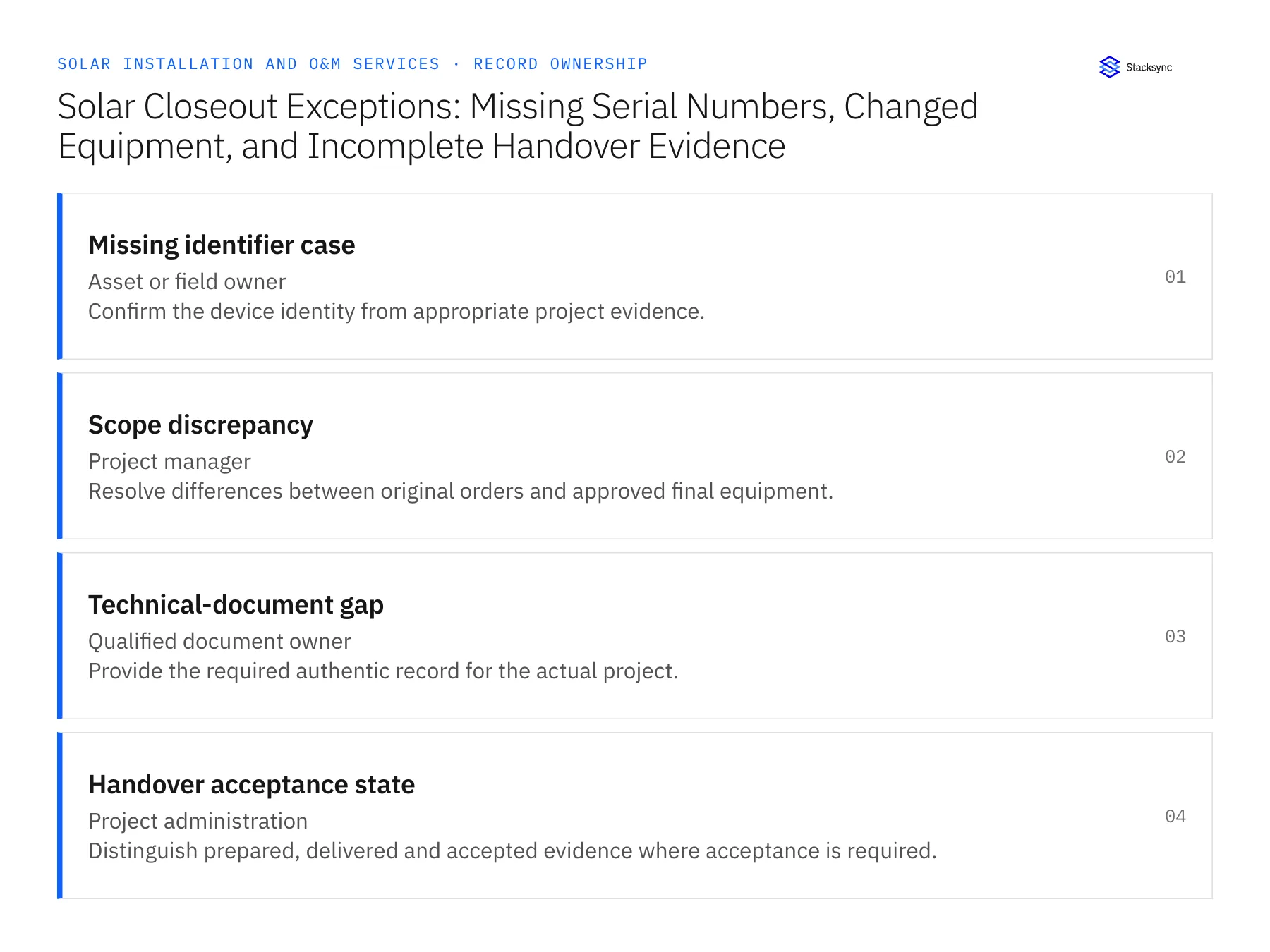
| Record | Owner | Operating rule |
|---|---|---|
| Missing identifier case | Asset or field owner | Confirm the device identity from appropriate project evidence. |
| Scope discrepancy | Project manager | Resolve differences between original orders and approved final equipment. |
| Technical-document gap | Qualified document owner | Provide the required authentic record for the actual project. |
| Handover acceptance state | Project administration | Distinguish prepared, delivered and accepted evidence where acceptance is required. |
Work through the process
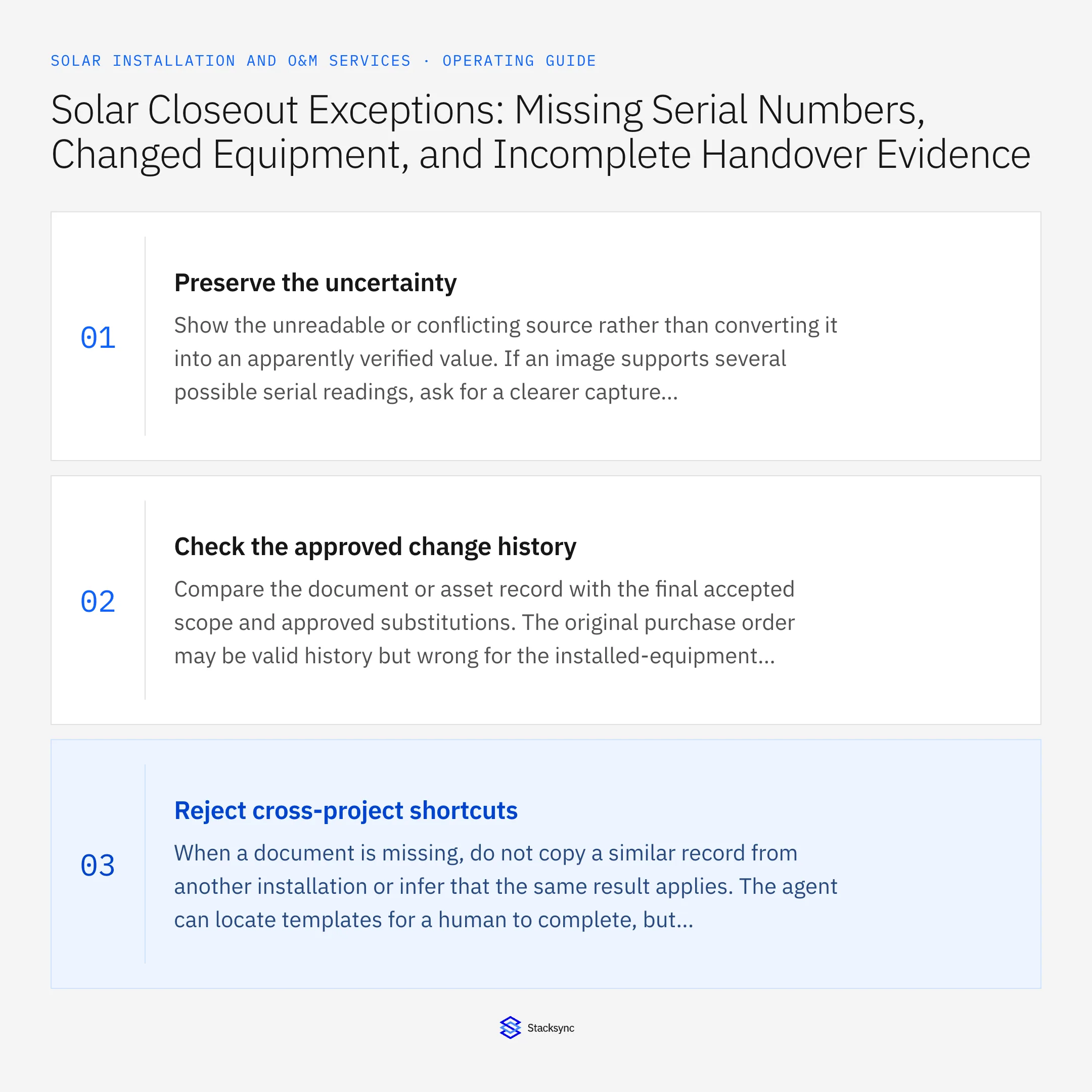
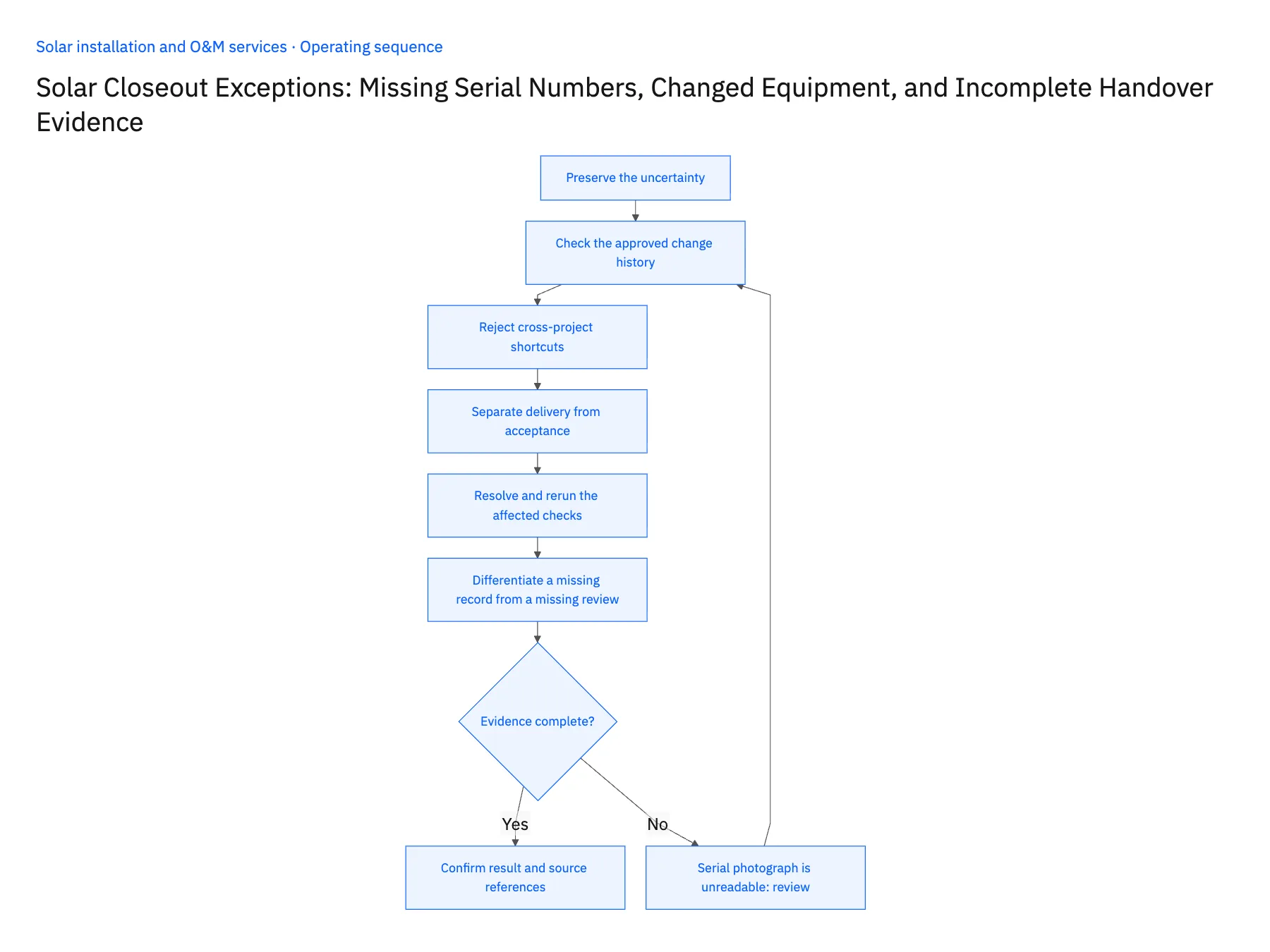
- 01Preserve the uncertaintyShow the unreadable or conflicting source rather than converting it into an apparently verified value. If an image supports several possible serial readings, ask for a clearer capture or another authoritative reference. A confidence score should never substitute for a verified equipment identifier.
- 02Check the approved change historyCompare the document or asset record with the final accepted scope and approved substitutions. The original purchase order may be valid history but wrong for the installed-equipment packet. Route the discrepancy to the project owner with the relevant revision references.
- 03Reject cross-project shortcutsWhen a document is missing, do not copy a similar record from another installation or infer that the same result applies. The agent can locate templates for a human to complete, but the final evidence must identify the actual project, equipment and responsible party.
- 04Separate delivery from acceptanceTrack whether a packet is assembled, internally approved, sent to the customer and accepted if the agreement requires acceptance. These states need different evidence. An email delivery event or uploaded file should not become proof of customer approval.
- 05Resolve and rerun the affected checksStore the confirmed identifier, corrected scope relationship or supplied document with the review decision. Recheck the impacted packet sections and update the version. Preserve the prior delivery history if the customer already received a packet, and route any correction through the project's communication process.
- 06Differentiate a missing record from a missing reviewThe required document may exist but still await the designated owner's acceptance. Track those states separately so the project manager asks for the correct action. Repeatedly requesting a document that is already present wastes time; treating presence as approval creates a false complete state. The Genie should show the source file, its current review status and the exact owner decision still required for the handover obligation.
Handle the exceptions explicitly
Serial photograph is unreadable
Request better evidence and leave the identifier unresolved rather than guessing characters.
Closeout file describes the original model
Compare with the approved substitution and obtain the correct equipment documentation.
Customer received but did not accept the packet
Keep delivery and acceptance states distinct and follow the agreed handover process.
What to verify before expanding
- Uncertain serials never appear as verified identifiers.
- Every technical record belongs to the actual project.
- Final scope controls which equipment documents are required.
- A corrected packet preserves its earlier delivery history.

Connect this process to the rest of your operation
Explore Stacksync AI agents (Genies) and scope the records and actions against your actual systems. Book a demo with a real missing identifier case example and the exception your team handles most often, for example serial photograph is unreadable.
- AI Project Closeout for Solar Installers
- Genies for Solar Project Closeout: Assemble Serial Numbers, Completion Evidence, and Handover Records
- Solar Equipment Supplier EDI: Reconcile Panels, Inverters, and Partial Project Deliveries
- Solar Installer Customer Handoffs: Align HubSpot Opportunities With Acumatica Project Accounts
- Distinguish Solar End Customers from Installation Partners
- Check Solar Installation Readiness Across Salesforce and NetSuite
The shared architecture guide covers record matching, ownership, and recovery across systems.
Technical references
FAQ
Frequently asked questions










Related articles






