






















Coordinate Equipment Repairs Across Service, Inventory, and Scheduling
Equipment repair coordination should begin after a technician confirms the fault in Zendesk.
- Author
- Ignacio Malpartida · GTM Engineer
- Published
- Updated
- Read time
- 8 min read

Start from a technician-confirmed fault
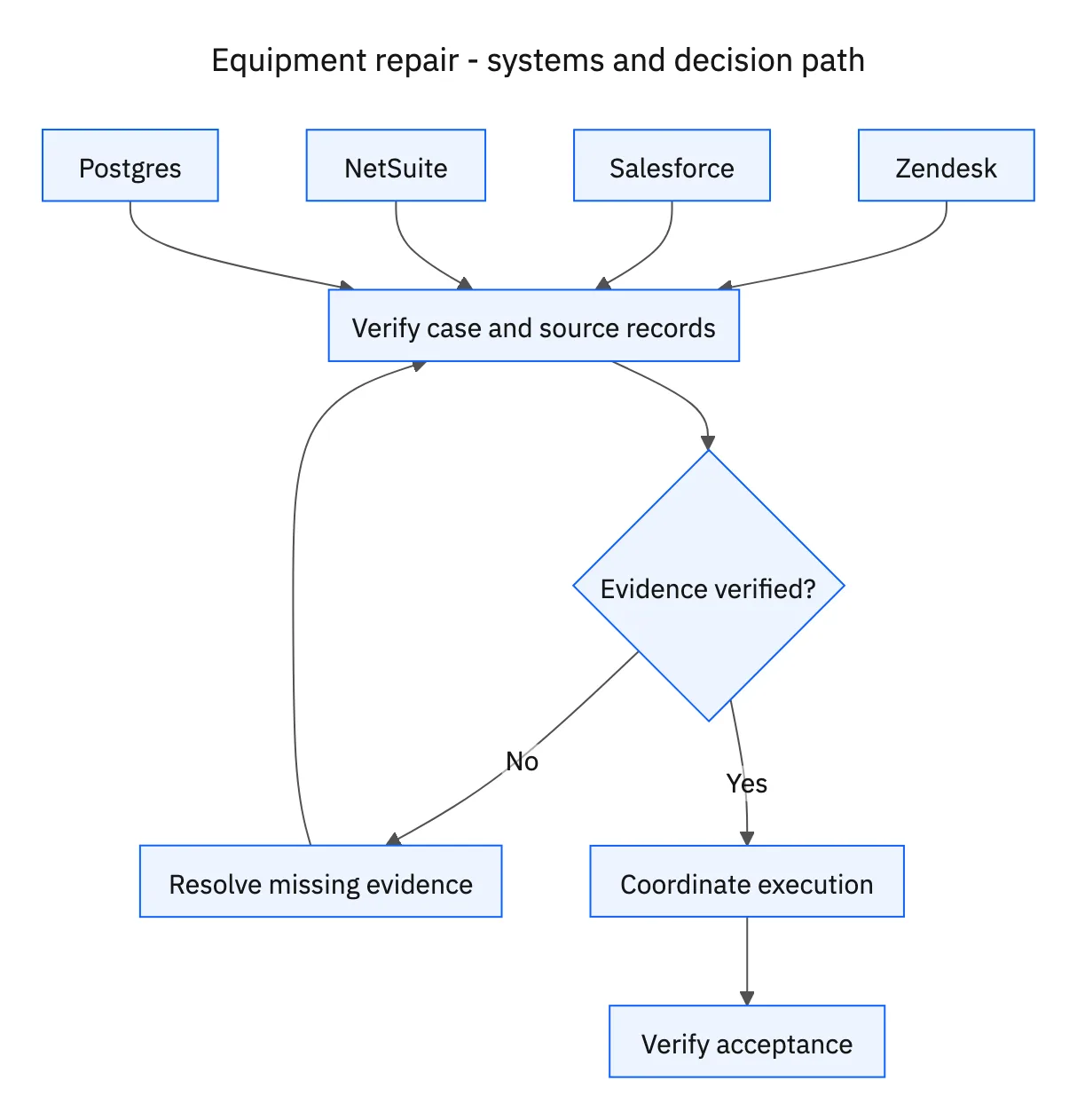
Equipment repair coordination should begin after a technician confirms the fault in Zendesk. Match the case to the Salesforce asset and service agreement, then review warranty evidence and replacement stock in NetSuite and appointment options in Postgres. The agent coordinates the approved service process; it should not diagnose equipment from a customer’s message.
Verify the asset identifier and registered customer before assembling a plan. A replacement part or agreement for a similar model may not apply. Preserve the technician’s confirmed finding and references needed by the service manager, while keeping any unresolved compatibility question assigned to a qualified service owner.
Systems and prerequisites
This is a workflow design to configure with Stacksync Genies and your existing systems. Connecting an application does not by itself establish the permissions, record mappings, approval routing, or operational process described here. Before enabling the job, confirm which records the Genie can read, which actions it can take, and who receives clarification or approval requests.
| System or owner | Evidence and responsibility |
|---|---|
| Zendesk | Technician-confirmed fault, service case, approval context, and customer communication. |
| Salesforce | Asset identity and service agreement. |
| NetSuite | Warranty evidence, replacement stock, and approved parts orders. |
| Postgres | Available service appointments and the configured work-request process. |
| Service manager | Approval of the repair plan before parts orders or work requests. |
Required context for this workflow design.
Prepare the repair plan before creating commitments
The plan should identify the asset, confirmed fault, service coverage, warranty status, required parts, available stock, appointment option, and outstanding decisions. Check warranty coverage before proposing any customer charges. A missing warranty record is an information gap, not proof that the customer should pay.
Ask the service manager to approve the plan before creating parts orders or work requests. Attach the approval to the specific parts, scope, timing, and cost assumptions. If stock or the appointment changes materially while waiting, revise the proposal and revisit the affected decision rather than silently substituting another part or date.
Coordinate the work and verify both completion conditions
Create the approved records through the configured processes and retain their IDs on the service case. Coordinate the appointment using available operational slots and communicate confirmed details through Zendesk. Follow parts, scheduling, and work-request actions until the technician records completion.
Keep the case open until customer acceptance is also recorded. A parts delivery or a technician’s completion note is an intermediate milestone when acceptance remains outstanding. If the customer reports the issue persists, record the response and route it back to the service team. The administrative workflow should expose that unresolved outcome rather than closing because a work order reached its final status.
A five-step operating sequence
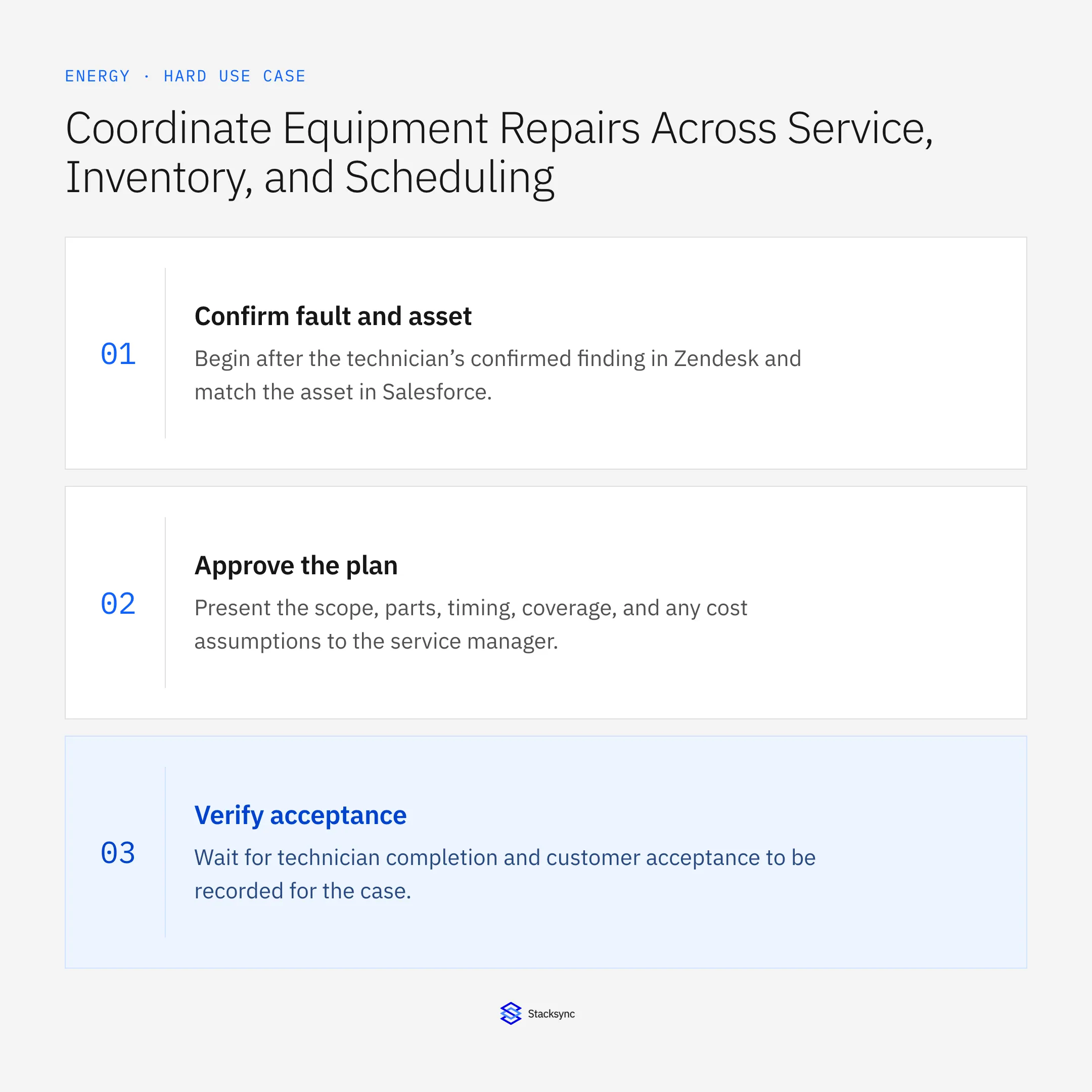
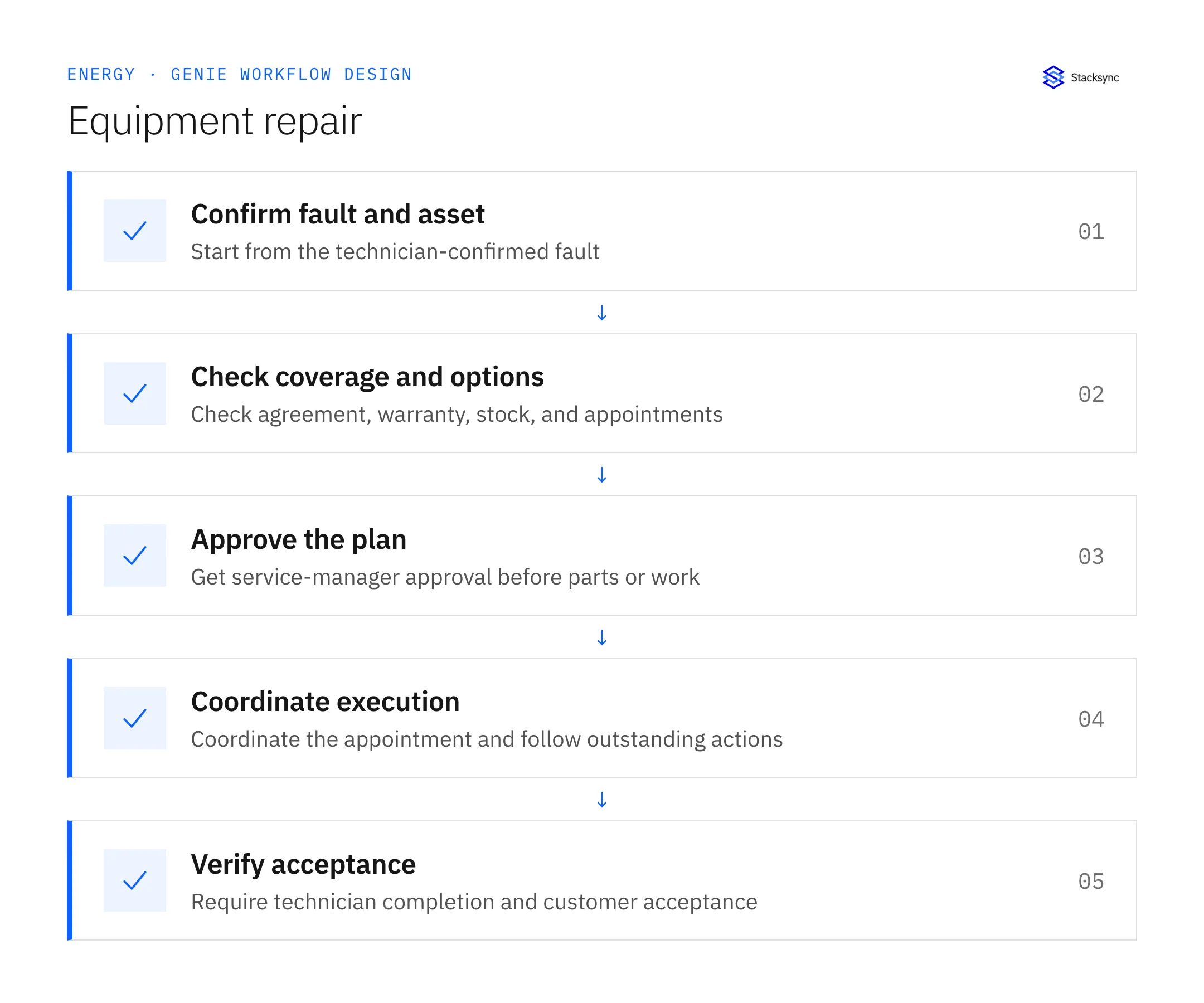
- 01Confirm fault and assetBegin after the technician’s confirmed finding in Zendesk and match the asset in Salesforce. Read the applicable service agreement. Do not diagnose from an unverified customer description or assume another model’s parts and coverage apply.
- 02Check coverage and optionsReview warranty evidence and replacement stock in NetSuite and appointment availability in Postgres. Surface missing coverage or compatibility information for service review. Warranty must be checked before proposing a customer charge.
- 03Approve the planPresent the scope, parts, timing, coverage, and any cost assumptions to the service manager. Wait for approval before creating parts orders or work requests. Revisit the affected approval if availability or the proposed work changes.
- 04Coordinate executionCreate only the approved records, retain their IDs, and coordinate the appointment through the configured operational process. Update the customer in Zendesk with confirmed details. Follow outstanding parts, scheduling, and technician actions without duplicating existing requests.
- 05Verify acceptanceWait for technician completion and customer acceptance to be recorded for the case. If the customer reports an unresolved issue, route it to the service team and keep the case open. Silence is not acceptance, and a parts delivery is not repair completion.
Illustrative workflow example
A technician confirms a faulty component. The asset is matched, warranty evidence is reviewed, and a parts-and-appointment plan goes to the service manager. Approved work proceeds, but the ticket remains open after the technician’s completion note until the customer records acceptance.
This example uses fictional records to show the decision logic. It is not a customer case study or a claim of measured results. In a live case, retain the actual record IDs and evidence behind each statement, and replace all illustrative quantities or timing assumptions with the approved operational inputs.
What the handoff should contain
A service-manager-approved repair plan, linked parts and work records, confirmed appointment, and Zendesk evidence of technician completion and customer acceptance.
Keep the evidence reference, observation time, current owner, and outstanding decision with the case. A colleague taking over should be able to distinguish a proposal from a confirmed result without reading every previous message. If a source value changes while the case is waiting, recheck the affected decision before proceeding.
Approval and completion checklist
- Begin only after technician confirmation of the fault in Zendesk.
- Check asset, agreement, warranty, replacement stock, and appointment availability.
- Require service-manager approval before parts orders or work requests.
- Check warranty before proposing charges; close only with technician completion and customer acceptance.
Validate the job before enabling it
Start with a small reviewed set of cases from the systems above. Include a complete case, an ambiguous match, a missing source record, and an interrupted action where the result is uncertain. Use a draft or test environment for validation and compare the output with the source records before allowing the configured production actions.
For this job, the most important checks are begin only after technician confirmation of the fault in Zendesk. Check warranty before proposing charges; close only with technician completion and customer acceptance. Record the expected result before the trial, then compare both the proposed action and the final evidence. A fluent message is not a passing result if it skips one of these conditions.
- Repair commitments linked to an approved plan
- Charge proposals preceded by coverage review
- Closed cases containing technician completion and customer acceptance
Use these as operating measures, not promised performance improvements. Establish the current baseline and review exceptions with the team that owns the process. Investigate an increase in incorrect matches, unauthorized actions, or premature closure before expanding the job’s scope.

Give your Genie a job description
Copy the job description below. It preserves the scope and decision boundaries of this use case. Configure the referenced systems, record relationships, policies, and approval owners in your workspace before enabling the job.
Paste this into “Give your Genie a job description.” Explore Stacksync Genies.
Apply this in commercial HVAC, plumbing and electrical contractors: service visit and technician evidence
Commercial HVAC, plumbing, and electrical service closeout follows the same repair handoff across technicians, parts, and customer acceptance. The MEP guides show how to assemble the invoice-ready packet while keeping callbacks, warranty work, and missing parts under their proper owners.
| Record to reconcile | Responsible owner | Rule to preserve |
|---|---|---|
| Service visit | Dispatch | Identify the job, site, technician and actual visit window. |
| Technician evidence | Field team | Preserve original notes, photos and reported parts alongside any structured summary. |
| Work authorization | Service manager | Define the scope and rate basis covered by the customer approval. |
An exception to plan for: Note describes work that is only recommended. Keep it in follow-up scope and outside performed or billable work. Acceptance check for the pilot: recommendations cannot become completed work through summarization.
The commercial HVAC, plumbing and electrical contractors hub connects the broader operating context. These guides develop the specific record mappings and decisions for this application:
Implementation references
These first-party references document the underlying records and interfaces. The cross-system sequence, approvals, and completion rules in this article are a proposed operational configuration; validate them against your connected workspace before enabling it.

FAQ
Frequently asked questions










Explore these integrations and topics
Related articles





