






















Prefab Supplier EDI: Reconcile Component Orders With Factory Receipts and Direct-to-Site Deliveries
Map prefab supplier EDI to the correct factory or site destination and preserve component allocation by project.
- Author
- Alexis Favre · Co-Founder & CTO
- Published
- Read time
- 5 min read

The operating decision
Prefab supplier EDI should connect component purchase lines to the approved project requirement, supplier responses, shipment destination and actual receiving evidence. Factory receipts and direct-to-site deliveries are different flows and must not both become factory stock. Preserve item, unit, purchase-line and project references through the exchange. Procurement reviews substitutions and changed promises; the designated receiver confirms quantity and condition at the actual destination.
Explore the complete modular and prefab building supply and installation integration and automation hub for the systems and processes around this guide.
What this looks like in modular and prefab building supply and installation
A modular manufacturer buys components for factory assembly and finishing materials that ship directly to the installation site. One supplier order includes both destinations and several project allocations. The supplier sends split shipments and invoices before all goods arrive. A useful EDI mapping identifies which receipt belongs in factory inventory, which belongs to a site delivery record and which purchase lines remain open, without marking the whole project supplied.
Records, ownership, and update rules
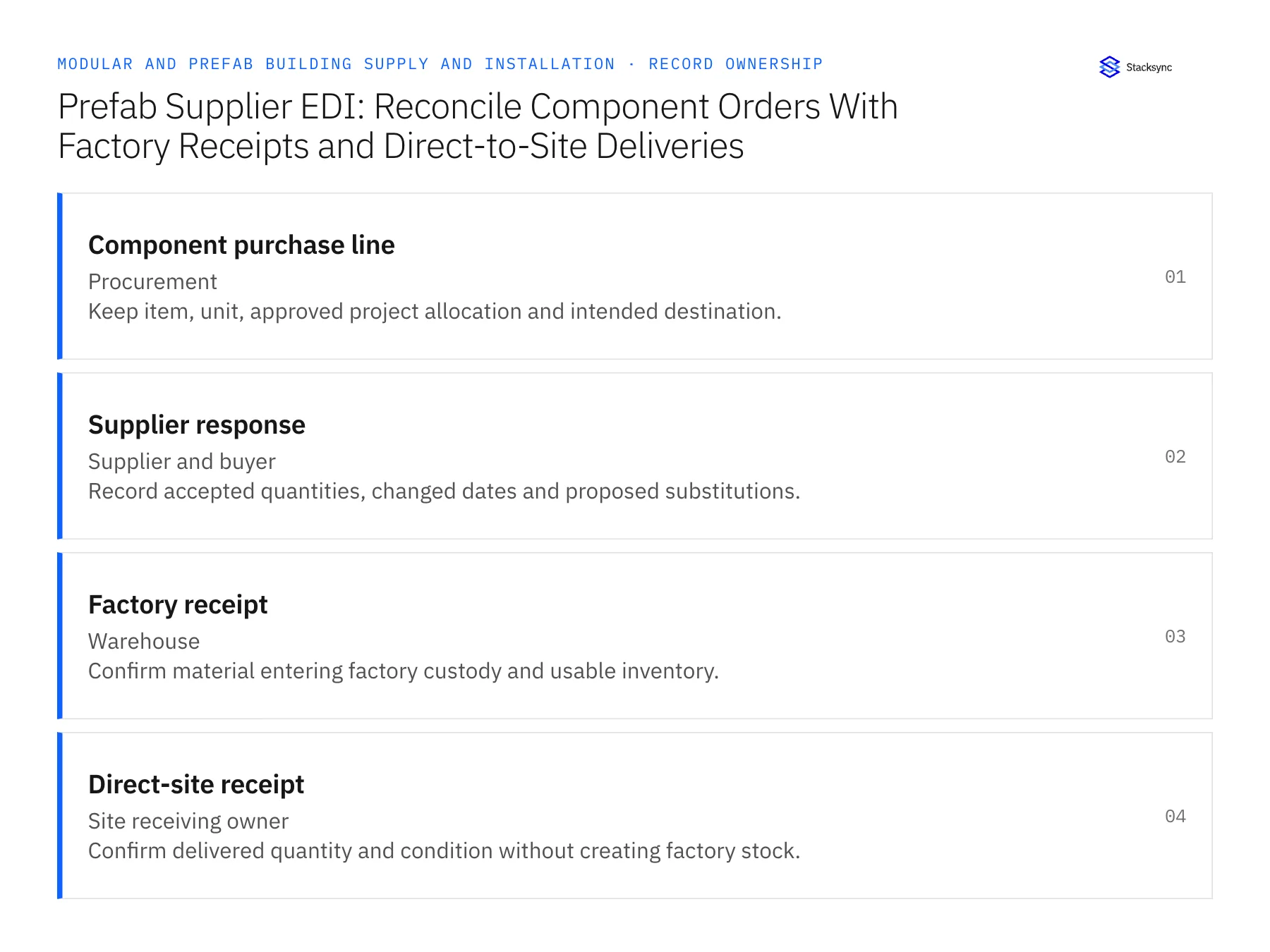
| Record | Owner | Operating rule |
|---|---|---|
| Component purchase line | Procurement | Keep item, unit, approved project allocation and intended destination. |
| Supplier response | Supplier and buyer | Record accepted quantities, changed dates and proposed substitutions. |
| Factory receipt | Warehouse | Confirm material entering factory custody and usable inventory. |
| Direct-site receipt | Site receiving owner | Confirm delivered quantity and condition without creating factory stock. |
Work through the process
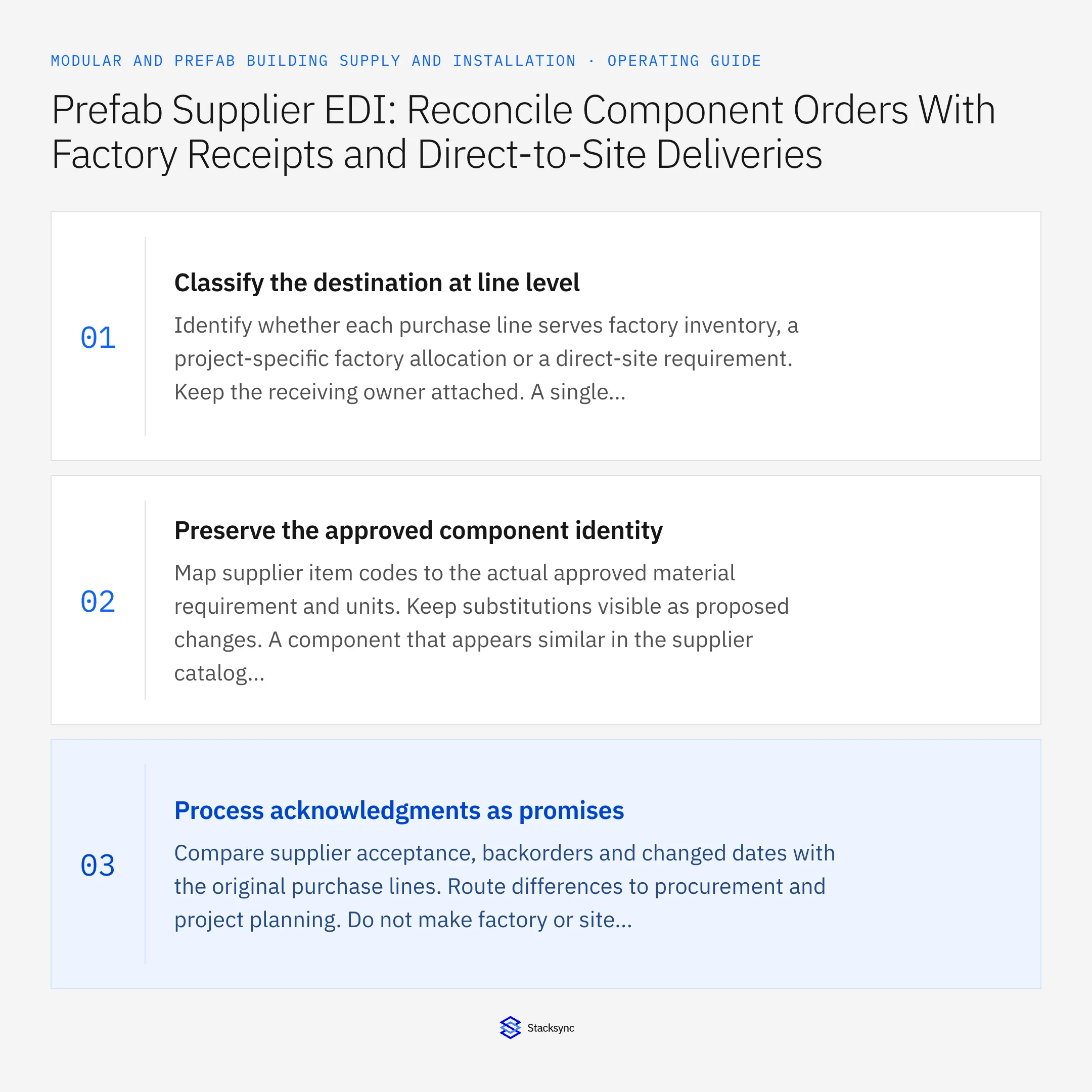
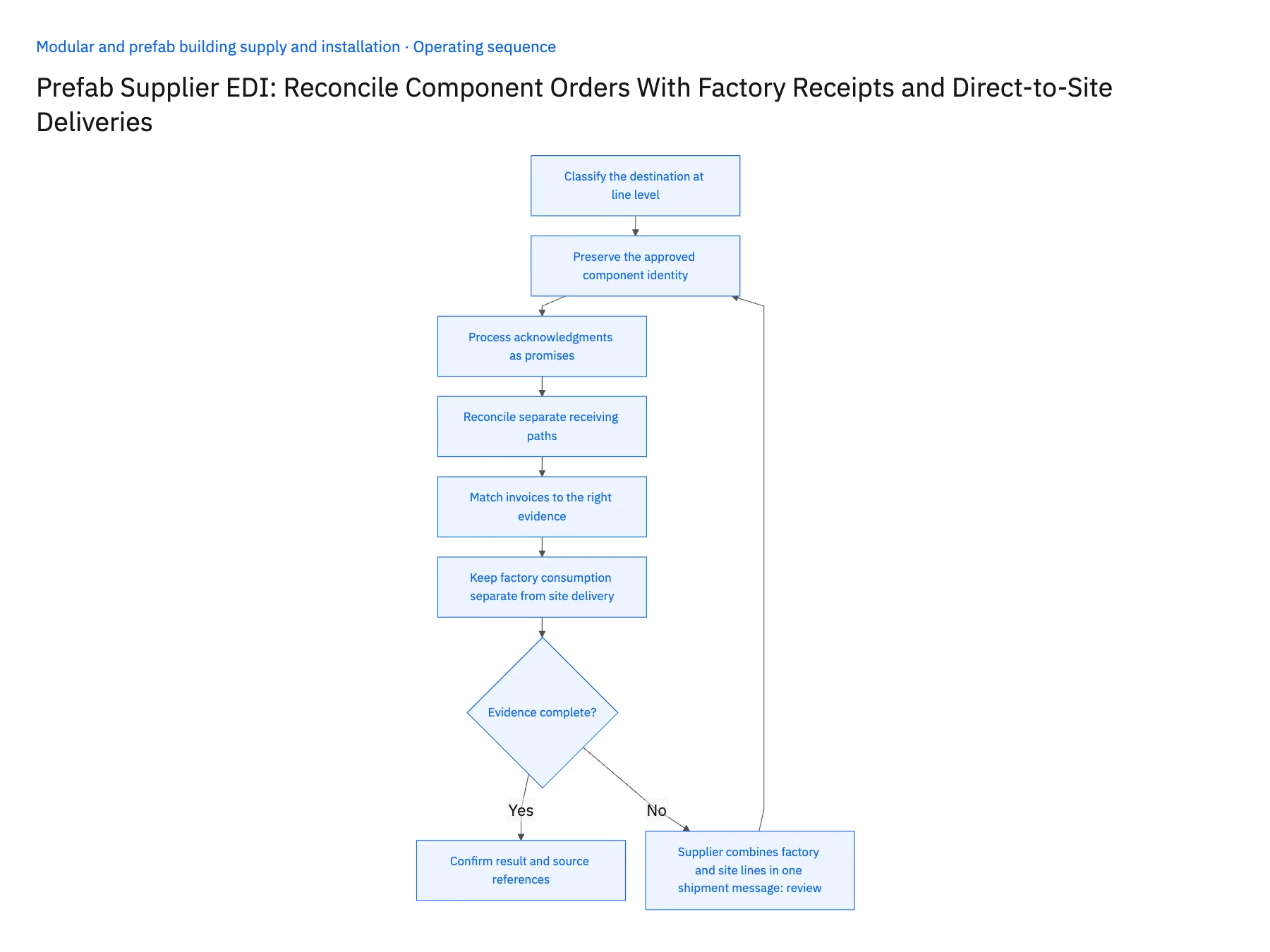
- 01Classify the destination at line levelIdentify whether each purchase line serves factory inventory, a project-specific factory allocation or a direct-site requirement. Keep the receiving owner attached. A single order-header address is insufficient when the supplier fulfills several destinations or project phases.
- 02Preserve the approved component identityMap supplier item codes to the actual approved material requirement and units. Keep substitutions visible as proposed changes. A component that appears similar in the supplier catalog still needs the qualified and commercial reviews applicable to the design and purchase.
- 03Process acknowledgments as promisesCompare supplier acceptance, backorders and changed dates with the original purchase lines. Route differences to procurement and project planning. Do not make factory or site readiness depend on an acknowledgment as though the material were already received.
- 04Reconcile separate receiving pathsUse shipment notices to prepare the correct receiver. Let factory receiving record factory quantities and the site owner record direct deliveries. Preserve condition holds and partial quantities so one shipment cannot inflate both factory stock and project-delivered totals.
- 05Match invoices to the right evidenceProvide accounts payable with the purchase line and relevant factory or site receipt references. Keep unresolved receiving gaps explicit under finance's matching policy. Retain EDI transaction and destination identifiers so retransmissions and corrections can be reconciled before another ERP action is created.
- 06Keep factory consumption separate from site deliveryA component received into the factory may later become part of a module, while a direct-site item is used during installation. Preserve those paths so the same supplier quantity does not appear both as available raw material and as delivered project scope. Production usage and site acceptance each need their own evidence. The purchasing reference connects the story, but it does not replace the distinct inventory and project events along the way.
Handle the exceptions explicitly
Supplier combines factory and site lines in one shipment message
Use line and destination references to route each quantity to the correct receiving process.
Direct delivery is mistakenly received into factory stock
Hold the inconsistent result and route a reviewed correction with both source references.
Component substitution affects released design
Request qualified design and procurement approval before applying the changed requirement.
What to verify before expanding
- Factory and direct-site receipts remain separate.
- Every quantity resolves to a purchase line and project allocation.
- Supplier promises cannot appear as received material.
- Duplicate transmission cannot create a second receiving or invoice action.

Connect this process to the rest of your operation
Explore Stacksync EDI and scope the records and actions against your actual systems. Book a demo with a real component purchase line example and the exception your team handles most often, for example supplier combines factory and site lines in one shipment message.
- EDI for Prefab Component Procurement and Direct-Site Delivery
- Modular Building Manufacturers: Align Salesforce Project Configurations With NetSuite Orders and Milestones
- Module Serial Numbers From Factory to Site: Connect NetSuite With a Supabase Delivery and Acceptance Register
- Prefab Dealer and Contractor Portals: Align HubSpot Buyer Records With Supabase Project Access
- Modernize Legacy EDI Without Replacing Your ERP
- Secure EDI Processing in Multi-Cloud Environments
The shared architecture guide covers record matching, ownership, and recovery across systems.
Technical references
FAQ
Frequently asked questions










Related articles






