






















HubSpot–Supabase for Construction Service Portals: Customers, Sites, and Request Status
Build construction customer portals around stable company, site and request records without confusing sync with user authorization.
- Author
- Ruben Burdin · Founder & CEO
- Published
- Read time
- 4 min read

The operating decision
HubSpot–Supabase two-way sync can keep CRM context and a construction service portal aligned. Model customers, physical sites and service requests separately, then decide which fields the portal may propose and which HubSpot fields it may display. The portal also needs its own authorization model: syncing a company record does not grant a logged-in user access to that company's jobs. Apply database grants and row policies for the actual customer-to-site relationships.
Explore the complete construction services and installation integration and automation hub for the systems and processes around this guide.
What this looks like in construction services and installation
A maintenance contractor offers a portal for facility managers to submit requests and see progress. One manager oversees three buildings, while another may see only one. HubSpot stores the relationship and account owner; Supabase stores portal requests and memberships. A customer changes a contact phone number, then asks for after-hours access. The phone update may be permitted to synchronize, but an access instruction should remain attached to the specific site and request.
Records, ownership, and update rules
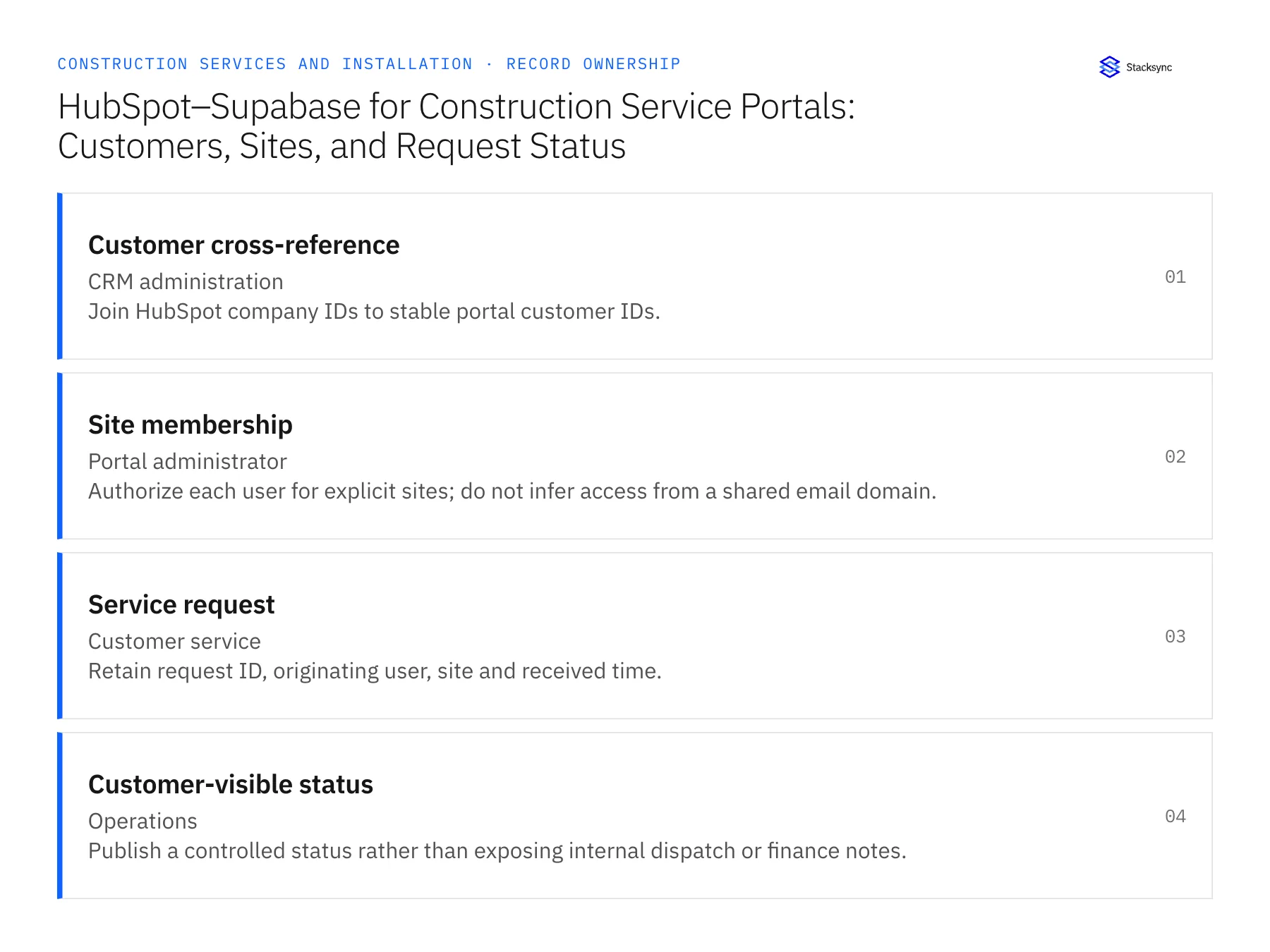
| Record | Owner | Operating rule |
|---|---|---|
| Customer cross-reference | CRM administration | Join HubSpot company IDs to stable portal customer IDs. |
| Site membership | Portal administrator | Authorize each user for explicit sites; do not infer access from a shared email domain. |
| Service request | Customer service | Retain request ID, originating user, site and received time. |
| Customer-visible status | Operations | Publish a controlled status rather than exposing internal dispatch or finance notes. |
Work through the process
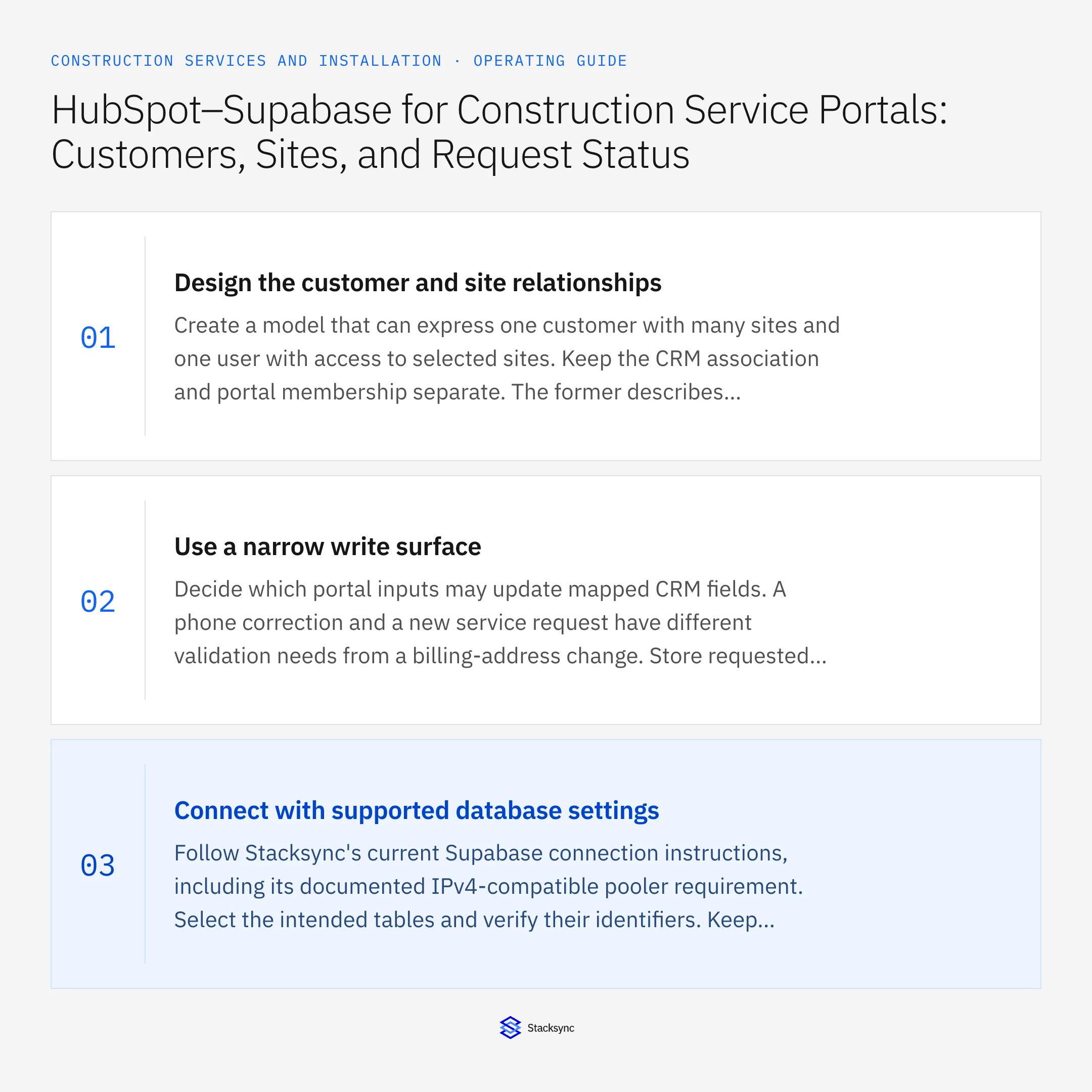
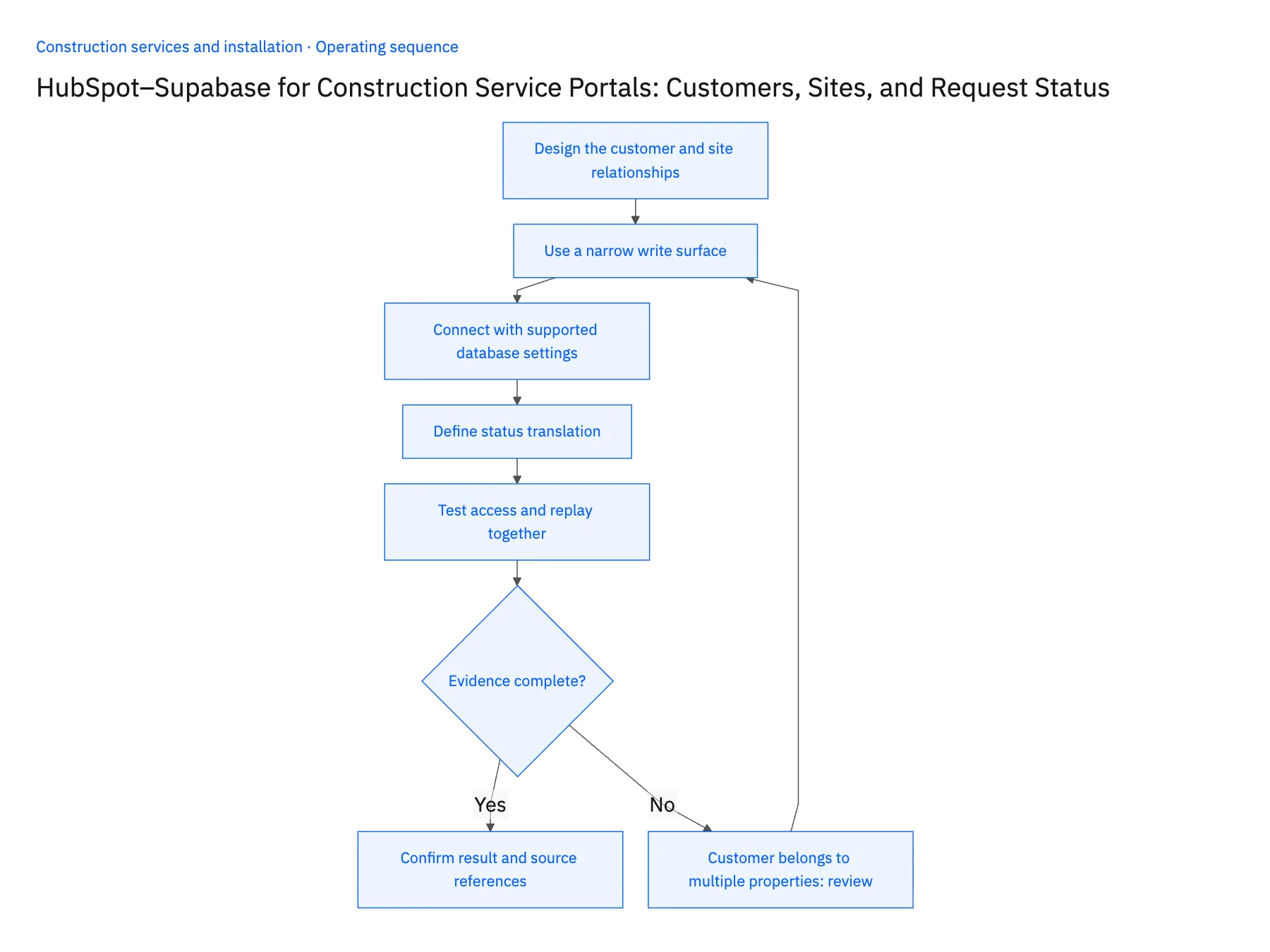
- 01Design the customer and site relationshipsCreate a model that can express one customer with many sites and one user with access to selected sites. Keep the CRM association and portal membership separate. The former describes a business relationship; the latter determines what an authenticated person can read or change.
- 02Use a narrow write surfaceDecide which portal inputs may update mapped CRM fields. A phone correction and a new service request have different validation needs from a billing-address change. Store requested changes separately when a customer-facing edit needs staff approval, and keep the approved value visible until that review finishes.
- 03Connect with supported database settingsFollow Stacksync's current Supabase connection instructions, including its documented IPv4-compatible pooler requirement. Select the intended tables and verify their identifiers. Keep connection credentials on the server side; the browser should use the portal's normal authenticated access rather than the integration account.
- 04Define status translationMap internal request states to customer-friendly language. Scheduled, awaiting customer access, completed by technician, and approved for billing should remain distinguishable. A status should include its update time and, where useful, the customer's next action. Do not publish internal cost, margin, or dispatch commentary by default.
- 05Test access and replay togetherSign in as users from two unrelated customers and try reading and editing each other's requests. Separately replay a portal submission and a CRM status change to check for duplicate requests and loops. Successful synchronization and successful authorization are two independent acceptance checks.
Handle the exceptions explicitly
Customer belongs to multiple properties
Use explicit site memberships and test each assignment; a company-level association alone may be too broad.
HubSpot record merges
Update the cross-reference through a reviewed merge path and preserve the existing portal request history.
Portal displays a delayed update
Show the last verified status time and avoid announcing a schedule change before operations confirms it.
What to verify before expanding
- A user can access only their approved customers and sites.
- A repeated submission keeps one service request identifier.
- Internal margin and dispatch notes never appear in the portal.
- A membership removal prevents further access under the tested session policy.

Connect this process to the rest of your operation
Explore Stacksync two-way sync and scope the records and actions against your actual systems. Book a demo with a real customer cross-reference example and the exception your team handles most often, for example customer belongs to multiple properties.
- Construction Company Acquisitions: Unify Customer and Job IDs Across Branch Systems
- Construction Job-Cost Visibility: Define Ownership Across CRM, ERP, and Field Records
- Approved Change Order to Billing Queue: Automating Construction Service Handoffs
- How to Sync HubSpot and Supabase in minutes with Stacksync
- Real-Time HubSpot Database Integration and Salesforce Sync with Stacksync
The shared architecture guide covers record matching, ownership, and recovery across systems.
Technical references
FAQ
Frequently asked questions










Related articles






