






















Handle Proof-of-Delivery Requests Through Zendesk
A proof-of-delivery response should establish that the requester can access the shipment, retrieve its recorded delivery details, and share only the documents they are entitled to receive.
- Author
- Ignacio Malpartida · GTM Engineer
- Published
- Read time
- 6 min read

Verify ownership before retrieving a shareable answer
A proof-of-delivery response should establish that the requester can access the shipment, retrieve its recorded delivery details, and share only the documents they are entitled to receive. The shipment number identifies what to look up; it does not establish account ownership. Keep the ownership check ahead of the customer-facing reply.
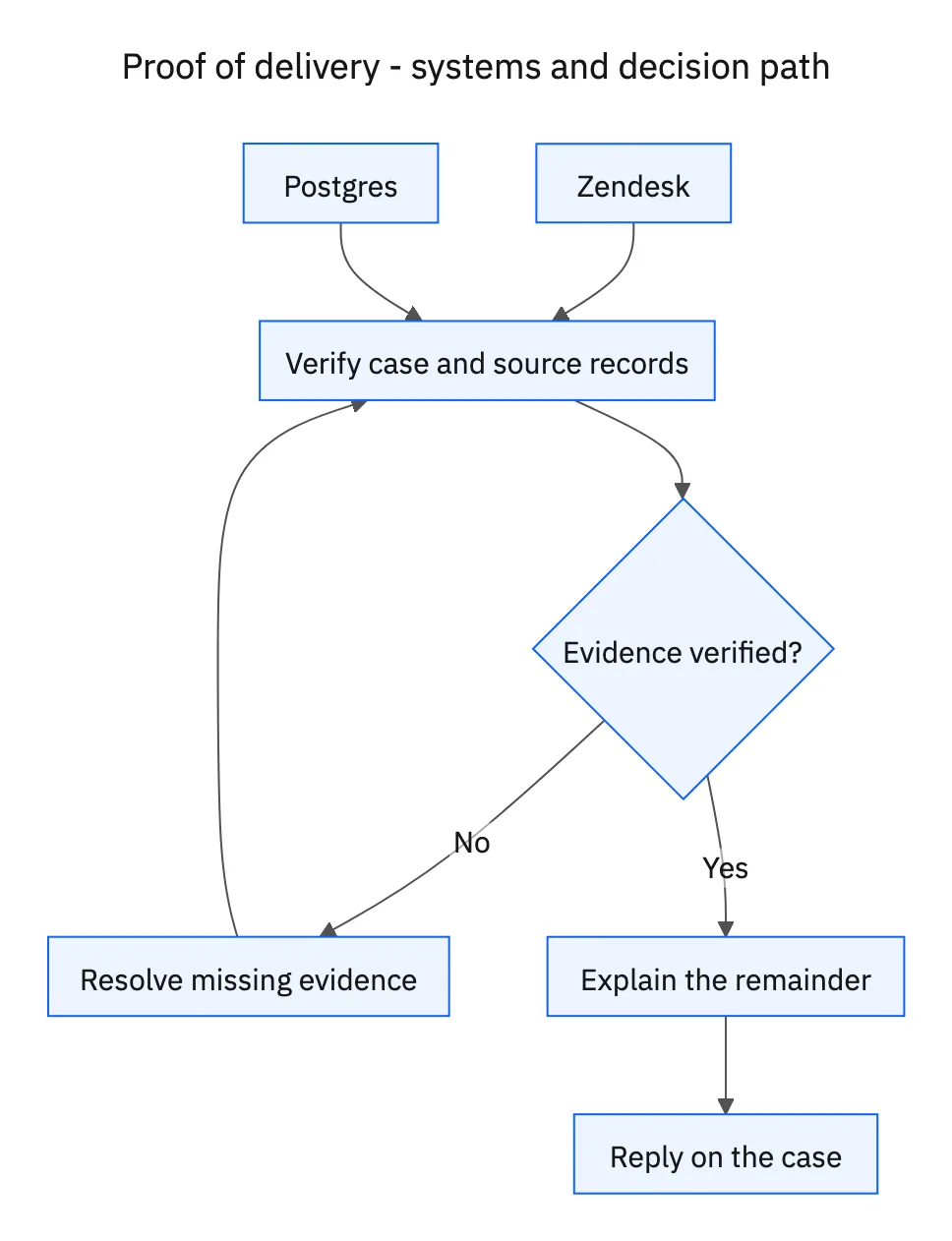
Match the Zendesk requester’s verified account to the shipment’s account identifier in Postgres. Account relationships need an explicit mapping, particularly when a logistics provider serves a parent company and several branches. If the mapping is missing or contradictory, request verification through the established support process before disclosing delivery details or document links.
Systems and prerequisites
This is a workflow design to configure with Stacksync Genies and your existing systems. Connecting an application does not by itself establish the permissions, record mappings, approval routing, or operational process described here. Before enabling the job, confirm which records the Genie can read, which actions it can take, and who receives clarification or approval requests.
| System or owner | Evidence and responsibility |
|---|---|
| Zendesk | Verified requester context, the original request, and the customer-facing response. |
| Postgres | Shipment ownership, delivery events, item quantities, and authorized document links. |
Required context for this workflow design.
Retrieve the event and its supporting document
Read the shipment reference, delivery event time, destination, recorded recipient information appropriate for disclosure, and the document link associated with that event. A document uploaded to the same account but a different shipment is not the correct proof. Retain the shipment-to-document relationship in the internal evidence summary so a reviewer can trace the response.
Check whether the link can be shared through your authorized document access mechanism. An internal storage path may not work for the customer, while an unrestricted link may expose more information than intended. Use the operation’s existing access-controlled delivery process; do not change document permissions just to make a reply convenient.
Explain completeness at the quantity level
Compare the delivered quantity with the shipment’s expected quantity and any other delivery events. When only part arrived, list the delivered items or units separately from the outstanding portion. If an outstanding delivery date is recorded, report it with its status. If it is absent, say that the remaining delivery timing is not recorded.
Reply on the existing Zendesk ticket with a concise summary and the available authorized documents. When the delivery event exists but the attachment does not, provide the verified details and identify the missing document as the outstanding request. A database record can support an operational update without being represented as a signed proof that is not actually available.
A five-step operating sequence
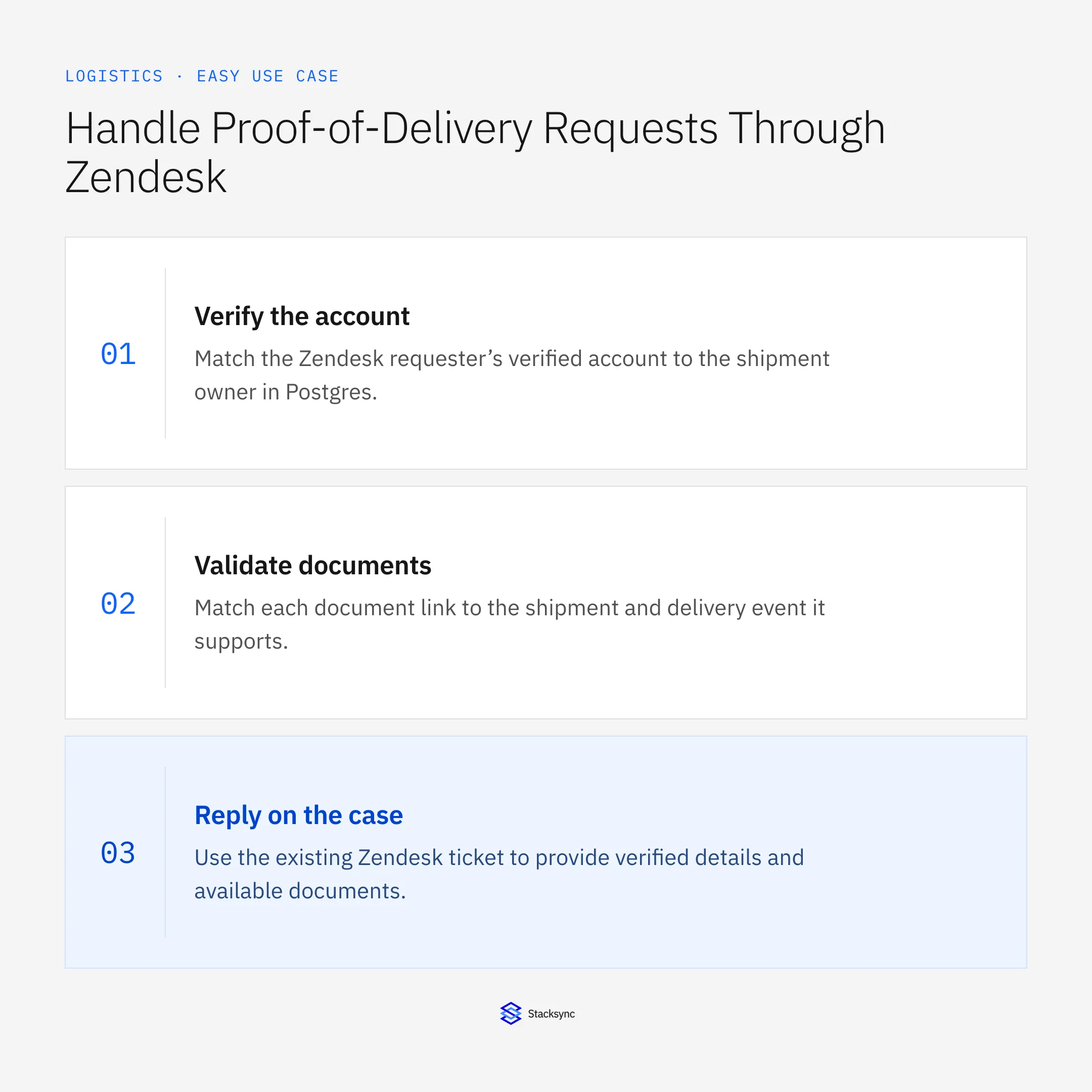
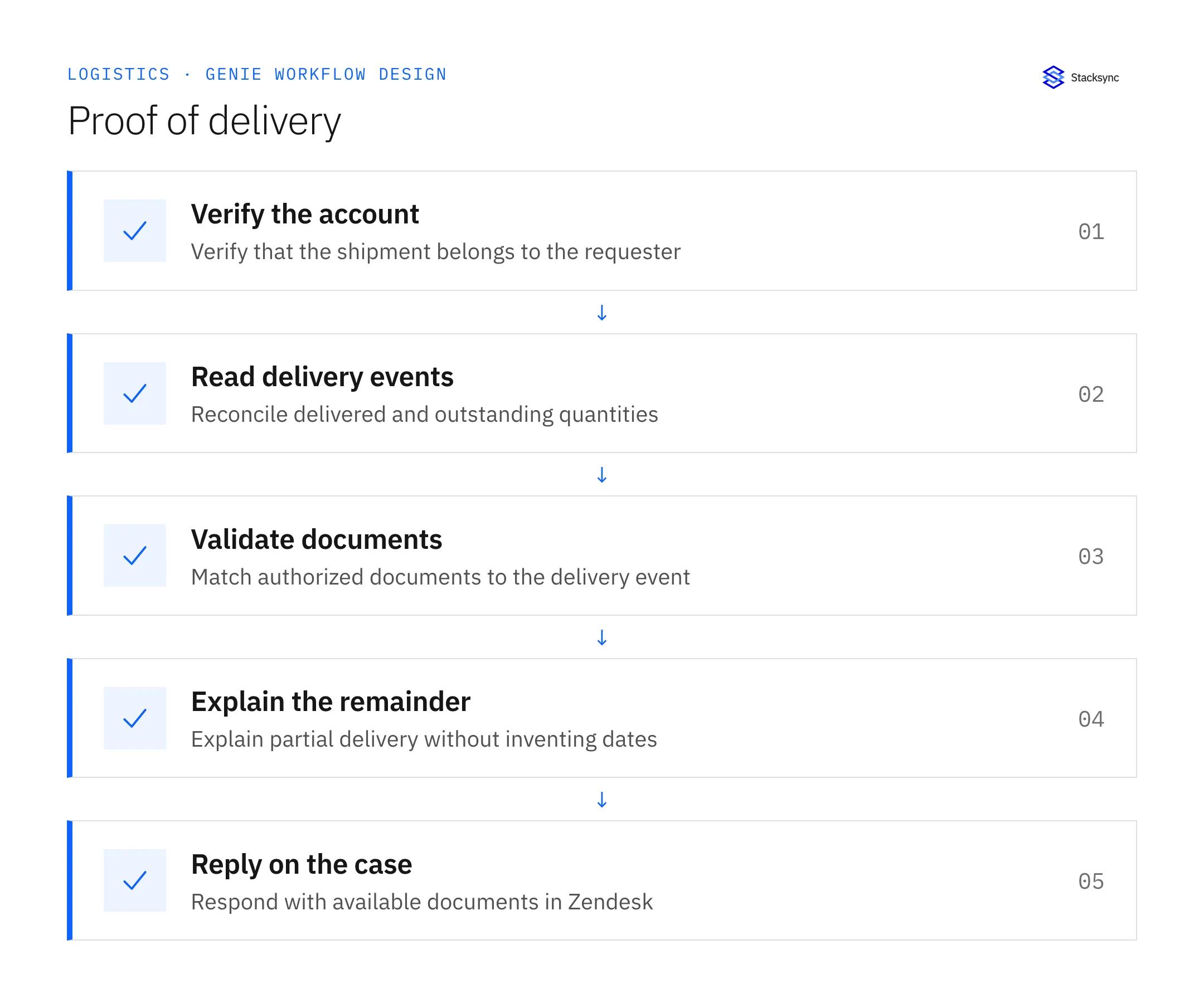
- 01Verify the accountMatch the Zendesk requester’s verified account to the shipment owner in Postgres. Use the organization’s authorized representative rules where relevant. A shipment number by itself should never be treated as permission to reveal delivery information.
- 02Read delivery eventsRetrieve the shipment’s actual delivery records and the quantities each covers. Preserve event corrections and partial deliveries. Do not assume that the most recent delivered status applies to all units or all related consignments.
- 03Validate documentsMatch each document link to the shipment and delivery event it supports. Use the configured authorized sharing mechanism. A working URL for another account or an internal-only storage path is not a suitable attachment for the customer response.
- 04Explain the remainderList the delivered portion and outstanding balance in ordinary language. Only include a remaining delivery date if recorded. If the document is missing but delivery evidence exists, distinguish that document request from the shipment’s physical status.
- 05Reply on the caseUse the existing Zendesk ticket to provide verified details and available documents. Record unresolved evidence requests internally. If the customer disputes the outcome, retain their report and route the discrepancy without treating the document as a liability decision.
Illustrative workflow example
Shipment L-204 contains ten cartons. Postgres records delivery of seven cartons and a document for that event. The authorized customer receives the seven-carton confirmation and document link, with three cartons explicitly listed as outstanding.
This example uses fictional records to show the decision logic. It is not a customer case study or a claim of measured results. In a live case, retain the actual record IDs and evidence behind each statement, and replace all illustrative quantities or timing assumptions with the approved operational inputs.
What the handoff should contain
A Zendesk response with the verified shipment reference, delivered and outstanding quantities, recorded delivery details, and authorized links to the matching documents.
Keep the evidence reference, observation time, current owner, and outstanding decision with the case. A colleague taking over should be able to distinguish a proposal from a confirmed result without reading every previous message. If a source value changes while the case is waiting, recheck the affected decision before proceeding.
Approval and completion checklist
- Verify shipment ownership against the requester’s account before disclosure.
- Match documents to the actual shipment and delivery event.
- Reconcile delivered and outstanding quantities; do not infer a missing delivery date.
- Share available authorized links through the existing Zendesk ticket.

Validate the job before enabling it
Start with a small reviewed set of cases from the systems above. Include a complete case, an ambiguous match, a missing source record, and an interrupted action where the result is uncertain. Use a draft or test environment for validation and compare the output with the source records before allowing the configured production actions.
For this job, the most important checks are verify shipment ownership against the requester’s account before disclosure. Share available authorized links through the existing Zendesk ticket. Record the expected result before the trial, then compare both the proposed action and the final evidence. A fluent message is not a passing result if it skips one of these conditions.
- Requests with verified account ownership
- Replies that reconcile partial-delivery quantities
- Document requests still awaiting an authorized link
Use these as operating measures, not promised performance improvements. Establish the current baseline and review exceptions with the team that owns the process. Investigate an increase in incorrect matches, unauthorized actions, or premature closure before expanding the job’s scope.
Give your Genie a job description
Copy the job description below. It preserves the scope and decision boundaries of this use case. Configure the referenced systems, record relationships, policies, and approval owners in your workspace before enabling the job.
Paste this into “Give your Genie a job description.” Explore Stacksync Genies.
Implementation references
These first-party references document the underlying records and interfaces. The cross-system sequence, approvals, and completion rules in this article are a proposed operational configuration; validate them against your connected workspace before enabling it.

FAQ
Frequently asked questions










Related articles






