






















Coordinate Missed Delivery Appointments Across Business Systems
Missed-delivery appointment coordination starts by comparing shipment updates in Postgres with the customer commitment recorded in Salesforce.
- Author
- Ignacio Malpartida · GTM Engineer
- Published
- Read time
- 6 min read

Detect a threatened commitment and open one coordination thread
Missed-delivery appointment coordination starts by comparing shipment updates in Postgres with the customer commitment recorded in Salesforce. A delayed vehicle may threaten an appointment without proving it has already been missed. Preserve the shipment update and promise that justify intervention, then continue in the existing Zendesk case where one is available.
Read alternative slots and transport options from operational records. Do not generate an apparently available appointment from a calendar gap unless that record is actually the source of bookable capacity. A feasible option needs a receiving window and a transport plan that can reach it.
Systems and prerequisites
This is a workflow design to configure with Stacksync Genies and your existing systems. Connecting an application does not by itself establish the permissions, record mappings, approval routing, or operational process described here. Before enabling the job, confirm which records the Genie can read, which actions it can take, and who receives clarification or approval requests.
| System or owner | Evidence and responsibility |
|---|---|
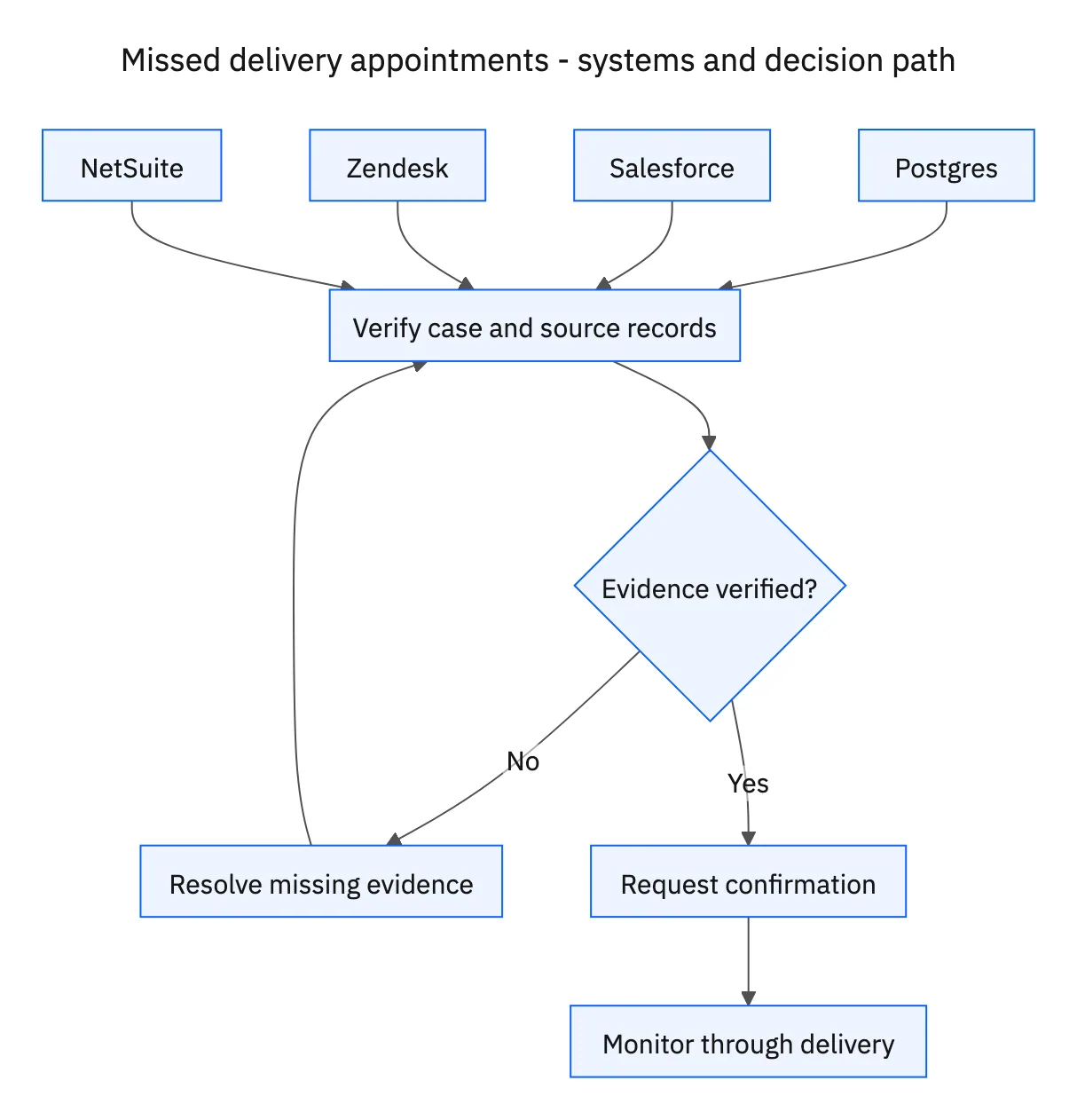
| Postgres | Shipment updates, available slots and transport options, rescheduling state, and dispatcher confirmation. |
| Salesforce | Delivery commitments and account context. |
| Zendesk | Customer coordination, agreement, and progress updates. |
| NetSuite | Approved additional operational costs. |
| Operations | Approval of added costs and operational feasibility. |
Required context for this workflow design.
Present a proposal that both sides can decide on
Specify the shipment, destination, proposed time window and timezone, transport option, extra cost, and expiry or freshness of the availability check. Coordinate customer agreement through Zendesk. Obtain operations approval for additional costs before recording them in NetSuite. Customer acceptance of the window does not authorize an operational expense.
Record the rescheduling request in Postgres with its proposed slot, customer agreement, cost decision, and pending dispatcher status. Keep those milestones separate so staff can see what is still outstanding. If the option changes, update the proposal and revisit affected approvals rather than treating the old agreement as transferable.
Wait for dispatch, then continue to delivery
The dispatcher must confirm the slot before the customer is told it is booked. Until then, the accurate message is that the requested appointment is awaiting confirmation. If dispatch rejects the slot, find another supported option and continue the coordination loop in the same case.
After confirmation, communicate the actual appointment details through Zendesk and continue monitoring shipment updates. Booking the revised appointment does not establish delivery. Keep outstanding actions visible until delivery is recorded, and avoid repeating customer notifications when a monitoring run reads the same unchanged status.
A five-step operating sequence
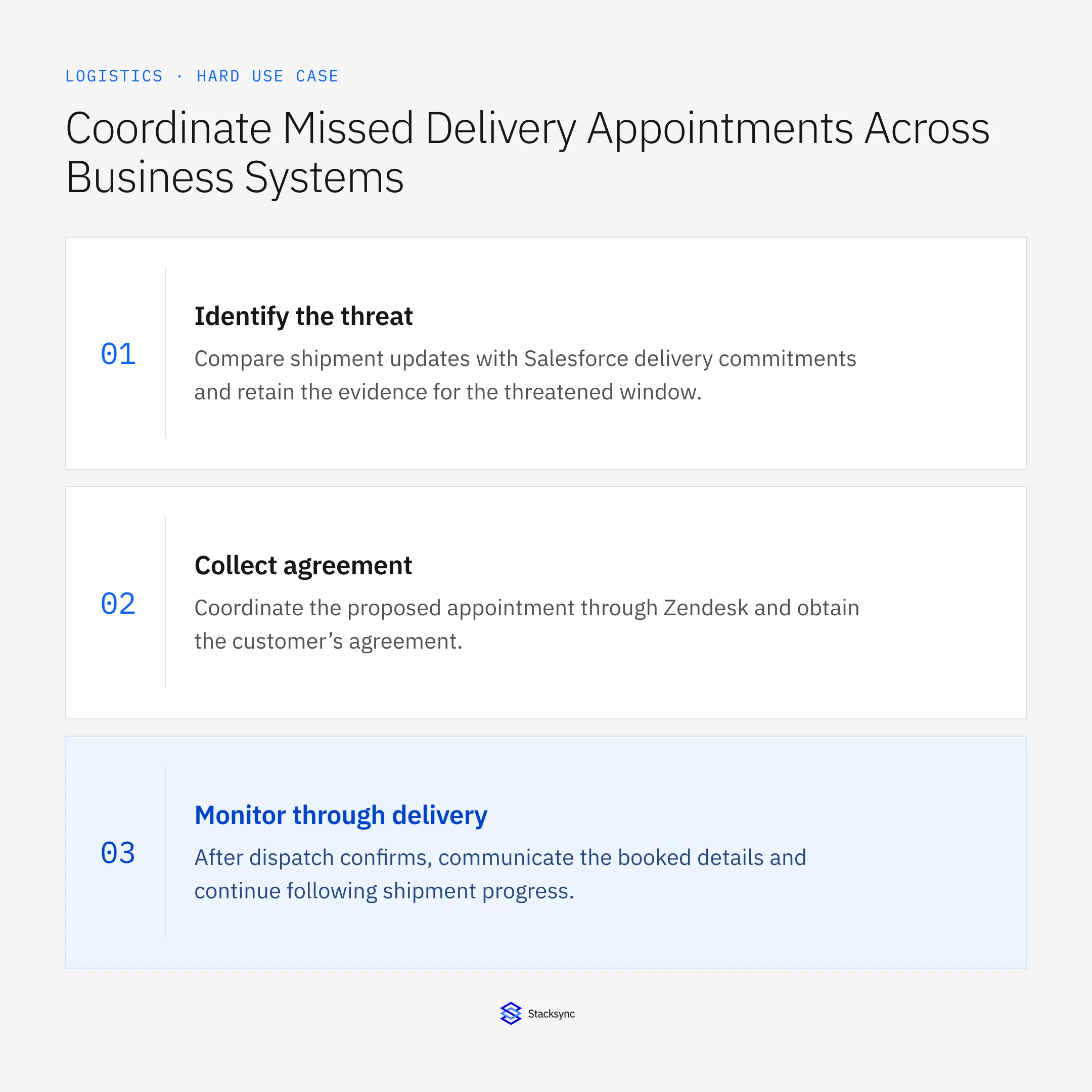
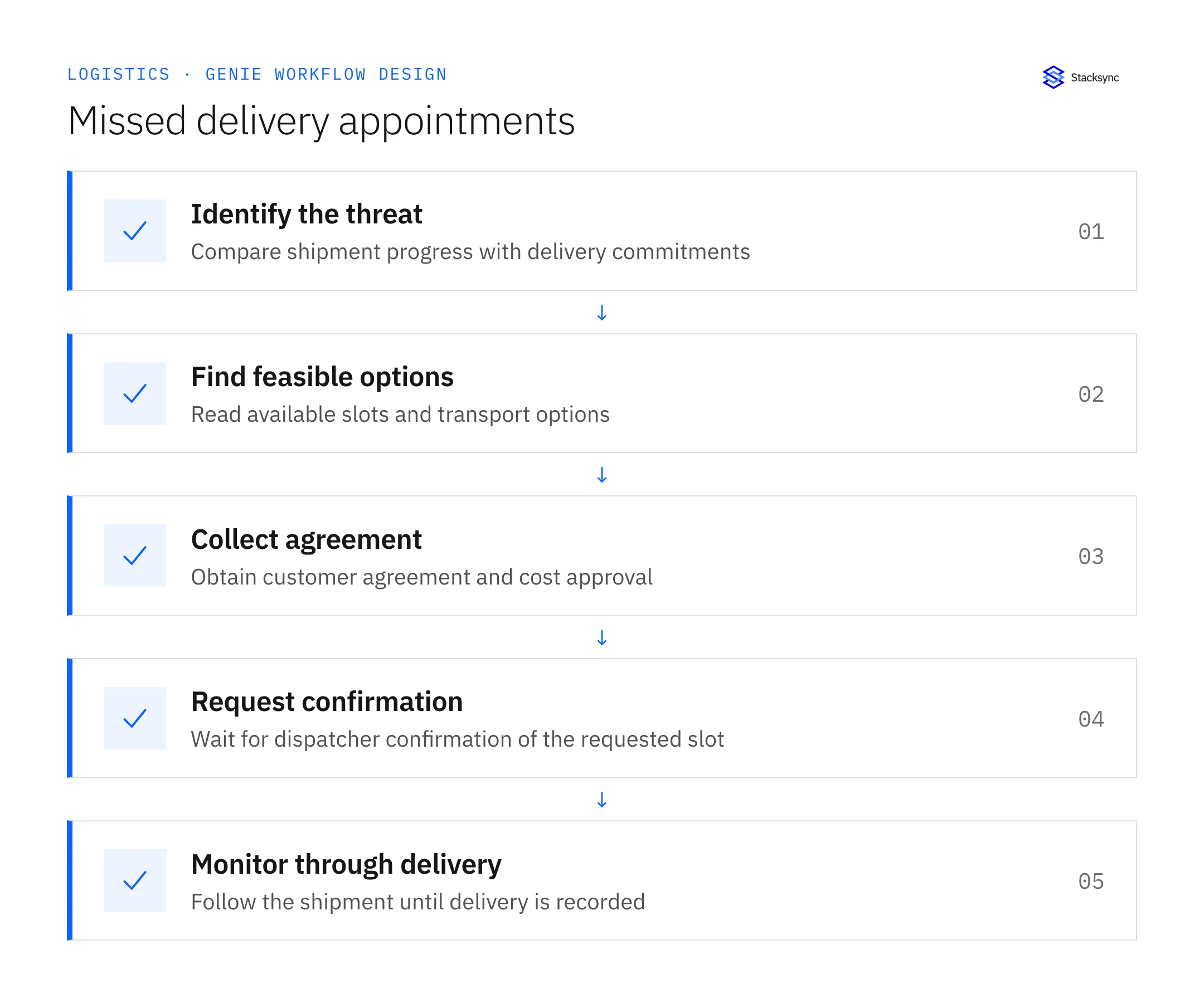
- 01Identify the threatCompare shipment updates with Salesforce delivery commitments and retain the evidence for the threatened window. Search the ongoing coordination record before starting a new request. Repeated telemetry updates should advance one case rather than create competing appointments.
- 02Find feasible optionsRead alternative receiving slots and transport choices from operational records. Include timezones, destination, timing feasibility, and extra cost. Do not assume a calendar gap is a bookable slot or that a vehicle can meet it without supporting records.
- 03Collect agreementCoordinate the proposed appointment through Zendesk and obtain the customer’s agreement. Obtain operations approval for additional costs before NetSuite recording. Preserve the decisions against the actual option, because a different slot or carrier can change both.
- 04Request confirmationPersist the request in Postgres and wait for the dispatcher’s response. Communicate pending confirmation accurately. If dispatch rejects the option, record the rejection, retrieve another supported option, and repeat the necessary agreement process.
- 05Monitor through deliveryAfter dispatch confirms, communicate the booked details and continue following shipment progress. A further delay may restart coordination within the same case. Close only when delivery is supported by the operational record, including any outstanding partial quantity.
Illustrative workflow example
A shipment will miss its morning window. The customer accepts a 15:00–16:00 alternative and operations approves the added transport cost. The ticket says confirmation is pending until the dispatcher records acceptance in Postgres; delivery monitoring then continues.
This example uses fictional records to show the decision logic. It is not a customer case study or a claim of measured results. In a live case, retain the actual record IDs and evidence behind each statement, and replace all illustrative quantities or timing assumptions with the approved operational inputs.
What the handoff should contain
A Postgres rescheduling record linked to the Zendesk case, containing proposal history, customer agreement, approved extra cost, dispatcher confirmation, and final delivery evidence.
Keep the evidence reference, observation time, current owner, and outstanding decision with the case. A colleague taking over should be able to distinguish a proposal from a confirmed result without reading every previous message. If a source value changes while the case is waiting, recheck the affected decision before proceeding.
Approval and completion checklist
- Use available slots and transport options from operational records.
- Get customer agreement and operations approval for added costs before NetSuite recording.
- Persist the request in Postgres and wait for dispatcher confirmation before saying booked.
- On rejection find another option and follow the shipment through delivery.

Validate the job before enabling it
Start with a small reviewed set of cases from the systems above. Include a complete case, an ambiguous match, a missing source record, and an interrupted action where the result is uncertain. Use a draft or test environment for validation and compare the output with the source records before allowing the configured production actions.
For this job, the most important checks are use available slots and transport options from operational records. On rejection find another option and follow the shipment through delivery. Record the expected result before the trial, then compare both the proposed action and the final evidence. A fluent message is not a passing result if it skips one of these conditions.
- Bookings communicated only after dispatcher confirmation
- Time waiting on customer, operations, and dispatcher decisions
- Rescheduled shipments reaching recorded delivery
Use these as operating measures, not promised performance improvements. Establish the current baseline and review exceptions with the team that owns the process. Investigate an increase in incorrect matches, unauthorized actions, or premature closure before expanding the job’s scope.
Give your Genie a job description
Copy the job description below. It preserves the scope and decision boundaries of this use case. Configure the referenced systems, record relationships, policies, and approval owners in your workspace before enabling the job.
Paste this into “Give your Genie a job description.” Explore Stacksync Genies.
Implementation references
These first-party references document the underlying records and interfaces. The cross-system sequence, approvals, and completion rules in this article are a proposed operational configuration; validate them against your connected workspace before enabling it.

FAQ
Frequently asked questions










Explore these integrations and topics
Related articles






