






















Household Products EDI: Connect Distributor Purchase Orders to Case-Level Shipments
Distributor item numbers resolve to the exact NetSuite case configuration, so EDI acknowledgments, ship notices, and invoices describe the pouches that shipped.
- Author
- Alexis Favre · Co-Founder & CTO
- Published
- Read time
- 5 min read

The operating decision
Household-product distributor EDI should preserve the ordered sellable unit and approved case definition through shipment and invoice. Map customer item numbers and locations before accepting orders, then build outbound documents from the actual operational records. Refill, concentrate, and multipack identities must remain explicit even when descriptions look similar.
Explore the complete household consumables integration and automation hub for the systems and processes around this guide.
What this looks like in household consumables
A distributor orders cases of refill pouches using its internal item number. The brand also sells multipacks online and stocks individual pouches. A technically valid EDI mapping that selects the online pack can produce the wrong physical quantity while preserving the order’s apparent product family.
Records, ownership, and update rules
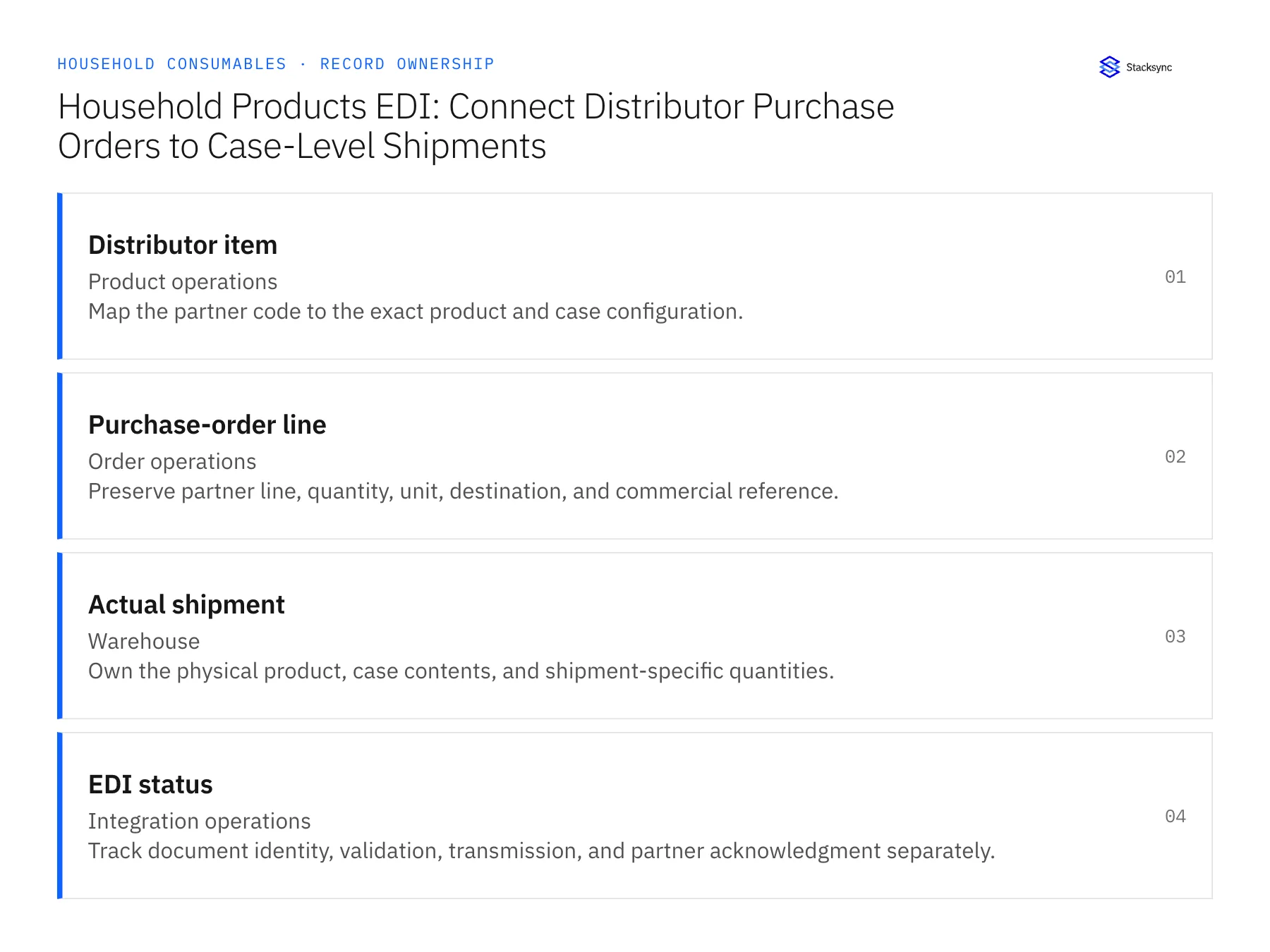
| Record | Owner | Operating rule |
|---|---|---|
| Distributor item | Product operations | Map the partner code to the exact product and case configuration. |
| Purchase-order line | Order operations | Preserve partner line, quantity, unit, destination, and commercial reference. |
| Actual shipment | Warehouse | Own the physical product, case contents, and shipment-specific quantities. |
| EDI status | Integration operations | Track document identity, validation, transmission, and partner acknowledgment separately. |
Work through the process
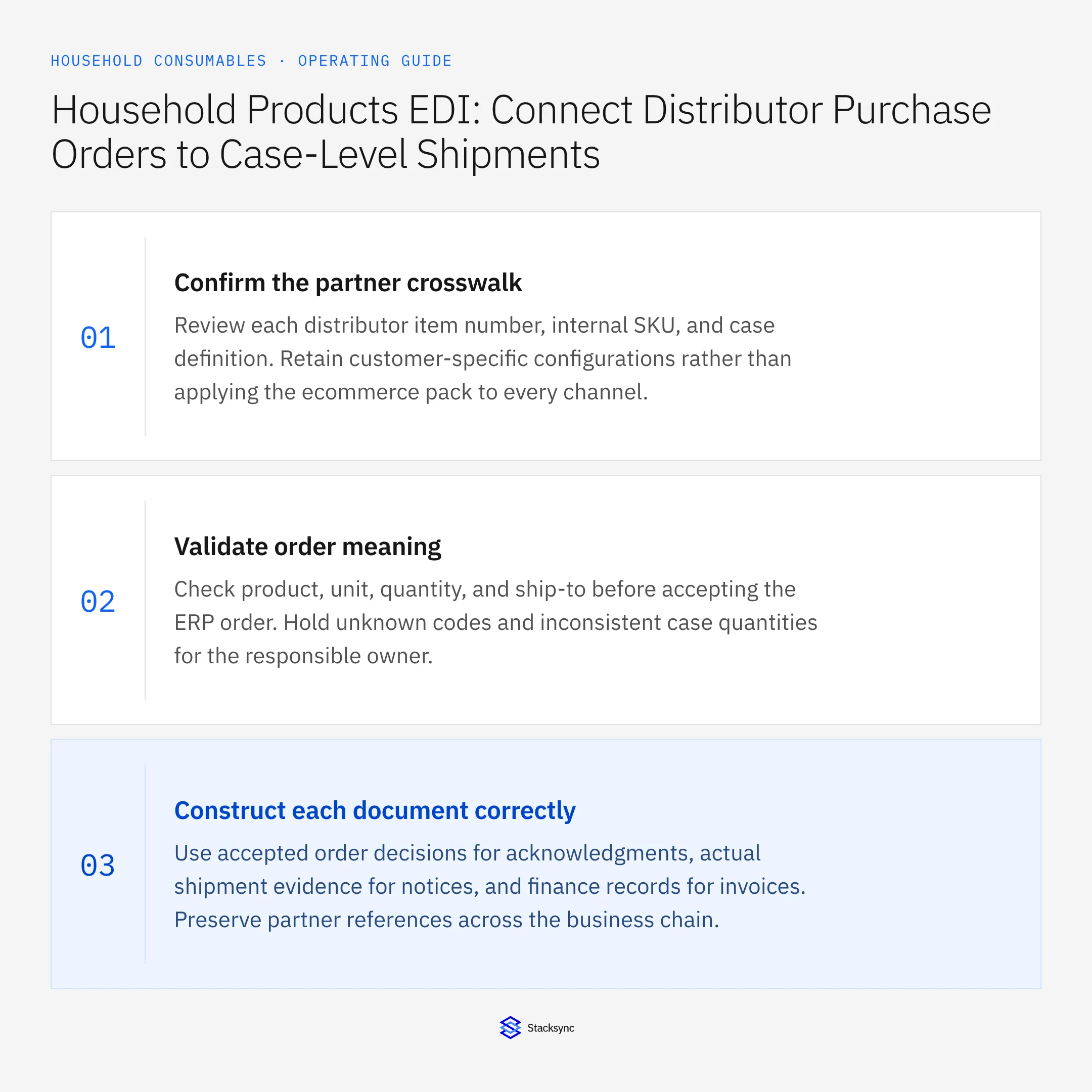
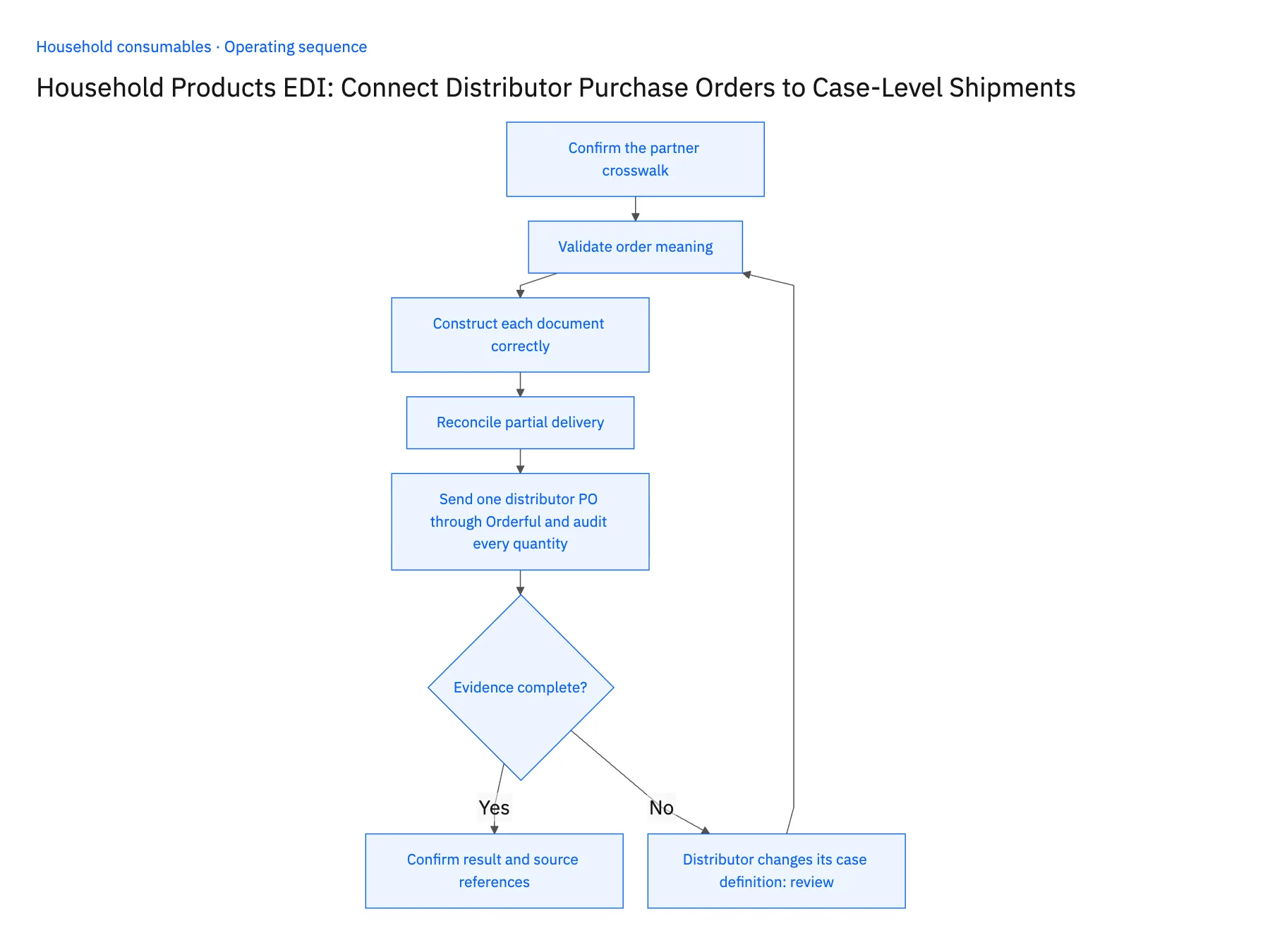
- 01Confirm the partner crosswalkReview each distributor item number, internal SKU, and case definition. Retain customer-specific configurations rather than applying the ecommerce pack to every channel.
- 02Validate order meaningCheck product, unit, quantity, and ship-to before accepting the ERP order. Hold unknown codes and inconsistent case quantities for the responsible owner.
- 03Construct each document correctlyUse accepted order decisions for acknowledgments, actual shipment evidence for notices, and finance records for invoices. Preserve partner references across the business chain.
- 04Reconcile partial deliveryKeep unshipped balances and later shipments visible. A delivered EDI file should not close an order whose physical remainder is still outstanding.
- 05Send one distributor PO through Orderful and audit every quantityRun a distributor test purchase order through Orderful for its refill-pouch item number. In NetSuite, the order line should point to the distributor's case item, not the online multipack, in the case quantity the partner ordered. Ship part of the order and check the outbound ship notice: its quantity must equal the shipped cases, and the open balance in NetSuite must equal the remainder. Then have the distributor announce a new case count. Open orders under the old definition should be flagged for review, not restated. A line mapped to the multipack, a notice reporting the full order, or an old order silently reinterpreted stops the rollout.
Handle the exceptions explicitly
Distributor changes its case definition
Version the mapping and review open orders before applying the new factor.
Shipment includes mixed cases
Use the required item-level contents and partner hierarchy.
Document repeats after a retry
Preserve the business identity and avoid a second apparent order or shipment.
What to verify before expanding
- Distributor cases cannot silently inherit an ecommerce multipack definition.
- Outbound quantities match actual shipment evidence and remaining order balance.
- A distributor case-definition change preserves earlier order interpretation and flags open orders that require mapping review.
- Mixed cases retain item-level contents in the partner hierarchy instead of being represented by one average case factor.

Connect this process to the rest of your operation
Explore Stacksync EDI and scope the records and actions against your actual systems. Book a demo with a real distributor item example and the exception your team handles most often, for example distributor changes its case definition.
- Shopify–NetSuite Sync for Household Brands: Map Refills, Concentrates, and Multipacks
- Amazon–NetSuite Sync for Household Consumables: Reconcile Marketplace Order Quantities
- Salesforce–NetSuite Sync for Household Brands Serving Janitorial Distributors
- Common EDI Errors in Supply Chain Integrations and How to Fix Them
- How to Sync Zendesk with Salesforce: A Two-Way Integration Guide
The shared architecture guide covers record matching, ownership, and recovery across systems.
Technical references
FAQ
Frequently asked questions










Related articles





