






















Salesforce and NetSuite for manufacturers: share credit and order status without conflicting ownership
Sales can read a NetSuite credit hold and shipment progress in Salesforce for the correct sold-to entity, while finance and order management keep the authority to change them.
- Author
- Ruben Burdin · Founder & CEO
- Published
- Read time
- 4 min read

The operating decision
Manufacturing teams can use Salesforce–NetSuite two-way sync to share customer identity, order progress and financial status while preserving field ownership. The CRM should show finance-approved credit information without becoming the place where sales clears a hold. Similarly, sales can record a requested change while order management decides whether it is accepted. Define a record-level cross-reference and separate requested, approved and historical values before synchronizing the fields that drive customer commitments.
Explore the complete manufacturing integration and automation hub for the systems and processes around this guide.
What this looks like in manufacturing
An equipment manufacturer has a repeat customer ordering through two legal entities. Sales sees a healthy account relationship in Salesforce, but one NetSuite customer record is on hold and another can trade normally. If the integration combines them by email domain, sales may promise shipment against the wrong credit status. The useful CRM view shows which sold-to entity owns each order, what finance has approved and which operational milestones are complete. A relationship manager can then act on accurate context without gaining an unreviewed financial override.
Records, ownership, and update rules
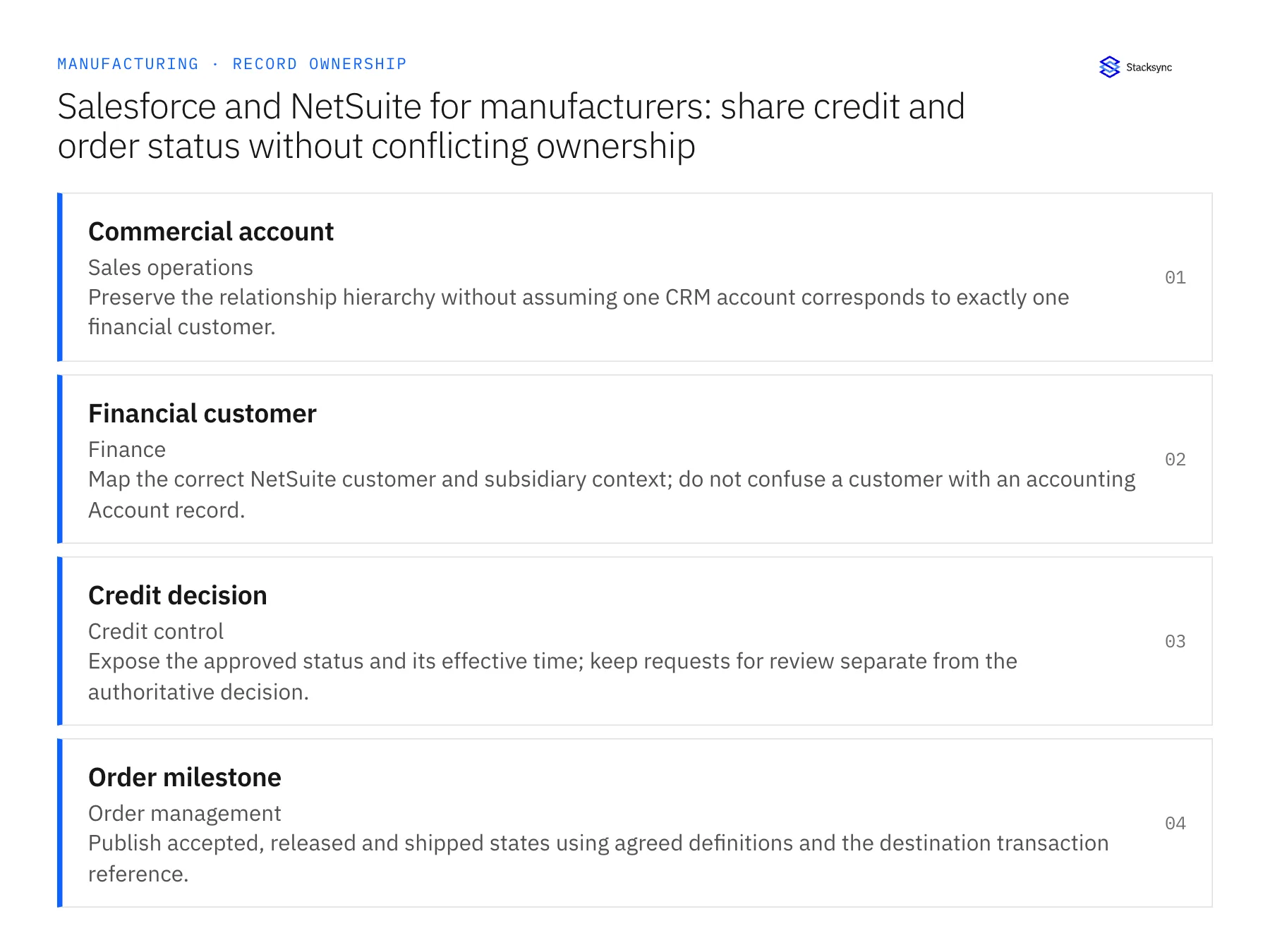
| Record | Owner | Operating rule |
|---|---|---|
| Commercial account | Sales operations | Preserve the relationship hierarchy without assuming one CRM account corresponds to exactly one financial customer. |
| Financial customer | Finance | Map the correct NetSuite customer and subsidiary context; do not confuse a customer with an accounting Account record. |
| Credit decision | Credit control | Expose the approved status and its effective time; keep requests for review separate from the authoritative decision. |
| Order milestone | Order management | Publish accepted, released and shipped states using agreed definitions and the destination transaction reference. |
Work through the process
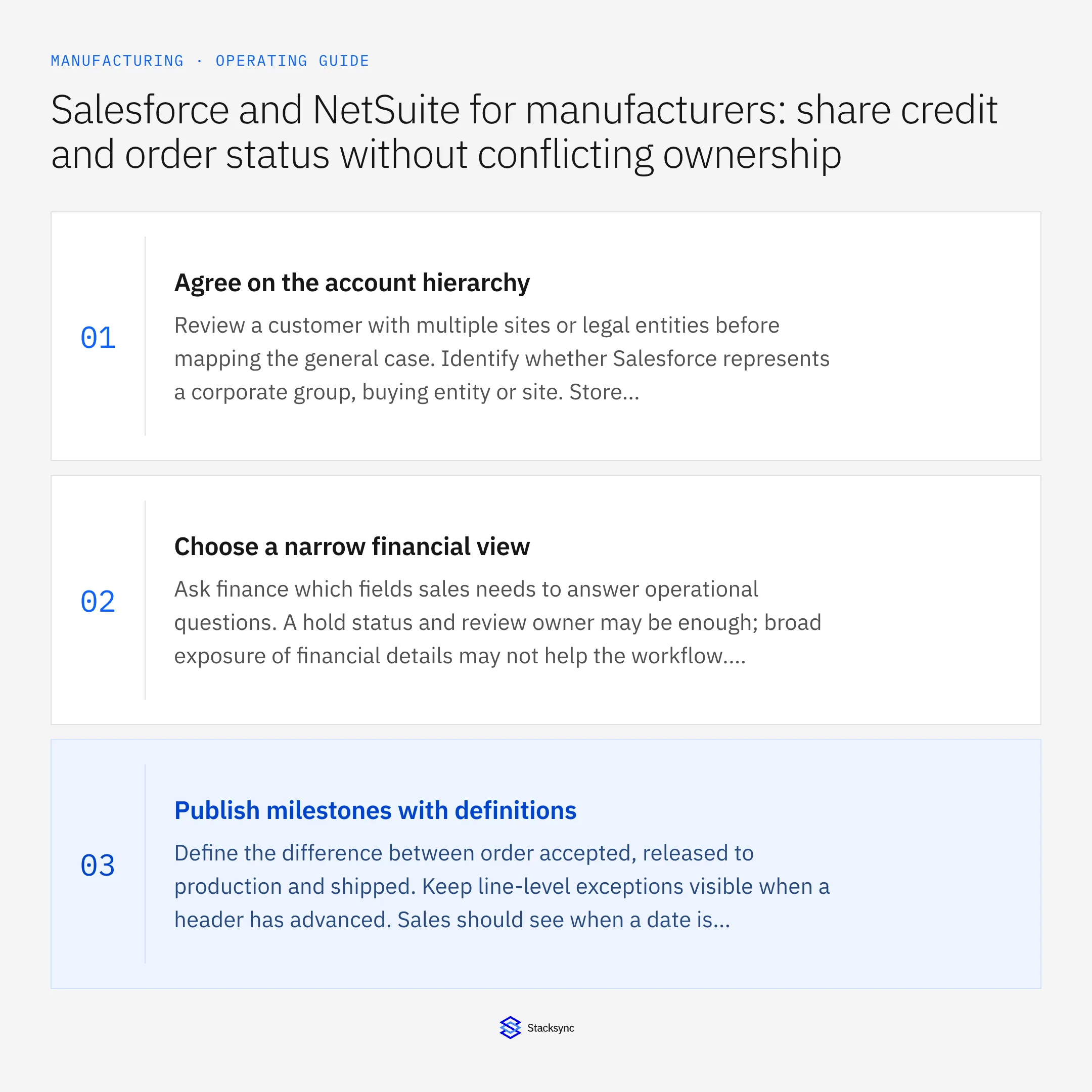
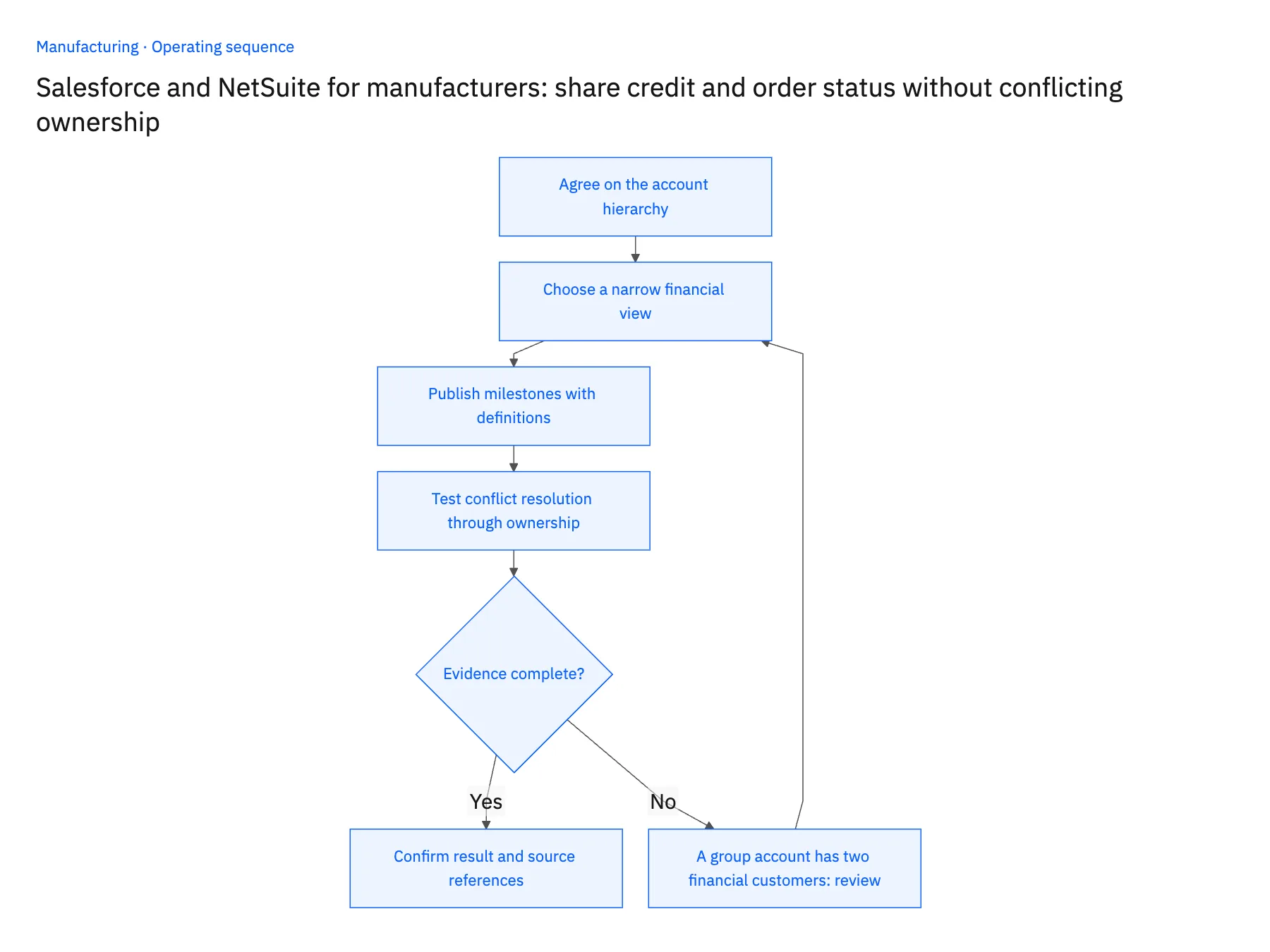
- 01Agree on the account hierarchyReview a customer with multiple sites or legal entities before mapping the general case. Identify whether Salesforce represents a corporate group, buying entity or site. Store explicit links where one commercial relationship has multiple financial customers, and make the selection visible on each order.
- 02Choose a narrow financial viewAsk finance which fields sales needs to answer operational questions. A hold status and review owner may be enough; broad exposure of financial details may not help the workflow. Confirm permissions for the connected users and for the people viewing the destination record.
- 03Publish milestones with definitionsDefine the difference between order accepted, released to production and shipped. Keep line-level exceptions visible when a header has advanced. Sales should see when a date is requested, planned or confirmed so an automated status update does not become an unintended promise.
- 04Test conflict resolution through ownershipEdit a sales-owned contact detail and a finance-owned status in the test dataset. Confirm that each allowed direction behaves as designed and that an unauthorized edit is rejected or restored with an explanation. Record the exception owner rather than silently discarding the disagreement.
Handle the exceptions explicitly
A group account has two financial customers
Require the transaction to identify its sold-to entity. Do not aggregate credit eligibility into a single group-level green indicator.
Sales asks to release a hold
Create a review request with the relevant order and context. Finance must approve the decision through its established process.
An order is partly shipped
Show line or delivery-level progress alongside the header state so customer service can identify the remaining commitment.
What to verify before expanding
- A credit hold remains authoritative when a CRM user edits a local display field.
- Orders for different subsidiaries retain the correct financial customer references.
- Partial shipment status leaves unfulfilled lines visible to the account owner.
- A source correction changes the intended linked record rather than creating another customer.

Connect this process to the rest of your operation
Explore Stacksync two-way sync and scope the records and actions against your actual systems. Book a demo with a real commercial account example and the exception your team handles most often, for example A group account has two financial customers.
- NetSuite and Postgres for manufacturing: model production status without losing order identity
- Manufacturing CRM and ERP ownership: decide who controls each order field
- Manufacturing order revisions after production release: automate the review handoff
- Making SQL Server and NetSuite Agree on the Same Record
- Choosing an Enterprise iPaaS for Dynamics 365 Finance & Operations
The shared architecture guide covers record matching, ownership, and recovery across systems.
Technical references
FAQ
Frequently asked questions










Related articles




