






















Automate Shopify Order Status Replies in Slack
An accurate Shopify order status reply connects the customer’s question to one verified order and explains the status of every item.
- Author
- Ignacio Malpartida · GTM Engineer
- Published
- Updated
- Read time
- 8 min read

Start with the order, then inspect every item
An accurate Shopify order status reply connects the customer’s question to one verified order and explains the status of every item. A single tracking link is insufficient when the purchase contains several parcels. The useful automation is the evidence gathering: assemble the order, quantities, shipment records, and available tracking, then draft a reply in the Slack conversation where the question arrived.
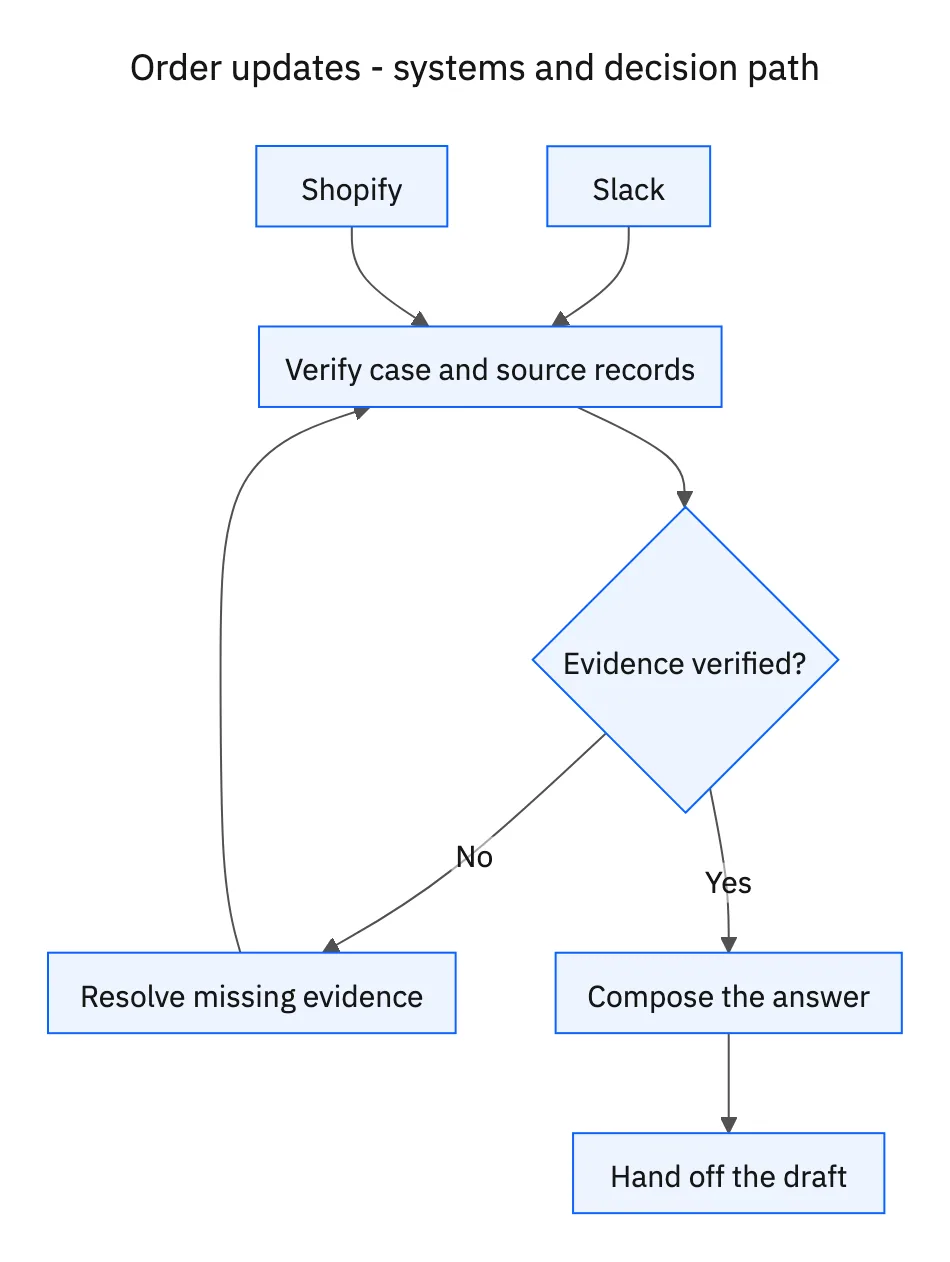
A name is a search hint, not a unique order identifier. A returning customer may have several recent purchases, and family members may share a delivery address. Use an order number and the account context available to your support team. When the evidence still points to multiple orders, request the order number. The extra question prevents a confident answer about someone else’s purchase.
Systems and prerequisites
This is a workflow design to configure with Stacksync Genies and your existing systems. Connecting an application does not by itself establish the permissions, record mappings, approval routing, or operational process described here. Before enabling the job, confirm which records the Genie can read, which actions it can take, and who receives clarification or approval requests.
| System or owner | Evidence and responsibility |
|---|---|
| Slack | Customer question and the draft response in the originating conversation. |
| Shopify | Order identity, ordered quantities, fulfillment records, and tracking for each shipment. |
Required context for this workflow design.
Build a line-item view before writing
For each order line, compare quantity ordered with quantities fulfilled and still outstanding. Group fulfilled units by their actual fulfillment record. Include the carrier, tracking reference, and recorded shipment status where available. Keep a fulfillment event separate from a carrier delivery event: the warehouse completing its work does not establish that the customer received the parcel.
Read the timestamp behind each status. If tracking is absent, say that no tracking is available in the connected record. If a carrier estimate appears in the record, identify it as an estimate. Never manufacture a delivery date from the customer’s expectation or treat an unchanged status as evidence that a package is lost.
Draft a reply the customer can scan
Lead with the order number and the answer to the question. Follow with one short entry per shipment: the items included, what the record confirms, and its tracking link. Put unfulfilled items in a separate paragraph. State the next useful step when something is unknown, such as obtaining the order number or asking support to investigate missing tracking.
The requested workflow stops at a draft. Retain the source references for the support reviewer and leave the customer-facing response free of internal identifiers that do not help them. If the customer changes the order number in the thread, rebuild the evidence for that order before revising the draft.
A five-step operating sequence
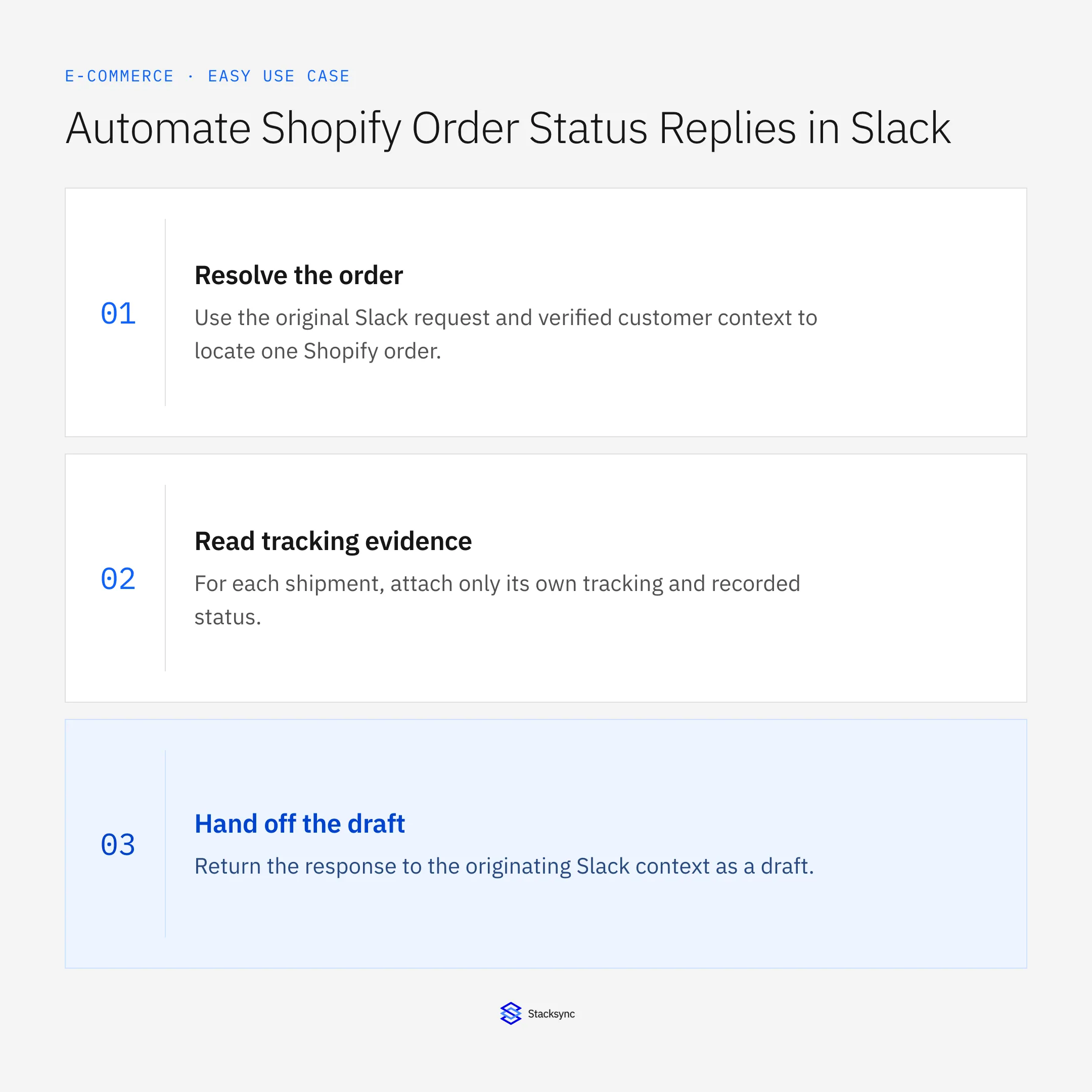
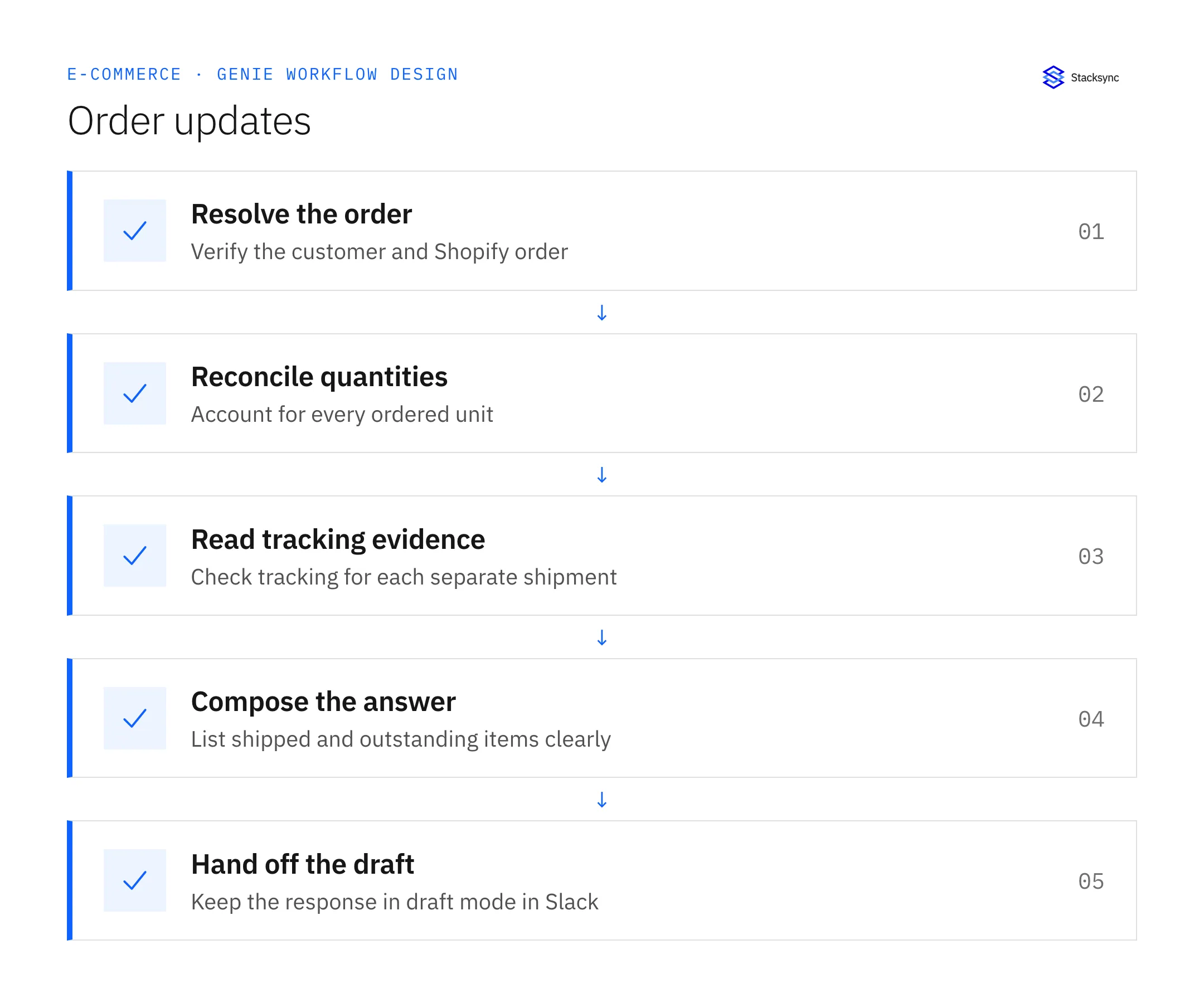
- 01Resolve the orderUse the original Slack request and verified customer context to locate one Shopify order. If more than one order remains plausible, the next output is a request for the order number. Do not proceed to a shipment explanation using an uncertain match.
- 02Reconcile quantitiesCreate an item-level reconciliation from ordered units to fulfillment records. Include units with no fulfillment yet. A reply is incomplete if its quantities do not explain the customer’s entire purchase, even if every included tracking link works.
- 03Read tracking evidenceFor each shipment, attach only its own tracking and recorded status. Keep carrier estimates distinguishable from confirmed delivery events. Retain the observation timestamp so the support reviewer can see whether a status may have changed since the draft was prepared.
- 04Compose the answerPut the order identity first, followed by short shipment entries and any unfulfilled balance. Describe unavailable tracking directly. Keep uncertainty next to the item it affects rather than hiding it in a vague disclaimer at the end.
- 05Hand off the draftReturn the response to the originating Slack context as a draft. Make the evidence accessible to the authorized reviewer. If the customer supplies a corrected order number, invalidate the previous draft and reconstruct it from the newly verified order.
Illustrative workflow example
Order 1048 contains two mugs and one kettle. One mug is recorded as delivered, the second has a tracking link without delivery confirmation, and the kettle is unfulfilled. The draft lists three entries and never says the whole order has arrived.
This example uses fictional records to show the decision logic. It is not a customer case study or a claim of measured results. In a live case, retain the actual record IDs and evidence behind each statement, and replace all illustrative quantities or timing assumptions with the approved operational inputs.
What the handoff should contain
A draft Slack reply with one entry per shipment, an explicit outstanding-items section, and internal source references for the reviewer.
Keep the evidence reference, observation time, current owner, and outstanding decision with the case. A colleague taking over should be able to distinguish a proposal from a confirmed result without reading every previous message. If a source value changes while the case is waiting, recheck the affected decision before proceeding.
Approval and completion checklist
- Verify the customer-to-order match before including order details.
- Account for every unit across fulfillment records; separate shipped from delivered.
- Keep this job in draft mode and preserve the Slack conversation context.
- Request an order number when two plausible orders remain.
Validate the job before enabling it
Start with a small reviewed set of cases from the systems above. Include a complete case, an ambiguous match, a missing source record, and an interrupted action where the result is uncertain. Use a draft or test environment for validation and compare the output with the source records before allowing the configured production actions.
For this job, the most important checks are verify the customer-to-order match before including order details. Request an order number when two plausible orders remain. Record the expected result before the trial, then compare both the proposed action and the final evidence. A fluent message is not a passing result if it skips one of these conditions.
- Share of drafts with a verified order match
- Share of replies accounting for all line quantities
- Corrections caused by inaccurate shipment statements
Use these as operating measures, not promised performance improvements. Establish the current baseline and review exceptions with the team that owns the process. Investigate an increase in incorrect matches, unauthorized actions, or premature closure before expanding the job’s scope.

Give your Genie a job description
Copy the job description below. It preserves the scope and decision boundaries of this use case. Configure the referenced systems, record relationships, policies, and approval owners in your workspace before enabling the job.
Paste this into “Give your Genie a job description.” Explore Stacksync Genies.
Apply this in pet food and treats: original complaint and order and product
An order-status lookup can supply the first confirmed reference in a pet-food complaint investigation. The linked agent guide follows that order into the actual product and shipment evidence, while making clear that a known order or dispatch status does not by itself establish the production lot.
| Record to reconcile | Responsible owner | Rule to preserve |
|---|---|---|
| Original complaint | Support | Preserve the customer’s wording, time, attachments, and reported product without rewriting it as a diagnosis. |
| Order and product | Operations | Resolve the exact purchased recipe, bag size, and original line reference. |
| Shipment and lot evidence | Quality or fulfillment owner | Provide verified relationships between actual shipped units and lot records where available. |
An exception to plan for: Customer supplies an incomplete code. Retain the exact text and request clearer evidence or owner review. Acceptance check for the pilot: the original complaint remains distinct from the agent’s interpretation.
The pet food and treats hub connects the broader operating context. These guides develop the specific record mappings and decisions for this application:
Implementation references
These first-party references document the underlying records and interfaces. The cross-system sequence, approvals, and completion rules in this article are a proposed operational configuration; validate them against your connected workspace before enabling it.

FAQ
Frequently asked questions










Related articles





