






















Amazon Seller Central–NetSuite Sync for CPG Brands: Orders, Fees, and Settlement Evidence
Read-only Amazon Seller Central data gives NetSuite a linked trail from order line to fee, refund and settlement, with every unexplained residual kept visible for finance.
- Author
- Ruben Burdin · Founder & CEO
- Published
- Read time
- 5 min read

The operating decision
Use Amazon Seller Central data as marketplace evidence for NetSuite reconciliation. Preserve separate identities for orders, lines, financial events, and settlement periods so finance can explain the difference between gross sales and deposited cash. The Amazon sync connector has read-only access; a reconciliation design must not assume it can change marketplace orders or issue refunds.
Explore the complete consumer packaged goods integration and automation hub for the systems and processes around this guide.
What this looks like in consumer packaged goods
A CPG finance team sees a bank deposit that is lower than the sum of recent Amazon orders. Some orders belong to another settlement period, a refund refers to an older sale, and fees are grouped differently from order lines. Posting the deposit as current sales hides these differences. The team needs a linked trail from order evidence to finance-approved accounting treatment.
Records, ownership, and update rules
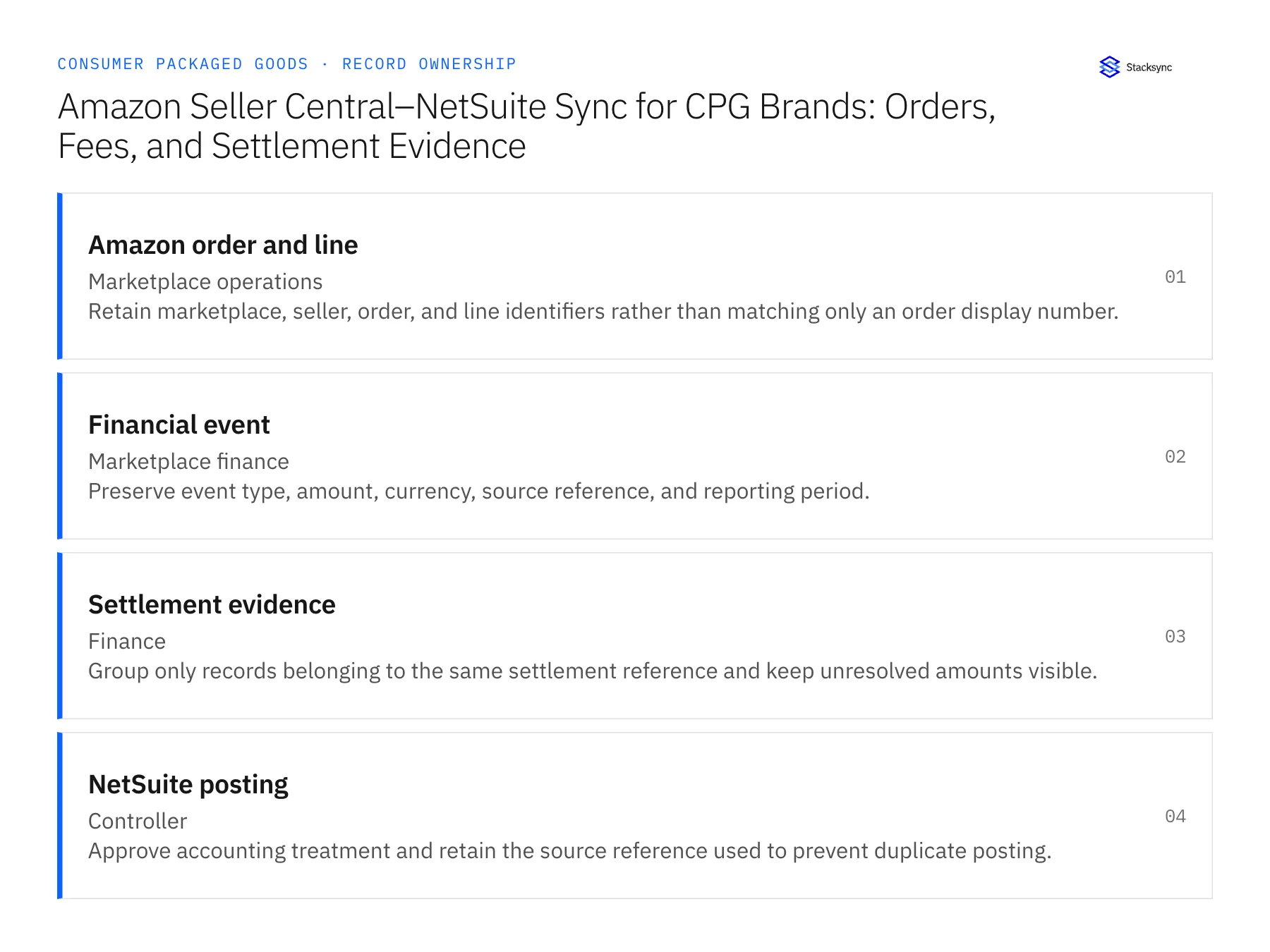
| Record | Owner | Operating rule |
|---|---|---|
| Amazon order and line | Marketplace operations | Retain marketplace, seller, order, and line identifiers rather than matching only an order display number. |
| Financial event | Marketplace finance | Preserve event type, amount, currency, source reference, and reporting period. |
| Settlement evidence | Finance | Group only records belonging to the same settlement reference and keep unresolved amounts visible. |
| NetSuite posting | Controller | Approve accounting treatment and retain the source reference used to prevent duplicate posting. |
Work through the process
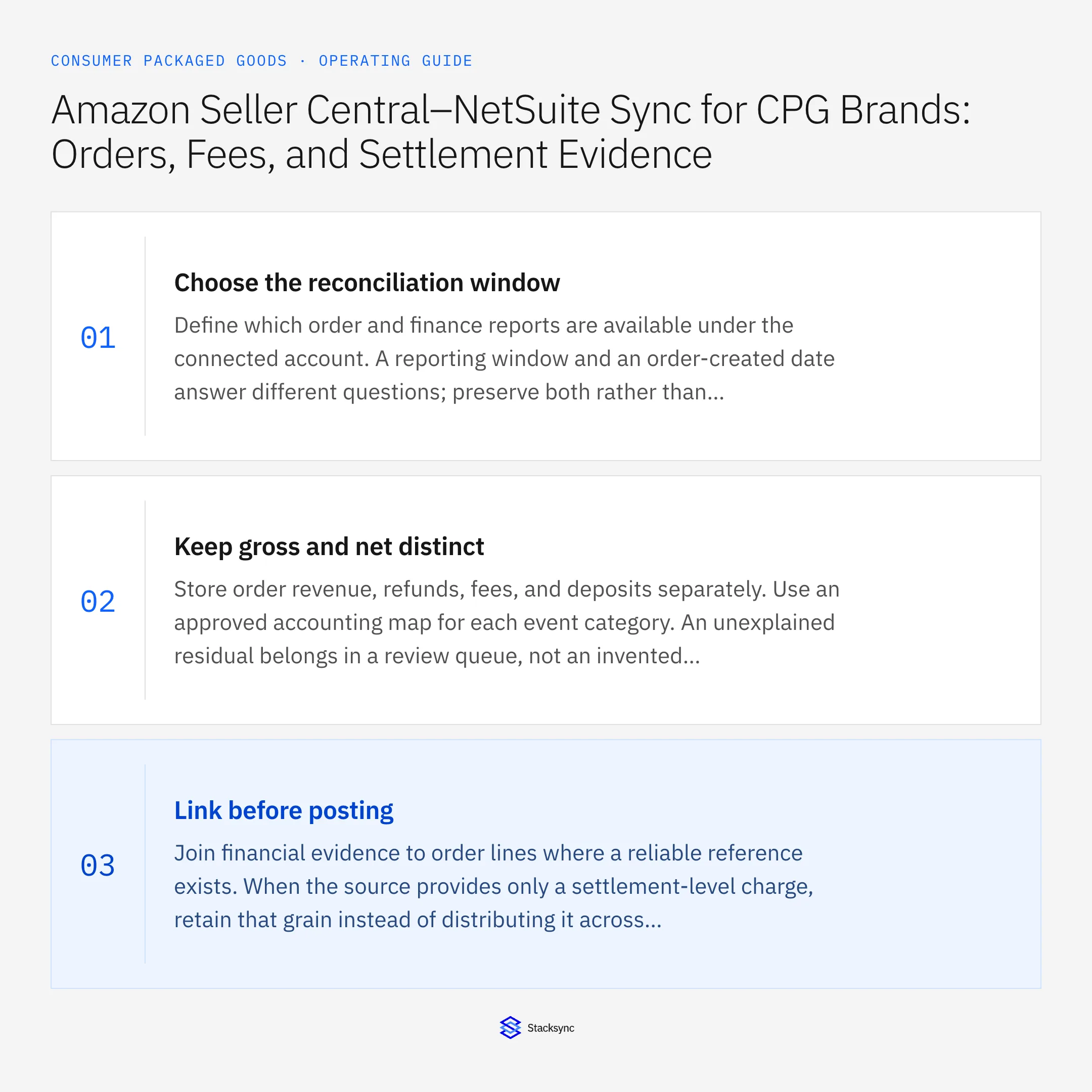
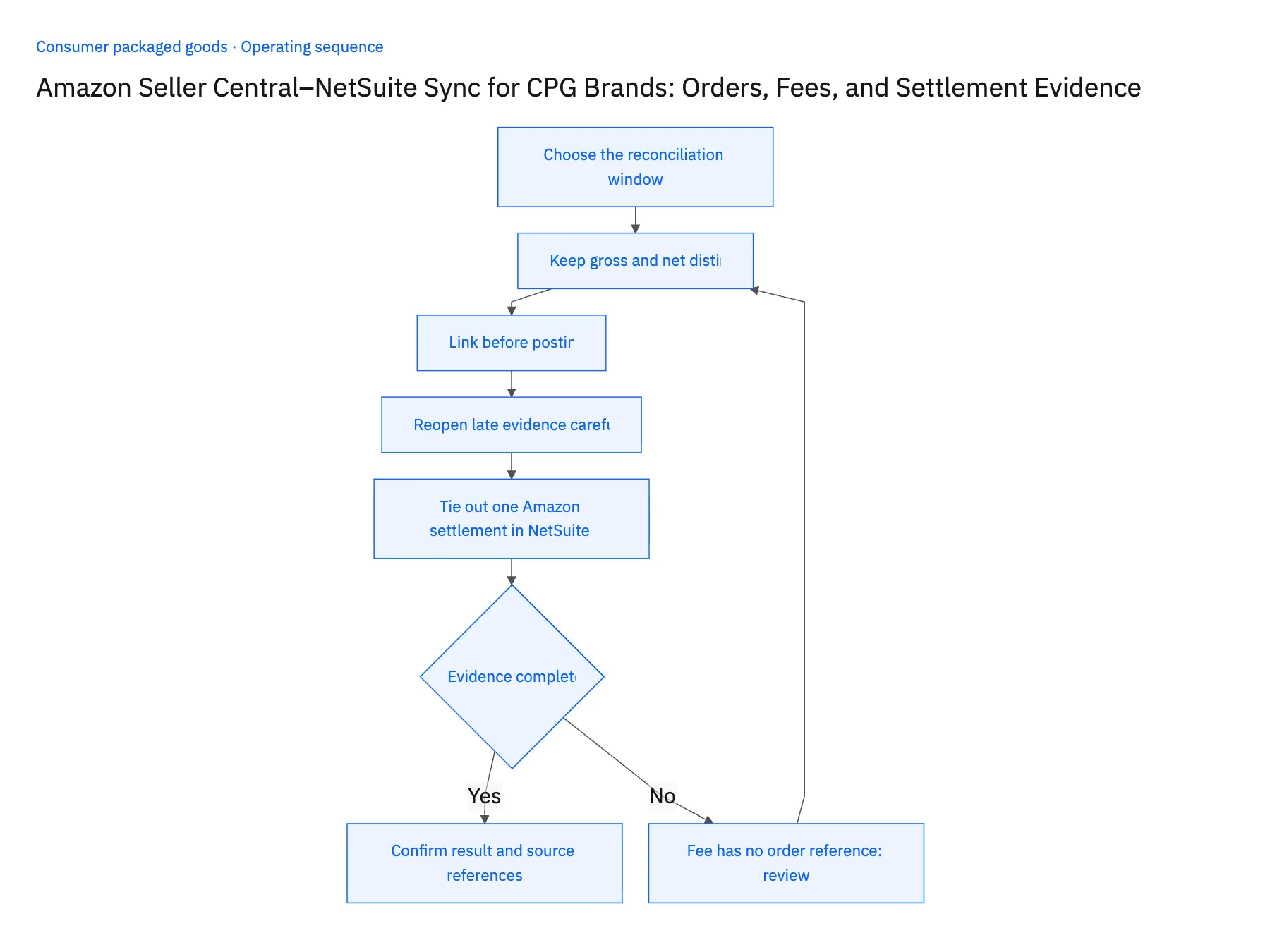
- 01Choose the reconciliation windowDefine which order and finance reports are available under the connected account. A reporting window and an order-created date answer different questions; preserve both rather than forcing them into a single sales date.
- 02Keep gross and net distinctStore order revenue, refunds, fees, and deposits separately. Use an approved accounting map for each event category. An unexplained residual belongs in a review queue, not an invented balancing line.
- 03Link before postingJoin financial evidence to order lines where a reliable reference exists. When the source provides only a settlement-level charge, retain that grain instead of distributing it across products by guesswork.
- 04Reopen late evidence carefullyAllow a later refund or adjustment to attach to the original trail. Reconcile the updated period with finance before changing any accepted posting; preserve the previous reviewed result for audit.
- 05Tie out one Amazon settlement in NetSuite before scaling the importPick one closed settlement period and import its orders, financial events and settlement report. In NetSuite, open each posted amount and check it still shows its originating marketplace and currency, not a converted total. Then compare the deposit with order revenue, refunds and fees for that period: the difference must appear as itemized lines, one per event category, with no plug entry. Include one fee that carries no order reference and confirm it sits at the settlement grain in a finance review queue. Stop the rollout if any amount lost its currency, if a balancing entry absorbed the gap, or if that fee was spread across orders.
Handle the exceptions explicitly
Fee has no order reference
Keep it at the settlement or event grain and ask finance for the approved treatment.
Refund arrives after close
Link it to the original sale while routing the posting date and period decision to the controller.
Report overlaps a previous import
Deduplicate by source event identity and revision, not file name alone.
What to verify before expanding
- Every reconciled amount retains its marketplace and currency.
- Settlement differences remain itemized rather than hidden in a balancing entry.
- Overlapping report imports resolve the same marketplace financial event once, even when the filenames differ.
- An unallocated fee remains visible at its actual event or settlement grain instead of being assigned to a guessed order.

Connect this process to the rest of your operation
Explore Stacksync two-way sync and scope the records and actions against your actual systems. Book a demo with a real amazon order and line example and the exception your team handles most often, for example fee has no order reference.
- HubSpot–NetSuite Sync for CPG Brands: Distributor Accounts, Contacts, and Payment Visibility
- Acumatica–Shopify Two-Way Sync for CPG Manufacturers Expanding Into Ecommerce
- Dynamics 365 F&O–Salesforce Sync for CPG Sales and Finance Teams
- Amazon Seller Central and NetSuite: Read-Only Sync and Reconciliation
- HubSpot and NetSuite Integration Guide: Connect in Minutes
The shared architecture guide covers record matching, ownership, and recovery across systems.
Technical references
FAQ
Frequently asked questions










Related articles





