Front and HubSpot: Making Both Sides Tell the Same Story
An explanation of what two-way sync between Front and HubSpot really requires. It compares logging a copy against a live sync, walks through the lifecycle of a single edit, covers conflict policy and origin tracking, and lists the fields worth keeping identical on both sides.
- Author
- Ignacio Malpartida · GTM Engineer
- Published
- Read time
- 7 min read

Ask most teams whether Front and HubSpot are synced and they will say yes. Look closer and what usually exists is a log: the text of an email is pushed onto a HubSpot contact, and after that nothing happens. The copy is accurate for about a minute.
Then the two drift. Someone fixes a spelling of a company name in Front. Someone else changes the owner in HubSpot. A lifecycle stage moves. None of it crosses over, and after a few months the CRM and the inbox describe two different customers with the same email address.
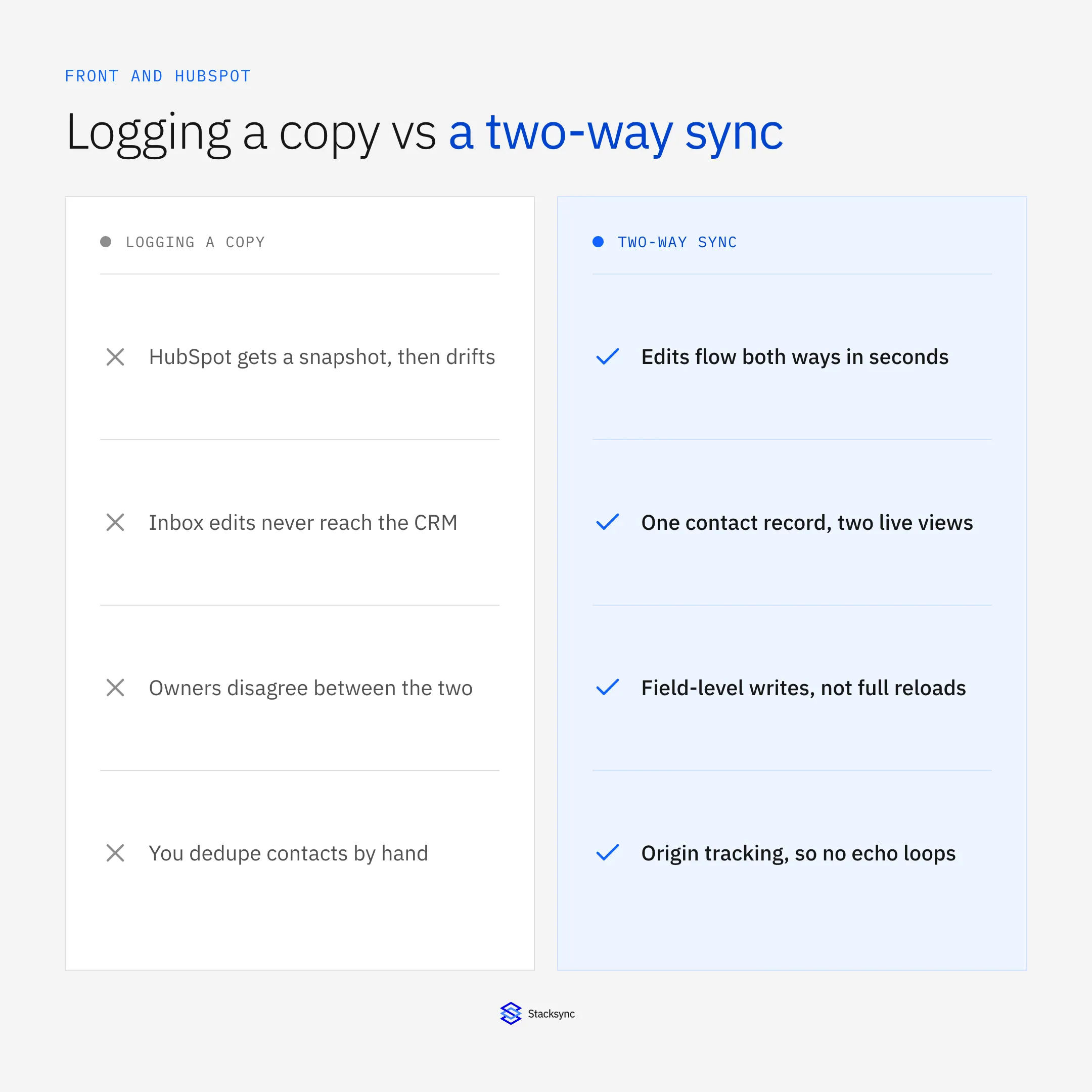
A two-way sync is a different thing, and it needs four things a log never does. This post covers all four. The broader platform view is in the guide to an enterprise iPaaS for Front.
Where one-way logging runs out
One-way logging is fine when the CRM is only ever read. The moment someone edits a contact in HubSpot, the model breaks, because there is no path back to the inbox and no rule for what happens when both sides hold a different value for the same field.
It shows up in small, annoying ways first. A rep updates a phone number and support keeps calling the old one. A conversation is reassigned in Front and HubSpot still shows the previous owner. Then it shows up in a big way: duplicate contacts, because the log created a new record rather than matching an existing one.
What two-way actually requires
The difference is not the number of pipes. Two one-way syncs pointed at each other is how you build an echo, not a sync. What makes it work is that both directions share the same change detection, the same matching, and one conflict policy.
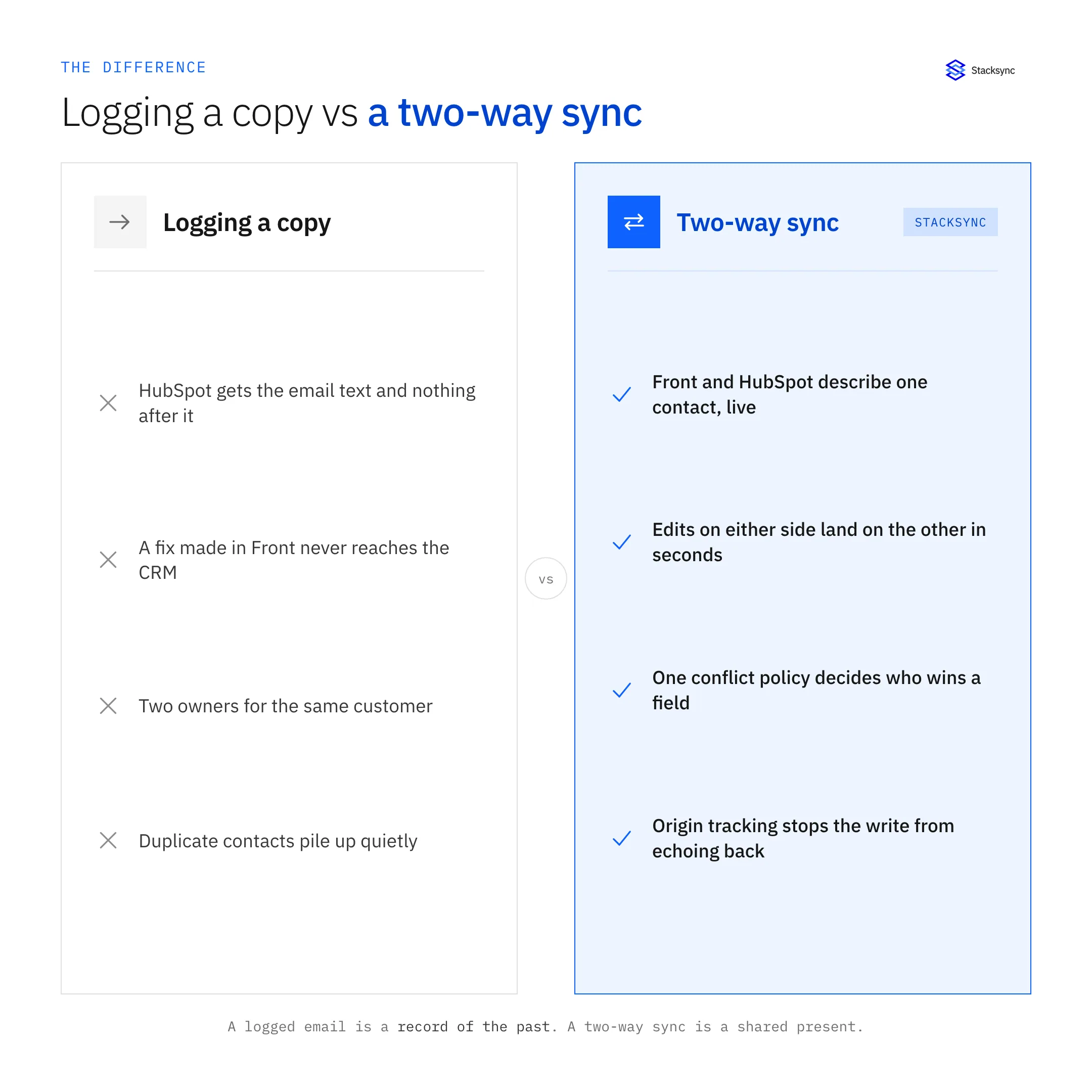
Field-level change detection matters more than it sounds. If the sync writes whole records, a change to one field silently reverts everything a colleague edited in the last few seconds. Writing only the field that moved is what makes concurrent editing safe.
Conflicts, echo loops, and who owns a field
Two questions decide whether a two-way sync is trustworthy. What happens when the same field changed on both sides between syncs, and how does the system know that a write it just made is its own?
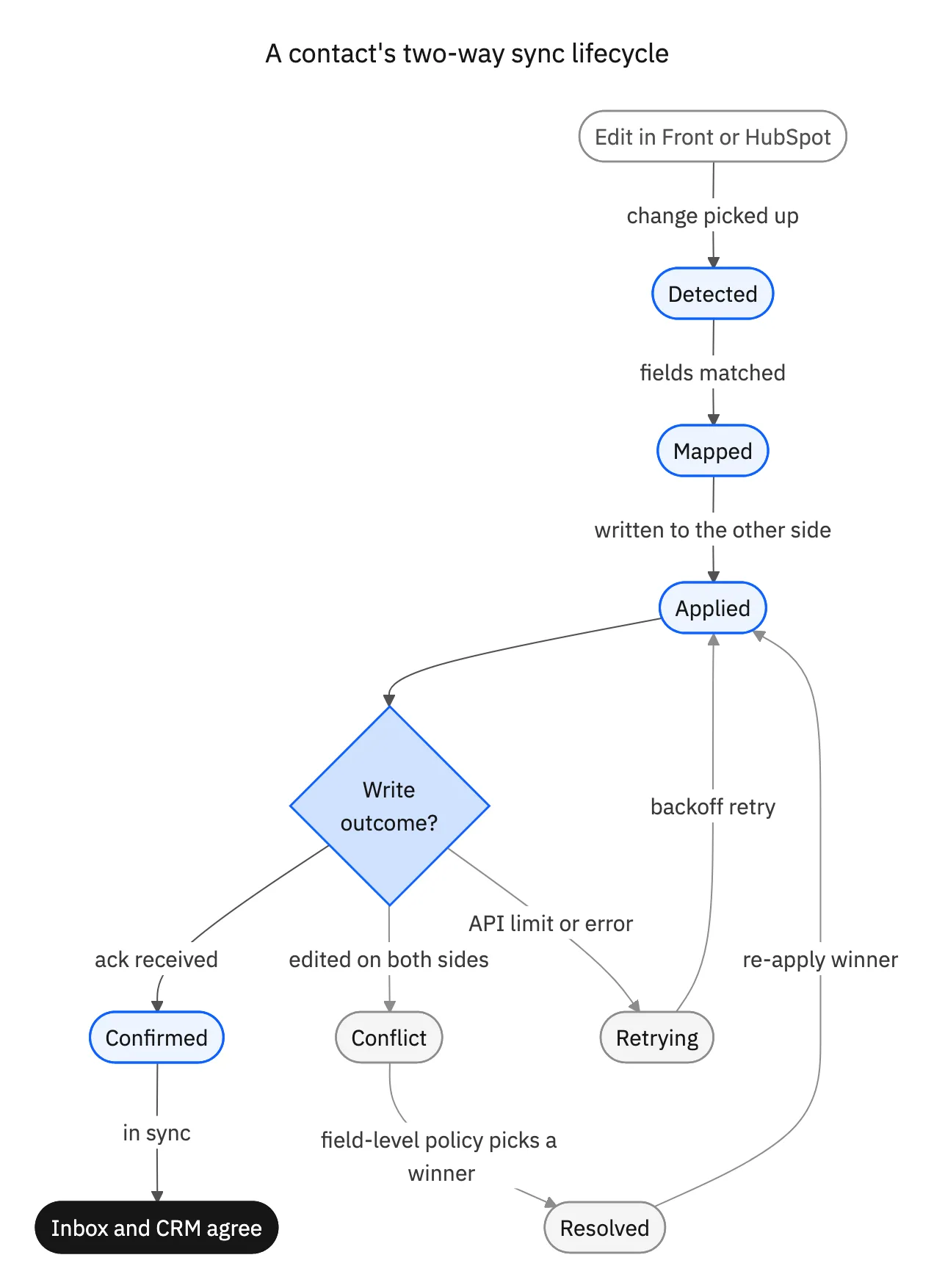
The first is answered by a policy you set per field: newest wins, one system always wins, or hold it for a human. The second is answered by origin tracking, which tags each write with the system that caused it. Without that tag, the write into HubSpot looks like a new edit, gets pushed back to Front, looks like a new edit again, and the loop never ends.

Which fields are worth keeping identical
Not every field should be two-way. Identity and ownership belong on both sides. Numbers one team is accountable for usually do not.
| Front | HubSpot | Direction |
|---|---|---|
| Contact name and email | Contact | Both ways |
| Sender domain | Company | Both ways |
| Conversation | Logged activity | Front to HubSpot |
| Assignee | Contact owner | Both ways |
| Conversation status | Lifecycle stage | Both ways, by rule |
| Deal amount | Deal properties | HubSpot to Front, read-only |
Identity and ownership sync both ways. Revenue fields stay owned by HubSpot so the inbox cannot overwrite them.
One customer, two views
The goal is not that HubSpot contains a copy of your inbox. It is that a rep in HubSpot and a teammate answering in Front are looking at the same customer, with the same owner, the same company, and the same current status, without either of them checking the other system.
If you are on Salesforce, the same engine covers Front and Salesforce. For reporting on all of it, see Front and Snowflake, or book a demo to see a live conflict resolved on a real record.

FAQ
Frequently asked questions










Explore these integrations and topics
- connectorHubSpot integrations
- connectorFront integrations
- platformTwo-way sync
- platformCRM synchronization
- Two-way sync guidesUnderstand two-way sync, record matching, field ownership, and production readiness.
- CRM synchronization guidesConnect customer records across sales, marketing, and operational systems.
Related articles