Conversation Data in Snowflake While It Still Matters
A guide to streaming Front conversation data into Snowflake in real time instead of a nightly load, and closing the loop by writing computed scores back onto the inbox. It covers why batch is the wrong shape for conversations, how the pipeline works, and what to model.
- Author
- Ruben Burdin · Founder & CEO
- Published
- Read time
- 8 min read

Conversation data ages badly. A support queue that looked healthy at midnight can be underwater by ten in the morning, and a report built from last night’s load describes a day that is already over. By the time the dashboard refreshes, the decision it was meant to inform has been made or missed.
Real-time sync changes the shape of that pipeline. Instead of a nightly job re-reading everything, each conversation event pushes only what changed into Snowflake within seconds, and the warehouse tracks the inbox as it happens.
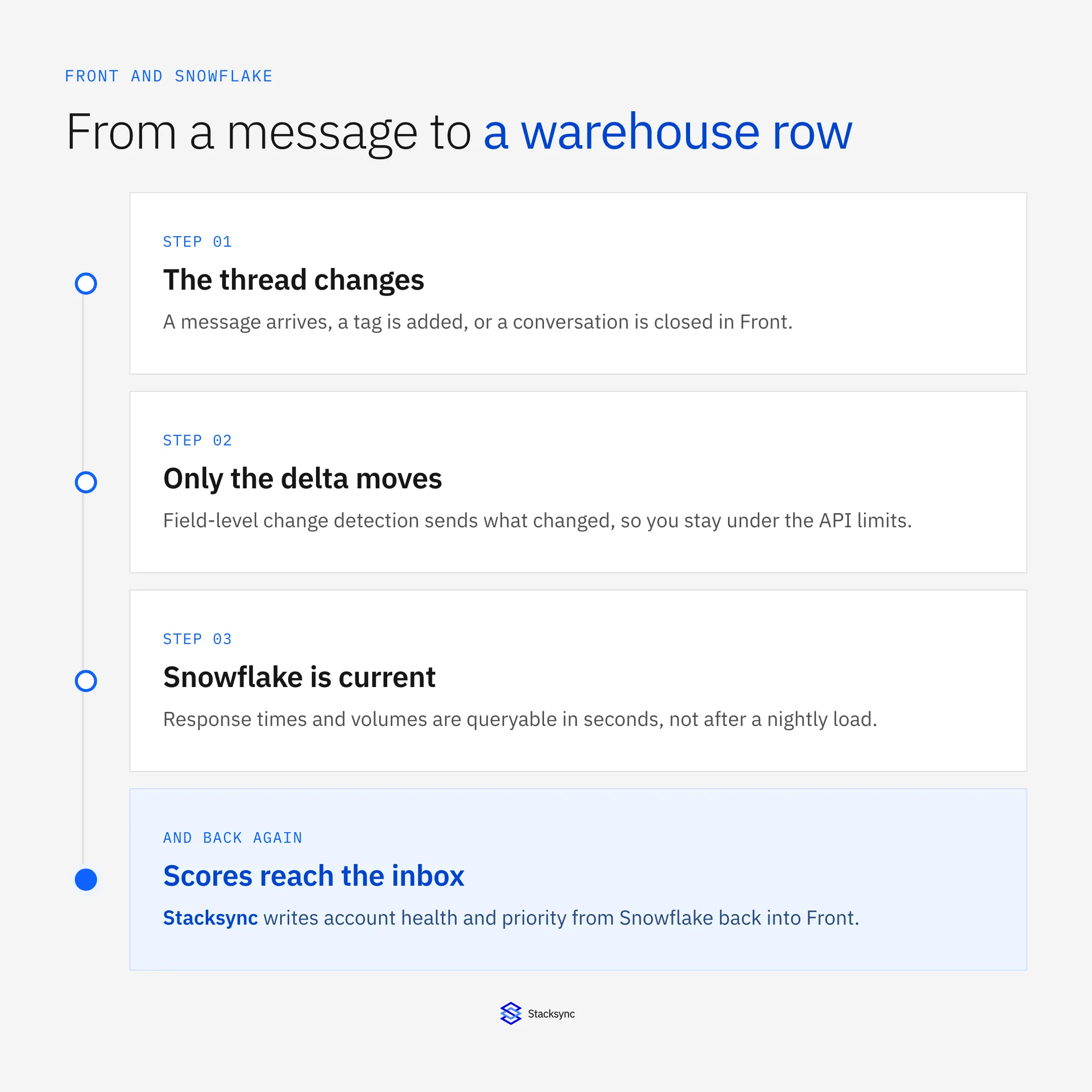
Here is how the pipeline works, what to model once the data is there, and why the return leg matters more than the load. The platform view is in the guide to an enterprise iPaaS for Front.
Why a nightly load is the wrong shape for conversations
Batch loading suits data that changes slowly and is read in aggregate. Conversations are the opposite: they change constantly, they matter individually, and the questions people ask about them are about right now. How long is the queue. Who is waiting. Which accounts have gone quiet.
There is a mechanical problem too. A nightly job that re-reads the whole inbox costs the same API budget whether ten conversations changed or ten thousand, and it grows every month. Sending only the fields that moved is both fresher and cheaper, and it stays inside the rate limits as the inbox grows.
What happens between the message and the row
The path from a Front event to a queryable Snowflake row has five steps, and none of them involve a schedule. The event fires, the delta is computed, the row is written, models run against it, and the result travels back.
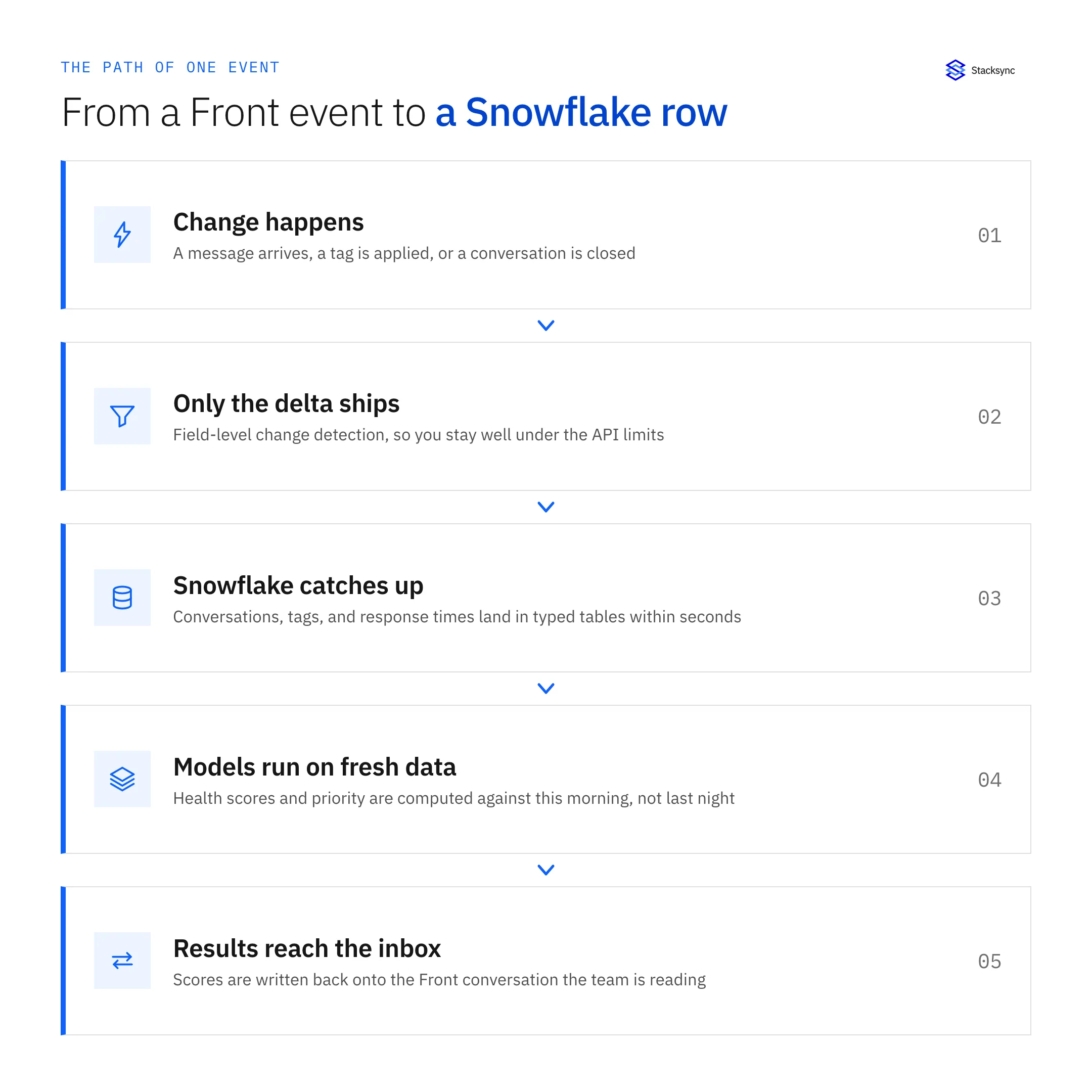
Ordering matters as much as speed. Conversation events are only meaningful in sequence, because a thread that is opened, assigned, and closed produces three events that describe a state machine. If they land out of order the derived metrics are wrong in a way that is hard to notice.
Sending the answer back to the inbox
Most warehouse projects stop once the data lands. That is half a system. A health score sitting in a Snowflake table is worth very little, because the person choosing what to answer next is not looking at Snowflake, they are looking at Front.
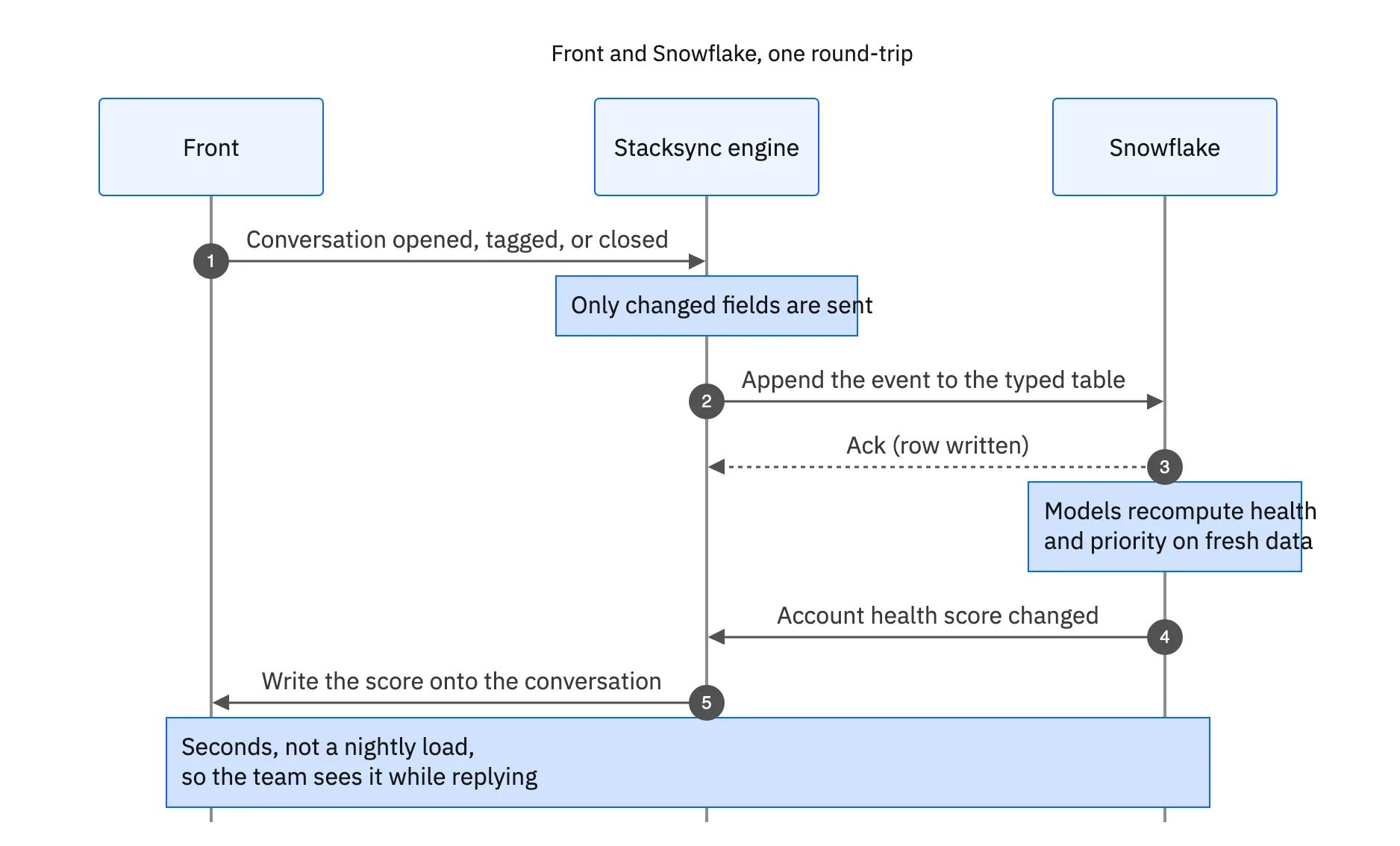
The return leg is the same engine, not a second tool. Running one platform for the load and a separate reverse-ETL product for the write-back means two configurations to keep aligned, two things that can silently stop, and two bills for what is really one round-trip.

What to sync, and which way
A useful Front to Snowflake model is small. These are the fields most teams end up keeping, and the direction each one runs.
| Front | Snowflake | Direction |
|---|---|---|
| Conversation and metadata | Typed conversation table | Front to Snowflake |
| Contact and company | Dimension tables | Front to Snowflake |
| Tags and status changes | Event table | Front to Snowflake |
| First response and resolution time | Derived metrics | Front to Snowflake |
| Account health score | Model output | Snowflake to Front |
| Priority tier | Model output | Snowflake to Front |
Raw events flow one way. The computed answers flow back, which is what closes the loop.
Query this morning, not last night
Real-time sync between Front and Snowflake means the warehouse describes the inbox as it is, and the inbox carries what the warehouse worked out. Response times are live, volume by tag can drive staffing on the day it happens, and the model output reaches the person it was built for.
To connect the same inbox to the systems those scores describe, see Front and Salesforce or Front and NetSuite. Or book a demo and watch a conversation land in Snowflake while the thread is still open.

FAQ
Frequently asked questions










Related articles