






















Shopify–NetSuite Two-Way Sync for CPG Brands Selling DTC and Wholesale
Shopify keeps the storefront order and shopper context, NetSuite keeps the posted transaction, and a customer crosswalk stops a guest order from landing on a distributor account.
- Author
- Ruben Burdin · Founder & CEO
- Published
- Read time
- 5 min read

The operating decision
Connect Shopify orders and customers to the corresponding NetSuite records with explicit ownership for channel identity, ERP posting, and product packs. CPG brands need a shared order trail without flattening wholesale terms into DTC behavior. Establish the order and line crosswalk first; then add approved write-back fields and the workflows that depend on them.
Explore the complete consumer packaged goods integration and automation hub for the systems and processes around this guide.
What this looks like in consumer packaged goods
A CPG brand sells single units online and cases to distributors. A Shopify order contains a promotional bundle, while NetSuite holds the components and a separate wholesale customer hierarchy. Finance receives a channel total, operations receives units to fulfill, and sales needs the right account context. Copying the order total into a second system does not explain which products should move or which customer owes money.
Records, ownership, and update rules
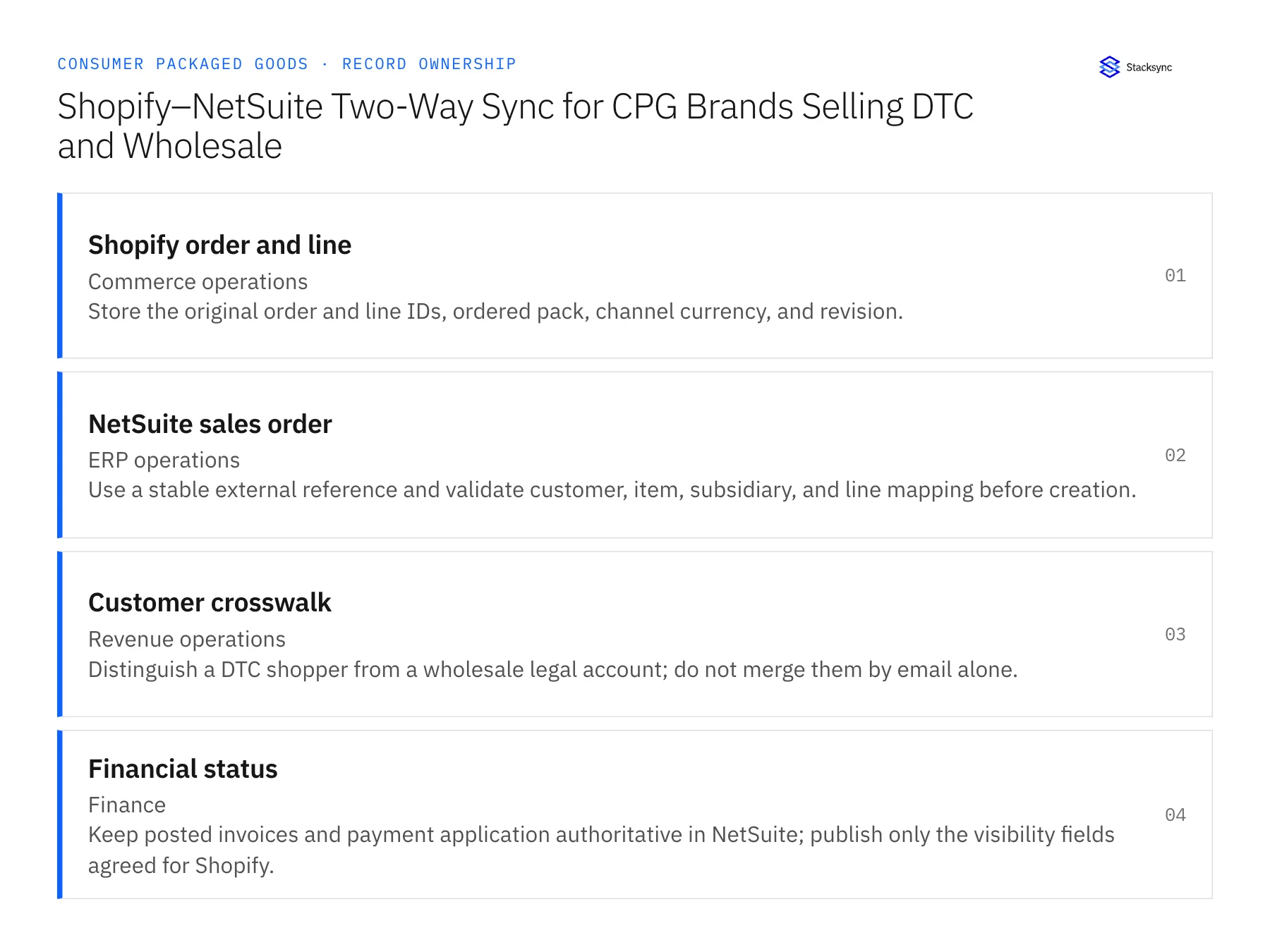
| Record | Owner | Operating rule |
|---|---|---|
| Shopify order and line | Commerce operations | Store the original order and line IDs, ordered pack, channel currency, and revision. |
| NetSuite sales order | ERP operations | Use a stable external reference and validate customer, item, subsidiary, and line mapping before creation. |
| Customer crosswalk | Revenue operations | Distinguish a DTC shopper from a wholesale legal account; do not merge them by email alone. |
| Financial status | Finance | Keep posted invoices and payment application authoritative in NetSuite; publish only the visibility fields agreed for Shopify. |
Work through the process
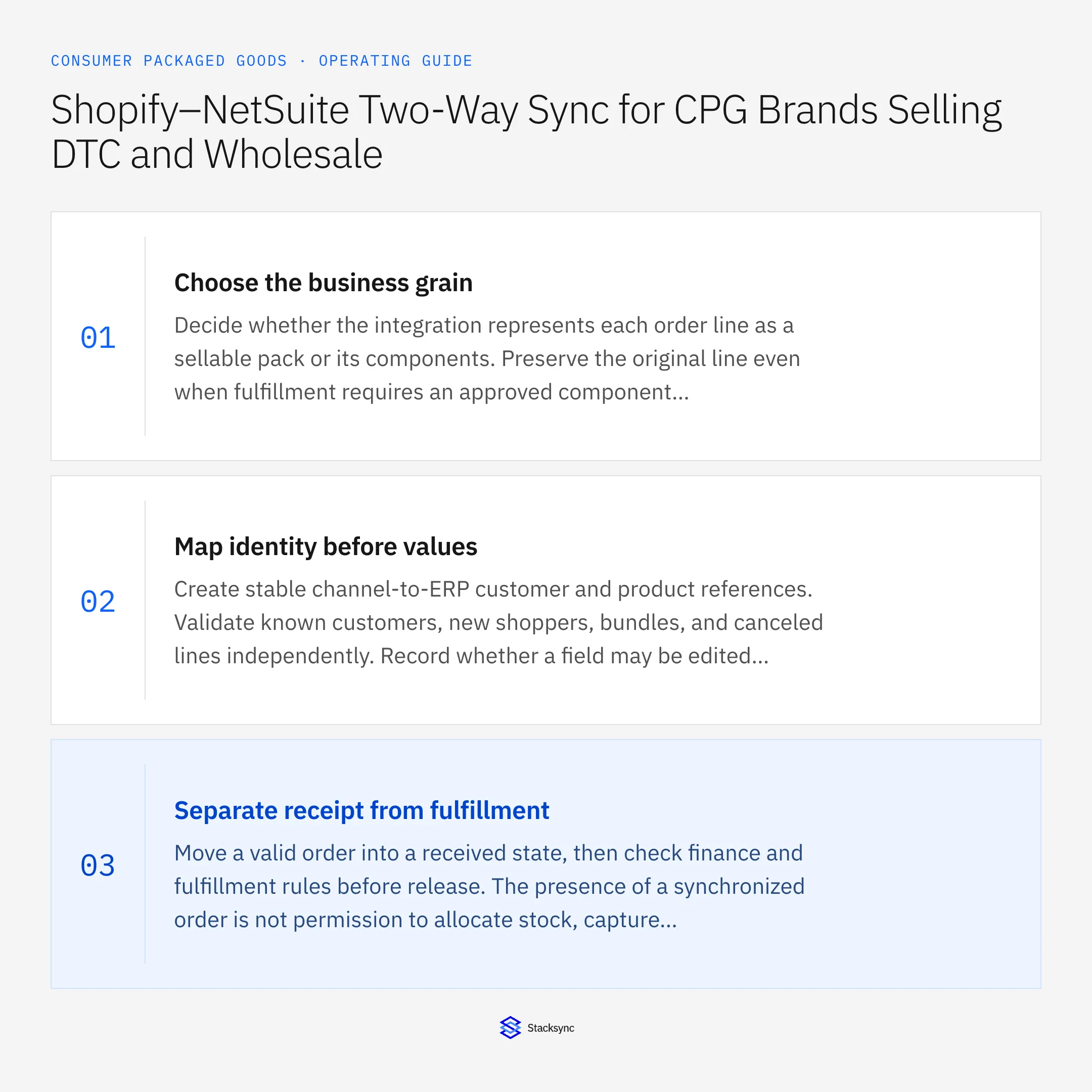
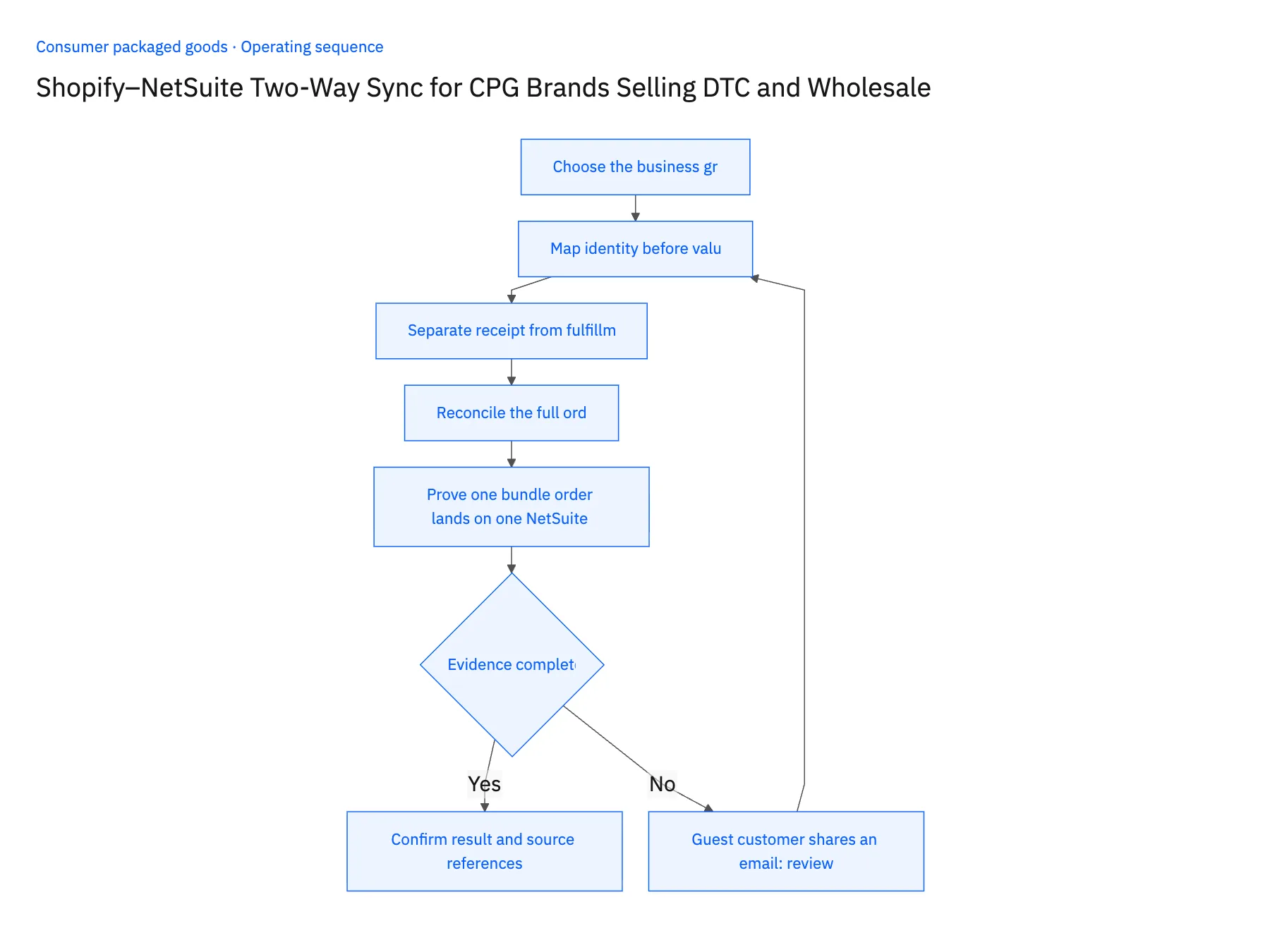
- 01Choose the business grainDecide whether the integration represents each order line as a sellable pack or its components. Preserve the original line even when fulfillment requires an approved component breakdown. Never infer a wholesale case quantity from a similar DTC title.
- 02Map identity before valuesCreate stable channel-to-ERP customer and product references. Validate known customers, new shoppers, bundles, and canceled lines independently. Record whether a field may be edited by commerce, finance, or neither.
- 03Separate receipt from fulfillmentMove a valid order into a received state, then check finance and fulfillment rules before release. The presence of a synchronized order is not permission to allocate stock, capture payment, or mark it shipped.
- 04Reconcile the full orderCompare line quantities, discounts, tax, shipping, and currency before accepting the ERP result. A header total may match even when a bundle was expanded incorrectly, so inspect both money and physical units.
- 05Prove one bundle order lands on one NetSuite referencePlace a test Shopify order for a promotional bundle and follow it into NetSuite. Open the created sales order and confirm it carries a single external reference back to the Shopify order ID, then compare its lines against the storefront: component quantities, discount, tax and currency must add back to the channel total. Next, place a guest order using the email of an existing distributor. In NetSuite that order must sit against a separate shopper identity, with the conflict raised for review. Stop the rollout if the bundle creates two sales orders, if the components round to a different amount, or if the guest order attaches to the distributor account.
Handle the exceptions explicitly
Guest customer shares an email
Resolve the channel identity without silently attaching the order to a distributor account. Escalate conflicting legal entities.
Bundle changes after purchase
Retain the purchased bundle revision and its component evidence; do not apply today’s recipe to an older order.
Cancellation after ERP posting
Route a controlled cancellation or credit process to finance; do not delete the posted transaction through a field update.
What to verify before expanding
- One Shopify order resolves to one approved NetSuite business reference.
- Bundle components reconcile to the original channel quantities and amount.
- A guest order and a distributor account sharing an email retain their separate customer identities after reconciliation.
- An older bundle order retains its purchased components after the current storefront recipe changes.

Connect this process to the rest of your operation
Explore Stacksync two-way sync and scope the records and actions against your actual systems. Book a demo with a real shopify order and line example and the exception your team handles most often, for example guest customer shares an email.
- Amazon Seller Central–NetSuite Sync for CPG Brands: Orders, Fees, and Settlement Evidence
- HubSpot–NetSuite Sync for CPG Brands: Distributor Accounts, Contacts, and Payment Visibility
- Acumatica–Shopify Two-Way Sync for CPG Manufacturers Expanding Into Ecommerce
- Shopify–NetSuite Integration: Orders, Inventory, and Setup
- Amazon Seller Central and NetSuite: Read-Only Sync and Reconciliation
The shared architecture guide covers record matching, ownership, and recovery across systems.
Technical references
FAQ
Frequently asked questions










Explore these integrations and topics
- integrationNetSuite and Shopify integration
- connectorShopify integrations
- connectorNetSuite integrations
- platformTwo-way sync
- platformCRM synchronization
- platformCRM and ERP integration
- Two-way sync guidesUnderstand two-way sync, record matching, field ownership, and production readiness.
- CRM synchronization guidesConnect customer records across sales, marketing, and operational systems.
Related articles






