






















HVAC Distributor EDI for Mechanical Contractors: Track Equipment POs, Backorders, and Partial Receipts
Map HVAC supplier EDI to equipment purchase lines and job allocations while preserving backorder and receiving decisions.
- Author
- Alexis Favre · Co-Founder & CTO
- Published
- Read time
- 5 min read

The operating decision
HVAC distributor EDI should preserve the relationship between equipment purchase lines, supplier acknowledgments, backorders, shipments and actual receipts. Mechanical contractors need this detail because an installation can depend on a small missing component even when the main unit has arrived. Map supplier and contractor item references, units and job allocations explicitly. EDI can report a changed promise or shipment; procurement and receiving still decide whether the change is acceptable and what physically arrived.
Explore the complete commercial HVAC, plumbing and electrical contractors integration and automation hub for the systems and processes around this guide.
What this looks like in commercial HVAC, plumbing and electrical contractors
A mechanical contractor orders rooftop units, curbs and control accessories for a commercial replacement project. The distributor accepts the units, backorders one controller and sends curbs directly to the site. An order-level delivered flag would be misleading. The EDI mapping should retain each line's acknowledged quantity and timing, distinguish warehouse from direct-site delivery, and give the installation coordinator evidence that the complete required kit is available.
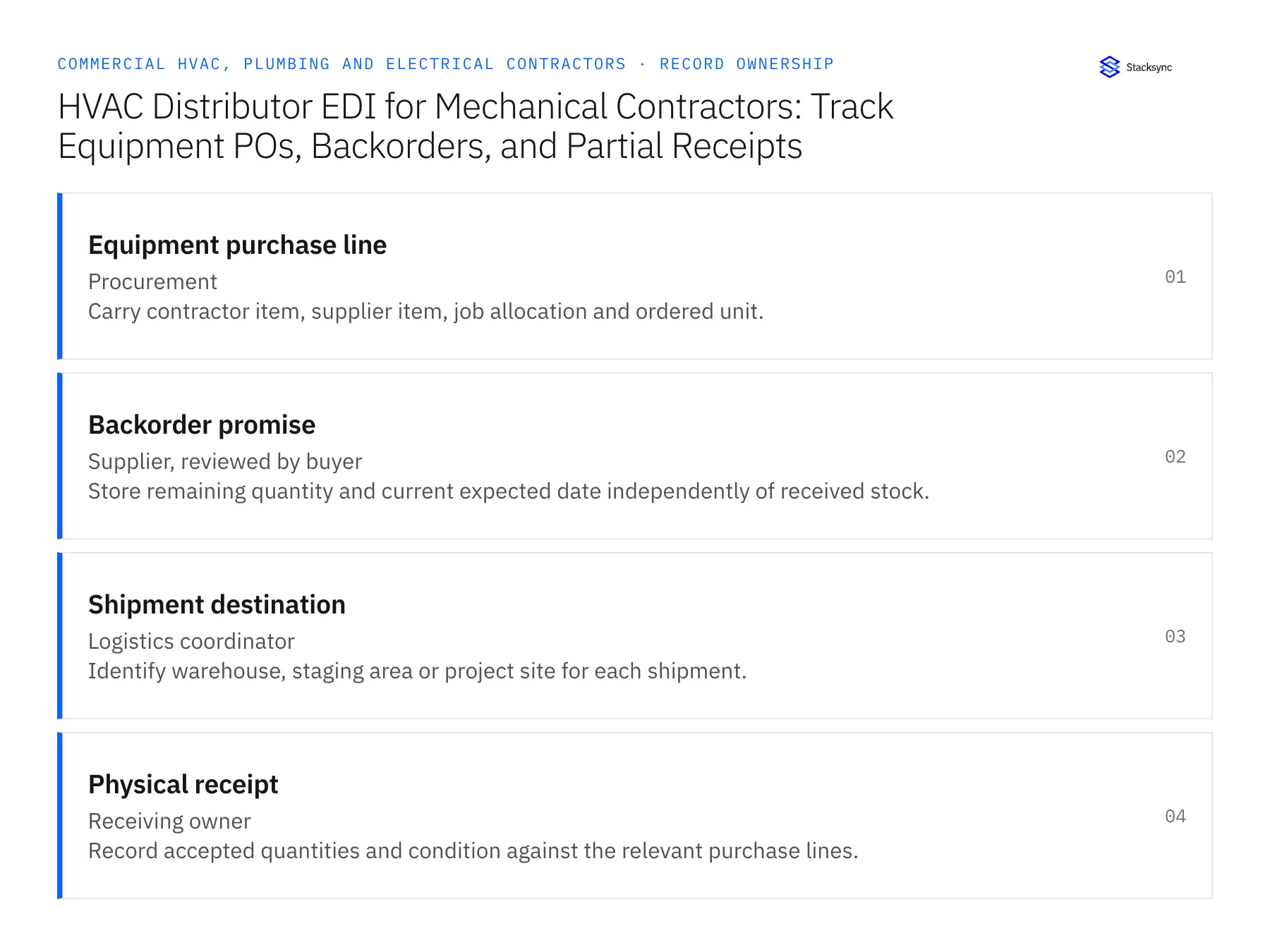
Records, ownership, and update rules
| Record | Owner | Operating rule |
|---|---|---|
| Equipment purchase line | Procurement | Carry contractor item, supplier item, job allocation and ordered unit. |
| Backorder promise | Supplier, reviewed by buyer | Store remaining quantity and current expected date independently of received stock. |
| Shipment destination | Logistics coordinator | Identify warehouse, staging area or project site for each shipment. |
| Physical receipt | Receiving owner | Record accepted quantities and condition against the relevant purchase lines. |
Work through the process
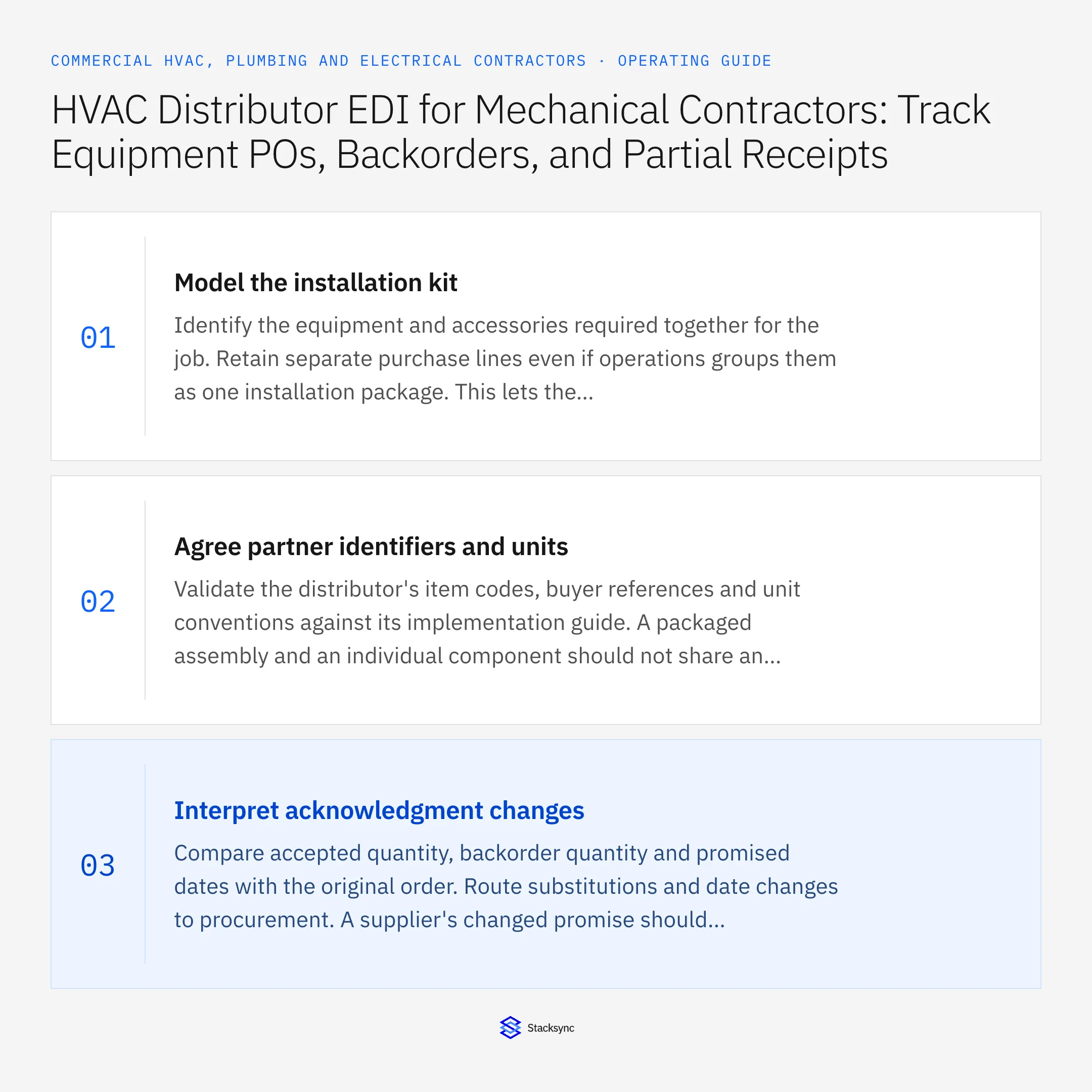
- 01Model the installation kitIdentify the equipment and accessories required together for the job. Retain separate purchase lines even if operations groups them as one installation package. This lets the readiness process see that a missing control or curb can block installation despite receipt of the main unit.
- 02Agree partner identifiers and unitsValidate the distributor's item codes, buyer references and unit conventions against its implementation guide. A packaged assembly and an individual component should not share an ambiguous quantity field. Test the mapping with real product structures supplied by the buyer, without assuming the supplier uses the same internal catalog.
- 03Interpret acknowledgment changesCompare accepted quantity, backorder quantity and promised dates with the original order. Route substitutions and date changes to procurement. A supplier's changed promise should inform the installation plan, but it should not automatically revise the customer commitment before the coordinator reviews the impact.
- 04Track split and direct shipmentsAllow several shipment records against one purchase line and different receiving locations. Keep a direct-to-site shipment visible until the designated receiver records actual receipt and condition. Do not treat a shipping notice as warehouse stock when the equipment never passes through the warehouse.
- 05Reconcile invoice and readiness viewsPass the verified line states to the relevant ERP and operational records through supported actions. Accounts payable needs purchase and receipt evidence; installation coordination needs the complete kit status. Both views should use the same source references while keeping financial matching and job release as separate decisions.
- 06Connect shortages to the required work packageLet the installation coordinator see which missing purchase line blocks which planned equipment package. A backordered controller may affect only one unit, while a shared accessory can block several. Preserve that dependency instead of assigning the same order-level delay to every job. Procurement can then prioritize the clarification that changes the release decision, and the account team can explain the affected scope without promising an unsupported whole-project date.
Handle the exceptions explicitly
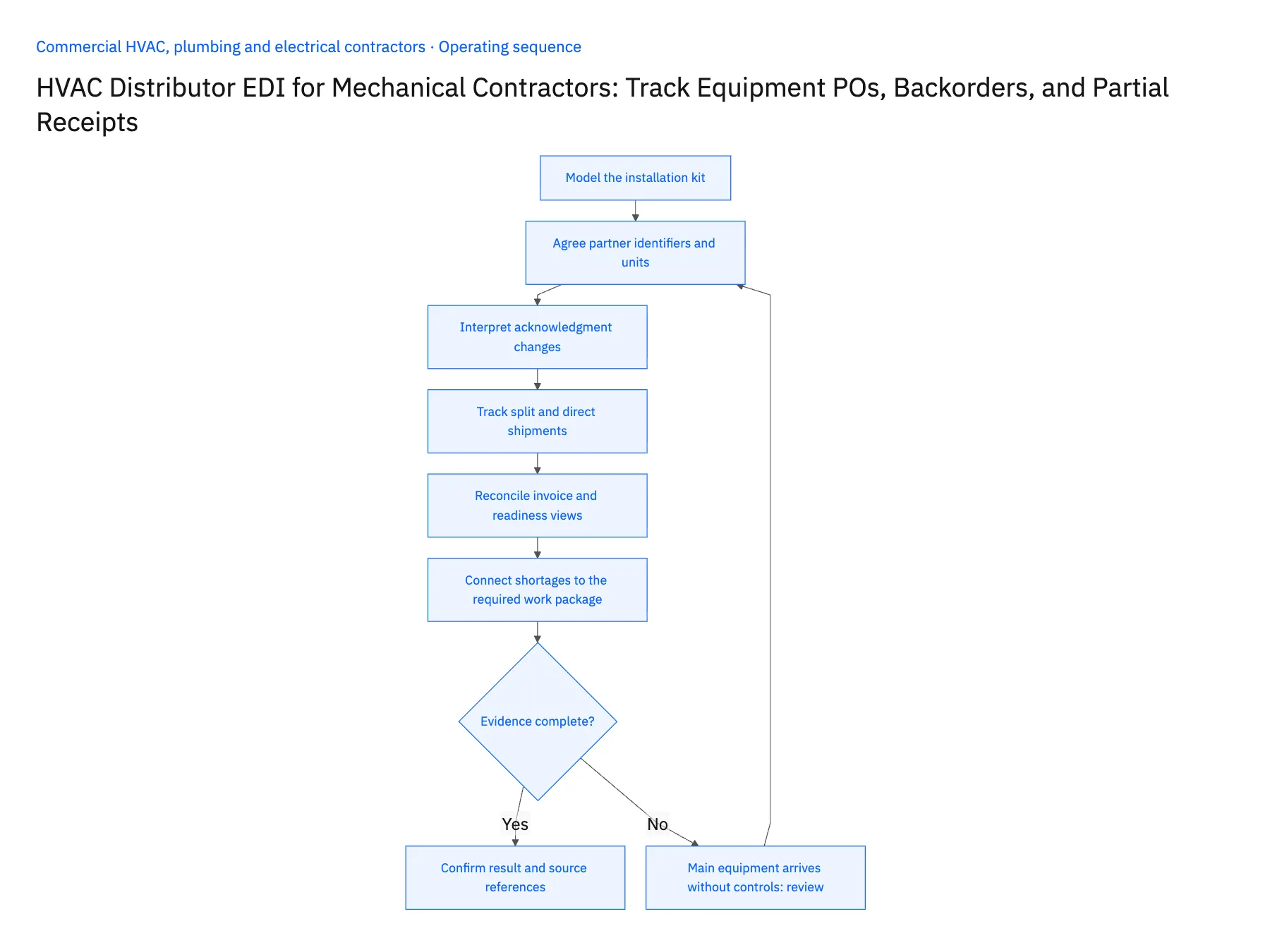
Main equipment arrives without controls
Keep the kit incomplete and identify the missing accessory rather than marking the job ready.
Distributor substitutes another model
Require approved technical and commercial review before updating the job's required specification.
Shipment goes directly to the site
Assign receipt to the site owner and avoid adding the quantity to warehouse stock.
What to verify before expanding
- Every equipment line retains its supplier and buyer references.
- Backordered accessories remain visible after the main shipment.
- Direct-site receipts reconcile to the correct job.
- Retransmitted documents do not duplicate receiving or invoice actions.

Connect this process to the rest of your operation
Explore Stacksync EDI and scope the records and actions against your actual systems. Book a demo with a real equipment purchase line example and the exception your team handles most often, for example main equipment arrives without controls.
- HVAC, Plumbing, and Electrical Customer Sites: Align Salesforce Accounts With NetSuite Billing Hierarchies
- Multi-Trade Service Contracts: Keep HubSpot Renewal Dates and Acumatica Contract Status Aligned
- Truck Stock and Service Parts: Connect a Supabase Field App With NetSuite Item and Location Records
- Workflow Automation Tools: The Complete 2026 Guide
- Coordinate Equipment Repairs Across Service, Inventory, and Scheduling
The shared architecture guide covers record matching, ownership, and recovery across systems.
Technical references
FAQ
Frequently asked questions










Related articles




