






















Genies for Commercial MEP Service Closeout: Turn Technician Notes Into an Invoice-Ready Packet
Use a Genie to connect technician notes, parts evidence and customer acceptance into a reviewable MEP service closeout.
- Author
- Ignacio Malpartida · GTM Engineer
- Published
- Read time
- 5 min read

The operating decision
A commercial MEP service-closeout Genie can assemble technician notes, used-part records, work authorization and customer sign-off into a structured packet. Ask it to distinguish completed work, recommendations, unresolved issues and potential nonbillable activity. Every proposed billing line should point to supporting evidence. The agent can prepare the handoff and identify missing facts, while the service supervisor validates technical meaning and finance controls chargeability and the final financial action.
Explore the complete commercial HVAC, plumbing and electrical contractors integration and automation hub for the systems and processes around this guide.
What this looks like in commercial HVAC, plumbing and electrical contractors
An HVAC technician replaces a failed contactor, tests the unit and recommends a later coil cleaning. The free-text notes also mention a return visit under warranty. Customer service needs a clear summary, while billing needs to know which labor and material belong to the authorized repair. A Genie can separate those statements and gather the relevant part and agreement records. It should not turn the recommended cleaning into completed work or assume the warranty return is chargeable.
Records, ownership, and update rules
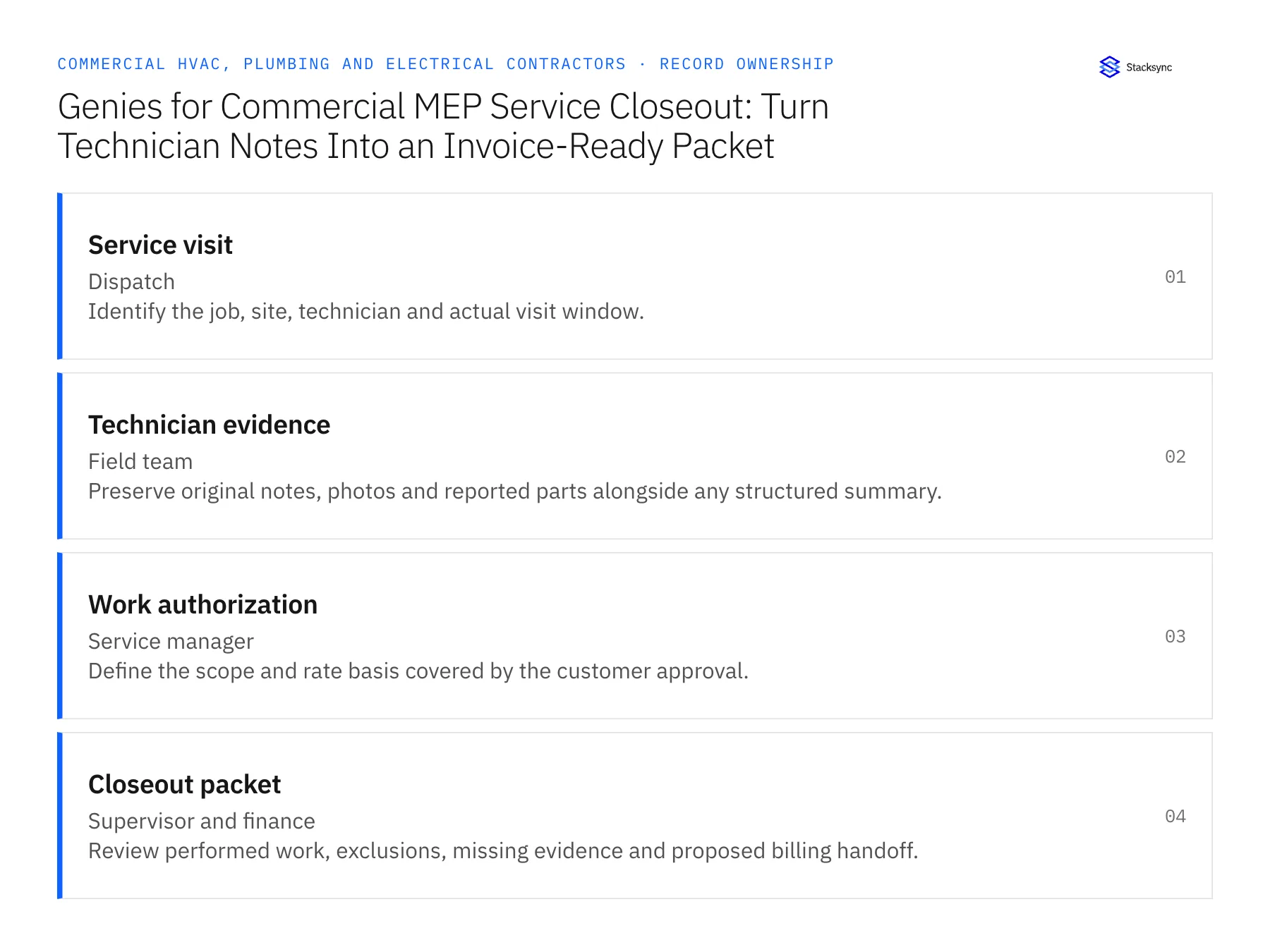
| Record | Owner | Operating rule |
|---|---|---|
| Service visit | Dispatch | Identify the job, site, technician and actual visit window. |
| Technician evidence | Field team | Preserve original notes, photos and reported parts alongside any structured summary. |
| Work authorization | Service manager | Define the scope and rate basis covered by the customer approval. |
| Closeout packet | Supervisor and finance | Review performed work, exclusions, missing evidence and proposed billing handoff. |
Work through the process
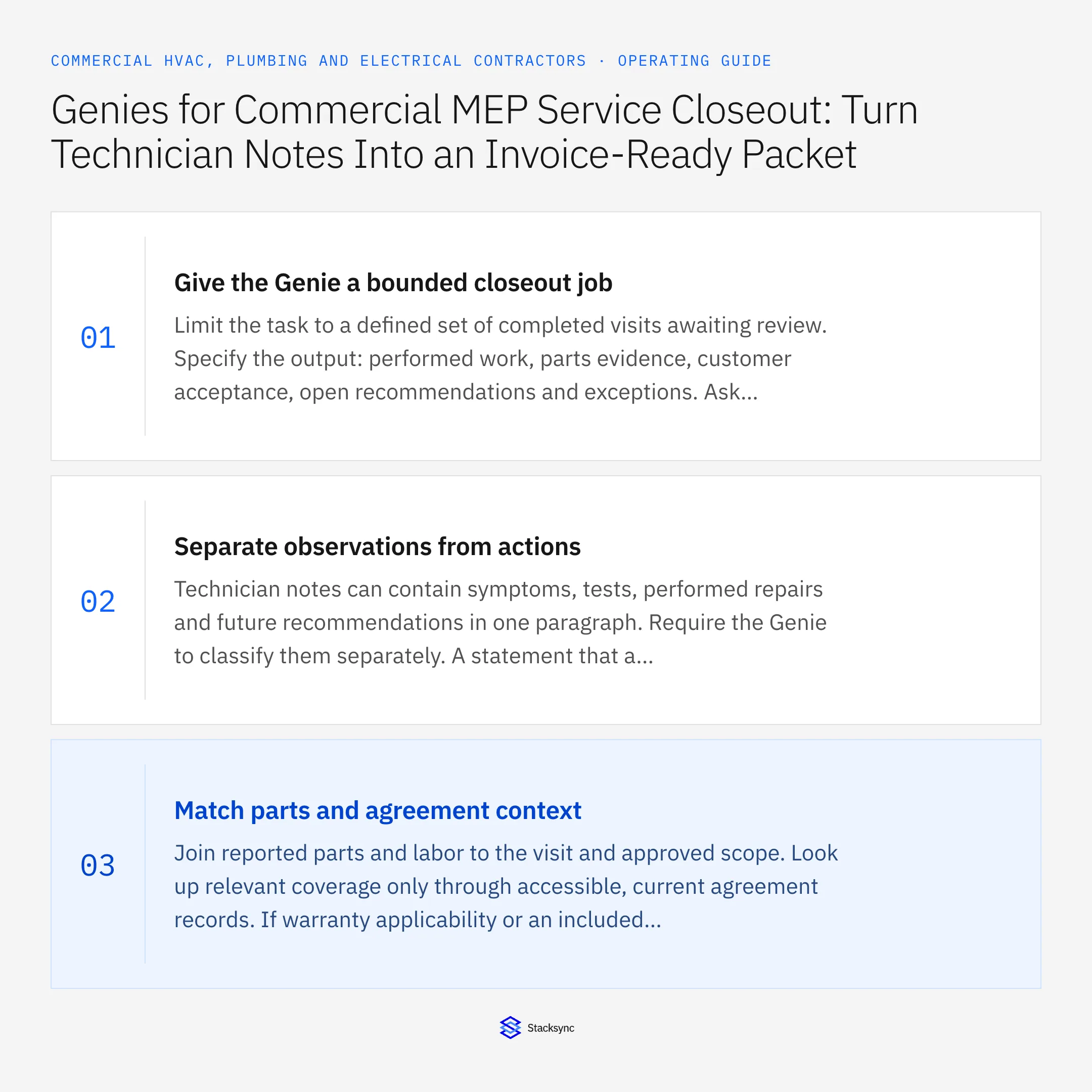
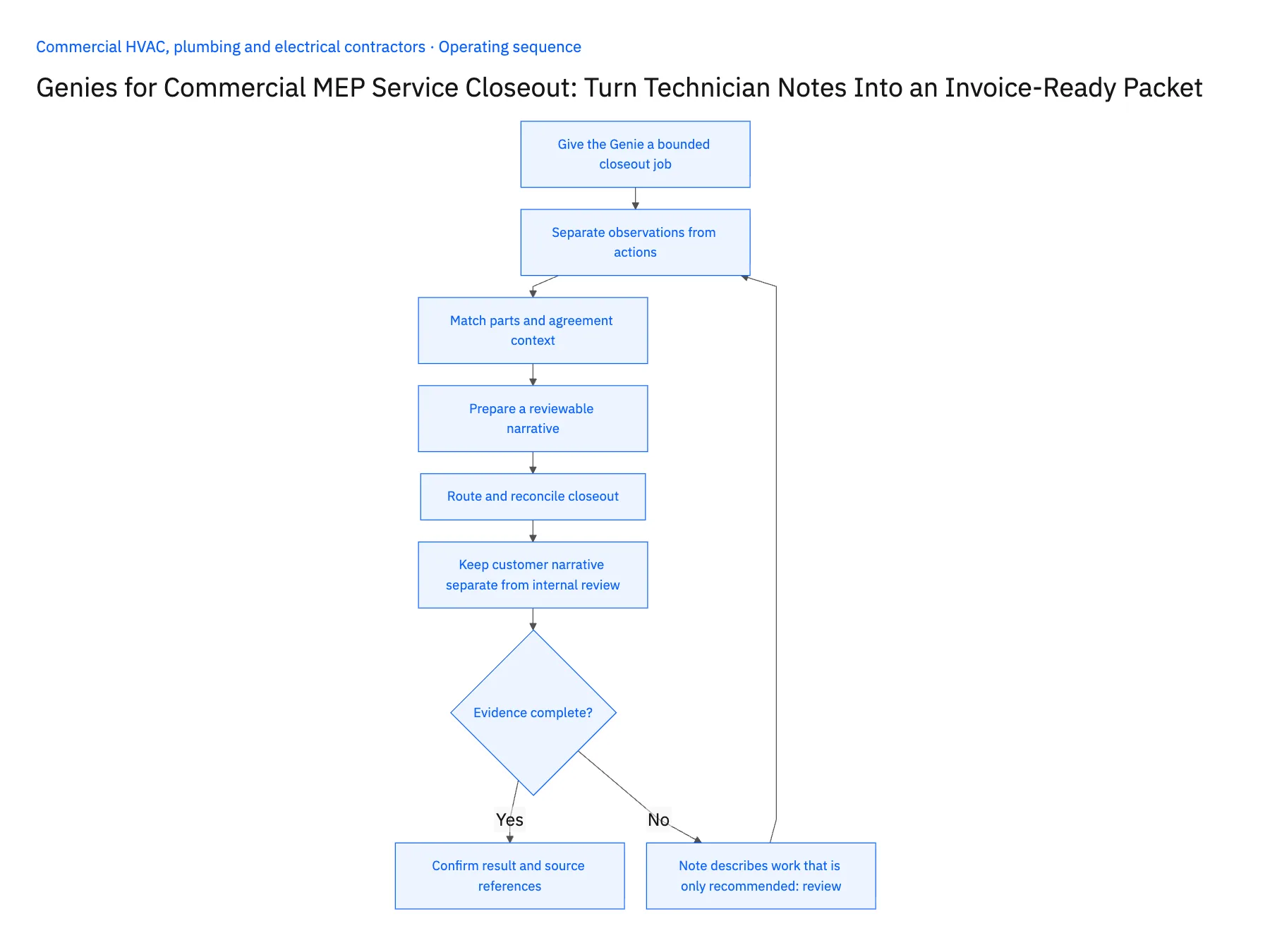
- 01Give the Genie a bounded closeout jobLimit the task to a defined set of completed visits awaiting review. Specify the output: performed work, parts evidence, customer acceptance, open recommendations and exceptions. Ask for source references for every material statement so the reviewer can verify the summary without searching unrelated systems.
- 02Separate observations from actionsTechnician notes can contain symptoms, tests, performed repairs and future recommendations in one paragraph. Require the Genie to classify them separately. A statement that a component may need replacement is not evidence that the replacement occurred or that the customer authorized it.
- 03Match parts and agreement contextJoin reported parts and labor to the visit and approved scope. Look up relevant coverage only through accessible, current agreement records. If warranty applicability or an included maintenance allowance is unclear, flag the question for the service owner rather than assigning a billable classification.
- 04Prepare a reviewable narrativeWrite a concise service summary that preserves the technical facts provided by the technician without inventing test results. Pair it with a line-level evidence list for finance. Customer-facing language and accounting support may use the same source records but should remain distinct outputs with their own review needs.
- 05Route and reconcile closeoutSend technical ambiguities to the supervisor and financial gaps to billing. After review, record the accepted packet version and resulting handoff reference. If the technician adds notes later, show the changed evidence and reopen only the affected decision instead of creating another complete billing packet.
- 06Keep customer narrative separate from internal reviewThe internal packet may contain unresolved coverage questions, supervisor comments and financial classifications that do not belong in a customer-facing service report. Ask the Genie to prepare these as separate outputs from the same evidence. The reviewer can then approve a factual customer summary while retaining the detailed decision record internally. Do not allow an uncertainty note about chargeability to become a technical claim about the equipment or the quality of the repair.
Handle the exceptions explicitly
Note describes work that is only recommended
Keep it in follow-up scope and outside performed or billable work.
Reported part has no matching item reference
Ask the technician or inventory owner to identify it before preparing a coded line.
Customer sign-off is absent
Flag the missing acceptance according to the contract requirement and assign the owner who can obtain it.
What to verify before expanding
- Recommendations cannot become completed work through summarization.
- Every proposed charge has supporting visit evidence.
- Warranty uncertainty reaches the service owner.
- Late notes revise one closeout packet rather than duplicating it.

Connect this process to the rest of your operation
Explore Stacksync AI agents (Genies) and scope the records and actions against your actual systems. Book a demo with a real service visit example and the exception your team handles most often, for example note describes work that is only recommended.
- AI Service Closeout for Commercial MEP Contractors
- MEP Service Closeout Exceptions: Warranty Work, Callbacks, Missing Parts, and Customer Sign-Off
- HVAC Distributor EDI for Mechanical Contractors: Track Equipment POs, Backorders, and Partial Receipts
- HVAC, Plumbing, and Electrical Customer Sites: Align Salesforce Accounts With NetSuite Billing Hierarchies
- Coordinate Equipment Repairs Across Service, Inventory, and Scheduling
- NetSuite Field Service Management: Boost Efficiency & Accuracy
The shared architecture guide covers record matching, ownership, and recovery across systems.
Technical references
FAQ
Frequently asked questions










Related articles





