






















Pet Food and Treats EDI: Align Retailer Product Codes and Case Quantities
A retailer's case order for the small bag lands in NetSuite as that bag and case count, not the larger bag or the trial pack that shares its recipe name.
- Author
- Alexis Favre · Co-Founder & CTO
- Published
- Read time
- 5 min read

The operating decision
Pet-food EDI should preserve recipe, bag size, treat pack, and case configuration when translating retailer item numbers into ERP orders. Validate product and unit meaning before accepting the order, then use actual shipment and finance evidence for outbound documents. A technically valid item code is not enough if it points to the wrong bag or recipe.
Explore the complete pet food and treats integration and automation hub for the systems and processes around this guide.
What this looks like in pet food and treats
A retailer orders cases of a small bag using its internal product code. The brand also sells the same recipe in a larger bag and a mixed trial pack. A family-level mapping can select the wrong sellable configuration while still producing a syntactically valid order and shipment notice.
Records, ownership, and update rules
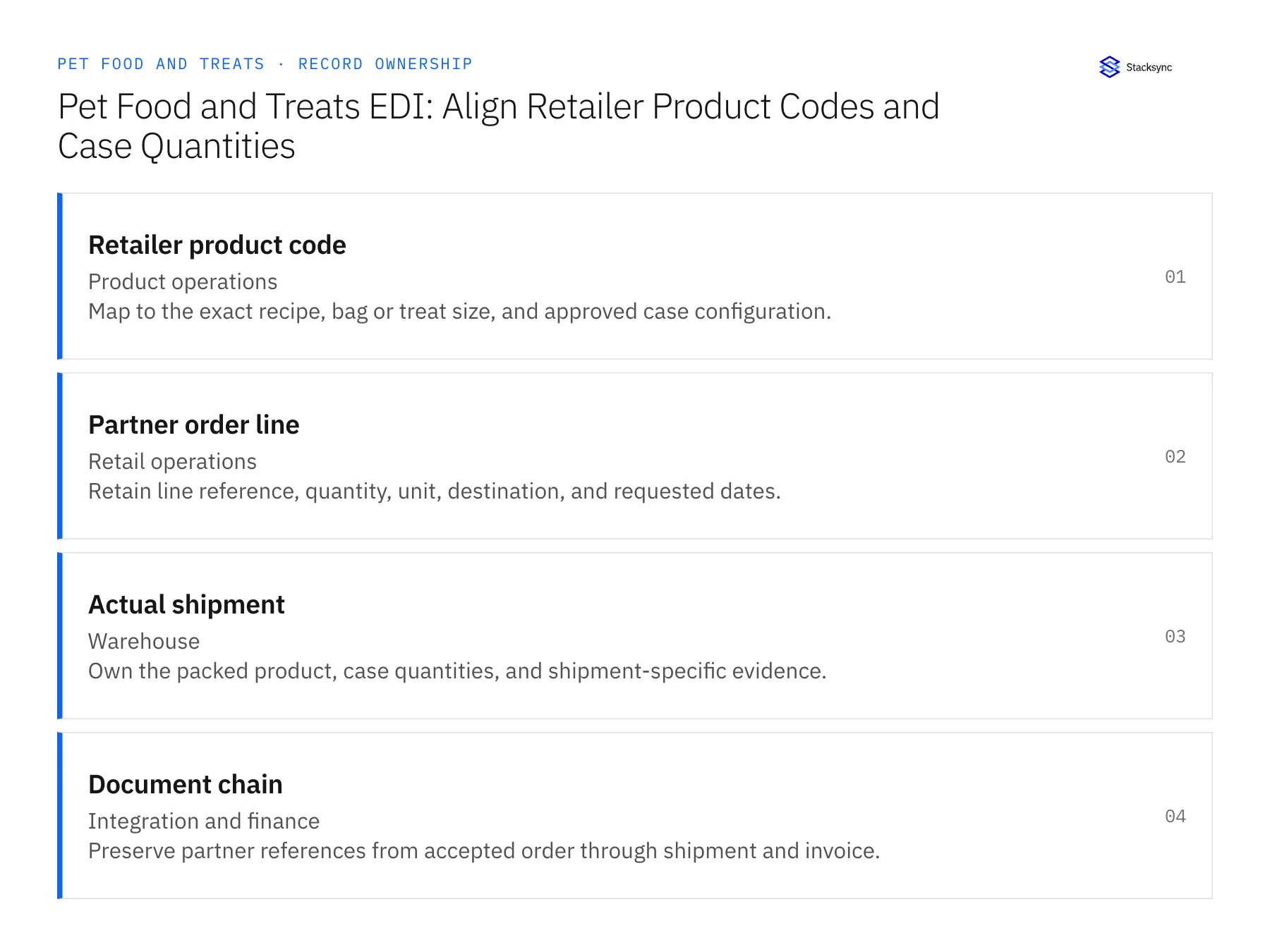
| Record | Owner | Operating rule |
|---|---|---|
| Retailer product code | Product operations | Map to the exact recipe, bag or treat size, and approved case configuration. |
| Partner order line | Retail operations | Retain line reference, quantity, unit, destination, and requested dates. |
| Actual shipment | Warehouse | Own the packed product, case quantities, and shipment-specific evidence. |
| Document chain | Integration and finance | Preserve partner references from accepted order through shipment and invoice. |
Work through the process
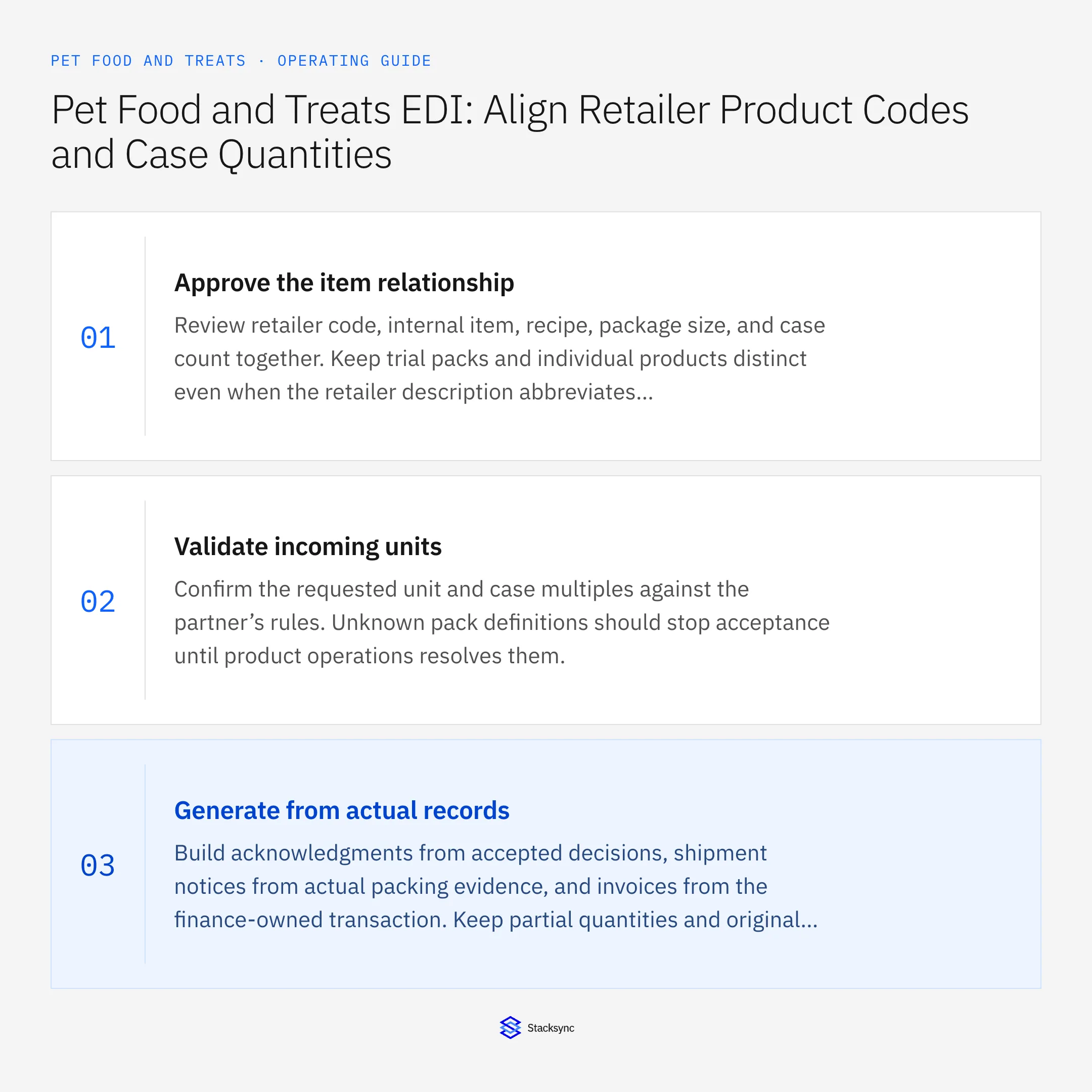
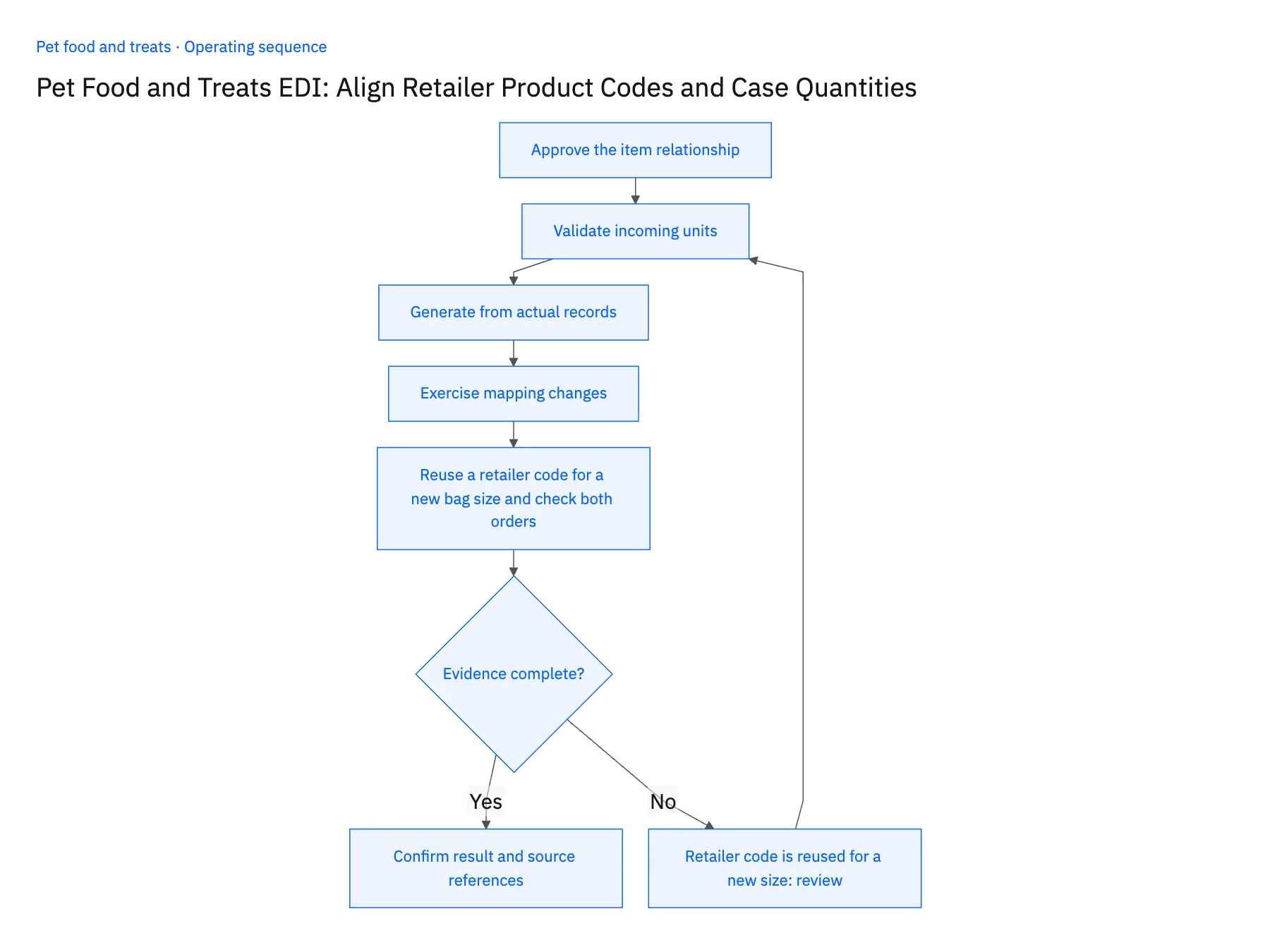
- 01Approve the item relationshipReview retailer code, internal item, recipe, package size, and case count together. Keep trial packs and individual products distinct even when the retailer description abbreviates the name.
- 02Validate incoming unitsConfirm the requested unit and case multiples against the partner’s rules. Unknown pack definitions should stop acceptance until product operations resolves them.
- 03Generate from actual recordsBuild acknowledgments from accepted decisions, shipment notices from actual packing evidence, and invoices from the finance-owned transaction. Keep partial quantities and original line references visible.
- 04Exercise mapping changesTest a new bag size, discontinued recipe, changed case count, and partial shipment. Verify both technical document handling and the business meaning of each product line.
- 05Reuse a retailer code for a new bag size and check both ordersTake a retailer purchase order from Orderful for cases of the small bag, and confirm the NetSuite sales order line shows that bag's item and case configuration, not the family-level product. Ship it two cases short and check that the shipment notice reports the packed count while the remainder stays open in NetSuite. Have product operations version the retailer code to a new bag size with an effective date, then send a second order. It should resolve to the new item; the first order must show the original bag and case count. A wrong bag, a closed remainder, or a first order changed by the remapping stops the rollout.
Handle the exceptions explicitly
Retailer code is reused for a new size
Version the mapping and preserve historical orders under their original definition.
Warehouse proposes another recipe
Require the appropriate commercial decision and partner-compliant representation.
Shipment contains partial cases
Follow the approved partner unit and packing rules rather than rounding the quantity.
What to verify before expanding
- Each retailer line resolves to the exact recipe and package.
- Shipment quantities reconcile to actual packed units and the order remainder.
- A retailer code reused for another bag size preserves historical orders under the previously approved item and case definition.
- A partial-case shipment follows the partner's approved unit rules and retains the actual quantity without rounding it to a full case.

Connect this process to the rest of your operation
Explore Stacksync EDI and scope the records and actions against your actual systems. Book a demo with a real retailer product code example and the exception your team handles most often, for example retailer code is reused for a new size.
- Shopify–NetSuite Sync for Pet Food Brands: Match Recipes, Bag Sizes, and Variety Packs
- Amazon–NetSuite Sync for Pet Brands: Reconcile Marketplace Returns and Original Orders
- HubSpot–NetSuite Sync for Pet Food Brands: Connect Independent Retailers and Reorder Status
- Two-Way Sync Field Mapping Workbook
- Give Support Agents Full Customer Context in the Helpdesk (No Tab-Switching)
The shared architecture guide covers record matching, ownership, and recovery across systems.
Technical references
FAQ
Frequently asked questions










Related articles






