Give Support Agents Full Customer Context in the Helpdesk (No Tab-Switching)
Support agents lose time and make mistakes because the context they need is scattered across the helpdesk, the CRM, the billing system, and the product database. A single pane of glass brings that data into the ticket so the agent sees the whole customer in one screen. The trick is keeping it current, and once it is unified an AI assistant can even draft the account summary for the agent to review.
- Author
- Ignacio Malpartida · GTM Engineer
- Published
- Updated
- Read time
- 10 min read

Watch a support agent work a hard ticket and you will see a lot of tab-switching. The ticket is in the helpdesk. Who the customer is and who owns them is in the CRM. Their plan and open invoices are in the billing system. What they actually use is in a product database. To answer one question, the agent hops between four tools, copies details between them, and trusts that each screen is current.
Every one of those switches is friction, and worse, a chance to act on something out of date. The fix is not a faster agent. It is to bring the context to where the work happens, so the whole customer shows up in the ticket and the agent never leaves the helpdesk to understand who they are talking to.
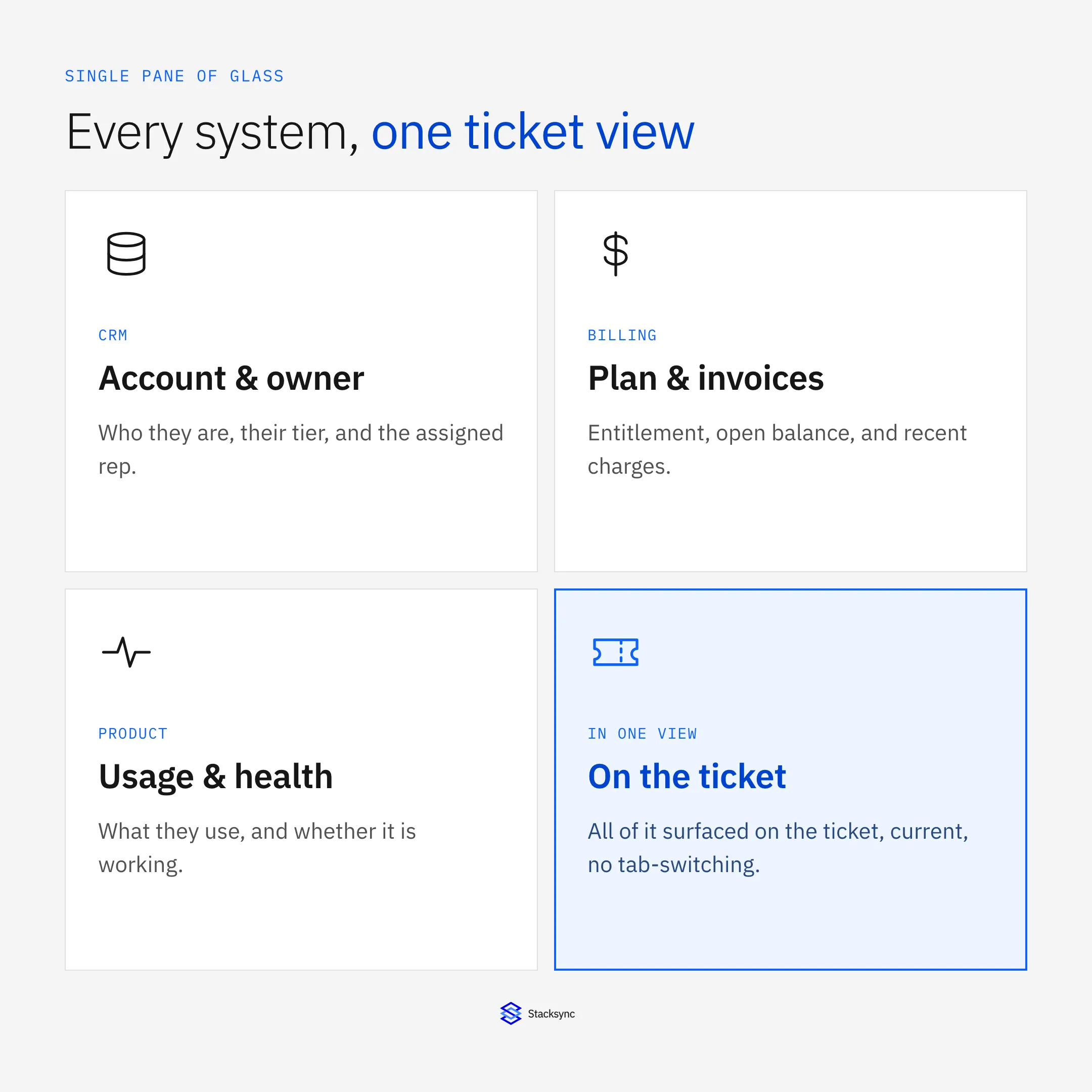
This guide covers what agents lose to tab-switching, how to surface CRM, billing, and product data inside the helpdesk, why syncing the data beats read-only widgets when agents need to act, and how the same unified data lets an AI assistant draft an account summary a human reviews.
What agents lose to tab-switching
The cost of scattered context is not just seconds per lookup, though those add up. It is that the answer an agent gives depends on which screens they checked and how fresh each one was. Two agents can look at the same customer and say different things because one checked billing and the other did not, or because one was reading a copy that had not updated.
| Context | System | Why the agent needs it |
|---|---|---|
| Account and owner | CRM | Who the customer is, tier, assigned rep |
| Plan and invoices | Billing system | Entitlement, open balance, recent charges |
| Product usage | Product database | What they use and whether it is working |
| History | Helpdesk | Past tickets and what was promised |
The context a support agent needs is spread across four systems. Tab-switching is the manual join.
Put simply, tab-switching is a manual join across systems, done by a person, under time pressure, on every ticket. It is exactly the kind of work software should do once and keep current.
Surface the context where the work happens
The goal is a single pane of glass: the ticket, plus the account, billing, product, and history context, in one view. Instead of the agent going to four systems, the four systems come to the ticket, keyed to the customer, and kept current.
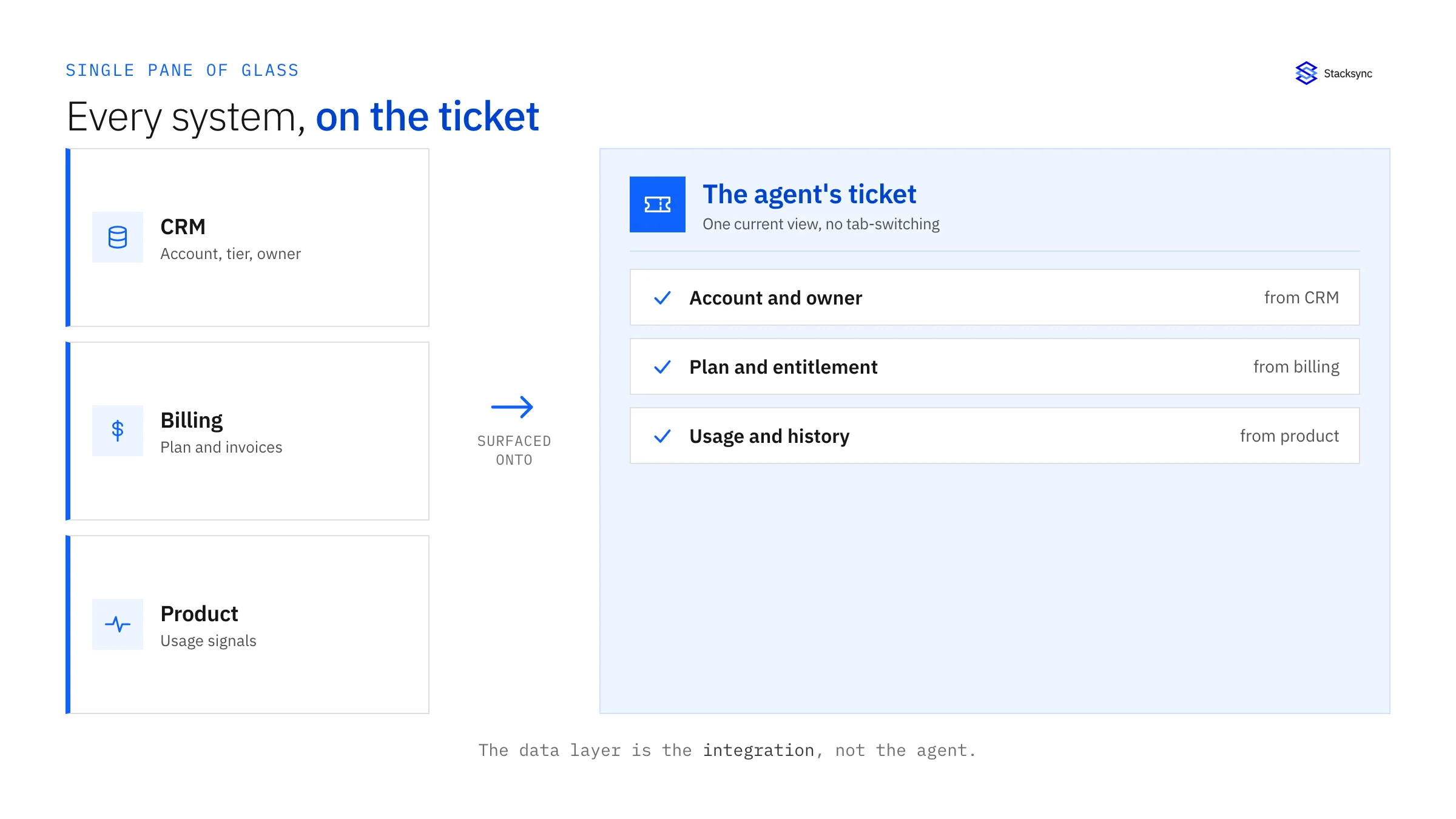
Notice what this is not. It is not asking the agent to become the integration by memorizing where everything lives and joining it in their head. The integration is the data layer. It gathers the relevant fields from each system of record and presents them on the ticket, so the agent spends their attention on the customer instead of on navigation.
Two ways to do it: embed versus sync
There are two ways to get that context onto the ticket, and the right one depends on whether agents only read it or also act on it.

An embedded read-only widget calls the other system live and shows the result in a panel. It is quick to add and fine when agents only need to glance. But it makes a call to every system on every ticket, it cannot be acted on, and it does not help anything else, like routing, that also needs the data.
| Aspect | Embedded read-only widget | Synced data |
|---|---|---|
| Freshness | Live call per ticket, can be slow | Local and kept current in real time |
| Can the agent act on it? | No, read-only | Yes, updates flow back two-way |
| Reuse for routing and automations | No, siloed to the panel | Yes, the same current data drives both |
| Load on source systems | A call every time a ticket opens | Changes synced once, then reused |
Read-only widgets suit a glance. Syncing the data suits agents who act on it and automations that reuse it.
When the context is synced rather than merely embedded, it is local, current, and two-way, so an agent can update a field on the ticket and have it flow back to the system of record through two-way sync. The same current data also powers the routing that put the ticket there, which is why the sync is worth doing once for the whole support workflow rather than per widget.
The AI angle: let an assistant draft the account summary
Once the cross-system data is unified and current, a useful thing becomes easy: an AI assistant can write the account summary for the agent. Before a reply, or before a quarterly review, it reads the account from the CRM, the health signals from a data warehouse, and the recent tickets from the helpdesk, and drafts a short brief of who this customer is, how they are doing, and what is open.
The discipline that keeps this safe is the same as any human-in-the-loop workflow: the person reviews the summary before acting on it. The assistant saves the assembly, not the judgment. And the reason it can be trusted at all is the data underneath. An AI summary built on stale, half-joined data is confidently wrong, so the summary is only as good as the sync feeding it. The model is the easy part; the current, unified data is the part that makes it work.
Building the unified view
- 01Decide the fields agents actually useList the account, billing, product, and history fields that answer real tickets. Resist surfacing everything; a focused view beats a cluttered one.
- 02Sync them into or beside the helpdeskBring those fields onto the ticket, keyed to the customer, so they are local and fast rather than a live call to each system.
- 03Keep them current in real timeSync on change so the surfaced data reflects the systems of record within seconds, not last night.
- 04Make the important fields two-wayLet agents update the fields they should own from the ticket, and have the change flow back to the system of record.
- 05Add an AI summary a human reviewsOptionally layer an assistant that drafts an account brief from the unified data, with the agent reviewing before it is used.
The outcome is an agent who opens a ticket and immediately understands the customer, with fewer errors, faster replies, and consistent answers, because everyone is working from the same current picture.

Apply this in pet food and treats: original complaint and order and product
Pet-food complaint handling needs the same shared customer and order context, with a clear boundary around unverified lot information. Assemble the original report and confirmed operational links for support and quality, and preserve missing evidence instead of inferring a batch or health conclusion.
| Record to reconcile | Responsible owner | Rule to preserve |
|---|---|---|
| Original complaint | Support | Preserve the customer’s wording, time, attachments, and reported product without rewriting it as a diagnosis. |
| Order and product | Operations | Resolve the exact purchased recipe, bag size, and original line reference. |
| Shipment and lot evidence | Quality or fulfillment owner | Provide verified relationships between actual shipped units and lot records where available. |
An exception to plan for: Customer supplies an incomplete code. Retain the exact text and request clearer evidence or owner review. Acceptance check for the pilot: the original complaint remains distinct from the agent’s interpretation.
The pet food and treats hub connects the broader operating context. These guides develop the specific record mappings and decisions for this application:
Bringing it together
Giving support agents full context is about ending the manual join. Bring the account, billing, product, and history data onto the ticket, keep it current, and let agents act on it in place. Tab-switching disappears, answers get consistent, and the same unified data can feed an AI account summary the agent reviews.
What makes it real is the data layer underneath: current, unified, and two-way. To surface live customer context in your helpdesk and keep it in step with your CRM, billing, and product systems, see how two-way sync works or book a demo. If your customers run their own helpdesks, pair this with a two-way ticket bridge.

FAQ
Frequently asked questions










Related articles