






















Personal Care Retail EDI: Match Retailer Item Numbers to Shades, Sizes, and Sets
Each retailer item code carries an effective set definition, so a reused seasonal code or a warehouse shade swap cannot rewrite what the retailer ordered.
- Author
- Alexis Favre · Co-Founder & CTO
- Published
- Read time
- 4 min read

The operating decision
Personal-care retail EDI requires an exact crosswalk from retailer item numbers to shades, sizes, and sets. Preserve the partner’s line and packaging definition through order acceptance, shipment, and invoice. Technical document validation cannot detect every commercially wrong product mapping, so verify item meaning before release.
Explore the complete personal care integration and automation hub for the systems and processes around this guide.
What this looks like in personal care
A retailer orders a seasonal gift set under its own item number. The brand also sells the component products individually and the set changes next season. The EDI mapping needs the current approved set revision while preserving older orders, rather than treating the retailer item as a timeless alias for one component.
Records, ownership, and update rules
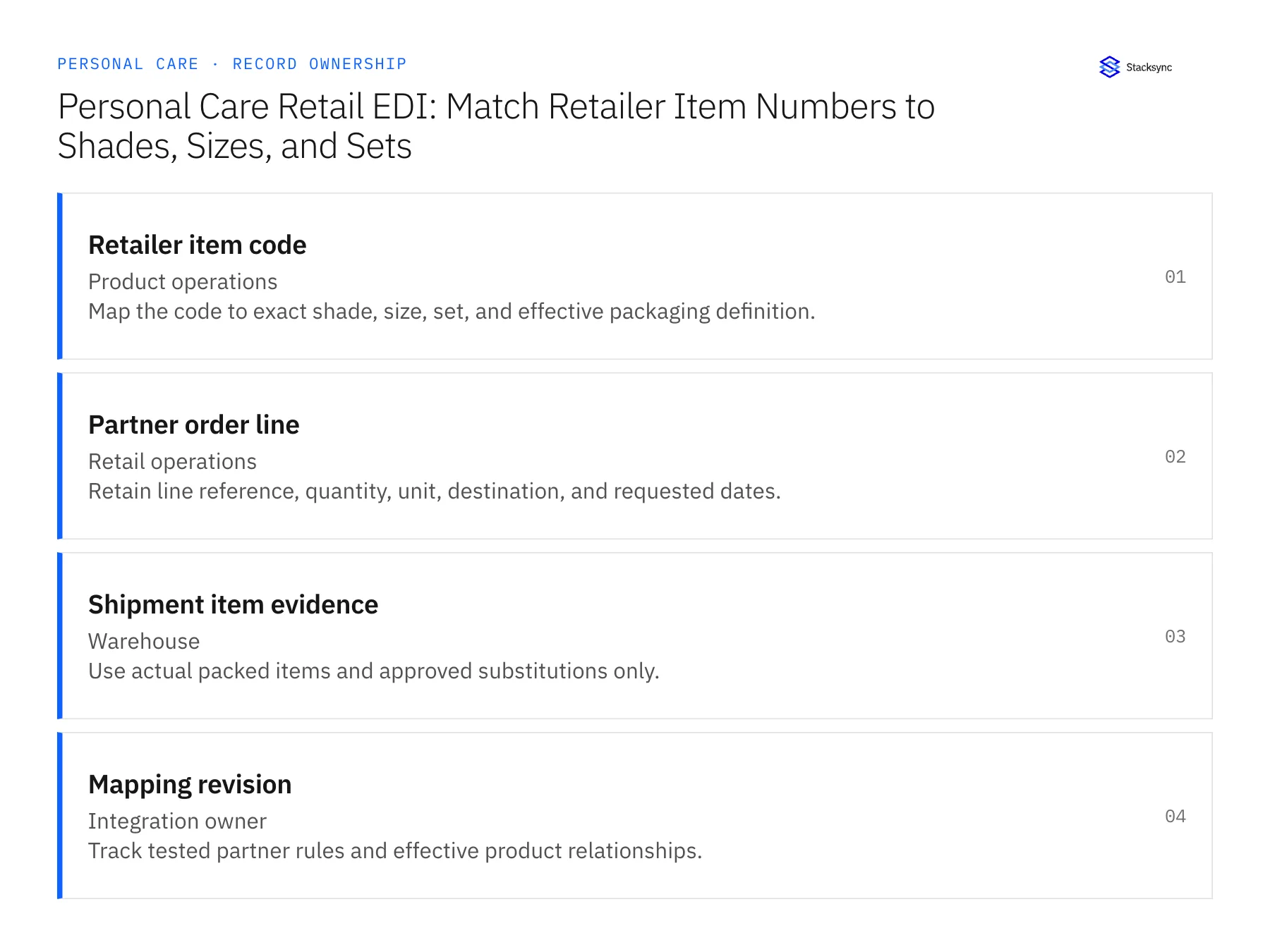
| Record | Owner | Operating rule |
|---|---|---|
| Retailer item code | Product operations | Map the code to exact shade, size, set, and effective packaging definition. |
| Partner order line | Retail operations | Retain line reference, quantity, unit, destination, and requested dates. |
| Shipment item evidence | Warehouse | Use actual packed items and approved substitutions only. |
| Mapping revision | Integration owner | Track tested partner rules and effective product relationships. |
Work through the process
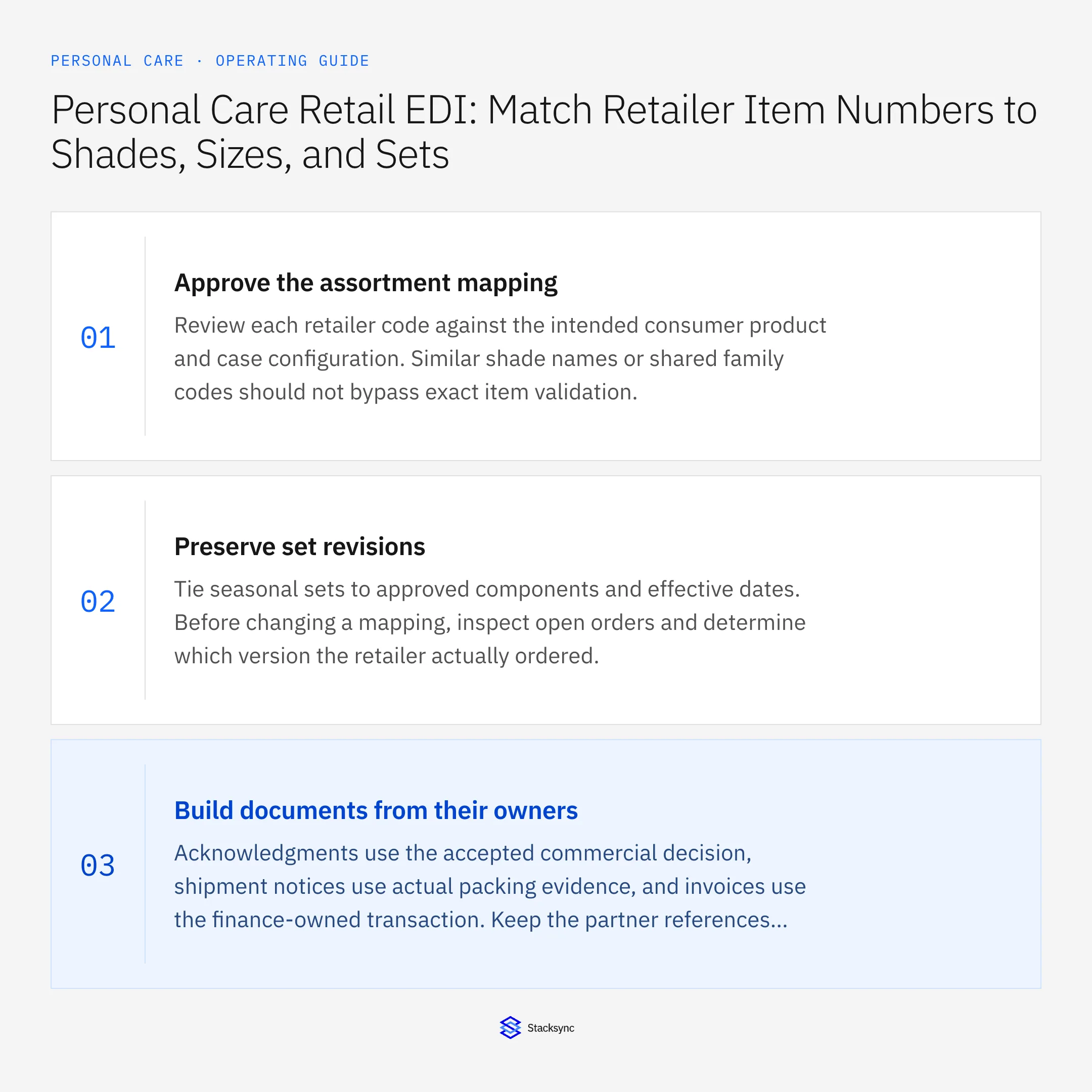
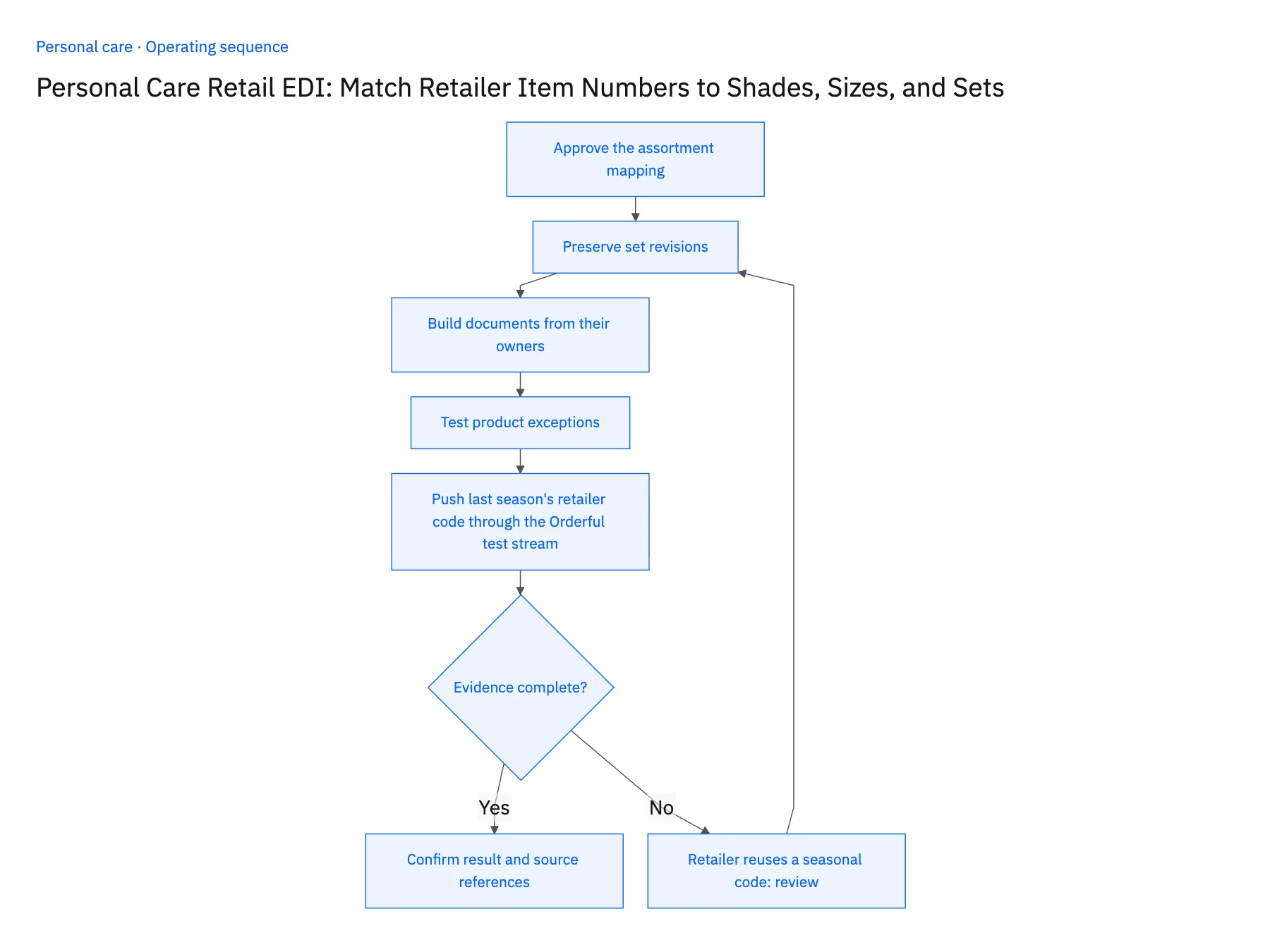
- 01Approve the assortment mappingReview each retailer code against the intended consumer product and case configuration. Similar shade names or shared family codes should not bypass exact item validation.
- 02Preserve set revisionsTie seasonal sets to approved components and effective dates. Before changing a mapping, inspect open orders and determine which version the retailer actually ordered.
- 03Build documents from their ownersAcknowledgments use the accepted commercial decision, shipment notices use actual packing evidence, and invoices use the finance-owned transaction. Keep the partner references consistent across the chain.
- 04Test product exceptionsInclude wrong shade, changed set, partial shipment, and unknown retailer item cases. Confirm both technical acceptance and the business correctness of the mapped products.
- 05Push last season's retailer code through the Orderful test streamIn the Orderful test stream, submit a purchase order using a retailer item number from last season's gift set, now assigned to this season's set. The NetSuite sales order must show the current revision's components with its effective date, while last season's accepted orders under the same code keep their original components. If earlier orders now display the new set, the mapping has no effective dating and cannot go live. Ship the test order and raise the invoice. Compare the retailer's line number on the purchase order, the ship notice and the invoice: all three must match. A renumbered or dropped line means the partner reference is regenerated, not carried.
Handle the exceptions explicitly
Retailer reuses a seasonal code
Confirm the effective set definition instead of rewriting historical orders.
Warehouse proposes another shade
Require commercial approval and the partner-compliant representation.
Set ships in separate cartons
Preserve the actual shipment hierarchy required by the partner.
What to verify before expanding
- Every retailer item resolves to the intended shade, size, or set revision.
- The original partner line survives through shipment and invoice reconciliation.
- A reused seasonal retailer code preserves the historical set definition for already accepted orders.
- A proposed shade substitution requires the accepted commercial decision and partner-compliant representation before release.

Connect this process to the rest of your operation
Explore Stacksync EDI and scope the records and actions against your actual systems. Book a demo with a real retailer item code example and the exception your team handles most often, for example retailer reuses a seasonal code.
- Shopify–NetSuite Sync for Personal Care Brands: Align Shades, Sizes, and Gift Sets
- Amazon–NetSuite Sync for Beauty Brands: Match Variation Families to ERP Products
- HubSpot–Acumatica Sync for Personal Care Brands Selling to Salons and Retailers
- EDI Compliance Issues with Retail Trading Partners (2026 Guide)
- Product Exchange Checks: Refunds, Stock, and Customer Choice
The shared architecture guide covers record matching, ownership, and recovery across systems.
Technical references
FAQ
Frequently asked questions










Related articles





