






















AI Agents for Personal Care Retailer Onboarding: Assemble Product and Packaging Documents
The onboarding Genie assembles a reviewable packet from approved sources, labels each dimension by packaging level, and hands open gaps to the product owner instead of guessing.
- Author
- Ignacio Malpartida · GTM Engineer
- Published
- Read time
- 5 min read

The operating decision
A personal-care onboarding Genie can assemble approved product sheets and packaging data for a retailer’s exact item list. It should match shade, size, set, and packaging revision and identify missing fields before drafting a response. The job gathers existing approved information; it does not invent specifications or certify retailer compliance.
Explore the complete personal care integration and automation hub for the systems and processes around this guide.
What this looks like in personal care
A retailer requests dimensions, pack counts, and product sheets for a new assortment. Sales has an old presentation, product operations has the current packaging file, and the ERP has the internal item list. The Genie can connect the sources, but it must not copy a travel-size dimension into the full-size product row.
Records, ownership, and update rules
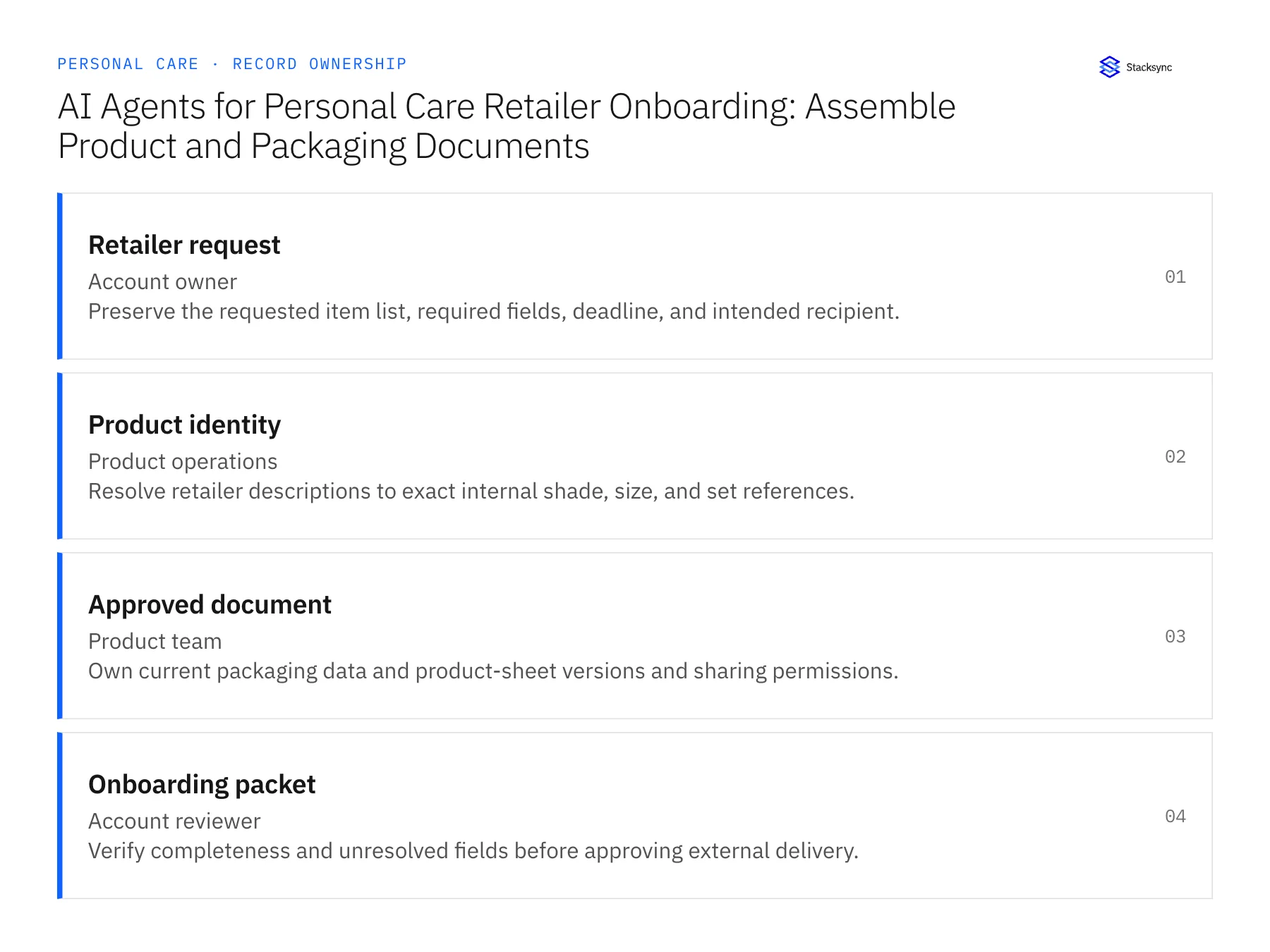
| Record | Owner | Operating rule |
|---|---|---|
| Retailer request | Account owner | Preserve the requested item list, required fields, deadline, and intended recipient. |
| Product identity | Product operations | Resolve retailer descriptions to exact internal shade, size, and set references. |
| Approved document | Product team | Own current packaging data and product-sheet versions and sharing permissions. |
| Onboarding packet | Account reviewer | Verify completeness and unresolved fields before approving external delivery. |
Work through the process
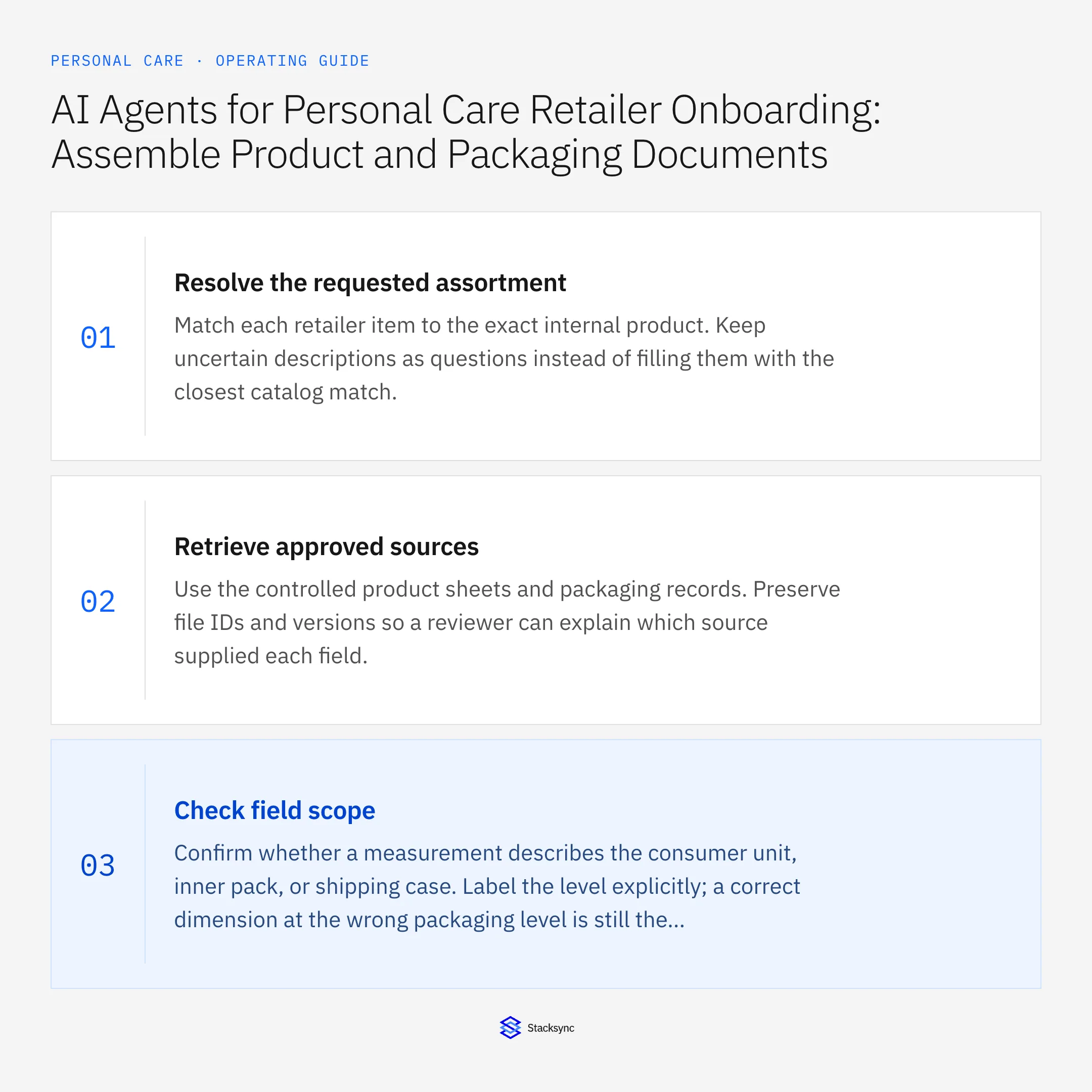
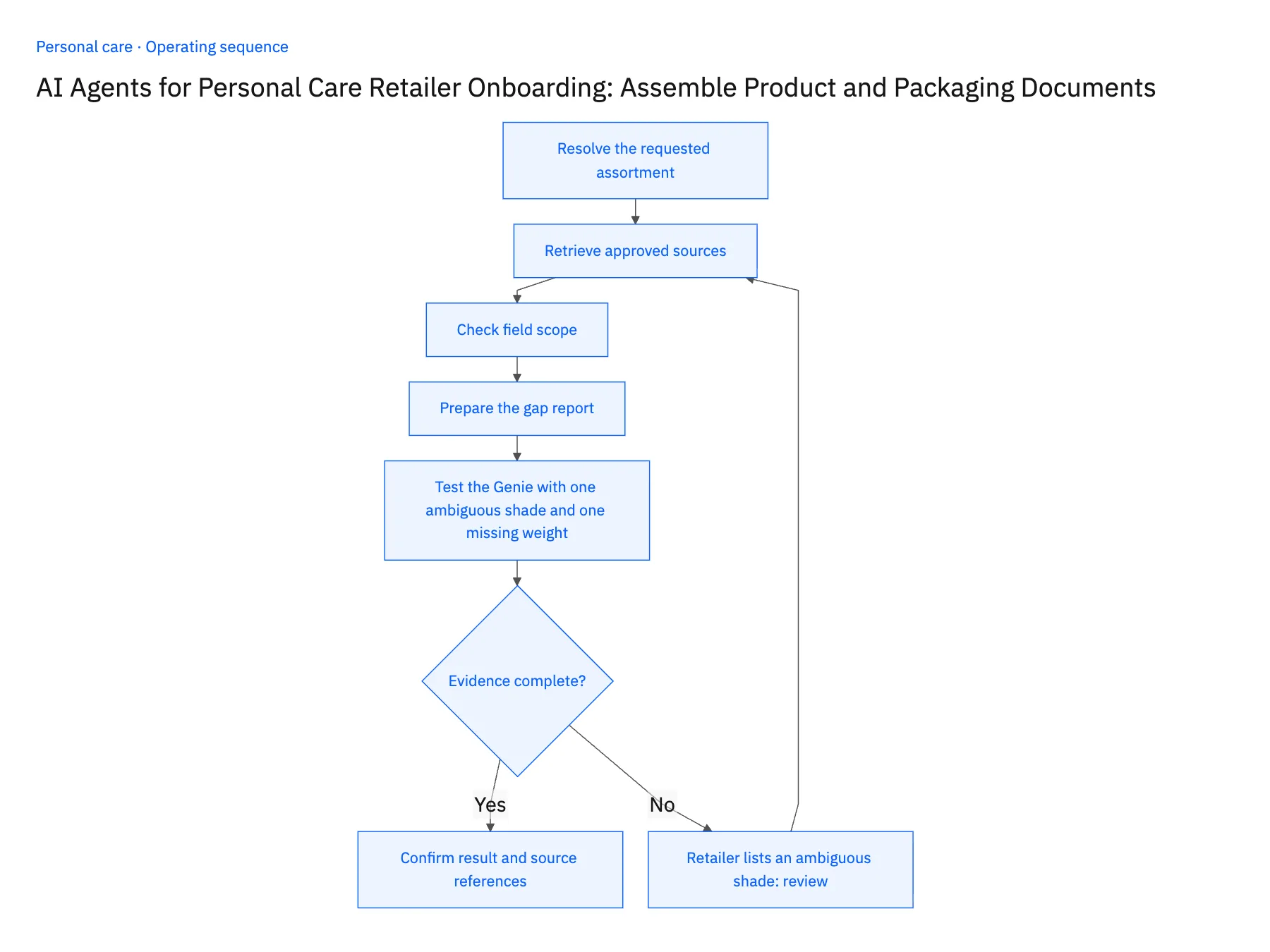
- 01Resolve the requested assortmentMatch each retailer item to the exact internal product. Keep uncertain descriptions as questions instead of filling them with the closest catalog match.
- 02Retrieve approved sourcesUse the controlled product sheets and packaging records. Preserve file IDs and versions so a reviewer can explain which source supplied each field.
- 03Check field scopeConfirm whether a measurement describes the consumer unit, inner pack, or shipping case. Label the level explicitly; a correct dimension at the wrong packaging level is still the wrong answer.
- 04Prepare the gap reportAssemble verified fields and list missing or conflicting information with its owner. Draft a response that accurately describes the packet’s scope without claiming certification or approval that has not occurred.
- 05Test the Genie with one ambiguous shade and one missing weightGive the Genie a retailer request naming one shade loosely, say a family name shared by two NetSuite products, and omitting the case weight for another item. Open the drafted packet. The ambiguous line should appear as a question to the account owner with both candidate item IDs, not as a filled row. Every populated dimension must show its source version and whether it describes the unit, inner pack or case. The missing weight should be a named gap for the product team. A weight that appears anyway, or a dimension without a packaging level, means the job is generating rather than gathering, and it stays out of production.
Handle the exceptions explicitly
Retailer lists an ambiguous shade
Request the exact item identity before selecting documents.
Packaging file is superseded
Use the approved effective version and flag any open order impacted by the change.
Required field is absent
Ask the product owner; do not estimate dimensions or weights from a similar item.
What to verify before expanding
- Each supplied field cites an approved source and packaging level.
- Missing specifications remain explicit rather than being generated.
- A required dimension or weight missing from the controlled source remains a named gap instead of being copied from a similar item.
- A superseded packaging sheet is excluded from the current packet while affected open orders are flagged for product-owner review.

Connect this process to the rest of your operation
Explore Stacksync AI agents (Genies) and scope the records and actions against your actual systems. Book a demo with a real retailer request example and the exception your team handles most often, for example retailer lists an ambiguous shade.
- AI Agents for Personal Care Retailer Onboarding Documents
- Conflicting Product Sheets and Missing Packaging Data: Personal Care Agent Exceptions
- Personal Care Retail EDI: Match Retailer Item Numbers to Shades, Sizes, and Sets
- Shopify–NetSuite Sync for Personal Care Brands: Align Shades, Sizes, and Gift Sets
- How NetSuite for Retail Transforms Inventory, Finance & Sales
- EDI Compliance Issues with Retail Trading Partners (2026 Guide)
The shared architecture guide covers record matching, ownership, and recovery across systems.
Technical references
FAQ
Frequently asked questions










Related articles





