






















Metal fabrication EDI orders: preserve drawing revision and release identity
Repeat orders for a machined housing arrive as releases against one blanket PO; intake must tell releases, changes and retransmissions apart before any line reaches the ERP.
- Author
- Alexis Favre · Co-Founder & CTO
- Published
- Read time
- 4 min read

The operating decision
Metal-fabrication EDI order intake should connect the customer’s line reference to the approved part, drawing revision, selling unit and release. A syntactically valid order can still be incomplete for manufacturing. Use the trading partner’s agreed document rules to distinguish a new order, a release and a change. Keep engineering and planning decisions separate from document receipt so an automated intake does not turn an ambiguous part description into released shop work.
Explore the complete metal fabrication and machining integration and automation hub for the systems and processes around this guide.
What this looks like in metal fabrication and machining
A fabricator receives repeat orders for a machined housing. The customer reuses a blanket PO and sends releases with different dates, while an engineering change introduces a new drawing revision. If intake uses only the blanket PO and internal item number, it can either reject legitimate demand as a duplicate or overwrite the earlier release with the new specification. The mapping needs the partner’s release identity and the applicable revision, plus an exception path when the incoming document does not supply enough information to choose them.
Records, ownership, and update rules
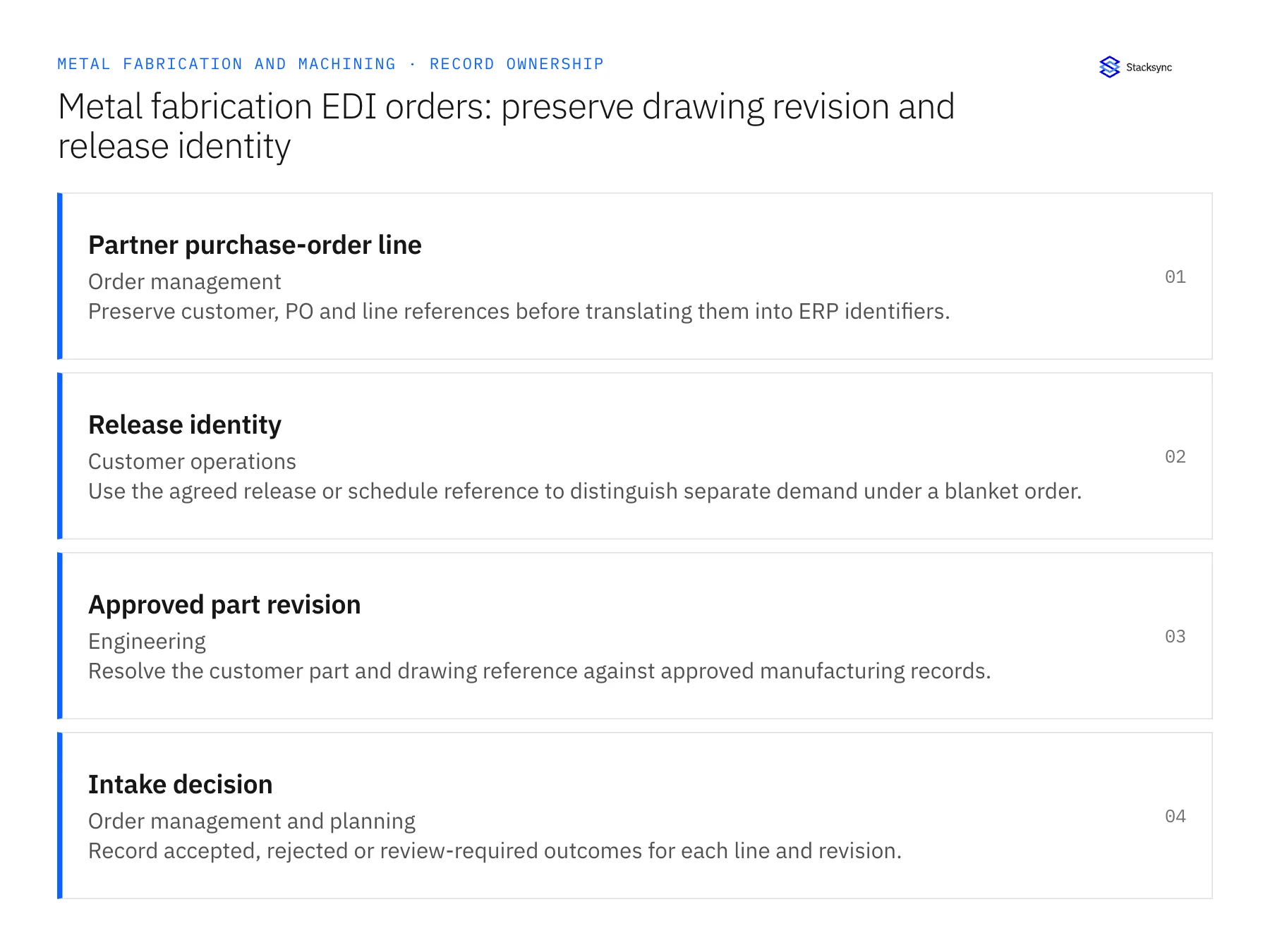
| Record | Owner | Operating rule |
|---|---|---|
| Partner purchase-order line | Order management | Preserve customer, PO and line references before translating them into ERP identifiers. |
| Release identity | Customer operations | Use the agreed release or schedule reference to distinguish separate demand under a blanket order. |
| Approved part revision | Engineering | Resolve the customer part and drawing reference against approved manufacturing records. |
| Intake decision | Order management and planning | Record accepted, rejected or review-required outcomes for each line and revision. |
Work through the process
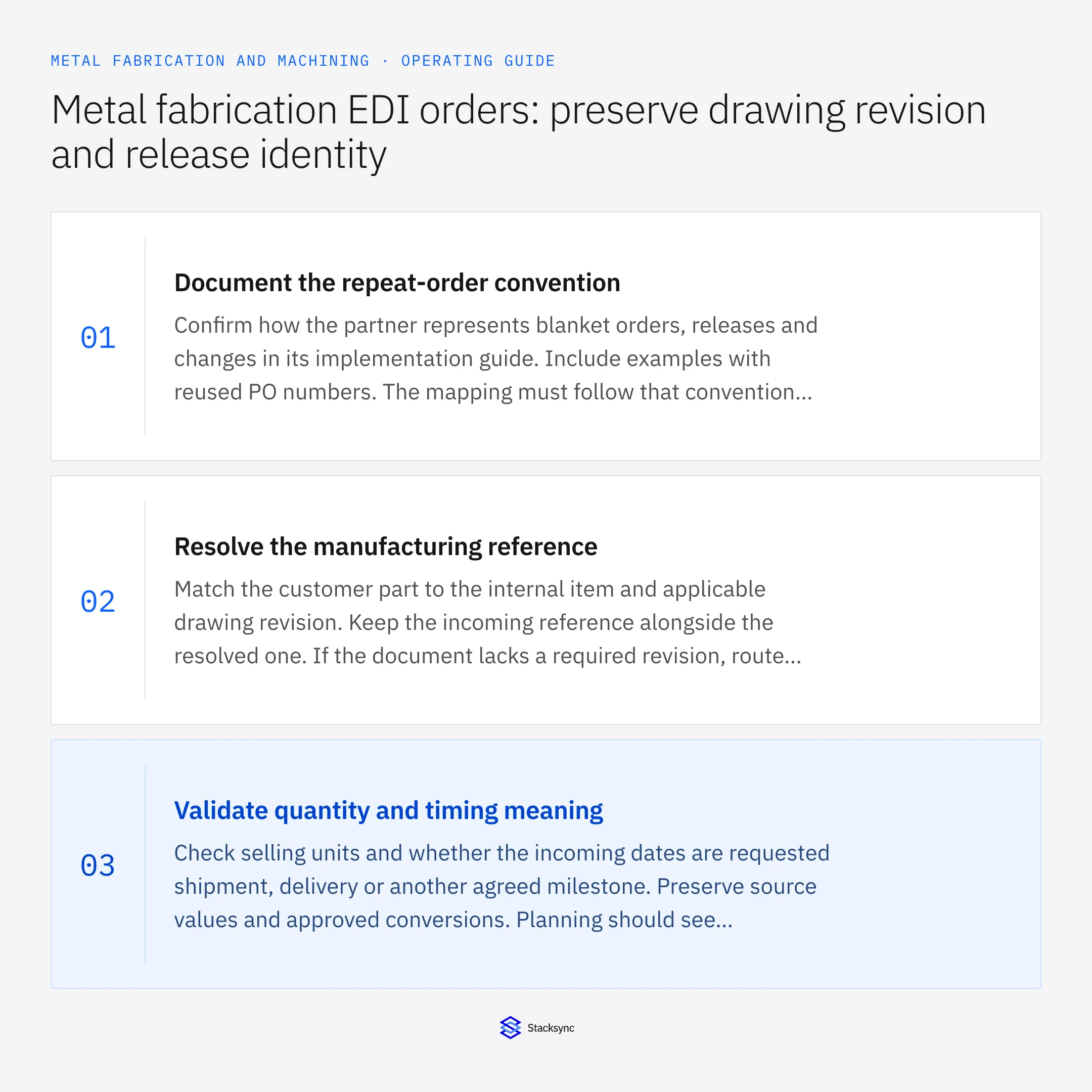
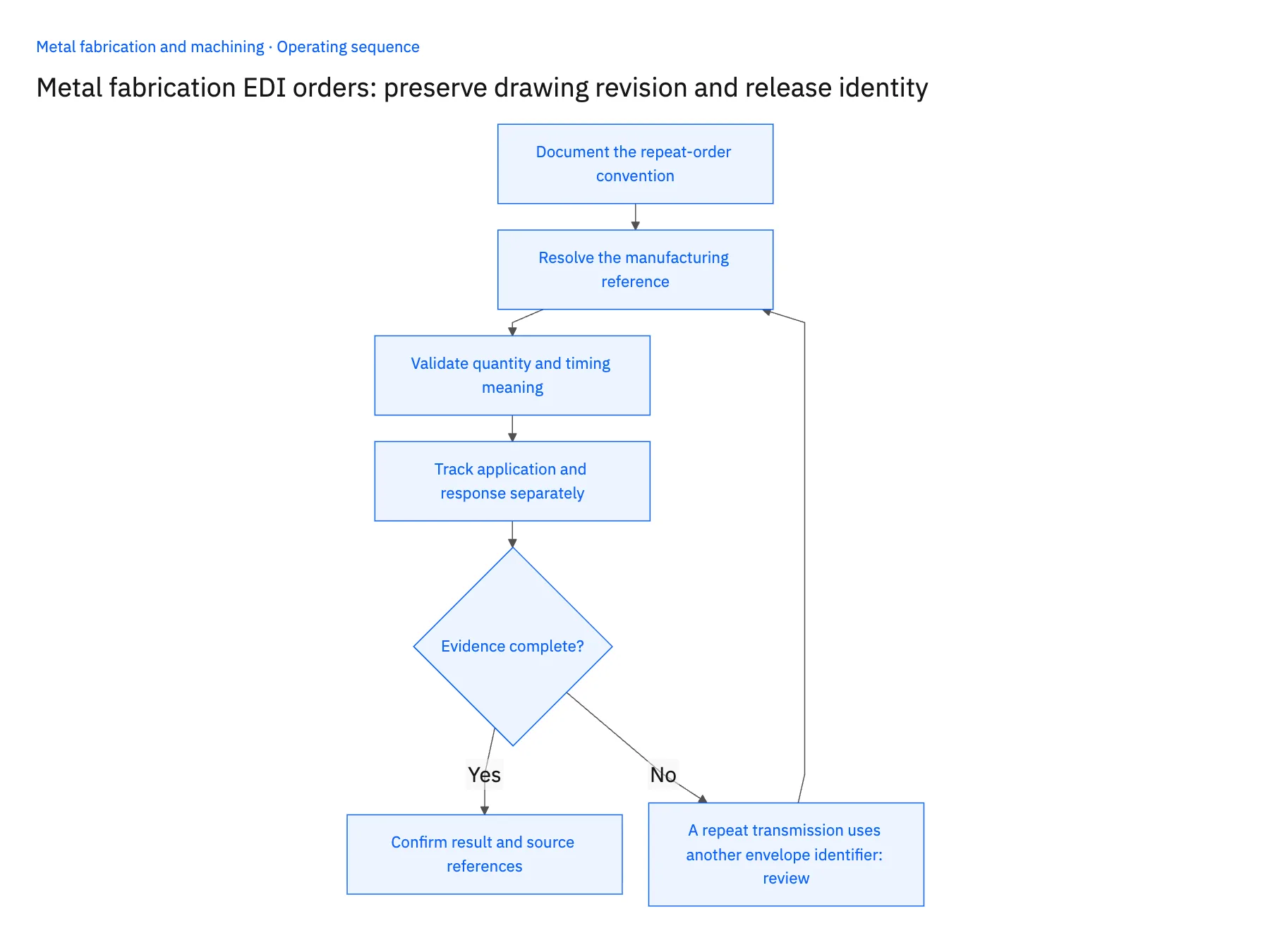
- 01Document the repeat-order conventionConfirm how the partner represents blanket orders, releases and changes in its implementation guide. Include examples with reused PO numbers. The mapping must follow that convention rather than assuming one PO number always means exactly one executable order.
- 02Resolve the manufacturing referenceMatch the customer part to the internal item and applicable drawing revision. Keep the incoming reference alongside the resolved one. If the document lacks a required revision, route the line to the agreed review process instead of substituting the latest revision automatically.
- 03Validate quantity and timing meaningCheck selling units and whether the incoming dates are requested shipment, delivery or another agreed milestone. Preserve source values and approved conversions. Planning should see the actual demand meaning before accepting its effect on capacity or committed material.
- 04Track application and response separatelyApply approved lines through the verified ERP route, retaining external references for replay checks. Record pending exceptions and prepare the partner response required by the agreement. A response retry must not create another release or repeat the accepted order update.
Handle the exceptions explicitly
A repeat transmission uses another envelope identifier
Compare the business release and application history before creating demand. A new transport wrapper does not automatically make the order new.
The customer omits a drawing revision
Use only the documented partner rule or explicit approval to resolve it. Otherwise keep the manufacturing reference pending.
A change moves demand to a new date after work starts
Send the revision to planning for impact review and preserve the existing accepted release until the decision is made.
What to verify before expanding
- Two legitimate releases under one blanket PO remain separately identifiable.
- A replay of either release produces no additional demand.
- The approved drawing revision remains attached to the accepted line.
- A changed date is visible as a request until its operational effect is approved.

Connect this process to the rest of your operation
Explore Stacksync EDI and scope the records and actions against your actual systems. Book a demo with a real partner purchase-order line example and the exception your team handles most often, for example A repeat transmission uses another envelope identifier.
- Metal fabrication: connect Salesforce quotes to Acumatica job-ready orders
- Machine shops: connect NetSuite and Postgres outside-processing status
- Metal fabrication: link Dynamics order demand and material certificates in SQL Server
- How to Parse EDI Files Into a SQL Database
- Real-Time NetSuite to Database Sync: Implementation Guide and Best Practices
The shared architecture guide covers record matching, ownership, and recovery across systems.
Technical references
FAQ
Frequently asked questions










Related articles





