






















Manufacturing order revisions after production release: automate the review handoff
When a customer changes an order after release, the workflow snapshots the accepted revision, gathers material and job impact, and hands planning and finance a decision to approve.
- Author
- Ignacio Malpartida · GTM Engineer
- Published
- Read time
- 4 min read

The operating decision
Order revisions after production release need a controlled comparison between the customer’s request and the work already committed. Automate evidence collection and routing before automating acceptance. The workflow should identify affected lines, consumed or ordered material, completed operations and delivery commitments, then return an explicit decision to sales. A revised email or CRM field is a request; it becomes the operational instruction only after the responsible owners approve the applicable changes.
Explore the complete manufacturing integration and automation hub for the systems and processes around this guide.
What this looks like in manufacturing
Consider an assembly manufacturer whose customer doubles one line and cancels another after production begins. The cancelled line shares a purchased component with a third order. Simply changing the sales-order quantities can hide the material commitment and make the planner’s schedule inconsistent. The review needs a snapshot of the prior accepted revision, the requested delta and the current production state. Sales can then negotiate a supported change, while purchasing and planning decide what happens to committed material and work already performed.
Records, ownership, and update rules
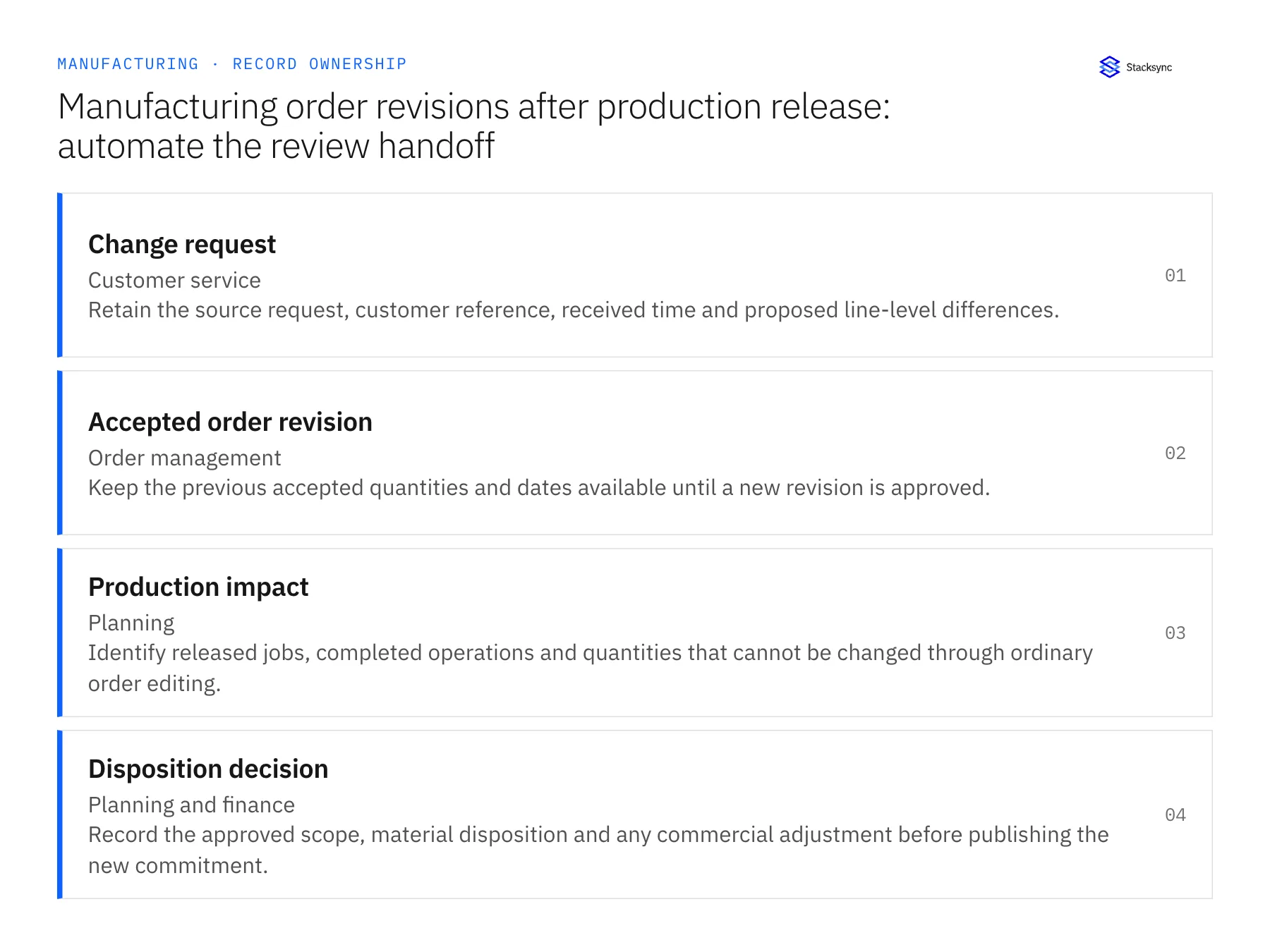
| Record | Owner | Operating rule |
|---|---|---|
| Change request | Customer service | Retain the source request, customer reference, received time and proposed line-level differences. |
| Accepted order revision | Order management | Keep the previous accepted quantities and dates available until a new revision is approved. |
| Production impact | Planning | Identify released jobs, completed operations and quantities that cannot be changed through ordinary order editing. |
| Disposition decision | Planning and finance | Record the approved scope, material disposition and any commercial adjustment before publishing the new commitment. |
Work through the process
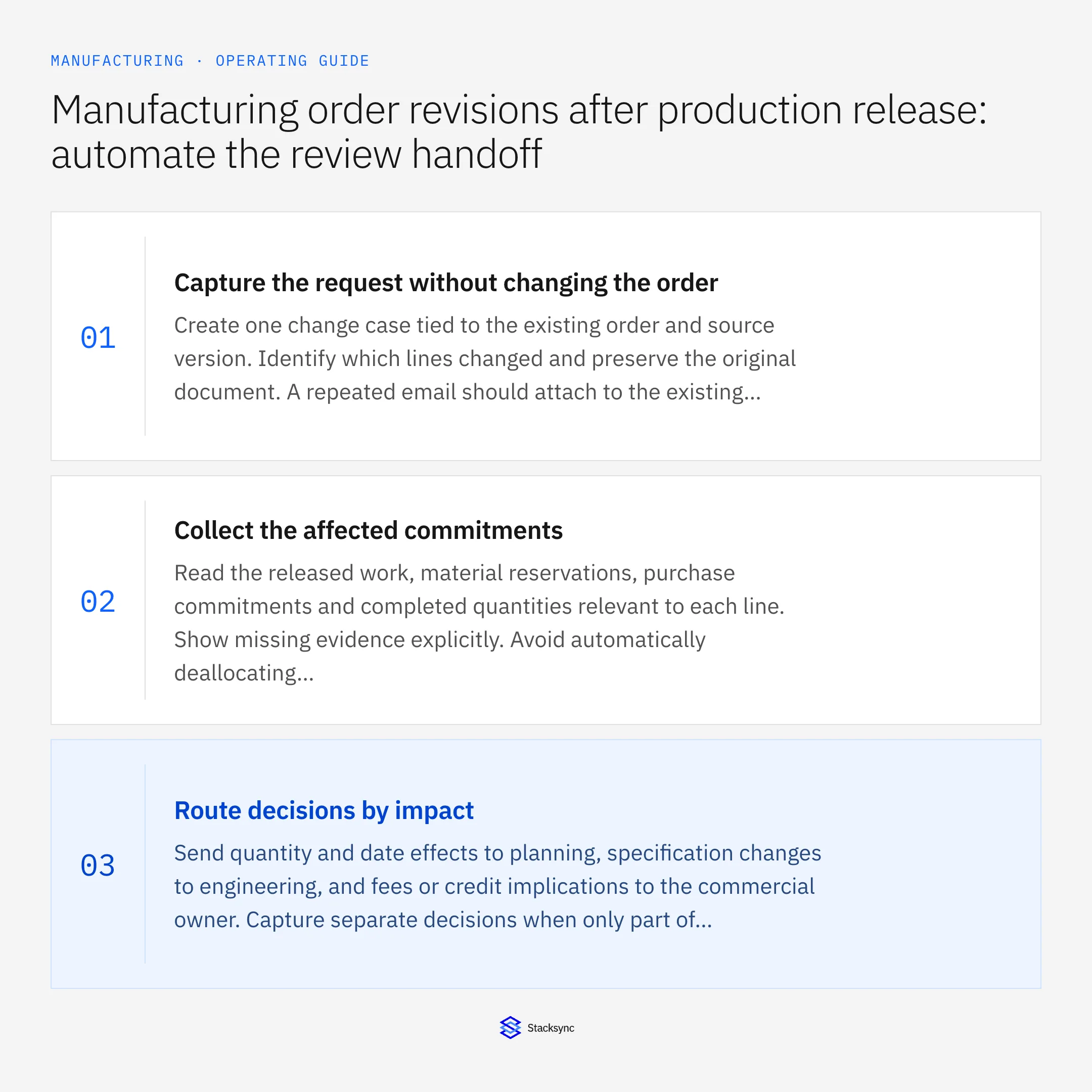
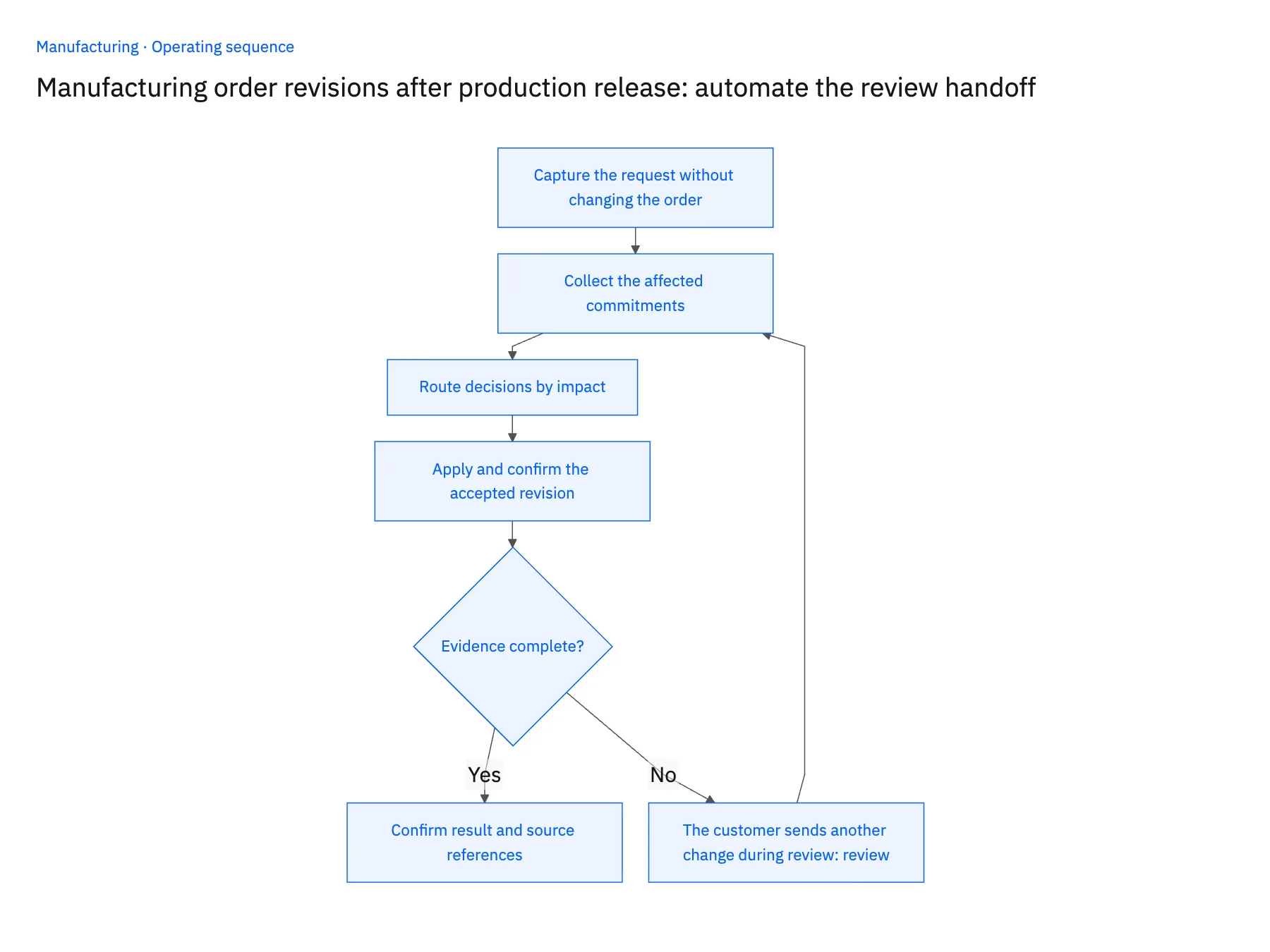
- 01Capture the request without changing the orderCreate one change case tied to the existing order and source version. Identify which lines changed and preserve the original document. A repeated email should attach to the existing case rather than starting an independent revision review.
- 02Collect the affected commitmentsRead the released work, material reservations, purchase commitments and completed quantities relevant to each line. Show missing evidence explicitly. Avoid automatically deallocating components when another order or shared job may depend on the same supply.
- 03Route decisions by impactSend quantity and date effects to planning, specification changes to engineering, and fees or credit implications to the commercial owner. Capture separate decisions when only part of the request is acceptable. Set a follow-up owner for unresolved conditions.
- 04Apply and confirm the accepted revisionPrepare only the approved changes through the verified application route. Recheck the order version before applying them so another accepted change is not overwritten. Return the accepted revision and unresolved lines to sales, then reconcile downstream schedules and customer communication.
Handle the exceptions explicitly
The customer sends another change during review
Supersede or extend the open request deliberately and show what changed. Do not merge two documents into an undocumented composite instruction.
A cancellation affects completed work
Route disposition and commercial treatment to the owners. Preserve completed quantities and costs instead of deleting evidence of production.
Only one requested line change is accepted
Publish the decision per line and keep the original commitment for rejected changes. A single accepted header flag is insufficient.
What to verify before expanding
- The old accepted revision remains available throughout the review.
- A repeated request does not create two competing change cases.
- Applying an accepted change checks that the source order version is still current.
- Sales can identify accepted, rejected and unresolved differences without interpreting production notes.

Connect this process to the rest of your operation
Explore Stacksync workflows and scope the records and actions against your actual systems. Book a demo with a real change request example and the exception your team handles most often, for example the customer sends another change during review.
- Supplier-delay workflows for manufacturers: connect PO confirmations to customer commitments
- Manufacturing warranty parts: connect service requests to an approved replacement order
- AI agents for manufacturing order intake: turn email and PDFs into reviewable ERP drafts
- Real-Time Sync for Manufacturing ERP & Shop Floor Data
- Real-Time Data Integration for Accurate Manufacturing
The shared architecture guide covers record matching, ownership, and recovery across systems.
Technical references
FAQ
Frequently asked questions










Related articles





