






















HubSpot Native Sync vs. a Real-Time Sync Layer: What Breaks at Scale
A buyer's guide to HubSpot's built-in sync versus a dedicated real-time sync layer: what native Data Sync is built for, where it falls short for HubSpot-to-Supabase or Postgres, the API-access licensing check that blocks lower plans, and why per-step billing gets expensive at volume.
- Author
- Ignacio Malpartida · GTM Engineer
- Published
- Read time
- 6 min read

If you already pay for HubSpot, the first question about any sync tool is fair: why not just use HubSpot's own sync? HubSpot ships native data sync through Operations Hub and a marketplace of app integrations, so on paper you should not need anything else. For mirroring contacts between HubSpot and another supported SaaS app, that native sync is often enough.
It starts to break when the other side is your own database. Teams that want HubSpot talking two-way to Supabase, Postgres, or a warehouse hit three separate walls: how good the sync actually is, whether their HubSpot plan is even allowed to open an API connection, and how the tool bills as volume grows. This guide walks each one, compares native sync against per-step automation and a real-time sync layer, and ends with a plain rule for which to pick.
What HubSpot's native sync is built for
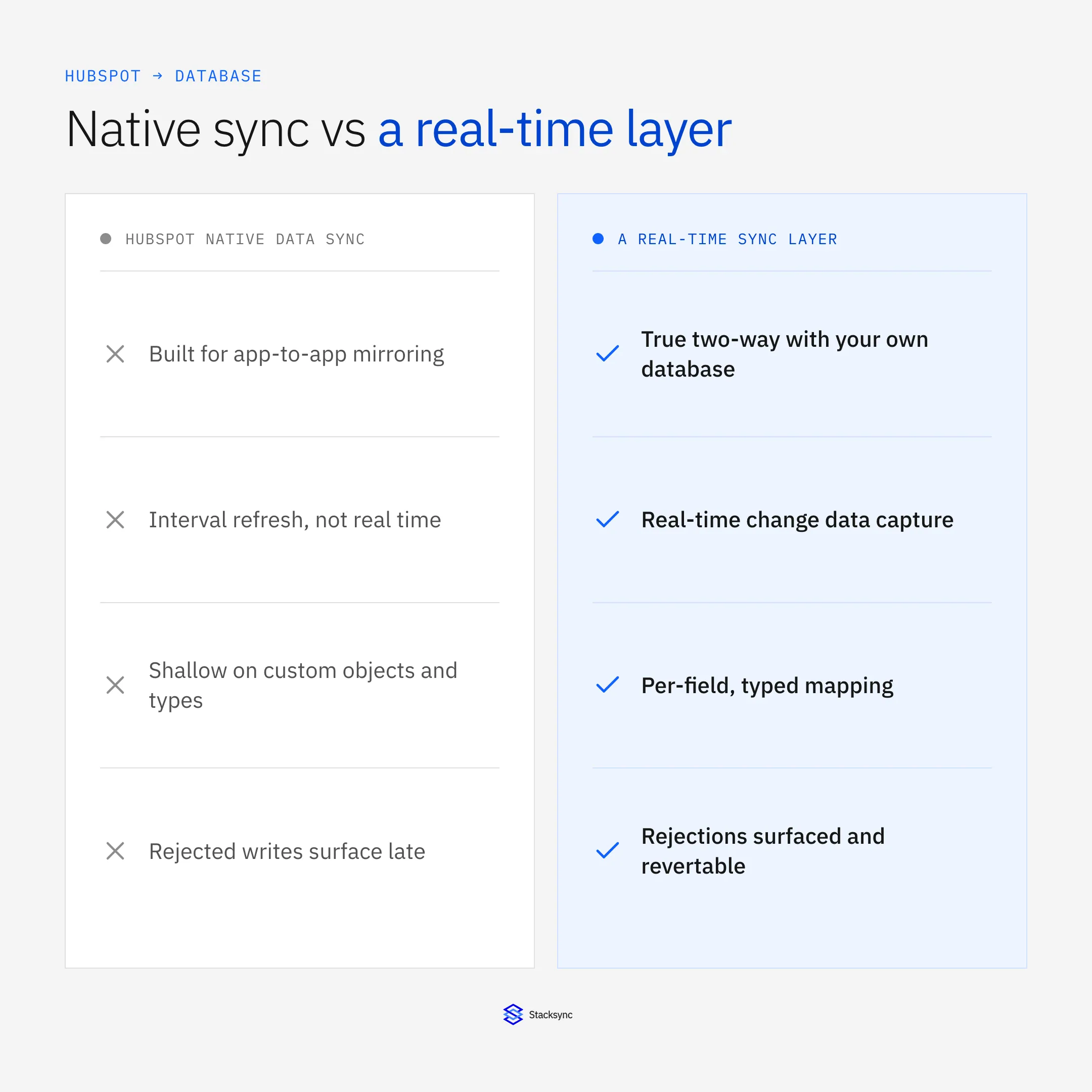
HubSpot's native Data Sync, part of Operations Hub, keeps records aligned between HubSpot and a list of supported apps. It maps a default set of fields, runs on HubSpot's schedule, and is genuinely useful for app-to-app contact and company mirroring without any code. If your goal is to keep a marketing tool or another CRM roughly in step with HubSpot contacts, it does the job.
The design target matters. Native Data Sync is built around HubSpot's object model syncing to another app's object model. A raw database is not one of those neatly modeled apps. When you want HubSpot contacts, deals, and custom objects to read and write against your own Supabase tables, with your own columns and types, you are outside what native sync was shaped to do. That is not a knock on HubSpot; it is a scope question. The tool that mirrors two CRMs is not the tool that turns a database into a live peer of your CRM.
Where it breaks for HubSpot to database
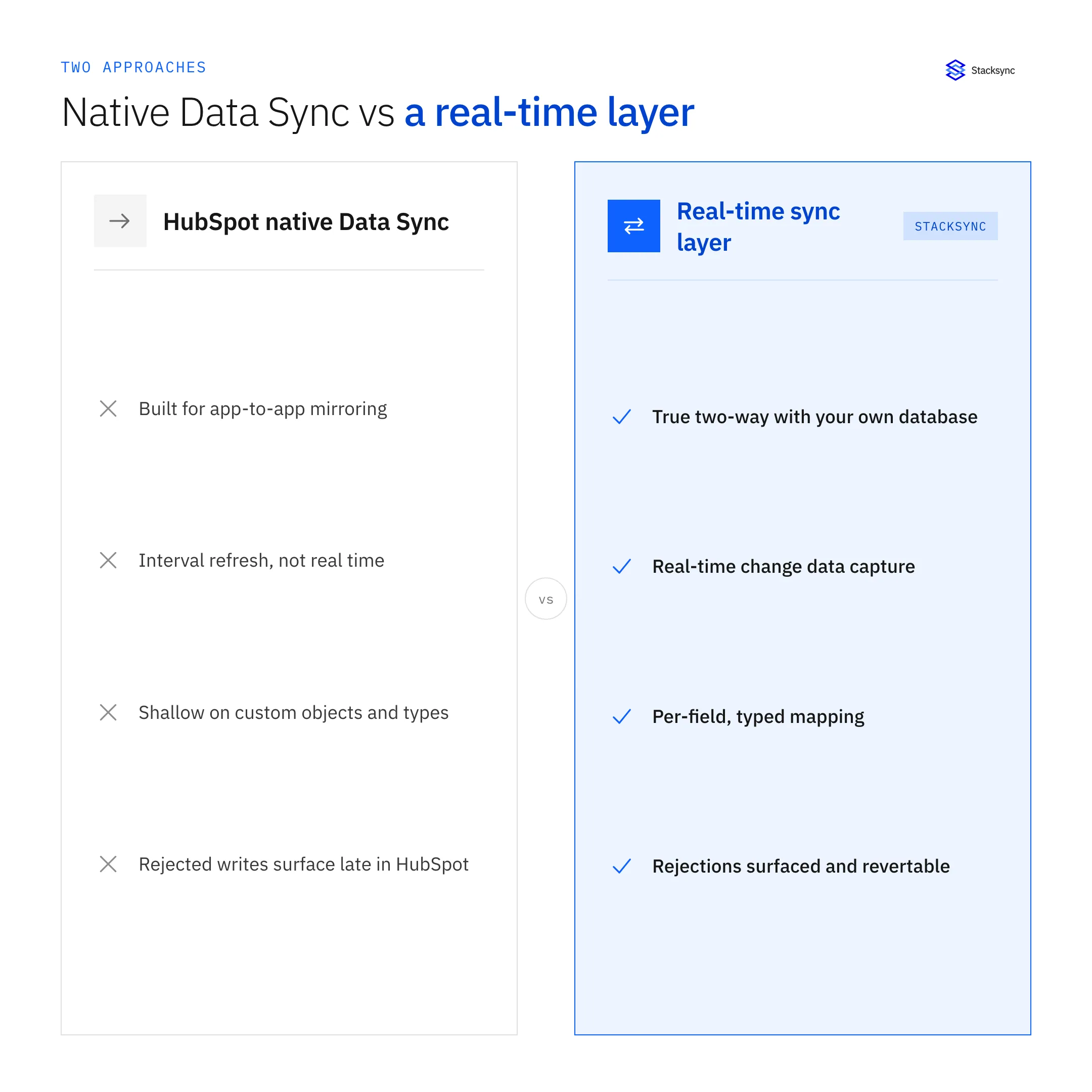
Three limits show up quickly for a database use case: sync freshness, field and object depth, and error visibility. Native sync runs on intervals rather than reacting the instant a record changes, custom objects and custom field types get shallow coverage, and when a write is rejected you often learn about it late, inside HubSpot, rather than at the point you made the change.
That last point is the one teams underrate. In a two-way setup, HubSpot will reject a write that violates its own rules, for example an invalid value or a field it will not accept. If your only signal is buried in HubSpot's logs, you find out hours later and go digging through two systems to understand why a record drifted. What buyers actually want is for the rejection to surface at the sync layer, with the record flagged and revertable, so the fix is one place instead of a forensic exercise across HubSpot and the database.
| Capability | HubSpot native Data Sync | Per-step automation | Stacksync |
|---|---|---|---|
| Two-way with your own database | Limited, app-shaped | Hand-built per field | Native, full two-way |
| Freshness | Interval-based | Per trigger, queued | Real-time (change data capture) |
| Custom objects and field types | Shallow coverage | Manual mapping each | Per-field, typed mapping |
| Rejected-write handling | Surfaced late in HubSpot | Silent fail or separate log | Surfaced and revertable in one UI |
| Billing model | Bundled by tier, sync caps | Per task or step | Flat, not per step |
Native sync mirrors apps well; a database use case needs real-time two-way on your own schema.
The licensing gotcha: your plan has to allow API access
Before any of this, there is a licensing check that catches teams by surprise. HubSpot only lets a third-party tool open an API connection on plans that include that access. On lower tiers the API door is closed, so an external sync, native integrations beyond the basics, or any tool that needs to read and write your data simply cannot connect until you are on a qualifying plan.
This is not unique to HubSpot. Salesforce and NetSuite follow the same pattern: API access is gated behind specific editions or add-ons. The practical takeaway is simple. Confirm your HubSpot plan allows third-party API access before you evaluate any sync tool, so you are comparing tools you can actually turn on rather than discovering the block after you have picked one.
The cost model: per-step metering vs flat sync
The second surprise is cost shape. Per-step automation tools bill by task or operation, so a sync that fires on every field change burns metered runs fast, and the bill climbs exactly as your data volume grows. Native sync avoids per-task fees but caps how many records or syncs you get per tier, so scale pushes you up the pricing ladder a different way.
A dedicated sync layer prices on the connection and volume rather than per operation. Stacksync is not metered per step, so a chatty two-way sync between HubSpot and Supabase does not cost more each time a record moves. For a database use case where records change constantly, that difference compounds: the more useful the sync becomes, the more a per-step tool charges you for it, while a flat model holds steady. When you compare quotes, compare the shape of the bill at your real record volume, not just the entry price.

A simple rule for choosing
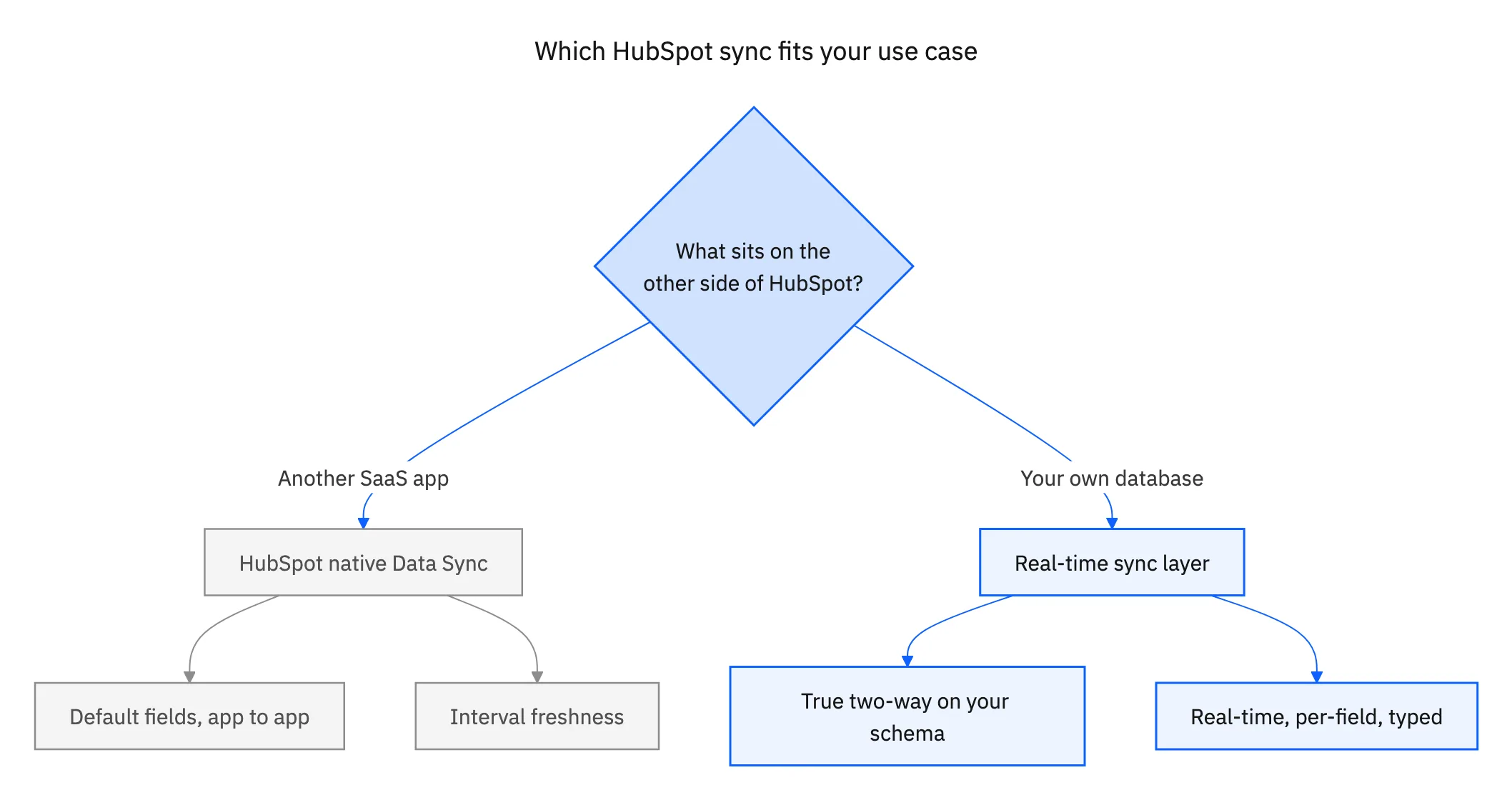
The choice comes down to what sits on the other side of HubSpot.
- Use HubSpot native Data Sync when you are mirroring contacts or companies between HubSpot and another supported SaaS app, with default fields, and interval freshness is fine.
- Use per-step automation when you need a few low-volume, one-directional triggers and you are comfortable rebuilding them as fields change.
- Use a real-time sync layer when the other side is your own database, you need true two-way sync on custom objects and typed fields, and you do not want cost to scale with every record change.
Most teams that reach for Stacksync are in the third row. They are not trying to replace HubSpot's app mirroring; they want HubSpot and a database like Supabase to behave as one system, in real time, on their own schema.
Bringing it together
HubSpot's native sync is good at what it was built for, app-to-app contact mirroring. A HubSpot to Supabase or Postgres use case asks for something different: real-time two-way sync on your own schema, clear handling when a write is rejected, and a bill that does not grow per operation. That is the line between native sync and a dedicated sync layer.
If you are weighing the two, the companion guides go deeper on the parts buyers pressure-test: how field mapping and data-type mismatches are handled, how to use Supabase as your HubSpot data layer, and how to keep the sync HIPAA-compliant for regulated data. For the fastest path to a working sync, the HubSpot and Supabase setup guide shows the steps. To see it on your own objects, see the HubSpot and Supabase integration or book a demo.

FAQ
Frequently asked questions










Related articles





