






















Use Supabase as Your HubSpot API Layer (Stop Calling the HubSpot API)
A developer pattern for teams tired of the HubSpot API: point your app at Supabase, query and write with plain SQL, and let a real-time two-way sync keep HubSpot mirrored underneath. Covers what direct HubSpot API access actually costs, how the read/write layer works, and when the pattern fits.
- Author
- Ruben Burdin · Founder & CEO
- Published
- Read time
- 5 min read

Every internal tool that touches HubSpot starts the same way: someone wires up the HubSpot API. Then comes OAuth and token refresh, per-app rate limits, pagination, the search endpoint's quirks, the associations API, batch endpoints, and retry logic, reimplemented in every service that needs a contact or a deal. The feature you actually wanted, a dashboard or an admin panel, is buried under CRM plumbing.
There is a cleaner pattern that teams keep arriving at: point your application at Supabase, not at HubSpot. Your code reads and writes plain Postgres, and a real-time two-way sync keeps HubSpot mirrored underneath. Developers write SQL; the sync deals with HubSpot. This post explains what direct HubSpot API access really costs, how the read/write layer works, and where the pattern fits.
What talking to the HubSpot API directly actually costs
The HubSpot API is not hard because any one call is hard. It is hard because a real application has to handle all of it, everywhere, forever:
- OAuth and token refresh in every service that reads or writes HubSpot.
- Rate limits, both burst and daily, shared across everything your app does.
- Pagination and the search endpoint's own rules for filtering and cursors.
- The associations API for anything relational, like a contact's company or a deal's line items.
- Batch endpoints and their size limits when you move more than a handful of records.
- Retries, backoff, and idempotency so a transient failure does not double-write.
- Schema drift when a property is added or a type changes on the HubSpot side.
None of this is business logic. It is the tax you pay to get a record in and out of HubSpot, and every new service pays it again. Multiply it across a few dashboards, an internal admin tool, and a couple of background jobs, and a meaningful share of engineering time goes to CRM plumbing rather than product.
The pattern: Supabase as your HubSpot read/write layer
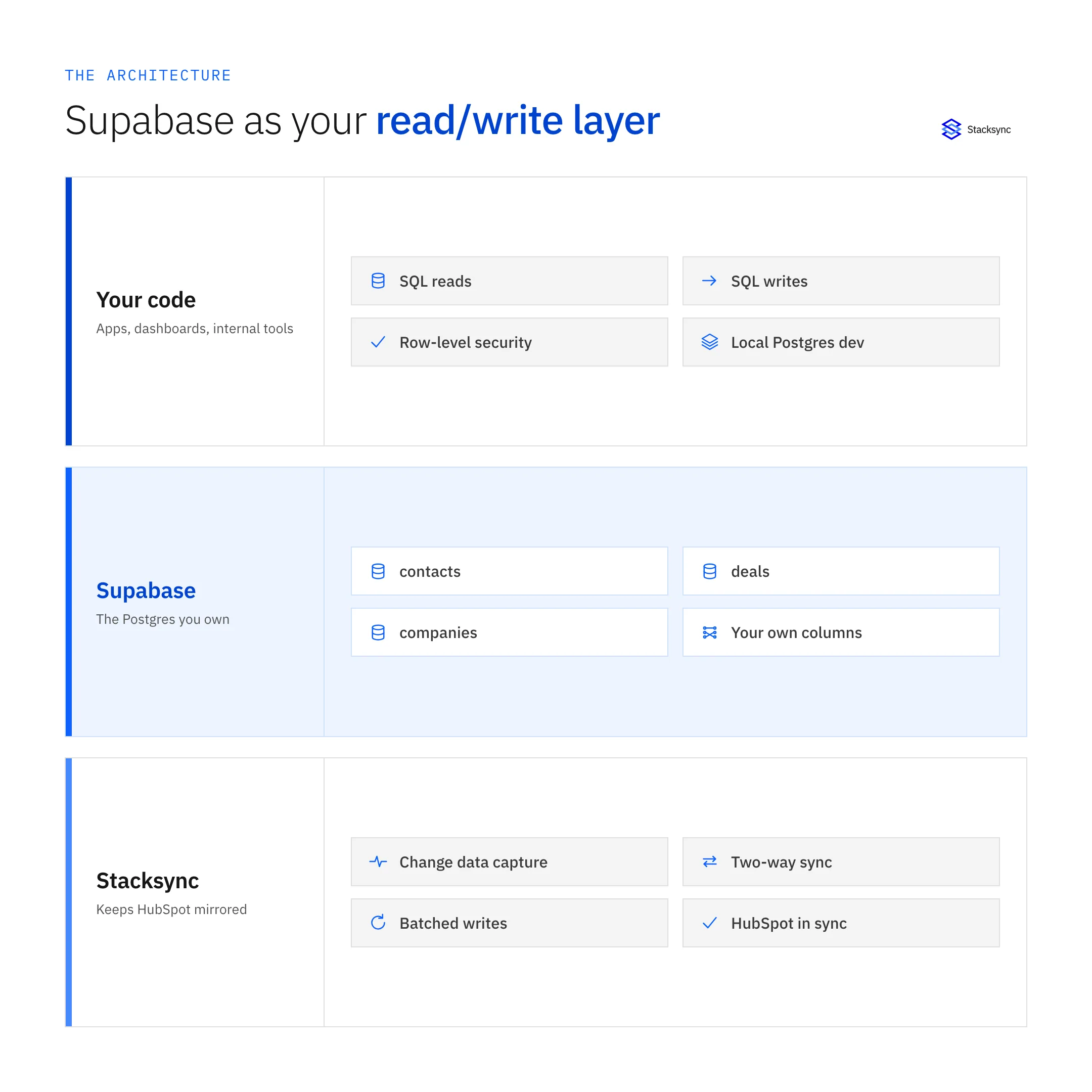
The idea is to give your application one place to talk to, and make that place a database. HubSpot data lives in Supabase as normal Postgres tables. Your app reads and writes those tables with plain SQL, Supabase auth, and row-level security. A real-time two-way sync sits between Supabase and HubSpot: a change in HubSpot lands in Supabase within seconds, and a write to Supabase is pushed back into HubSpot with the field mapping you configured.
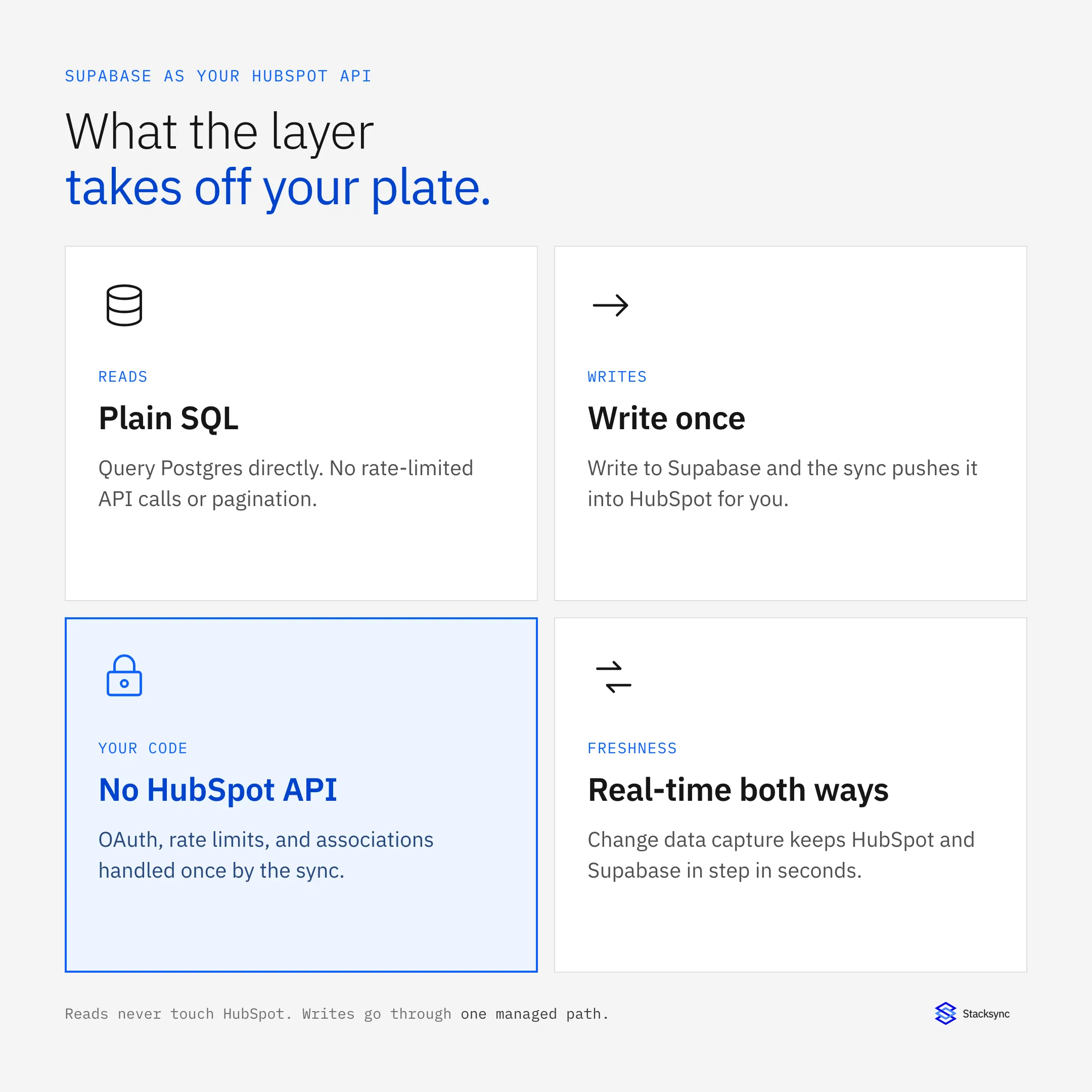
The result is that your code never imports a HubSpot SDK. Fetching a contact is a query. Updating a deal is an update statement. The rate limits, pagination, and associations are handled once, by the sync, instead of in every service you write.
-- Instead of paging the HubSpot search API in app code,
-- read the synced Supabase table with plain SQL:
select c.email, c.lifecyclestage, co.name as company
from contacts c
join companies co on co.id = c.associated_company_id
where c.lifecyclestage = 'customer';

-- And instead of a HubSpot batch-update call,
-- write to Supabase; the sync pushes it to HubSpot:
update contacts set lifecyclestage = 'opportunity'
where email = 'lead@example.com';
Reads no longer touch HubSpot at all, and writes go through one managed path instead of scattered API calls.
Direct HubSpot API vs Supabase as the layer
The two approaches diverge on almost every axis a developer cares about.
| Concern | Calling the HubSpot API directly | Supabase as the layer |
|---|---|---|
| Auth in your code | OAuth and token refresh per service | Supabase keys, handled once |
| Reads | Rate-limited API calls and pagination | Plain SQL against Postgres |
| Joins across objects | Associations API, stitched in code | SQL joins on synced tables |
| Rate limits | Shared burst and daily quota | No HubSpot limit on reads; batched writes |
| Writes | Batch endpoints and retry logic | Write to Supabase, sync pushes to HubSpot |
| Local development | Live HubSpot or hand-rolled mocks | A real Postgres database |
Where the HubSpot API tax lands, and how a Supabase layer removes it from your app.
Reads and writes both work, not just a read cache
It is worth being precise, because a lot of teams have been burned by a one-way export that turns stale. This is not a read replica. Because the sync is two-way, writing to a synced Supabase table updates the matching HubSpot record in real time. You can build an internal admin tool where an operator edits a value in your own UI, the write goes to Supabase, and HubSpot reflects it moments later, all fields tied together, changes on either side flowing to the other.
HubSpot still validates those writes, so a value it refuses is rejected. The difference in this pattern is that the rejection surfaces at the sync layer where you can see and fix it, rather than failing silently inside your application. The details of that, plus how a string in HubSpot becomes an integer in Supabase, are covered in the field mapping and data-type guide.


When this pattern fits, and when it doesn't
It fits cleanly when your application is the thing that needs HubSpot data:
- Dashboards and reporting that join HubSpot data with your product's own tables.
- Internal admin tools and back-office apps that read and update CRM records.
- Customer-facing app backends that need live account or contact data.
- Background jobs that would otherwise hammer the HubSpot API on a schedule.
It is not a replacement for HubSpot. Your go-to-market team still lives in HubSpot's interface, workflows, and reporting. The pattern removes the HubSpot API from your code; it does not remove HubSpot. If you are building internal tools on Supabase more broadly, the enterprise internal-tools playbook covers the wider architecture, and this post is the HubSpot-specific slice of it: the part where Supabase stands in for the HubSpot API.
Bringing it together
The HubSpot API is fine for a one-off script and painful as the foundation of every internal tool you build. Putting Supabase in front of it flips the model: your code reads and writes a database, a real-time two-way sync keeps HubSpot and Supabase as one live dataset, and the rate limits, pagination, and associations become someone else's problem.
If you are choosing an approach, compare it against HubSpot's native Data Sync, and if you handle regulated data see how to keep the sync HIPAA-compliant. To stand up the sync behind your tools on real data, see the HubSpot and Supabase integration or book a demo.

FAQ
Frequently asked questions










Related articles






