






















Salesforce–NetSuite for Construction Service Groups: Accounts, Jobs, and Approved Commercial Data
Connect construction accounts and jobs across Salesforce and NetSuite while preserving finance ownership and approved scope.
- Author
- Ruben Burdin · Founder & CEO
- Published
- Read time
- 4 min read

The operating decision
For a construction service group, Salesforce–NetSuite two-way sync should connect relationship accounts to billing customers and opportunities to the right projects or jobs. Use a maintained cross-reference and explicit field ownership. Salesforce can originate approved commercial context while NetSuite returns project and financial status. Do not map objects solely because their names match: a NetSuite Account is an accounting record, whereas a Salesforce Account normally represents a business relationship.
Explore the complete construction services and installation integration and automation hub for the systems and processes around this guide.
What this looks like in construction services and installation
Imagine a regional service group with a national customer and several local operating companies. Salesforce has one account managed by a national sales team. NetSuite holds billing customers under the legal subsidiaries doing the work. One opportunity covers a master agreement, but individual jobs have distinct authorizations. Copying the Salesforce account into a single ERP customer would lose that structure. The integration needs to preserve the national relationship while each job points to its actual billing entity.
Records, ownership, and update rules
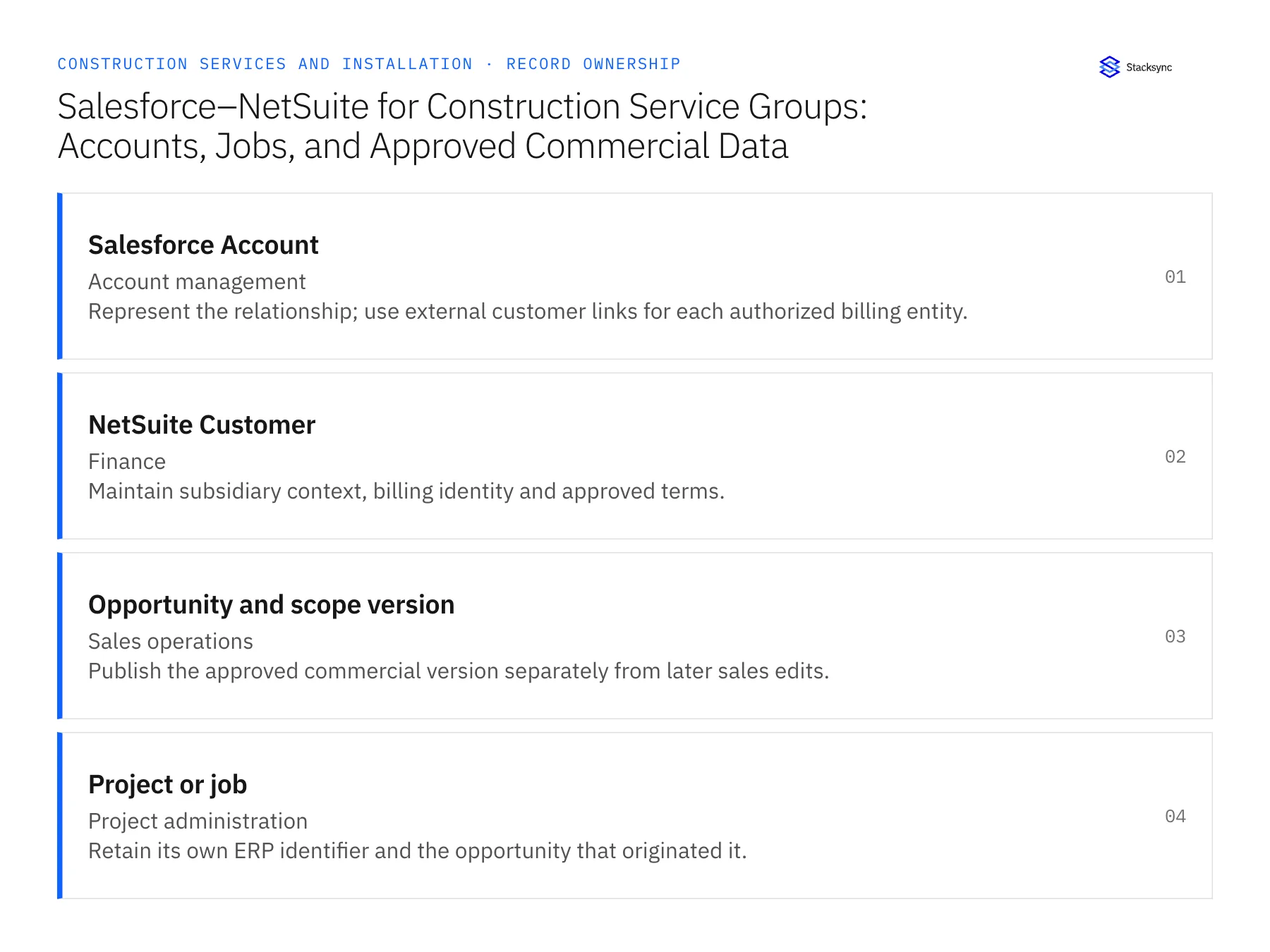
| Record | Owner | Operating rule |
|---|---|---|
| Salesforce Account | Account management | Represent the relationship; use external customer links for each authorized billing entity. |
| NetSuite Customer | Finance | Maintain subsidiary context, billing identity and approved terms. |
| Opportunity and scope version | Sales operations | Publish the approved commercial version separately from later sales edits. |
| Project or job | Project administration | Retain its own ERP identifier and the opportunity that originated it. |
Work through the process
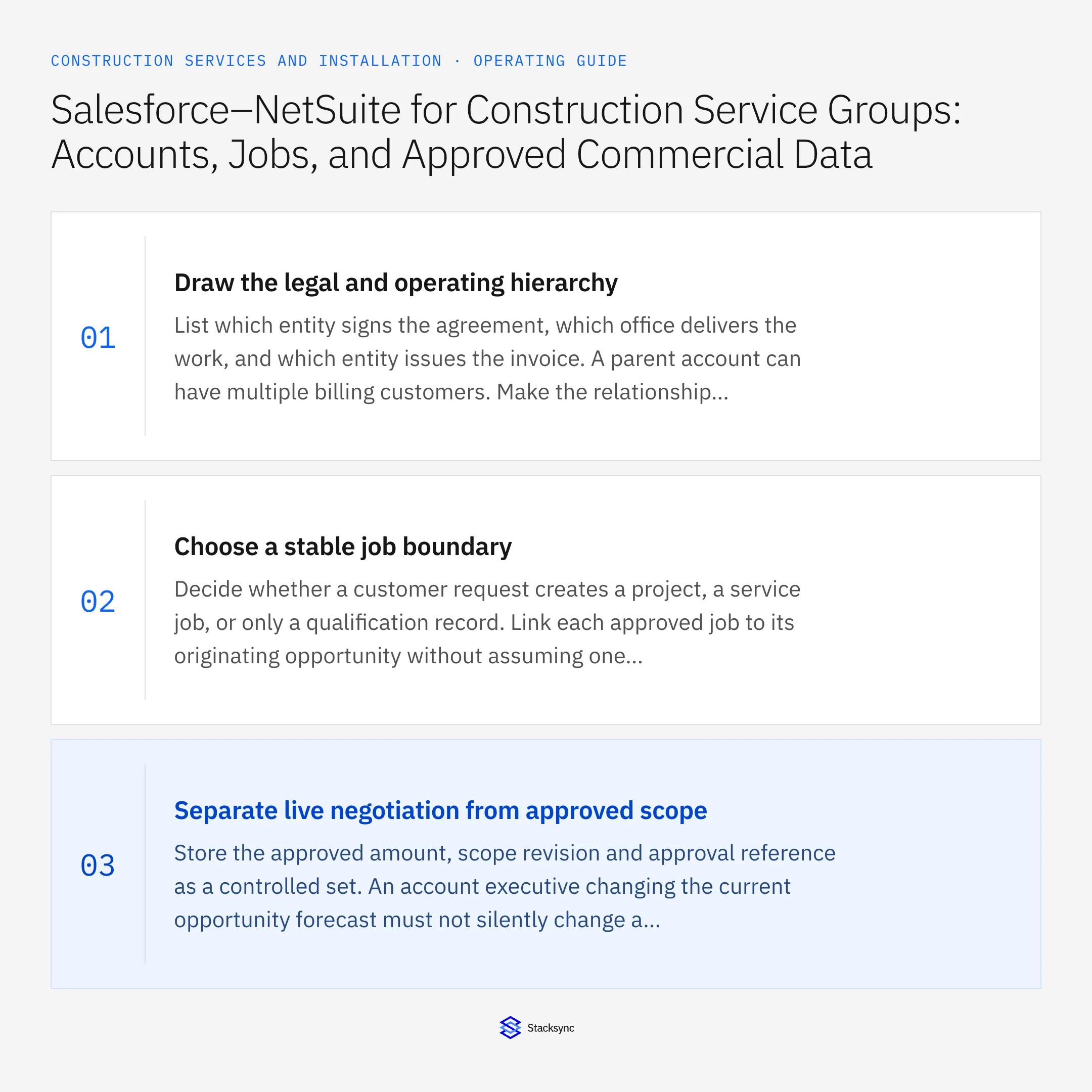
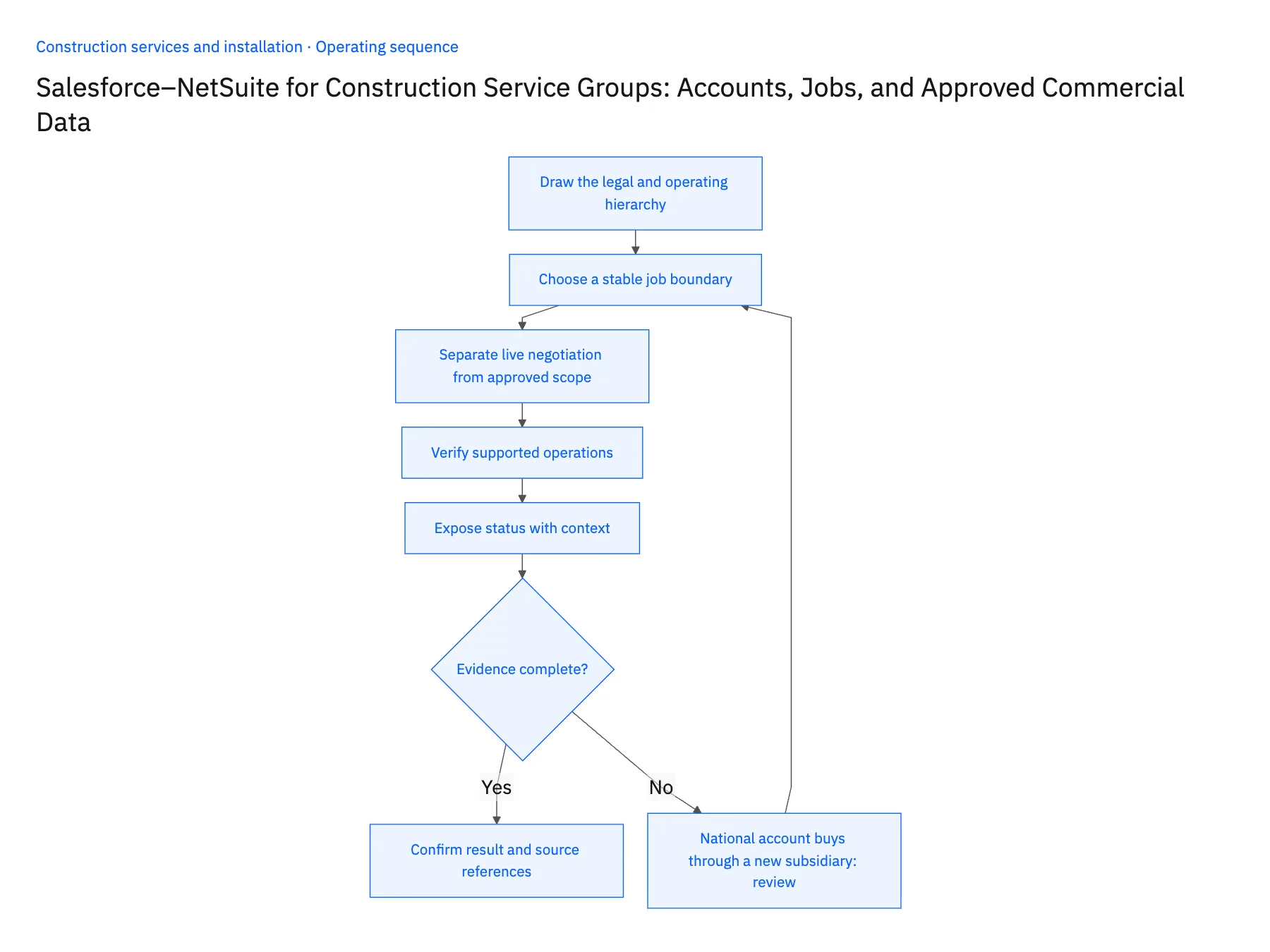
- 01Draw the legal and operating hierarchyList which entity signs the agreement, which office delivers the work, and which entity issues the invoice. A parent account can have multiple billing customers. Make the relationship explicit before selecting mappings so one branch's address correction cannot rewrite another branch's legal billing details.
- 02Choose a stable job boundaryDecide whether a customer request creates a project, a service job, or only a qualification record. Link each approved job to its originating opportunity without assuming one opportunity always equals one project. This matters when a national agreement produces separate work authorizations over time.
- 03Separate live negotiation from approved scopeStore the approved amount, scope revision and approval reference as a controlled set. An account executive changing the current opportunity forecast must not silently change a committed project budget. Publish a proposed revision for review when the commercial version differs from the approved job version.
- 04Verify supported operationsReview Salesforce object eligibility and the actual NetSuite objects required by the design. NetSuite's documentation distinguishes read and write support for individual entities and custom records. Test a customer update, project creation where supported, relationship update, and rejected write using the permissions intended for production.
- 05Expose status with contextReturn project status and approved invoice references to the relevant Salesforce record. Include the source update time so an account manager can distinguish a current billing hold from stale information. Reconcile orphaned projects and duplicate cross-references before adding more branches to the connection.
Handle the exceptions explicitly
National account buys through a new subsidiary
Create or approve the additional billing relationship rather than repointing every historical job.
Opportunity reopens after project creation
Keep the existing project link and route the changed scope as a revision, not a new job.
An ERP field is read-only in the chosen path
Use it for visibility and keep the owning action in NetSuite until a supported operation is verified.
What to verify before expanding
- Every job identifies both its relationship account and billing customer.
- A revised forecast cannot alter the approved job amount.
- One national account can resolve to several authorized billing entities.
- Source errors are visible without showing a false completed status.

Connect this process to the rest of your operation
Explore Stacksync two-way sync and scope the records and actions against your actual systems. Book a demo with a real salesforce Account example and the exception your team handles most often, for example national account buys through a new subsidiary.
- HubSpot–Supabase for Construction Service Portals: Customers, Sites, and Request Status
- Construction Company Acquisitions: Unify Customer and Job IDs Across Branch Systems
- Construction Job-Cost Visibility: Define Ownership Across CRM, ERP, and Field Records
- Real-Time HubSpot Database Integration and Salesforce Sync with Stacksync
- Automated Invoice Reconciliation: Catch Billing Discrepancies Before They Cost You
The shared architecture guide covers record matching, ownership, and recovery across systems.
Technical references
FAQ
Frequently asked questions










Related articles






