






















Solar Equipment Supplier EDI: Reconcile Panels, Inverters, and Partial Project Deliveries
Connect solar supplier documents to project equipment requirements and distinguish shipment, receipt and installation states.
- Author
- Alexis Favre · Co-Founder & CTO
- Published
- Read time
- 5 min read

The operating decision
Solar equipment EDI should preserve purchase lines, item references, quantities, destinations and the supplier's accepted delivery plan. Panels, inverters and dependent components may arrive in separate shipments, so keep line-level state rather than one delivered flag for the project. Use the trading partner's implementation guide for document and identifier mapping. Procurement reviews substitutions, receiving confirms actual quantities and condition, and project teams decide whether the complete installation requirement is ready.
Explore the complete solar installation and O&M services integration and automation hub for the systems and processes around this guide.
What this looks like in solar installation and O&M services
An installer orders equipment for several commercial rooftops from one distributor. Panels arrive at a staging warehouse, inverters ship directly to one project, and a required accessory remains backordered. The supplier sends separate acknowledgments and shipment notices. The EDI flow needs to retain which purchase lines serve each site and distinguish received material from a promised or dispatched quantity. Otherwise the project coordinator could release a crew while one essential line is still unresolved.
Records, ownership, and update rules
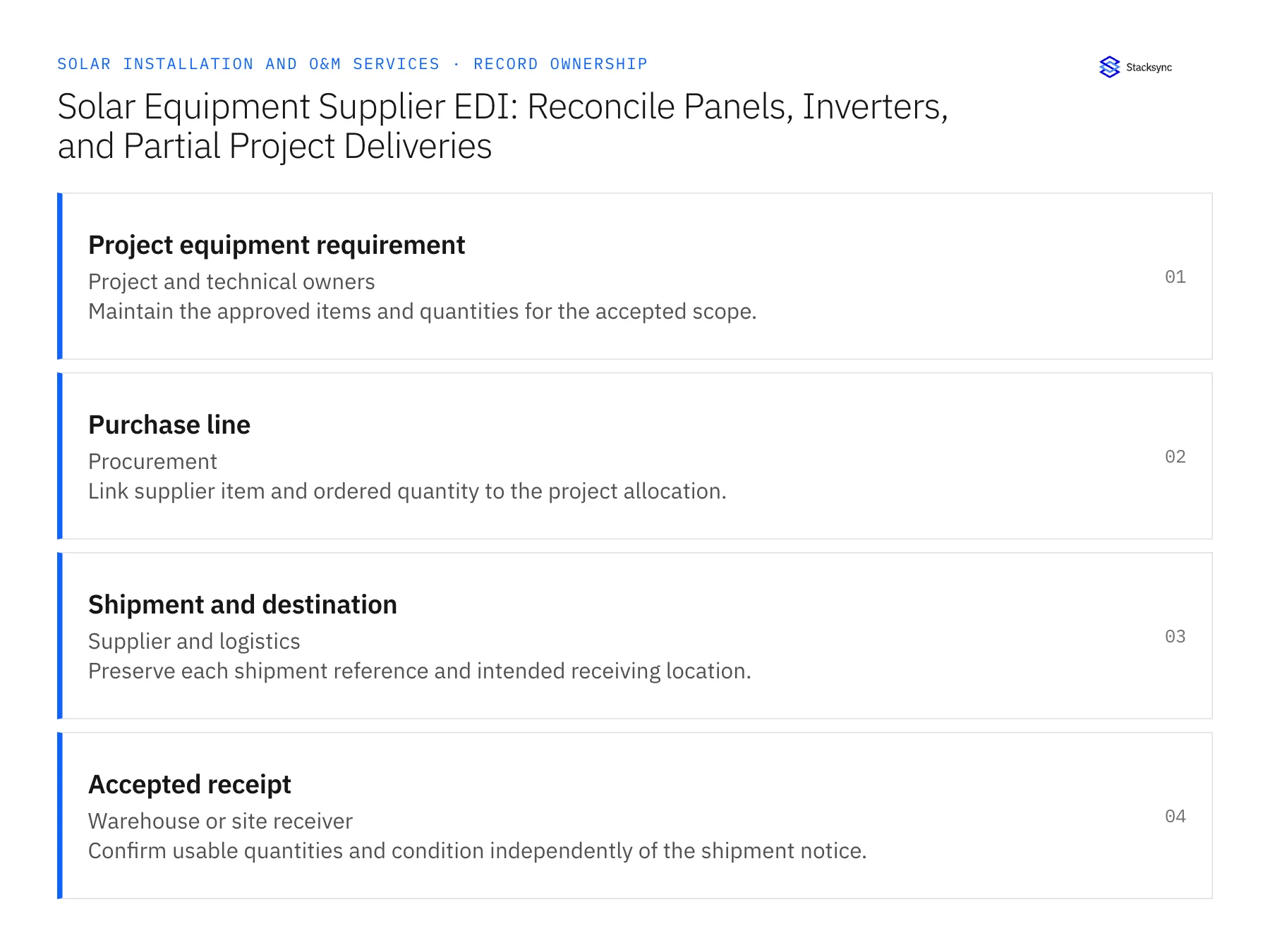
| Record | Owner | Operating rule |
|---|---|---|
| Project equipment requirement | Project and technical owners | Maintain the approved items and quantities for the accepted scope. |
| Purchase line | Procurement | Link supplier item and ordered quantity to the project allocation. |
| Shipment and destination | Supplier and logistics | Preserve each shipment reference and intended receiving location. |
| Accepted receipt | Warehouse or site receiver | Confirm usable quantities and condition independently of the shipment notice. |
Work through the process
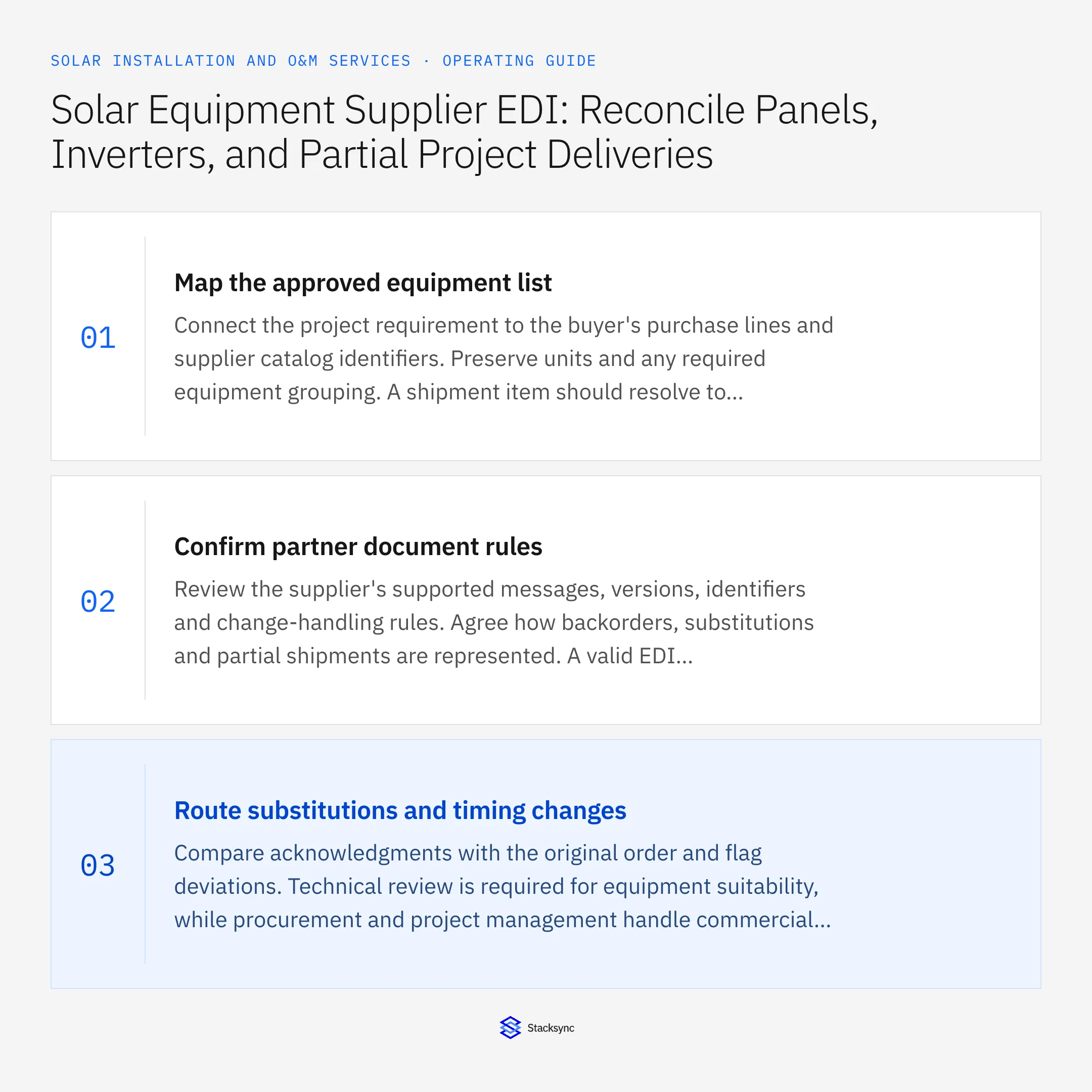
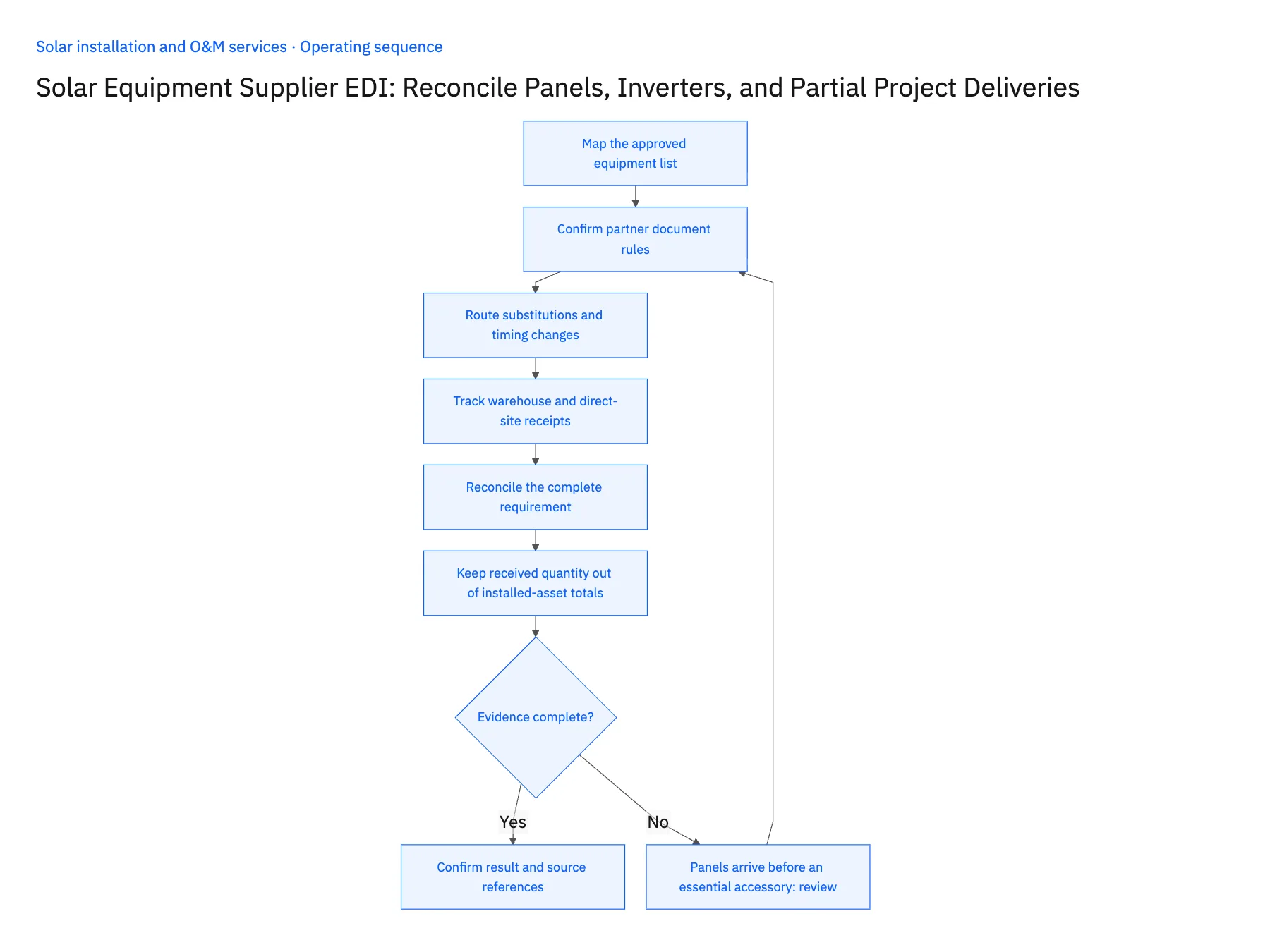
- 01Map the approved equipment listConnect the project requirement to the buyer's purchase lines and supplier catalog identifiers. Preserve units and any required equipment grouping. A shipment item should resolve to the actual approved component, not merely a similar description in the distributor's catalog.
- 02Confirm partner document rulesReview the supplier's supported messages, versions, identifiers and change-handling rules. Agree how backorders, substitutions and partial shipments are represented. A valid EDI document can still be commercially ambiguous if the contractor and supplier interpret a changed quantity differently.
- 03Route substitutions and timing changesCompare acknowledgments with the original order and flag deviations. Technical review is required for equipment suitability, while procurement and project management handle commercial and schedule consequences. The EDI response should provide evidence for those decisions rather than silently modifying the accepted project scope.
- 04Track warehouse and direct-site receiptsAllow several shipments and receiving locations against a purchase line. Keep supplier-dispatched quantities separate from physically accepted material. Where device identifiers are supplied, retain them, but do not claim universal serial coverage or mark equipment installed based on shipping data.
- 05Reconcile the complete requirementPublish verified line states to the planning and finance views through supported operations. Installation coordination needs to know which required components remain missing; accounts payable needs the purchase and receipt references. Retain processing identifiers so retransmissions and corrected documents can be handled without duplicate actions.
- 06Keep received quantity out of installed-asset totalsA project can receive replacement or spare equipment that is not installed immediately. Preserve the distinction between supplied, accepted into custody and installed quantities. EDI and receiving records can support the first two states, while installation evidence establishes the third. This avoids an inflated asset register and gives closeout reviewers a way to explain why purchase quantities differ from the equipment actually included in the customer handover.
Handle the exceptions explicitly
Panels arrive before an essential accessory
Keep the equipment requirement incomplete and identify the blocking line.
Inverter ships to a project instead of the warehouse
Assign the correct receiver and avoid adding the quantity to warehouse stock.
Supplier changes the proposed model
Hold the specification change for qualified review and commercial approval.
What to verify before expanding
- Partial deliveries remain visible at purchase-line level.
- Direct-site quantities reconcile to the intended project.
- Supplier substitution cannot overwrite approved equipment scope.
- A technical acknowledgment cannot stand in for physical receipt.

Connect this process to the rest of your operation
Explore Stacksync EDI and scope the records and actions against your actual systems. Book a demo with a real project equipment requirement example and the exception your team handles most often, for example panels arrive before an essential accessory.
- Solar Installer Customer Handoffs: Align HubSpot Opportunities With Acumatica Project Accounts
- Solar Fleet Ownership Changes: Align Salesforce Asset Owners With NetSuite Billing Customers
- Solar Customer Portals: Connect HubSpot Milestones With Supabase Customer Access
- Check Solar Installation Readiness Across Salesforce and NetSuite
- Identify Equipment Allocation, Permit, and Crew Blockers
The shared architecture guide covers record matching, ownership, and recovery across systems.
Technical references
FAQ
Frequently asked questions










Related articles






