






















Flooring Supplier EDI: Keep Roll, Box, and Pallet Quantities Consistent From PO to Invoice
Map flooring supplier EDI with explicit product units, package hierarchy and partial-delivery references.
- Author
- Alexis Favre · Co-Founder & CTO
- Published
- Read time
- 5 min read

The operating decision
Flooring supplier EDI needs a reviewed unit mapping from the contractor's material requirement to the supplier's order, shipment and invoice units. Preserve item references, purchase lines and package relationships so boxes, rolls and pallets cannot be added as equivalent quantities. The partner's implementation guide governs the message details. EDI should carry the commercial documents and references; estimating and receiving still determine the correct conversion, usable quantity and accepted material.
Explore the complete commercial flooring and interior installation integration and automation hub for the systems and processes around this guide.
What this looks like in commercial flooring and interior installation
A flooring installer orders a project in boxes while its takeoff uses area. The supplier ships pallets containing different box counts and invoices using an area unit. One pallet contains a partial quantity for a later phase. The exchange needs both the packaging context and the commercial line references. Without them, a receiving import can overstate stock or accounts payable can flag a valid invoice as a price error simply because the unit basis changed.
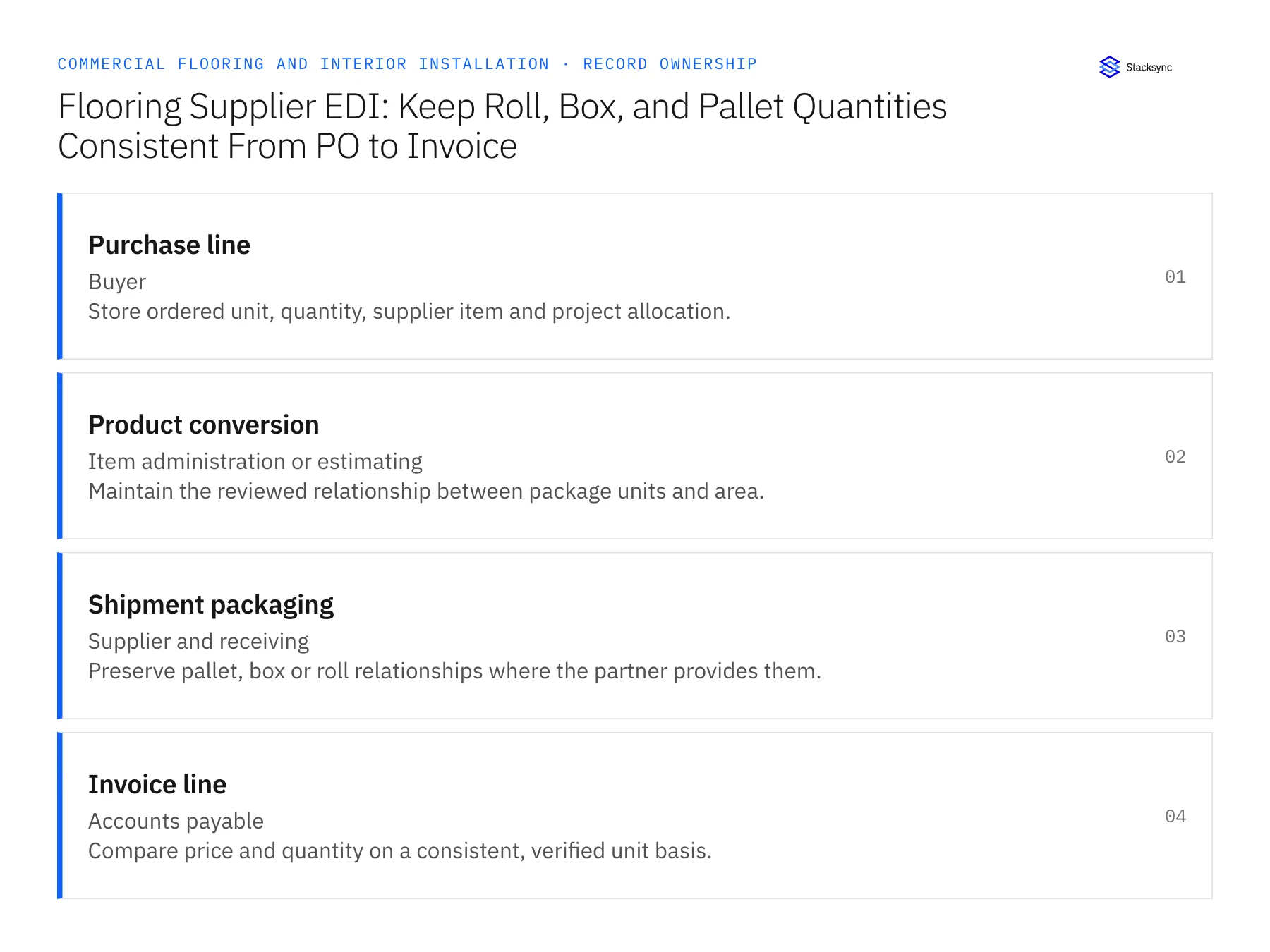
Records, ownership, and update rules
| Record | Owner | Operating rule |
|---|---|---|
| Purchase line | Buyer | Store ordered unit, quantity, supplier item and project allocation. |
| Product conversion | Item administration or estimating | Maintain the reviewed relationship between package units and area. |
| Shipment packaging | Supplier and receiving | Preserve pallet, box or roll relationships where the partner provides them. |
| Invoice line | Accounts payable | Compare price and quantity on a consistent, verified unit basis. |
Work through the process
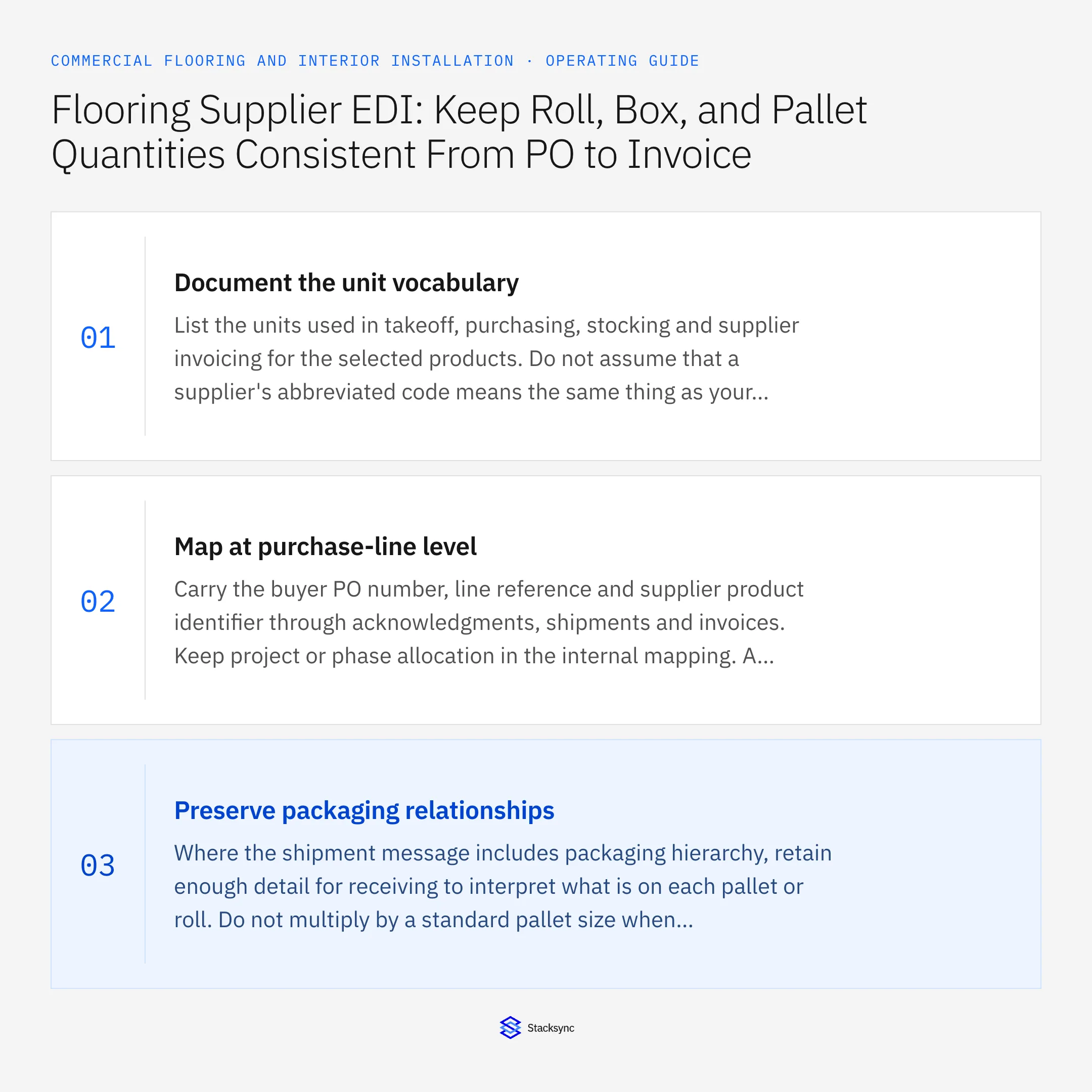
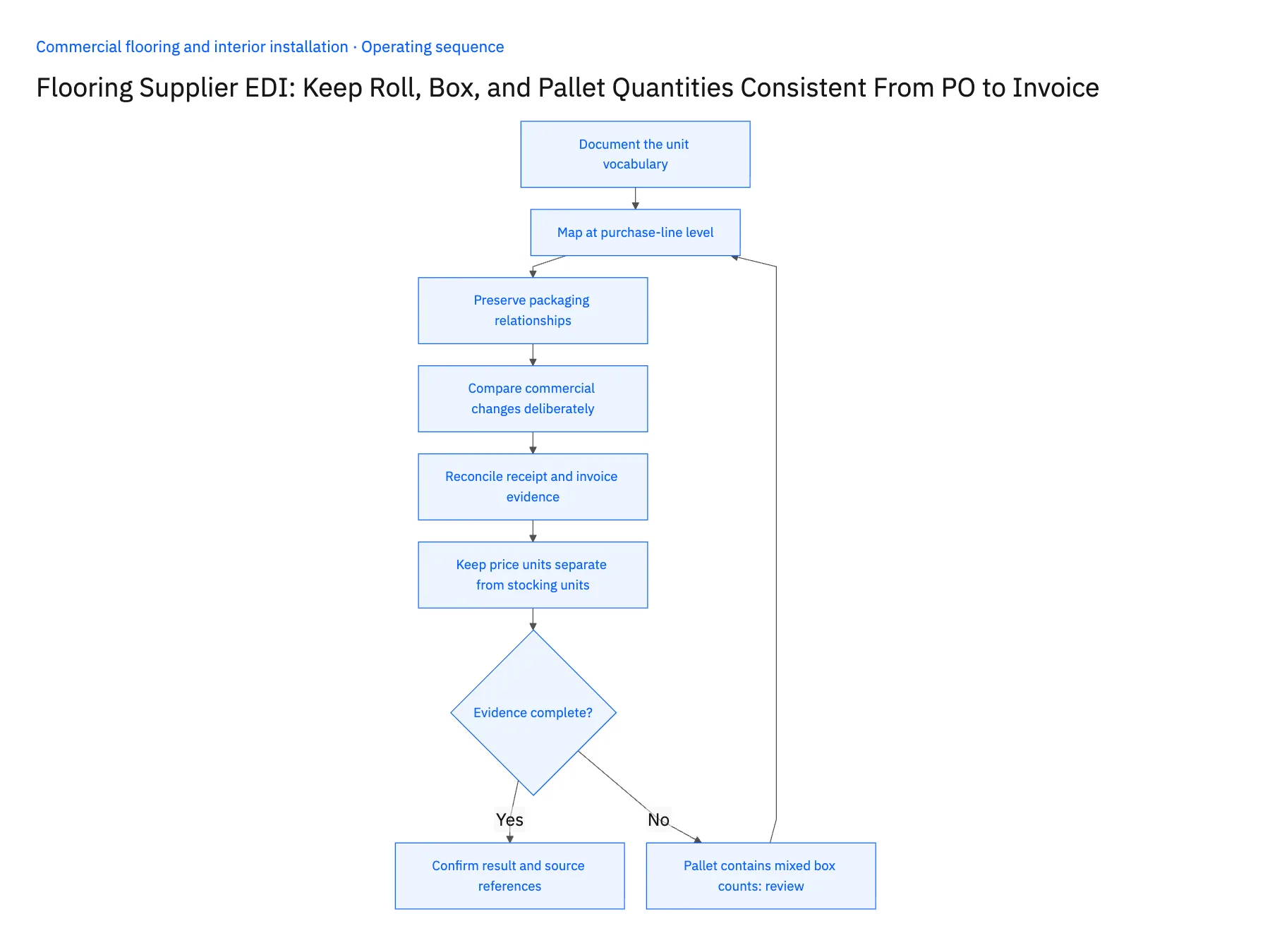
- 01Document the unit vocabularyList the units used in takeoff, purchasing, stocking and supplier invoicing for the selected products. Do not assume that a supplier's abbreviated code means the same thing as your ERP label. Confirm the actual code and conversion with the trading partner before importing quantities.
- 02Map at purchase-line levelCarry the buyer PO number, line reference and supplier product identifier through acknowledgments, shipments and invoices. Keep project or phase allocation in the internal mapping. A document-level match is insufficient when several products or finishes share one order.
- 03Preserve packaging relationshipsWhere the shipment message includes packaging hierarchy, retain enough detail for receiving to interpret what is on each pallet or roll. Do not multiply by a standard pallet size when the shipment contains mixed or partial packages. Verify the actual quantity in the agreed unit.
- 04Compare commercial changes deliberatelyRoute quantity, price and product changes from supplier responses to the buyer. Normalize the comparison using approved conversions before calling a difference an overcharge or shortage. A mathematically equivalent unit change should remain explainable, while a real substitution needs its own approval.
- 05Reconcile receipt and invoice evidenceUse actual receiving records to confirm quantity and condition, then match the supplier invoice under finance's policy. Keep damaged or held goods visible separately. Preserve transaction identifiers and processing results so a retransmission cannot create a second receipt or duplicate invoice handoff.
- 06Keep price units separate from stocking unitsAn item may be counted in boxes for warehouse work and priced by area on the supplier invoice. Retain both meanings in the mapping rather than changing the ERP's stocking unit to make one invoice import easier. Accounts payable should see the original price basis and the approved conversion used for comparison. Receiving should continue to count the physical packaging actually handled at the dock or site.
Handle the exceptions explicitly
Pallet contains mixed box counts
Read the supplied packaging detail and actual receipt; do not apply a blanket pallet conversion.
Invoice switches the unit basis
Normalize with the approved product conversion and show the comparison to accounts payable.
Partial roll length is missing
Hold the affected quantity for clarification instead of assuming a full roll.
What to verify before expanding
- Every quantity carries an explicit unit.
- Package counts reconcile to the actual shipment detail.
- Invoice comparisons use a documented conversion.
- Duplicate EDI messages do not duplicate mapped business records.

Connect this process to the rest of your operation
Explore Stacksync EDI and scope the records and actions against your actual systems. Book a demo with a real purchase line example and the exception your team handles most often, for example pallet contains mixed box counts.
- EDI for Flooring Suppliers and Installation Contractors
- Commercial Flooring Estimates: Align HubSpot Project Scope With NetSuite Approved Quotes
- Flooring Material Availability: Connect NetSuite Lot Records With Supabase Project Allocations
- Multi-Location Interior Contractors: Align Salesforce Project Sites With Acumatica Billing Contacts
- EDI Integration with NetSuite for Wholesale Distributors
- Connect NetSuite with Supabase in Real-Time Using Stacksync
The shared architecture guide covers record matching, ownership, and recovery across systems.
Technical references
FAQ
Frequently asked questions










Related articles






