






















Electronic-component EDI 850 and 860: validate part references, reels and revisions
A revised part suffix and a reel unit with no conversion should stop a line for review, not become the closest item multiplied by a default count.
- Author
- Alexis Favre · Co-Founder & CTO
- Published
- Read time
- 4 min read

The operating decision
Electronic-component manufacturers receiving EDI orders should preserve the partner’s part reference, selling unit, line identity and accepted revision. Use the agreed 850/860 process to distinguish original orders from buyer changes, then validate the business meaning before updating ERP demand. A valid message does not establish that a reel quantity is known or that a component is approved for the requested application. Separate receipt, review, application and partner response so retries cannot create duplicate orders.
Explore the complete electrical and electronic components integration and automation hub for the systems and processes around this guide.
What this looks like in electrical and electronic components
A supplier receives a distributor PO for reels of a component and later a change using a revised part suffix. The ERP stores base units and the existing cross-reference applies to a different packaging definition. If the mapping strips the suffix and multiplies by a default reel count, it can accept the wrong item and quantity. The intake needs the approved partner-part relationship, applicable unit conversion and current order state. Product operations resolves identity, engineering addresses restrictions and order management accepts the resulting change.
Records, ownership, and update rules
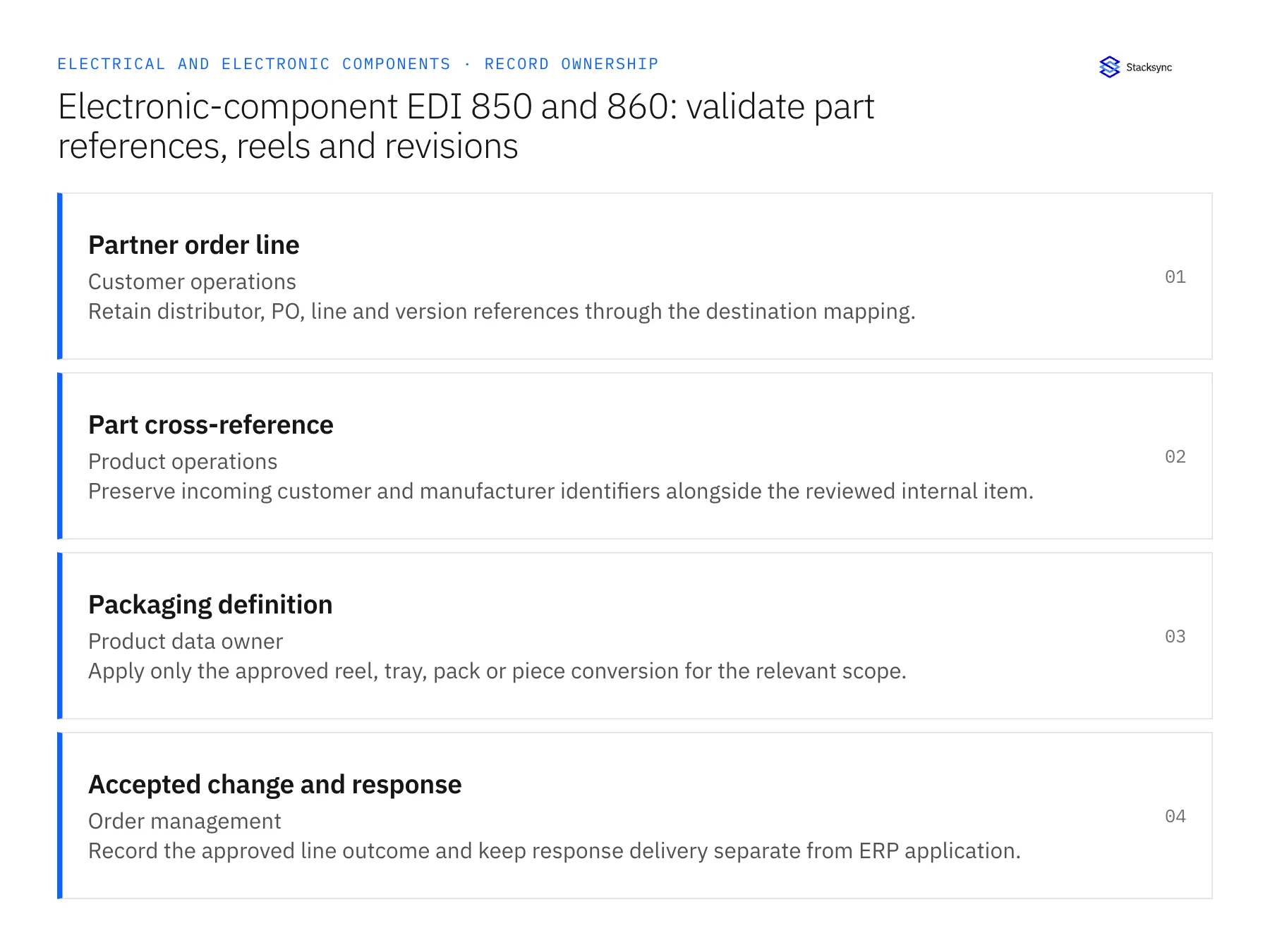
| Record | Owner | Operating rule |
|---|---|---|
| Partner order line | Customer operations | Retain distributor, PO, line and version references through the destination mapping. |
| Part cross-reference | Product operations | Preserve incoming customer and manufacturer identifiers alongside the reviewed internal item. |
| Packaging definition | Product data owner | Apply only the approved reel, tray, pack or piece conversion for the relevant scope. |
| Accepted change and response | Order management | Record the approved line outcome and keep response delivery separate from ERP application. |
Work through the process
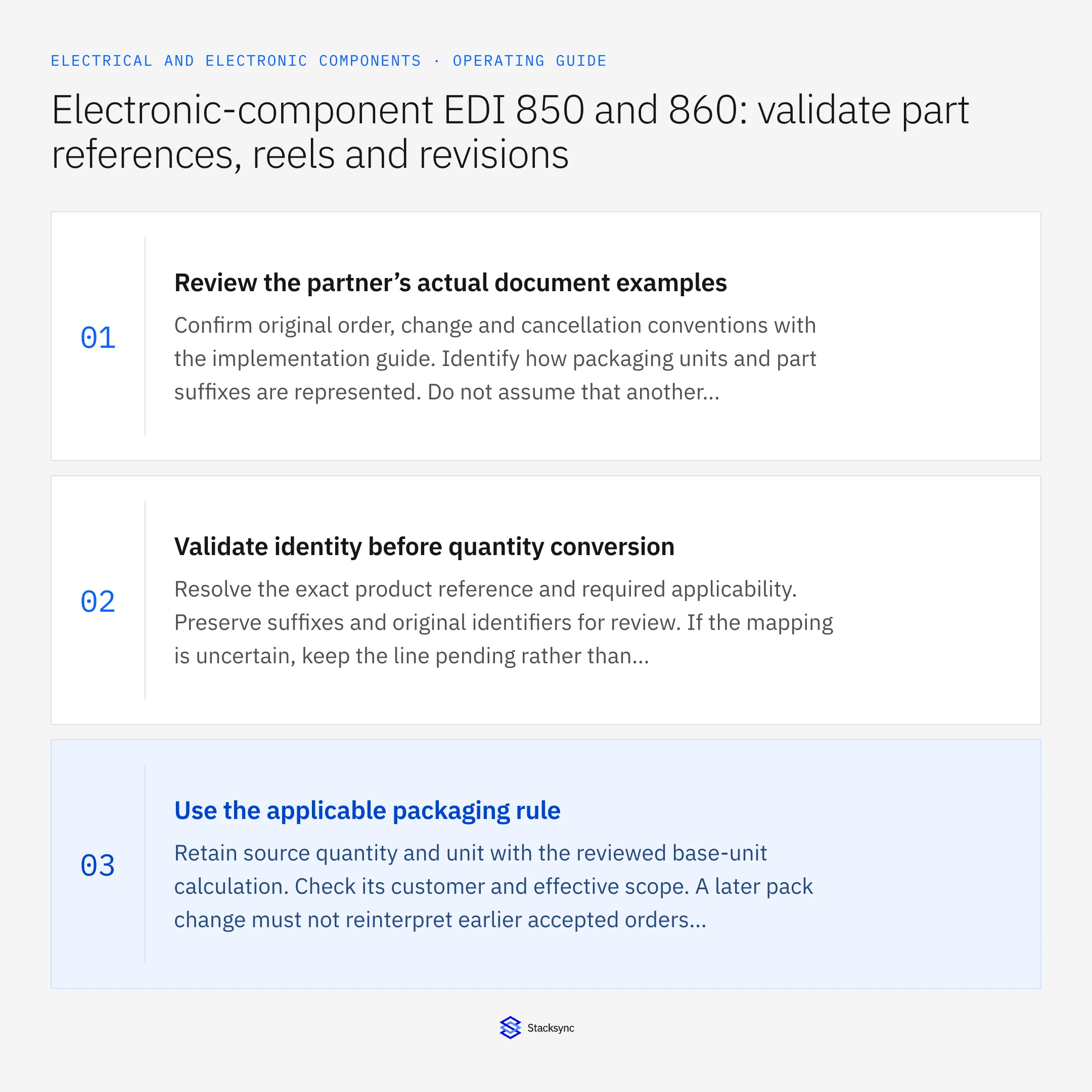
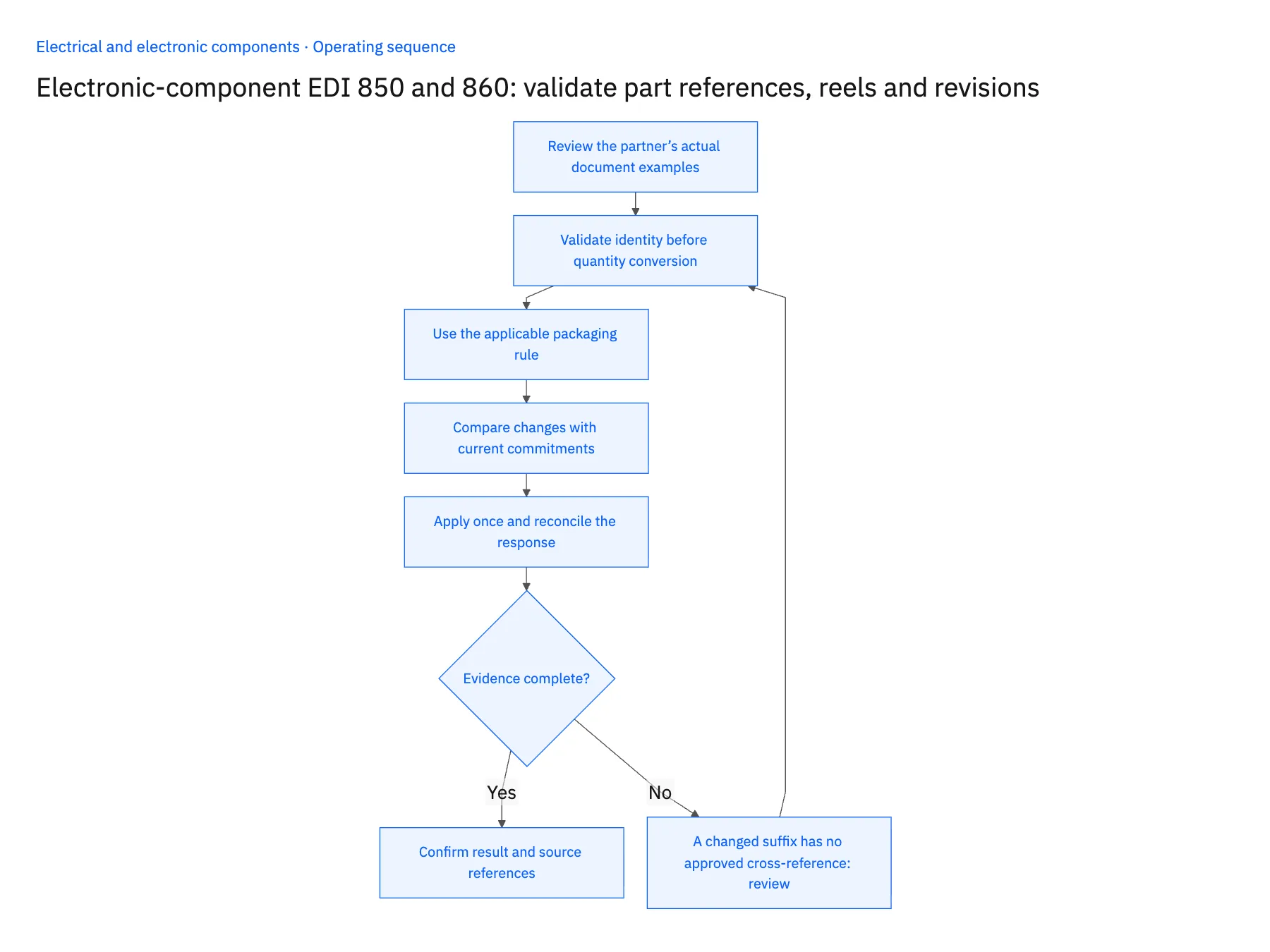
- 01Review the partner’s actual document examplesConfirm original order, change and cancellation conventions with the implementation guide. Identify how packaging units and part suffixes are represented. Do not assume that another distributor’s map captures the same commercial meaning.
- 02Validate identity before quantity conversionResolve the exact product reference and required applicability. Preserve suffixes and original identifiers for review. If the mapping is uncertain, keep the line pending rather than creating a new product or selecting the closest available item.
- 03Use the applicable packaging ruleRetain source quantity and unit with the reviewed base-unit calculation. Check its customer and effective scope. A later pack change must not reinterpret earlier accepted orders automatically.
- 04Compare changes with current commitmentsApply an 860 request to the intended existing line and inspect allocations or shipments that constrain acceptance. Route technical or commercial changes to their owners. Keep the currently accepted order visible while the proposed revision is reviewed.
- 05Apply once and reconcile the responseUse stable business references and processing state to recognize repeated requests. Confirm the destination result before recording application success. Build the partner response from accepted outcomes and retry transmission separately from the business update.
Handle the exceptions explicitly
A changed suffix has no approved cross-reference
Route the line to product operations and retain both the original and requested references.
The source unit says reel but no conversion exists
Keep the proposed quantity unresolved until the product owner confirms it.
A repeated original arrives after a change
Prevent the older state from undoing the accepted revision and preserve it as processing evidence.
What to verify before expanding
- The exact partner part reference remains traceable after item mapping.
- Packaging conversion uses an approved scoped definition rather than a default count.
- Repeated messages cannot create or reapply the same accepted demand.
- A failed response transmission can be retried without another ERP update.

Connect this process to the rest of your operation
Explore Stacksync EDI and scope the records and actions against your actual systems. Book a demo with a real partner order line example and the exception your team handles most often, for example A changed suffix has no approved cross-reference.
- EDI order automation for electrical and electronic component manufacturers
- Electrical manufacturers: connect Salesforce assembly quotes to Acumatica orders
- Electronic components: connect NetSuite and Postgres revision-aware stock allocation
- Electrical components on Shopify: map NetSuite variants, packs and order quantities
- EDI vs API Integration for Supply Chain Data (2026 Guide)
- Field-Level Change Detection: The Key to Efficient Real-Time Bidirectional CRM Sync
The shared architecture guide covers record matching, ownership, and recovery across systems.
Technical references
FAQ
Frequently asked questions










Related articles






