






















EDI for Supplement Brands Entering Retail: Validate Item Numbers and Pack Configurations
A 30-serving tub ordered in cases of six can pass Orderful validation and still ship the 20-serving tub; the fix is an approved item crosswalk, not a name match.
- Author
- Alexis Favre · Co-Founder & CTO
- Published
- Read time
- 4 min read

The operating decision
Retail EDI for supplement brands depends on an approved crosswalk between retailer item numbers and the exact nutrition product, package, and case configuration. Validate that relationship before accepting an order or building a shipment document. A matching flavor or serving count does not prove the retailer ordered the same sellable item.
Explore the complete nutrition and supplements integration and automation hub for the systems and processes around this guide.
What this looks like in nutrition and supplements
A retailer lists a 30-serving tub under its own item number and orders cases of six. The brand also sells a 20-serving tub online. If the mapping uses the shortened product name, the EDI order can pass technical validation while asking the warehouse to ship the wrong package.
Records, ownership, and update rules
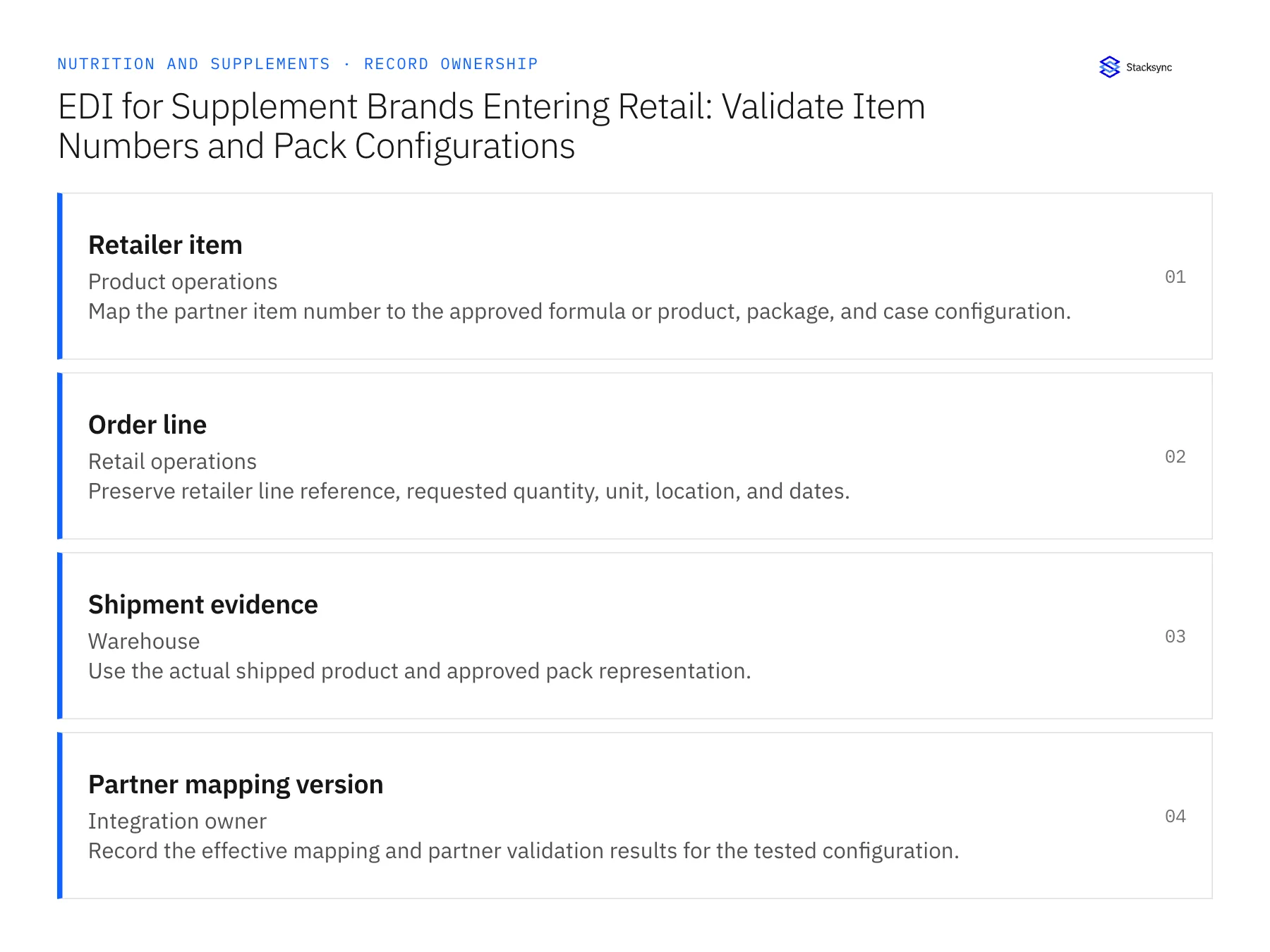
| Record | Owner | Operating rule |
|---|---|---|
| Retailer item | Product operations | Map the partner item number to the approved formula or product, package, and case configuration. |
| Order line | Retail operations | Preserve retailer line reference, requested quantity, unit, location, and dates. |
| Shipment evidence | Warehouse | Use the actual shipped product and approved pack representation. |
| Partner mapping version | Integration owner | Record the effective mapping and partner validation results for the tested configuration. |
Work through the process
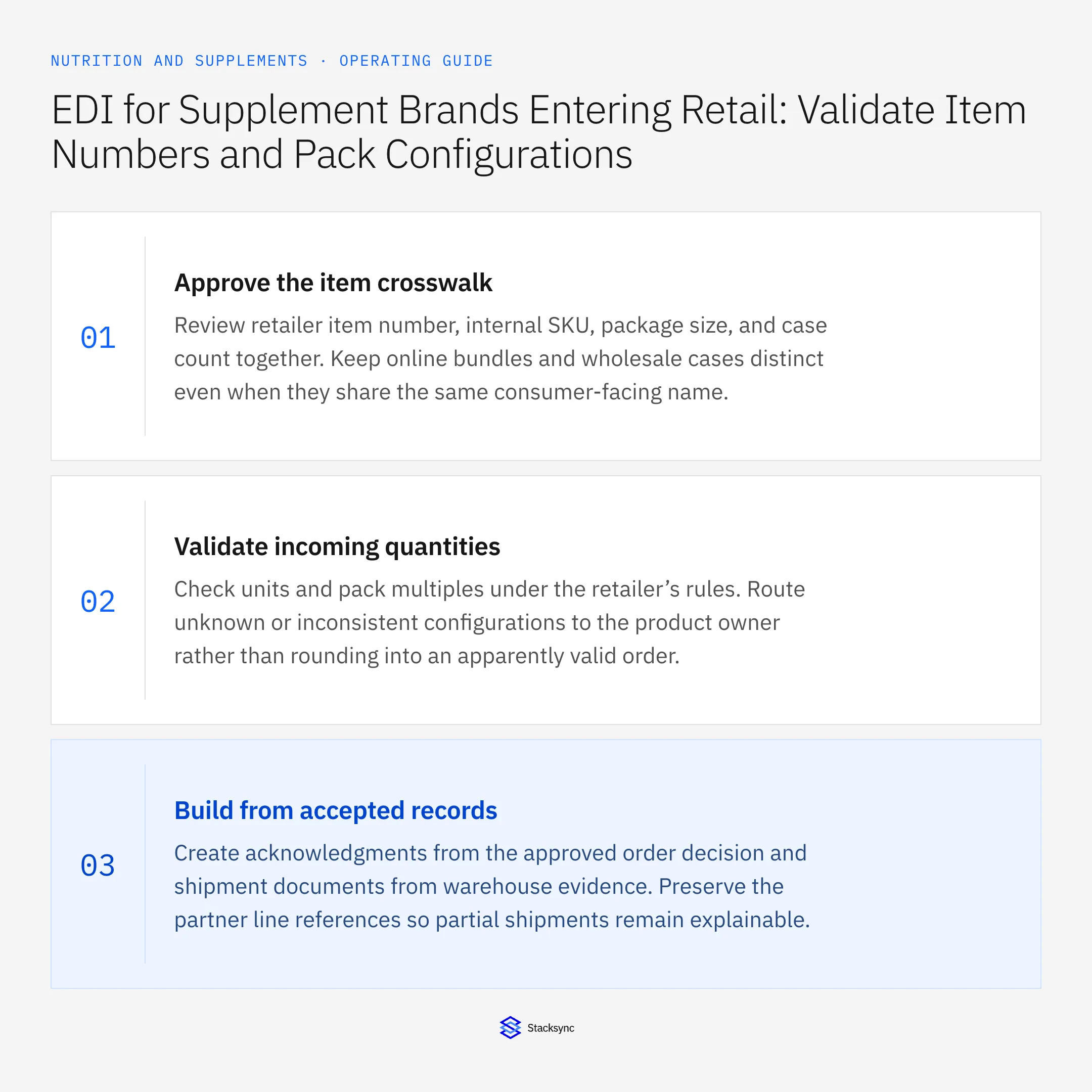
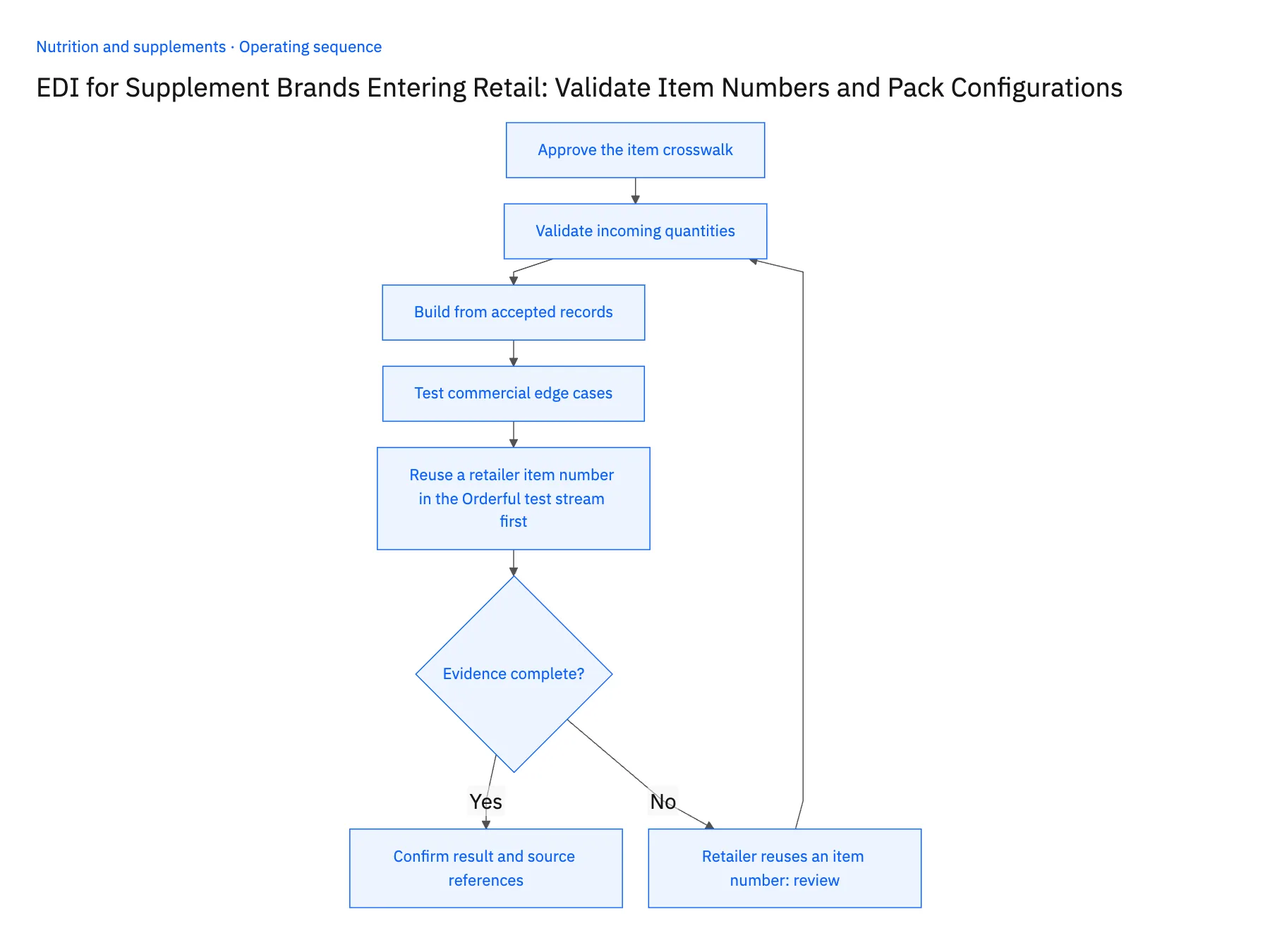
- 01Approve the item crosswalkReview retailer item number, internal SKU, package size, and case count together. Keep online bundles and wholesale cases distinct even when they share the same consumer-facing name.
- 02Validate incoming quantitiesCheck units and pack multiples under the retailer’s rules. Route unknown or inconsistent configurations to the product owner rather than rounding into an apparently valid order.
- 03Build from accepted recordsCreate acknowledgments from the approved order decision and shipment documents from warehouse evidence. Preserve the partner line references so partial shipments remain explainable.
- 04Test commercial edge casesInclude a discontinued package, changed case count, and split shipment in partner testing. Technical document acceptance should accompany a human review of product and quantity meaning.
- 05Reuse a retailer item number in the Orderful test stream firstIn the Orderful test stream, send a purchase order that uses a retailer item number the partner previously assigned to the 20-serving tub and now assigns to the 30-serving tub. In NetSuite, the new order should resolve to the 30-serving package under the current mapping version, while a historical order for the same number still shows the 20-serving tub. Ship the order short and confirm the shipment document carries the retailer's original line reference and the quantity that left the warehouse, not the ordered quantity. Stop the rollout if either order resolves to the wrong tub, if history was rewritten, or if the document reports the ordered count.
Handle the exceptions explicitly
Retailer reuses an item number
Confirm the effective product mapping and preserve historical order interpretation.
Case count changes
Version the pack definition and review open orders before applying it.
Substitute product is proposed
Obtain the required commercial approval and partner-compliant representation before shipping.
What to verify before expanding
- The retailer item resolves to the exact approved package.
- Shipment documents retain the original partner line and actual shipped quantity.
- A reused retailer item number resolves by the applicable product-mapping version without rewriting historical orders.
- A changed case count is reviewed against open purchase orders before the new conversion is accepted for shipment documents.

Connect this process to the rest of your operation
Explore Stacksync EDI and scope the records and actions against your actual systems. Book a demo with a real retailer item example and the exception your team handles most often, for example retailer reuses an item number.
- Shopify–NetSuite Sync for Nutrition Brands: Map Flavors, Serving Sizes, and Bundle SKUs
- Amazon–NetSuite Sync for Supplement Brands: Match Seller SKUs, ASINs, and Order Lines
- HubSpot–NetSuite Sync for Nutrition Brands Selling to Practitioners and Retailers
- NetSuite AI Agents FAQ: Smarter Automation
- Syncing Custom Fields From a Legacy NetSuite to HubSpot
The shared architecture guide covers record matching, ownership, and recovery across systems.
Technical references
FAQ
Frequently asked questions










Related articles





