






















Wholesale CPG Account Onboarding: Coordinate Sales, Finance, and Operations
A retailer's buyer contact, trading name and three delivery centers become one approved NetSuite customer only after finance and operations each close their part of the case.
- Author
- Ignacio Malpartida · GTM Engineer
- Published
- Read time
- 5 min read

The operating decision
Treat wholesale onboarding as a sequence of owned decisions: identify the legal buyer, approve commercial and finance terms, confirm delivery details, and activate the account for ordering. Sync the shared account context first, then use a workflow to track missing evidence and approvals. A completed CRM form does not establish an approved ERP customer.
Explore the complete consumer packaged goods integration and automation hub for the systems and processes around this guide.
What this looks like in consumer packaged goods
A retailer sends a buyer contact, a trading name, and delivery instructions for three distribution centers. Sales wants the account active immediately. Finance still needs the legal payer and terms decision, while operations must identify which location is the first ship-to. Creating a customer prematurely leaves each team correcting a different version later.
Records, ownership, and update rules
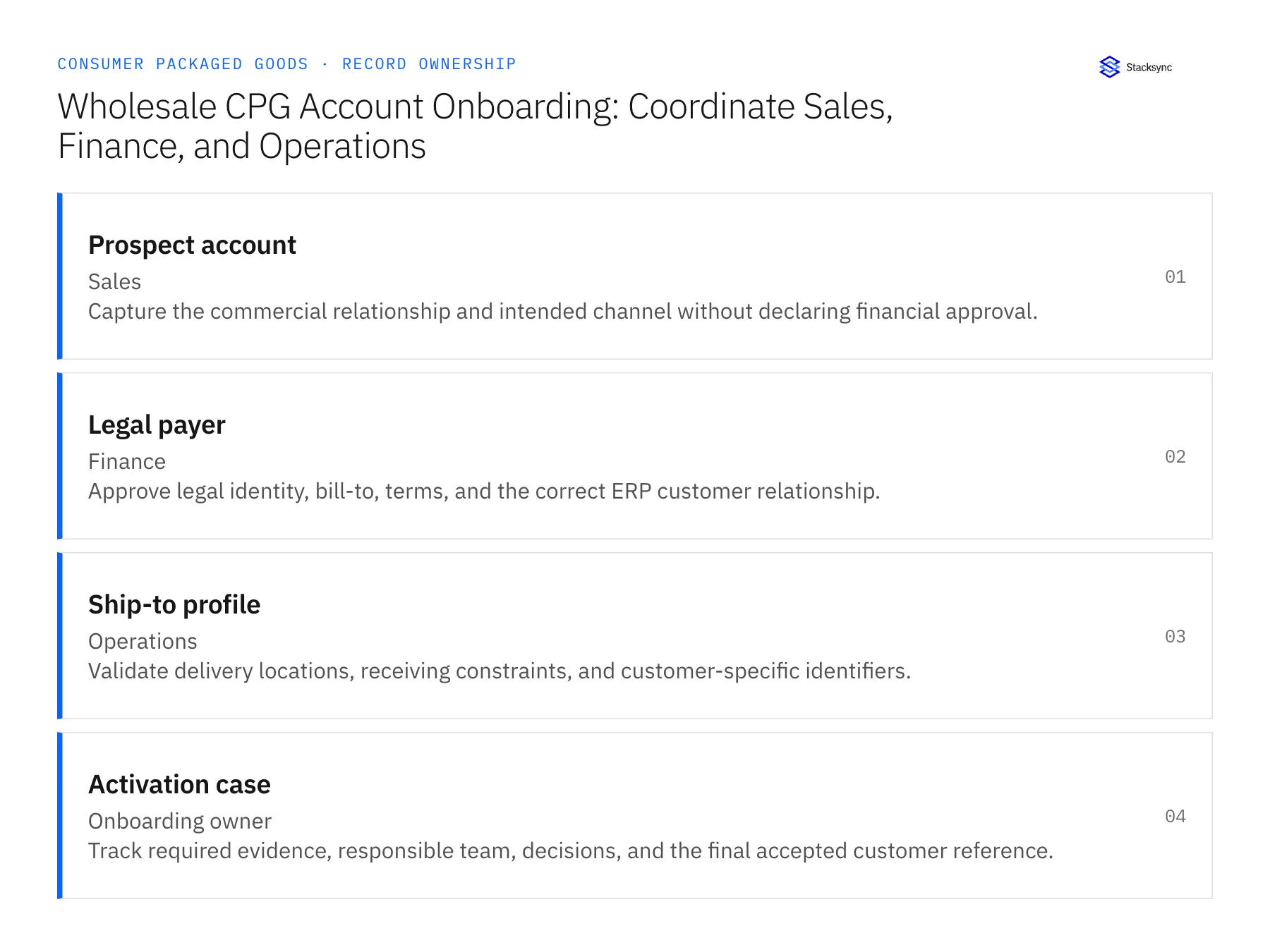
| Record | Owner | Operating rule |
|---|---|---|
| Prospect account | Sales | Capture the commercial relationship and intended channel without declaring financial approval. |
| Legal payer | Finance | Approve legal identity, bill-to, terms, and the correct ERP customer relationship. |
| Ship-to profile | Operations | Validate delivery locations, receiving constraints, and customer-specific identifiers. |
| Activation case | Onboarding owner | Track required evidence, responsible team, decisions, and the final accepted customer reference. |
Work through the process
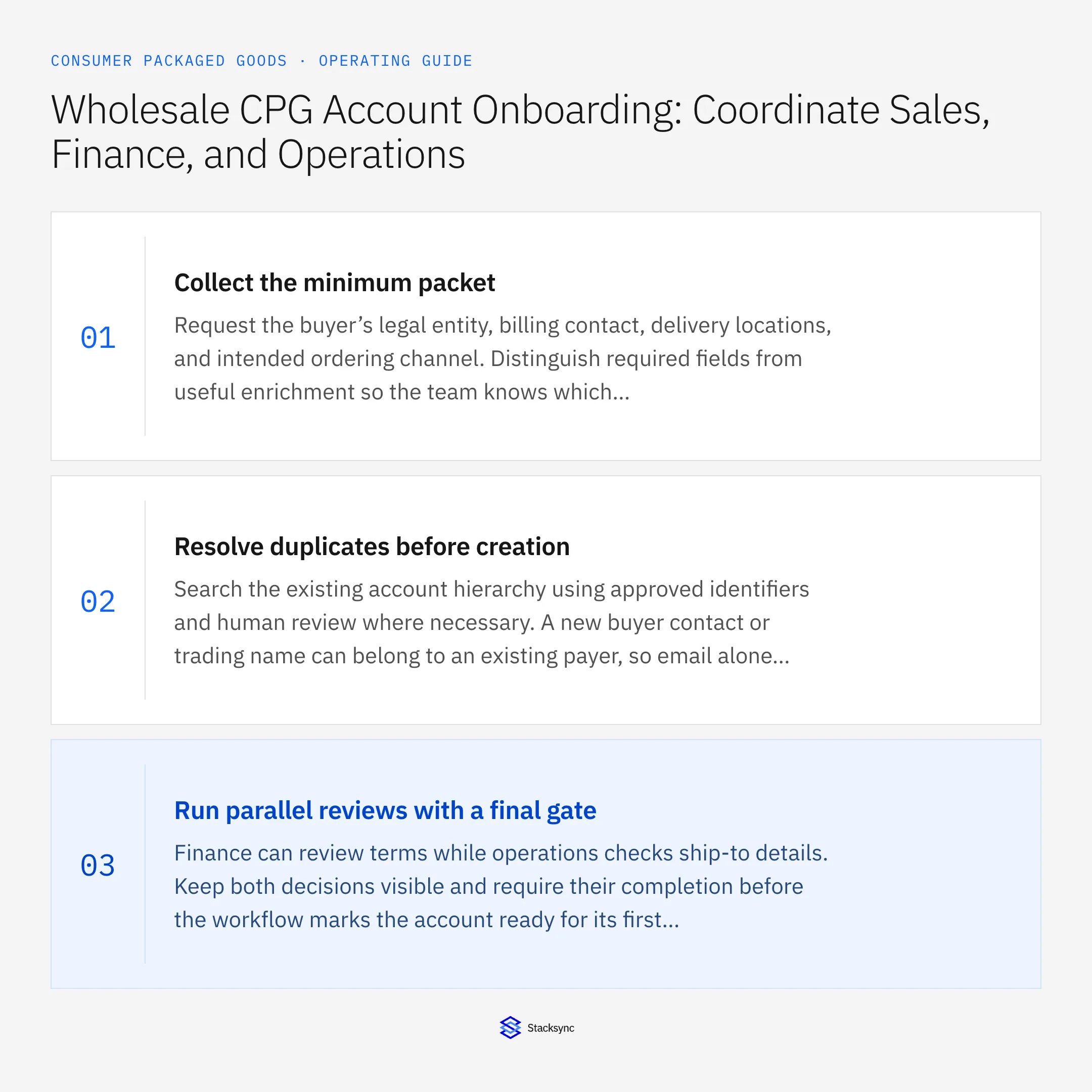
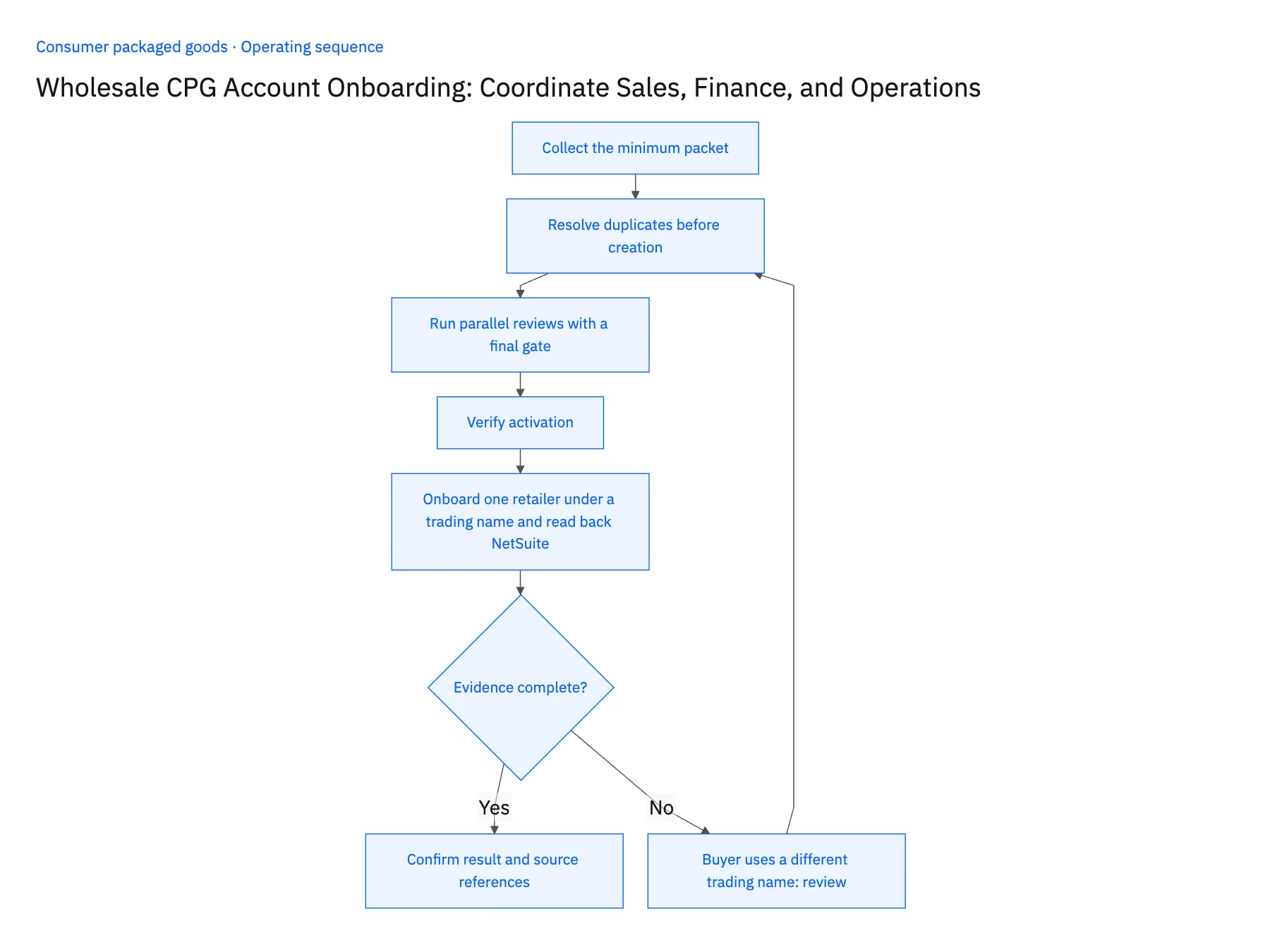
- 01Collect the minimum packetRequest the buyer’s legal entity, billing contact, delivery locations, and intended ordering channel. Distinguish required fields from useful enrichment so the team knows which missing fact actually blocks activation.
- 02Resolve duplicates before creationSearch the existing account hierarchy using approved identifiers and human review where necessary. A new buyer contact or trading name can belong to an existing payer, so email alone is not a safe customer key.
- 03Run parallel reviews with a final gateFinance can review terms while operations checks ship-to details. Keep both decisions visible and require their completion before the workflow marks the account ready for its first order.
- 04Verify activationRead the accepted ERP customer reference and the CRM association. Give sales the final status and unresolved restrictions, such as a location still awaiting confirmation, rather than a vague onboarding-complete flag.
- 05Onboard one retailer under a trading name and read back NetSuiteStart an activation case for a retailer whose buyer writes under a trading name unlike the legal entity in HubSpot. Move the case through the finance and operations reviews, then open NetSuite: one customer must exist for that payer, carrying the approved legal name, terms and the alias, with no second customer for the trading name. Open the three ship-to records on that customer and confirm each traces to the location details operations reviewed, receiving constraints included. Check the HubSpot company shows the NetSuite reference and activation status. Stop the rollout if the alias produced a duplicate customer, or if a ship-to was created from unreviewed or copied details.
Handle the exceptions explicitly
Buyer uses a different trading name
Keep the alias while confirming the legal payer before creating another customer.
One location is incomplete
Allow only the approved locations under the chosen policy; do not copy another site’s delivery instructions.
Terms change after approval
Return that decision to finance and preserve the prior approved version.
What to verify before expanding
- An active account has a confirmed legal payer and ERP reference.
- Every approved ship-to is traceable to the reviewed location details.
- A trading-name alias resolves to the approved legal payer without creating a second ERP customer.
- An incomplete ship-to remains blocked while separately approved locations retain their own receiving instructions.

Connect this process to the rest of your operation
Explore Stacksync workflows and scope the records and actions against your actual systems. Book a demo with a real prospect account example and the exception your team handles most often, for example buyer uses a different trading name.
- CPG Fulfillment Workflows With NetSuite, Shopify, and Extensiv
- AI Agents for CPG Order-to-Cash: Investigate Order and Payment Exceptions
- CPG Retailer Deductions: Assemble the Evidence Before Disputing a Claim
- HubSpot and NetSuite Integration Guide: Connect in Minutes
- Connecting Dynamics 365 Finance & Operations and Salesforce
The shared architecture guide covers record matching, ownership, and recovery across systems.
Technical references
FAQ
Frequently asked questions










Related articles





