Answering Billing Questions Without Leaving the Inbox
A guide to connecting Front with NetSuite so the person writing the reply can see the customer, their open orders, and their invoice status without opening the ERP. It covers what to surface, how the two connect, which fields stay read-only, and what flows back.
- Author
- Ignacio Malpartida · GTM Engineer
- Published
- Read time
- 7 min read

Look at what actually arrives in a shared inbox and a pattern shows up fast. Where is my order. Why was I invoiced twice. Has the credit been applied. Can you resend the receipt. Almost none of it can be answered from the message itself, because the answer lives in the ERP.
So the person reading it in Front opens NetSuite, searches for the customer, reads two or three records, goes back to the inbox, and writes the reply. It works, and it costs a few minutes every single time, on the questions that arrive most.
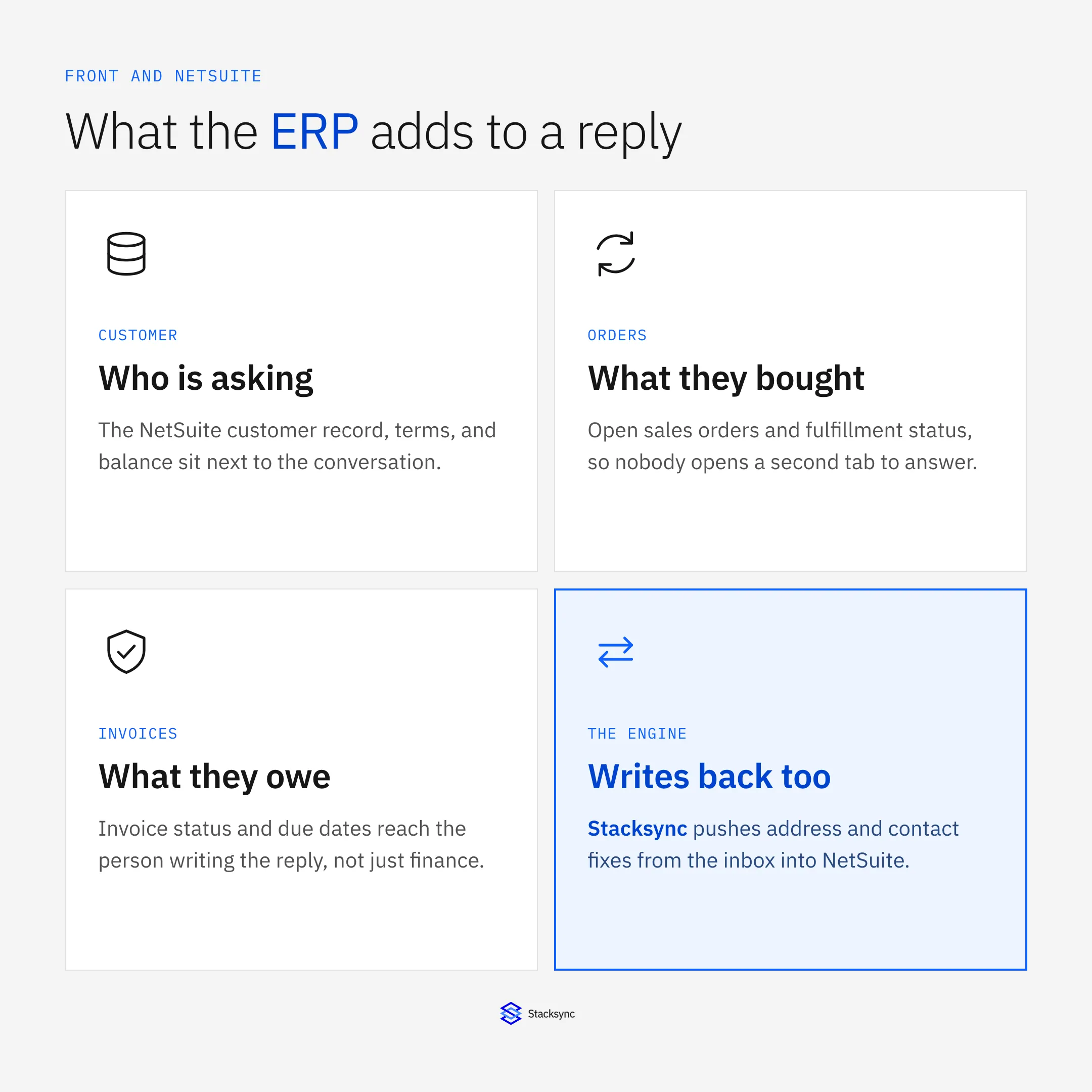
Syncing Front and NetSuite closes that gap in both directions. Here is what to surface, what to keep locked, and what should flow back. For the wider picture see the guide to an enterprise iPaaS for Front.
The answer usually lives in the ERP
A shared inbox is where customers reach you, but the ERP is where the facts are. Order numbers, ship dates, invoice status, credit terms, and balances are all in NetSuite, and none of them are in the email. That is the whole reason for the tab switching.
There is a second cost that is easier to miss. When the answer is expensive to find, people guess, or they escalate to finance for something a two-line lookup would have settled. Putting the record next to the conversation removes both the delay and the guess.
How the two connect
The connection is a sync engine sitting between the two systems, not a plugin bolted onto either. It matches the sender to a NetSuite customer, decides which fields move in which direction, and keeps both sides from overwriting each other.
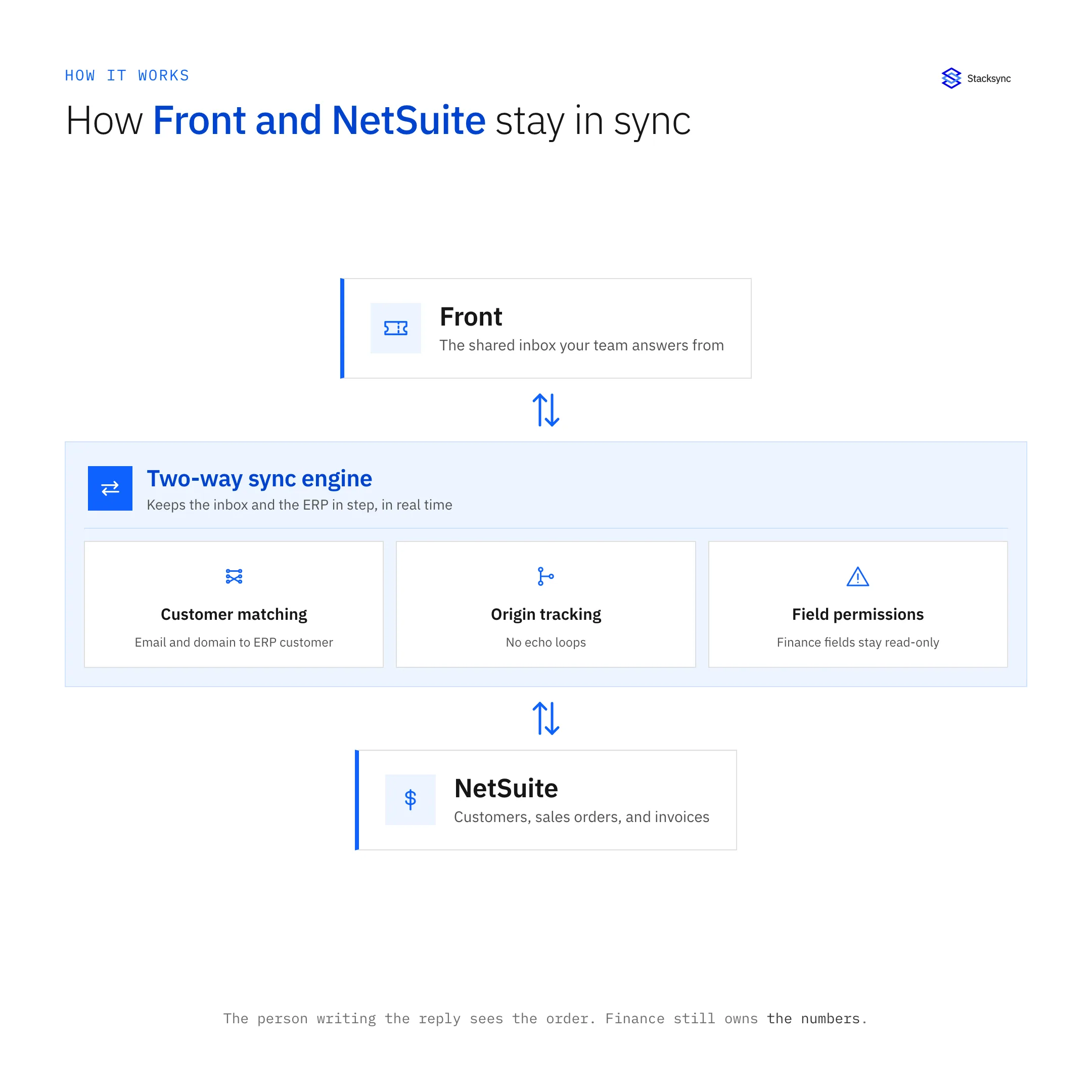
Read-only fields are the part worth designing carefully. Invoice amounts, balances, and posted transactions should never be editable from an inbox, because the ERP has to stay the system of record for anything an auditor will look at. Contact names, billing contacts, and addresses are a different matter: those are usually wrong in the ERP and right in the email.
What lands next to the conversation
Once the match is made, the useful subset of the ERP travels with the thread. Not the whole customer record, just the handful of facts that answer the questions people actually ask.
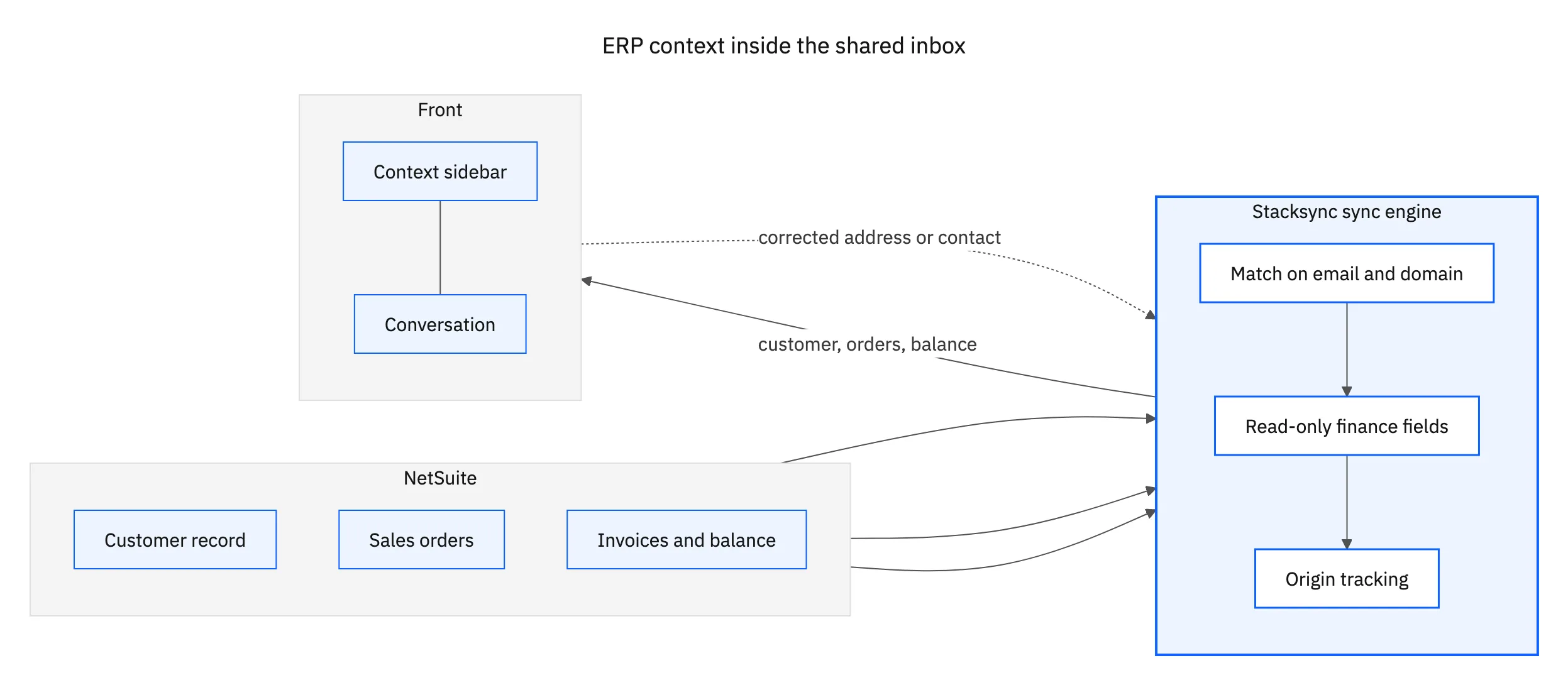
The return path is what keeps the ERP clean over time. A customer replies from a new billing address or names a different accounts-payable contact, and that correction can be written into NetSuite from the conversation instead of becoming an internal request that waits three days.

What syncs between Front and NetSuite
A typical two-way sync keeps these in step, with direction controls that keep financial fields owned by NetSuite.
| NetSuite | Front | Direction |
|---|---|---|
| Customer record | Matched contact | Matched or created |
| Billing contact and address | Contact details | Both ways |
| Open sales orders | Conversation context | NetSuite to Front |
| Invoice status and due date | Conversation context | NetSuite to Front |
| Account balance | Conversation context | NetSuite to Front, read-only |
| Support tag or case reference | Conversation tag | Both ways |
Contact data is two-way because the inbox sees corrections first. Financial fields stay owned by NetSuite.
One reply, no tab switching
When Front and NetSuite are synced, the person answering has the order in front of them, the invoice status is current, and a correction they spot in the email lands in the ERP instead of in someone’s memory. The reply gets written once, with the right numbers in it.
If sales also needs those conversations, pair this with Front and Salesforce or Front and HubSpot on the same engine. You can also look at the Front connector, or book a demo and we will match a real customer live.

FAQ
Frequently asked questions










Explore these integrations and topics
Related articles